


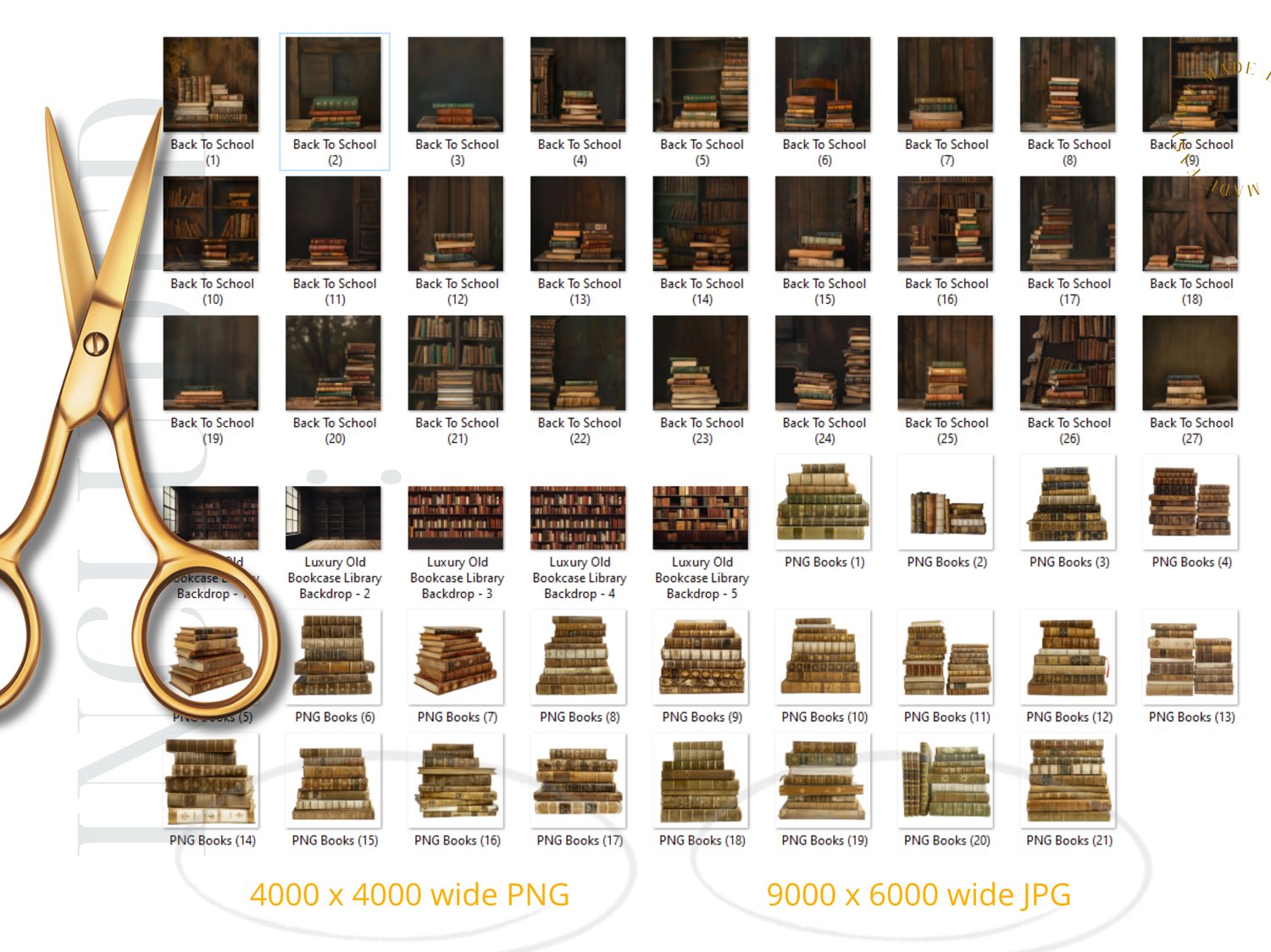
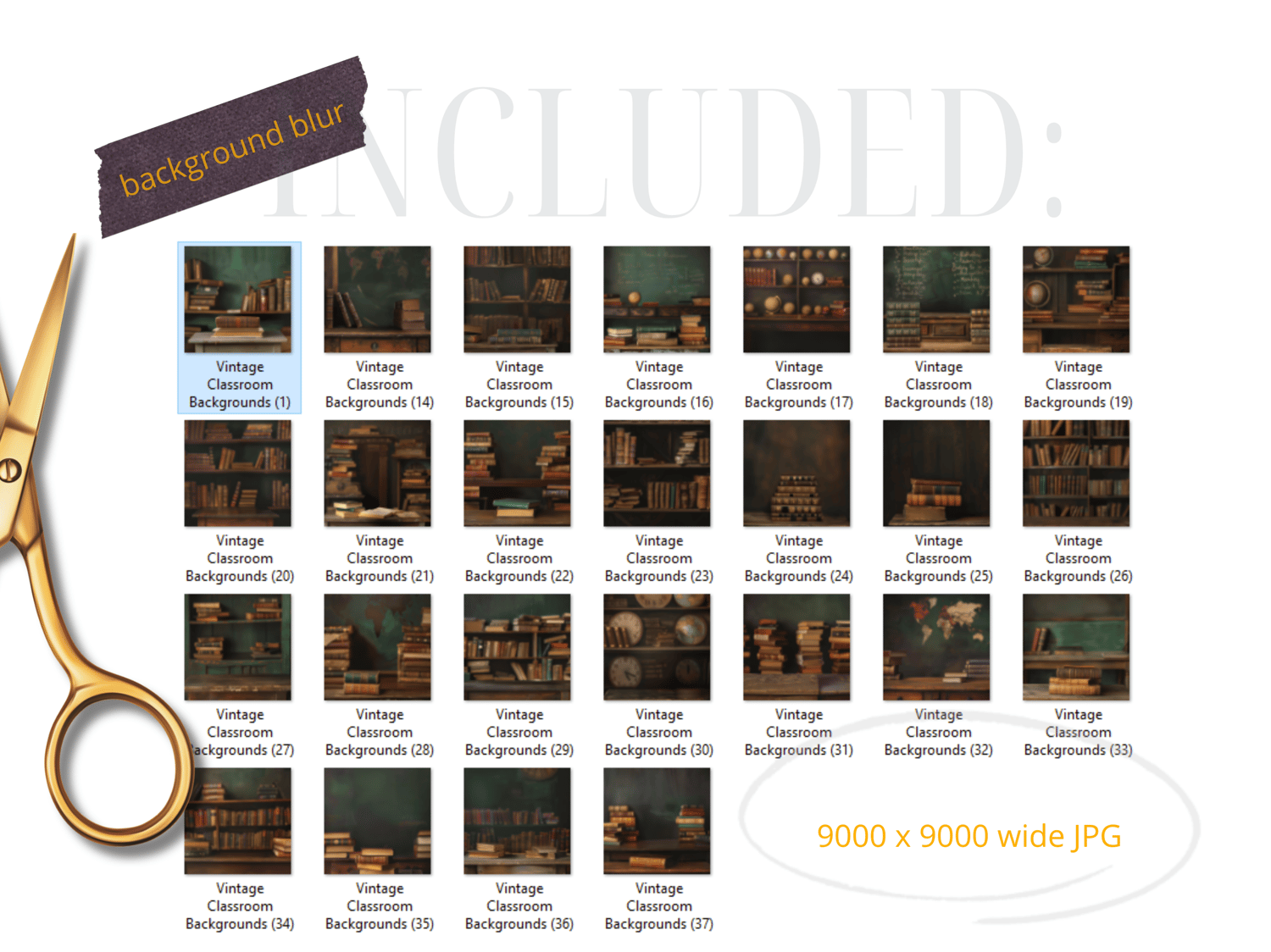
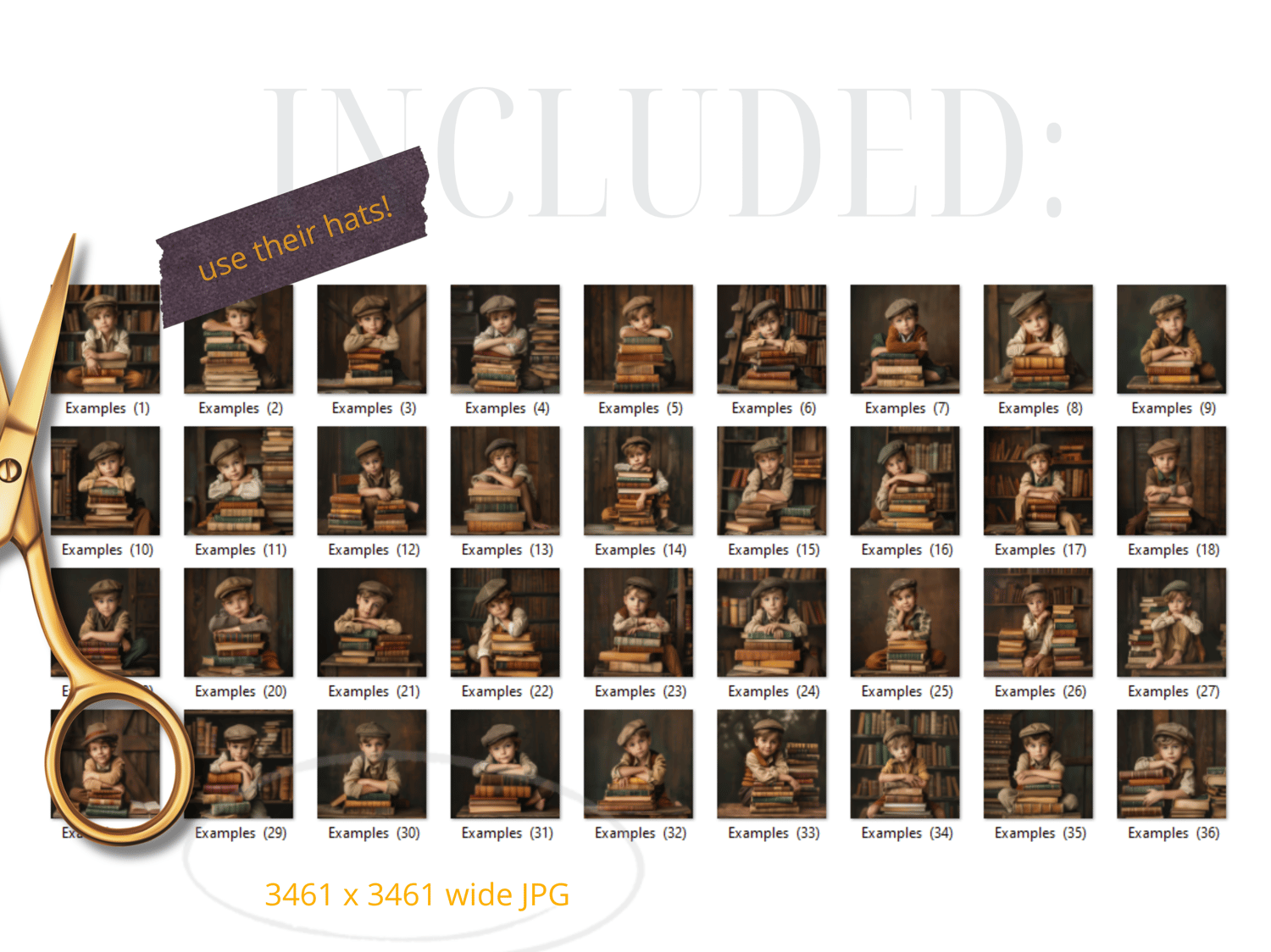
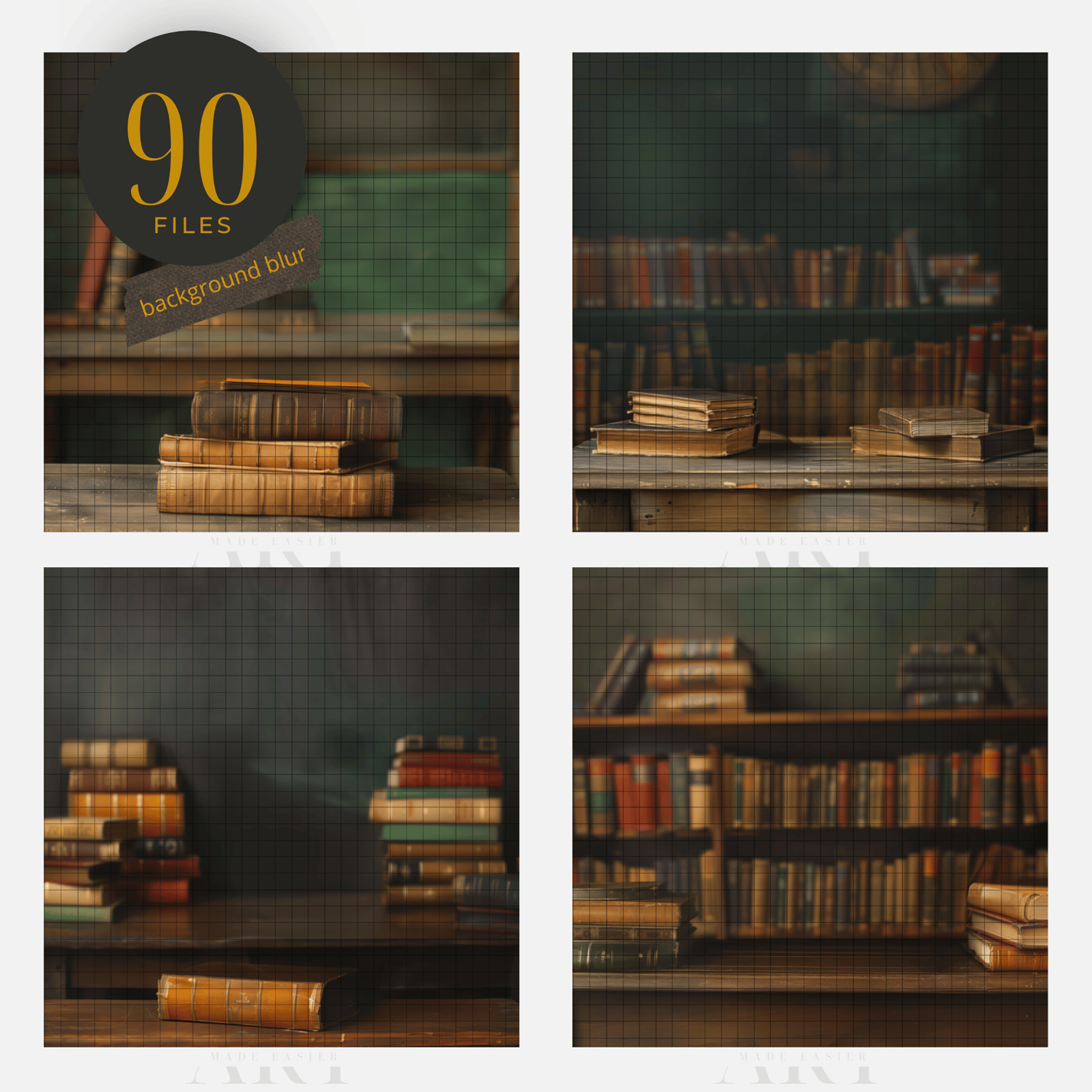
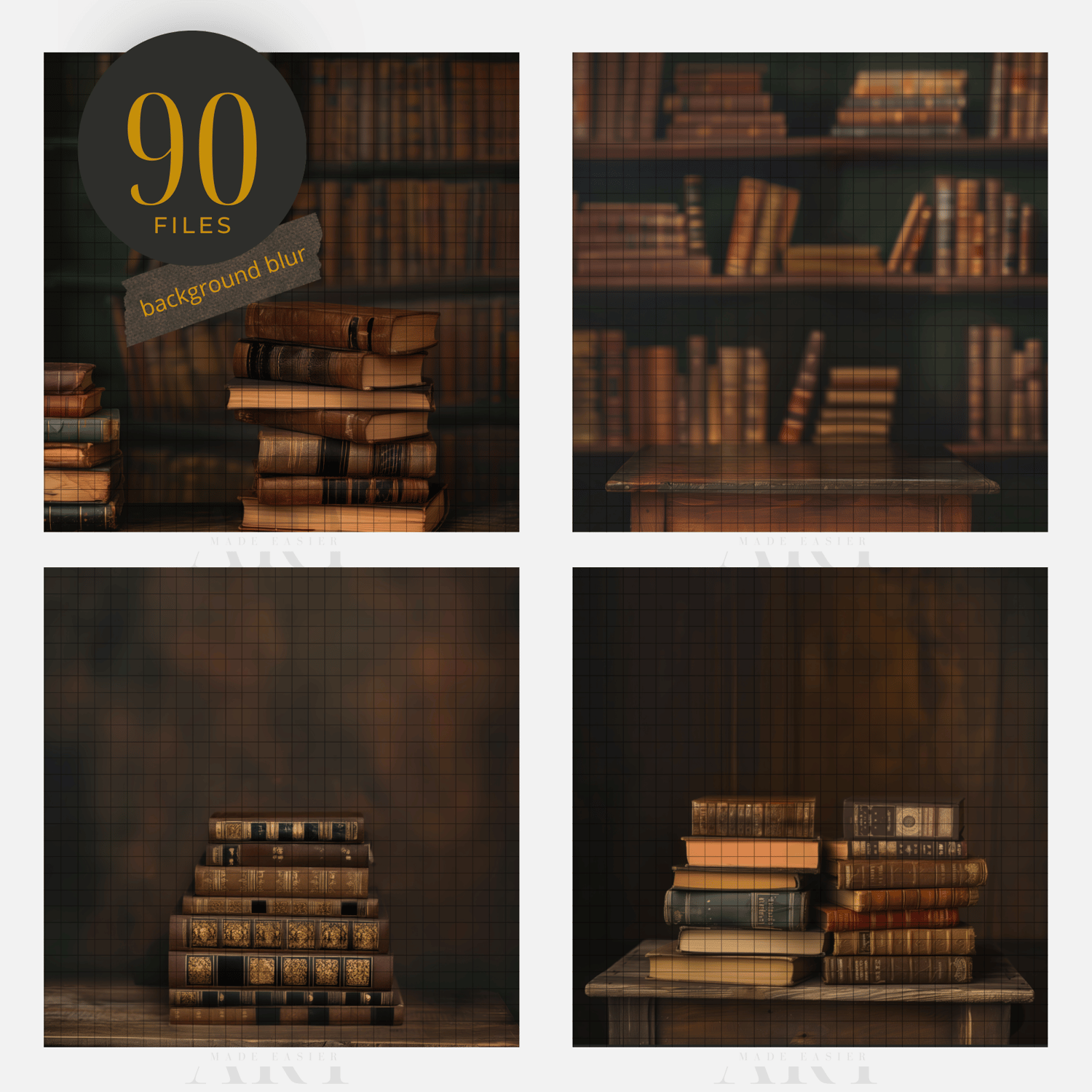



School Digital Backdrop School books Portrait composite 1st Day of School Digital Studio Background Classroom digital library
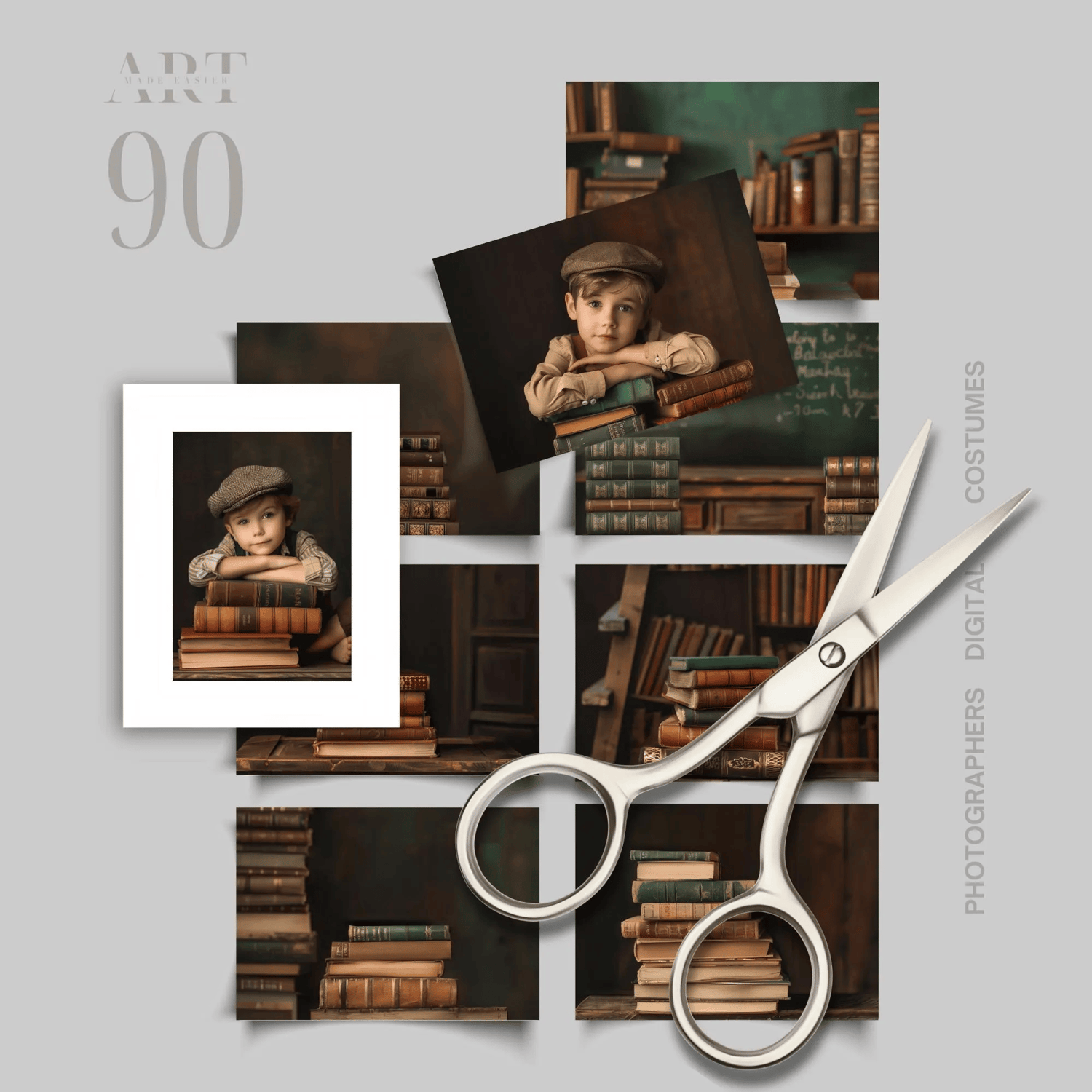
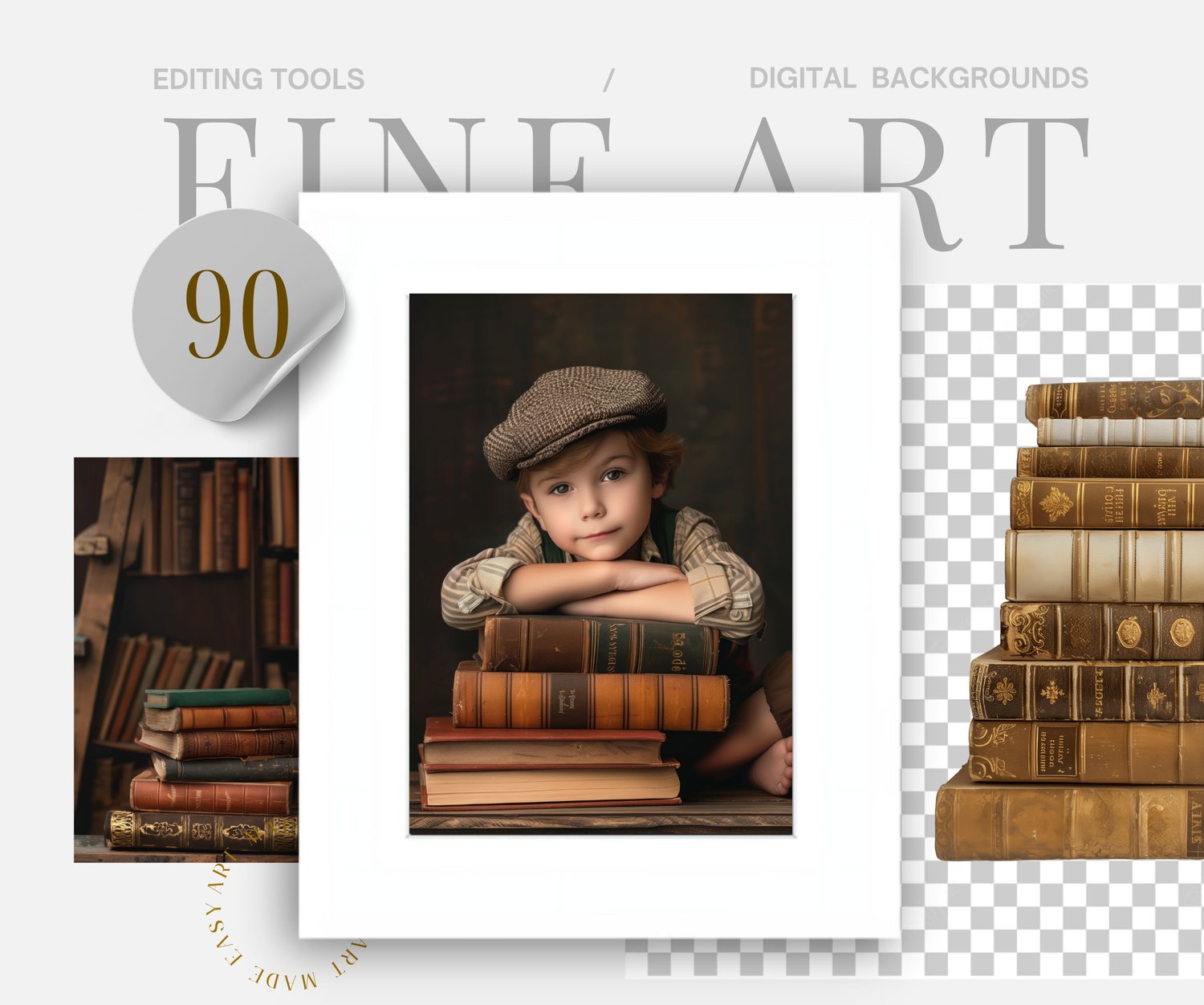
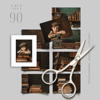
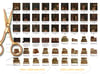
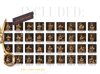
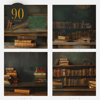
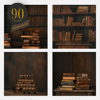
A whopping 90 images make up this back to school composite collection. Think about your subject leaning on vintage books! Photograph your subject on a darker sheet, leaning on a set of books, any books around the house for the easiest transition. Piece them into the composite, and erase away.
Stay at home and create a masterpiece with these composites.
........................
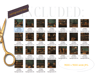
The link to the products are contained in a PDF that you will download. After opening it, simply click on the link and it will take you to the product to download.
Because this is a digital product, I do not accept returns. However, if there is an issue, please feel free to email me, and I can try to remedy it as quick as possible.
- Thank you! Meranda Devan
........................
Follow My Work
STUDIO Composites On Pinterest - https://bit.ly/3TkDKD0
PNG Composites on Pinterest - https://bit.ly/48Ff9gs
BLUE Composites on Pinterest - https://bit.ly/3uLxrPu
BROWN Composites On Pinterest - https://bit.ly/3V4xNuZ
GREEN Composites On Pinterest - https://bit.ly/3TjRX30
More Composites - Pinterest - https://bit.ly/3UZQd09
My Discontinued Free Composites - https://bit.ly/freecomposites
- Follow My Pinterest: https://bit.ly/artmadeeasiercomposites
- Follow My Facebook profile - https://bit.ly/artmadeeasierfacebook
- Follow My Pixabay - https://bit.ly/MerandaDevanPixabay
- Art Made Easier On Etsy - https://www.etsy.com/shop/Artmadeeasier
........................
No Refunds Purchase Policy
Please read this policy carefully before making a purchase. I do not offer refunds because of the nature of the digital product. Please read the description of the product you are interested in to ensure that it will work with your selected composite. All composites are designed to work with Photoshop. Most PNG or JPG files will work in a variety of programs, however PSD files work only in photoshop. These products are designed for photographers that have the ability to be able to use programs like Photoshop that can work with layers, masking, transforming tools and cutting out subjects. I take great care to ensure the quality of my digital products, however, I do not warrant that any digital download will meet your specific requirements or expectations. If you encounter any issues with your digital download, please contact me and I am more than happy to resolve any problems promptly.
-------------------
Photoshop Tips For Compositing
Here are some tips to making them blend the best with your photography in Photoshop:
The very best compositing tip - Use your LASSO tool in photoshop around your subject, selecting small sections at a time, and click your generate fill. This creates a beautiful seamless transition every single time. There is no need to create shadows anymore between the composite and your subject with this AI feature. ( This is photoshop beta version )
PhotoRoom - is a terrific resource for background removal. https://www.photoroom.com/tools/background-remover. It even cuts out hair.
PIC WISH is a terrific resource for background removal. It still does a better job that the most recent PS update in June 2024. They seem to cut out hair better than PS, and you buy a bundle of credits, and simply pay for each background removal edit. They give you a fairly good size file back. This program works from your own computer.
Use LEVELS Adjustment Layers - Levels pretty much darkens your photo, but also can give it a matte appearance, adjusting the highlights and the blacks. This is my go-to-adjustment. What I do is apply this, mess around with it until I can get it close enough to blend well. If you notice light coming in at a certain direction, simply erase off where the light is coming from.
LOWER THE OPACITY A TOUCH - Sometimes at the end, for a final adjustment, I lower the opacity of my overlay. I sometimes duplicate the layer, and just paint in at high opacity the details I want to bring back at 100%. I find this just softens the overlay, rather than it looking like a cutout.
CHANGE THE HIGHLIGHTS IN CAMERA RAW - I find this is another way of adjusting the highlights and blacks.
Use CURVES Adjustments - This is another adjustment as above, but darkens or lightens the object you are hoping to change. Simply CLIP this adjustment to your crown and it will only lighten or darken the crown rather than the whole picture.
SHADOWS USING BLANK LAYERS WITH A PAINT BRUSH - Use a blank layer to create shadows. Sample the color of the hair and paint in the shadows around the crown. Set it to overlay, and erase off from the skin. This file is placed under or behind the subject. BLUR it, lower the opacity.
USE GENERATION FILL - Photoshop has made compositing simpler than ever. I select the area I need fixed, and simply type in "remove". You can do this around your cutouts for a better transition. For some reason AI calculates removing the section I selected, and fills it in better than would take me 20 or more minutes to do.
USE A LIGHT SPOTLIGHT LIGHT PNG OVERLAY - You can find these png light overlays for free on the internet. I like something with a bit of yellow tone to it. Overlay it in the direction of the light and BLUR it. It gives you a soft BLEND effect, which you can then remove from the face. Its an extra layer of blending for my composites.
ADD A MATTE FINAL LAYER - I find that at the end of my edits, I add a final slight matte effect because it further blends my composite together. I find that this matte effect gives me the fine art effect.
CHANGING A COLOR of A Graphic: To change the color in photoshop, go into "Image" - "Adjustments", "Replace color". Use the eye dropper to select the color you want changed, and shift it around to your desired hue.
BLEND IT MATCH IT: To match the brightness and the mat effect of the photo, go into "LEVELS", and clip it to the png graphic. From there, you have several sliders to adjust. This will give you a slightly matt effect, or a darkening or lightening effect.
Add A Slight COLOR MATCH : To Match the overall tones of the composite, use a "COLOR BALANCE LAYER". This can give you the color matching effect the best.
** Thank You for choosing my store, and I value you as my customer. Have fun editing!
Keywords:
Back To School Digital Backdrop, School books, School Portrait, World Globe, 1st Day of School Digital Studio Background, Chalkboard, school, classroom digital, classroom digital background, digital background school, kindergarden backdrop, first day of school background, 1st day of school background, back to school backdrop, Back to School Digital Backdrops, Chalkboard Background, Classroom Photography Props Overlays, Graduation, Studio Backdrops, Back to school, Digital library background, vintage school backdrop, school classroom photo, graduation, library books, school memory book
Keywords : backgrounds for zoom,zoom background,zoom backgrounds,background images,google meet,virtual background,digital background,book shelf backdrop,virtual bookshelf,dark background, Dark Background, Home Zoom Backgrounds, Virtual Background for Zoom, Microsoft Teams, Skype, Google Meet, Photography Backdrop,Digital Background,Digital Backdrop,Portrait Backdrop,Portrait Background,Library Backdrop,Library Background,Books Background,Printable Background,Printable Backdrop,Studio Background,Photo Booth Backdrop,Event Background, Digital Backdrop,Backdrop Library,Library Background,Vintage Library,Fairy Tale Backdrop,Books Background,Dark Academia