
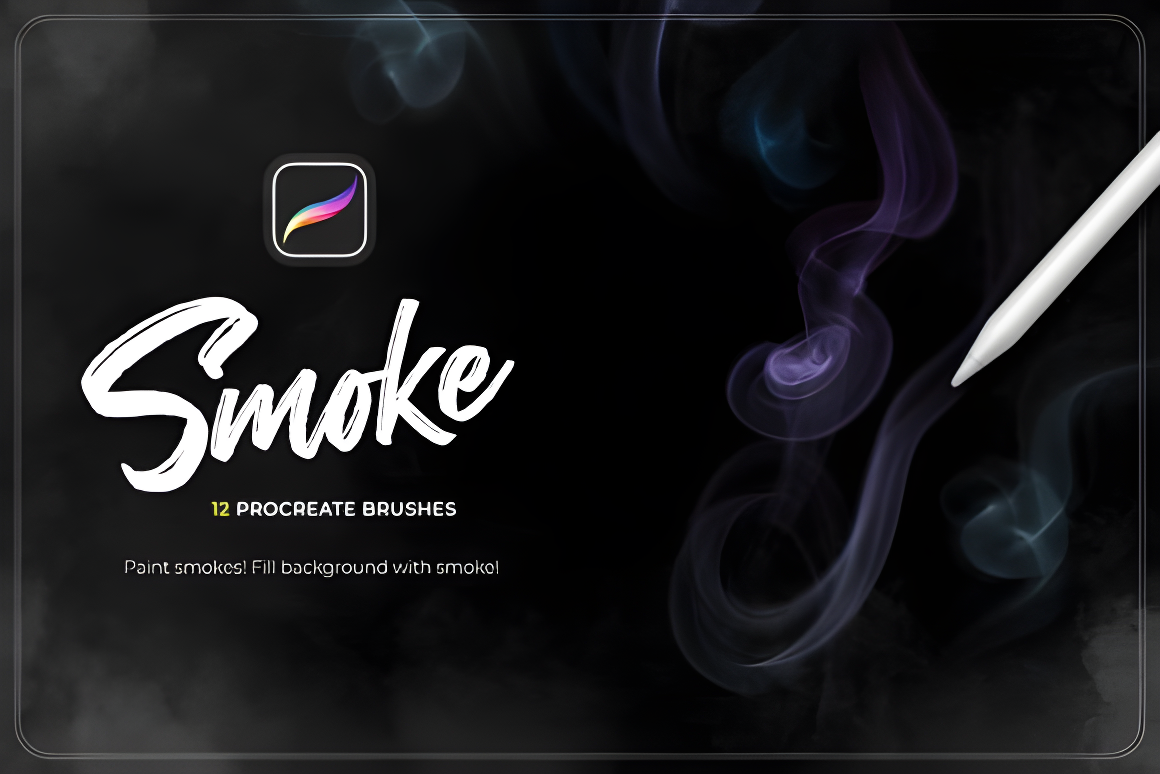
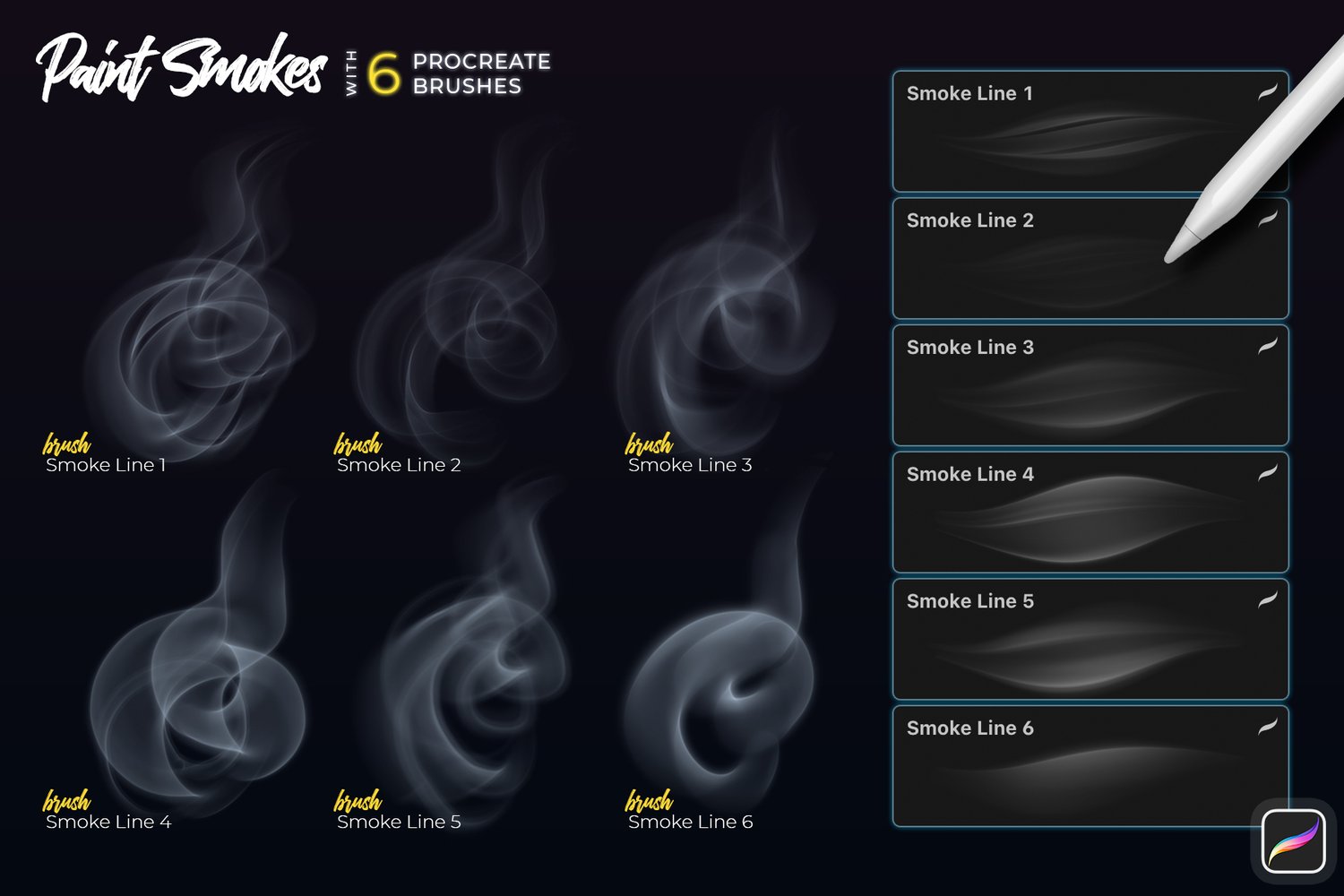
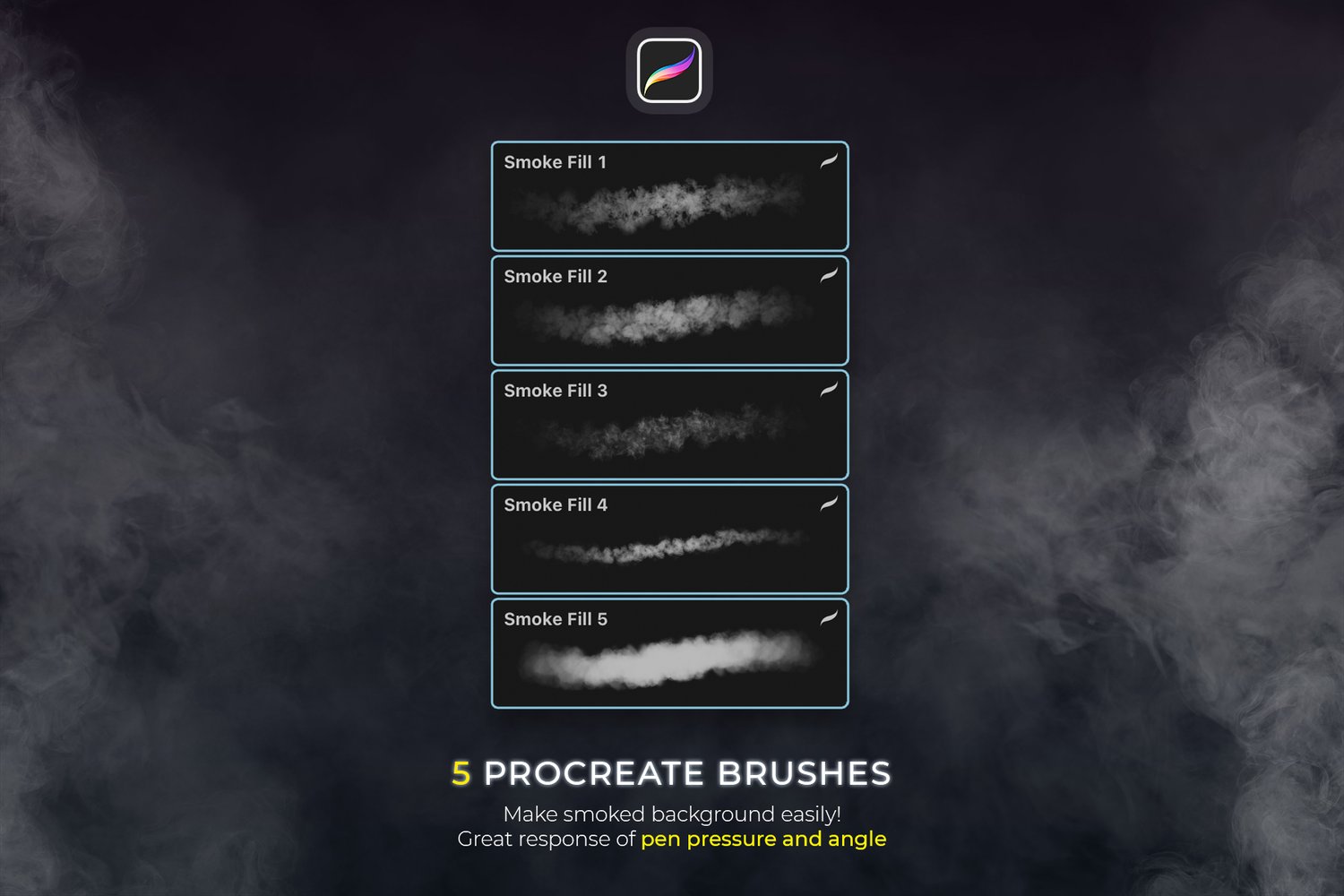
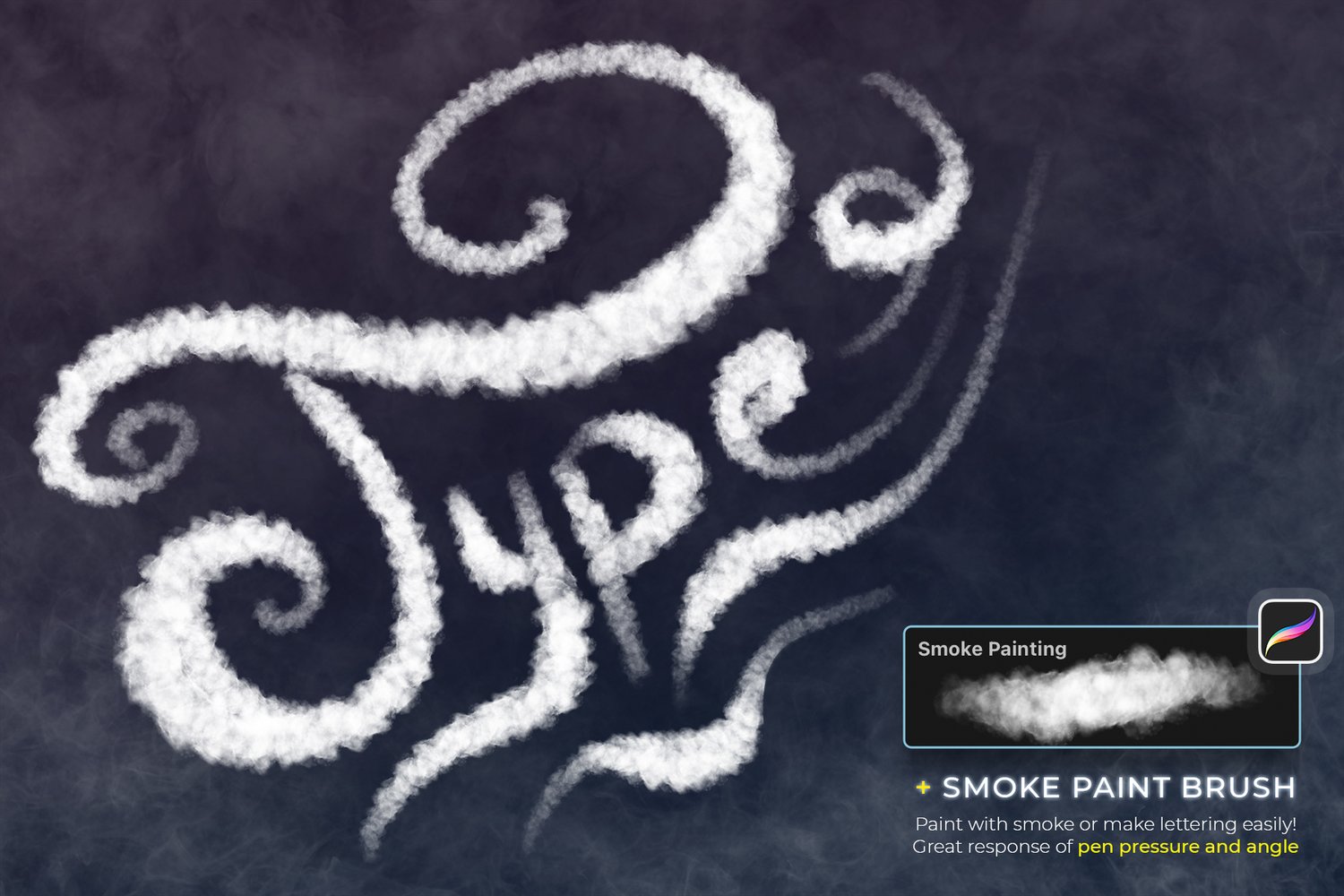
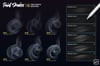
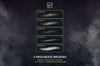
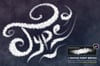
Smoke Procreate Brushes – 12 Realistic Smoke Effect Brushes for iPad
Create stunning, cinematic smoke effects in seconds with this professional Smoke Procreate Brushes set. Designed specifically for digital artists, illustrators, and photo editors using Procreate on iPad, this collection makes it effortless to add realistic smoke overlays, atmospheric depth, and dramatic visual impact to your artwork.
If you are looking for high-quality smoke brushes for Procreate that are easy to use, customizable, and pressure-sensitive, this set delivers exactly what you need.
What You Get
- 12 Professional Smoke Procreate Brushes
- 12 Unique and Realistic Smoke Effects
- Full Pen Pressure Sensitivity
- Angle Sensitivity for Natural Flow
- Instant Download (.brushset format)
Each brush is carefully crafted to create soft, realistic smoke textures that blend naturally into your artwork.
Why Choose These Smoke Procreate Brushes?
Realistic Smoke Effects in Seconds
Simply brush over your artwork or photo and instantly achieve a natural smoke effect. Perfect for adding atmosphere, motion, mystery, or cinematic depth.
Designed for Creative Flexibility
Adjust size, opacity, blending mode, and layering to create subtle haze or dramatic smoke clouds. These brushes are easy to customise for any artistic style.
Professional Pressure & Angle Response
Optimized for Apple Pencil performance, these brushes respond beautifully to pen pressure and tilt, giving you full control over thickness, density, and flow.
Clean and Easy to Use
No complicated setup. No extra adjustments required. Just install and start painting realistic smoke immediately.
How to Use
- Download the file directly to your iPad.
- Tap on “Smoke_[by_Sko4].brushset”.
- Procreate will automatically install the brushes.
- The brush set will appear at the top of your brush library.
- Select a brush and start painting realistic smoke effects.
No technical skills required.