
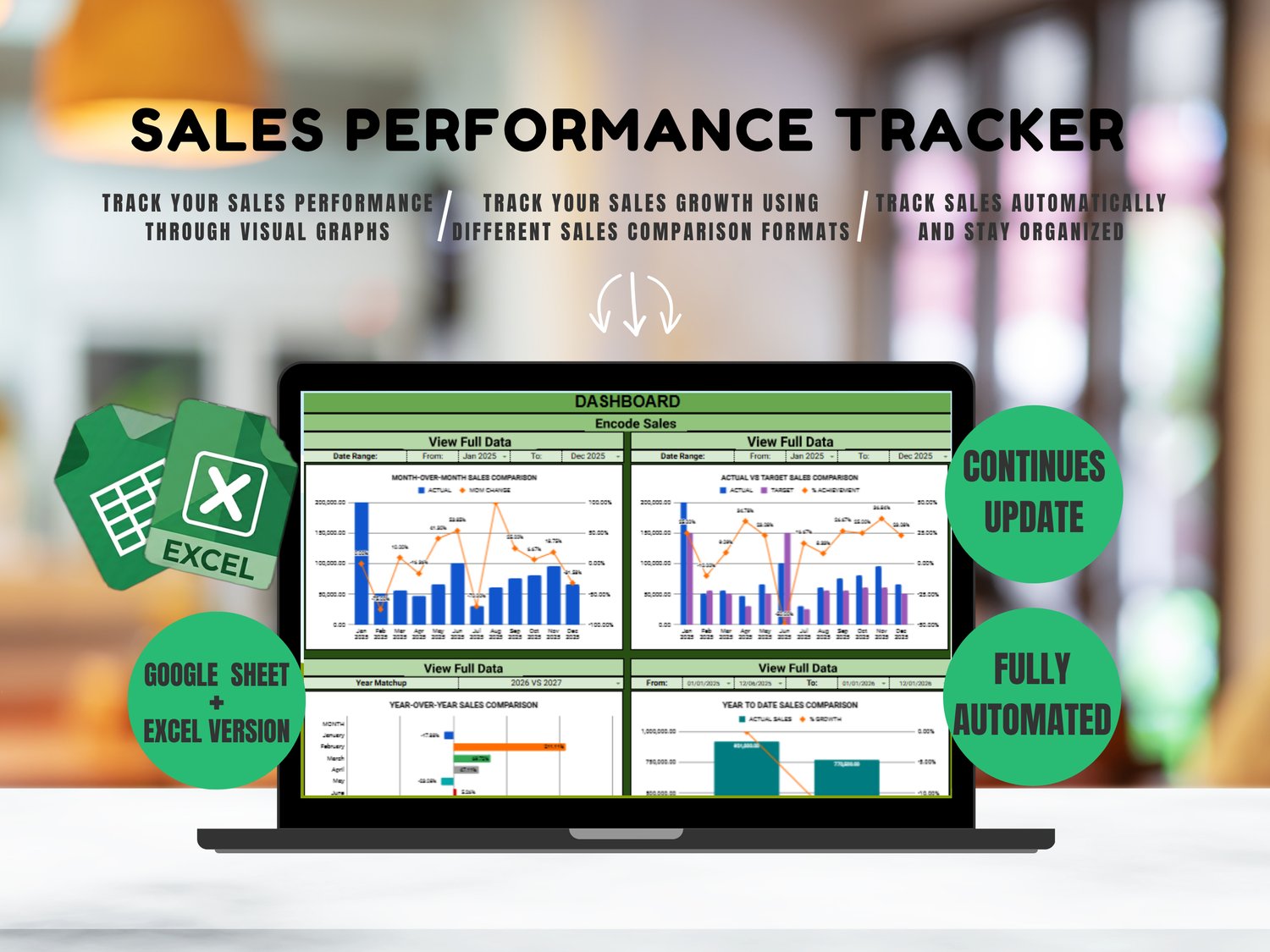



Sales Performance Dashboard (Google Sheet + Excel Version)
WHY BUSINESS OWNERS LOVE THIS SPREADSHEET
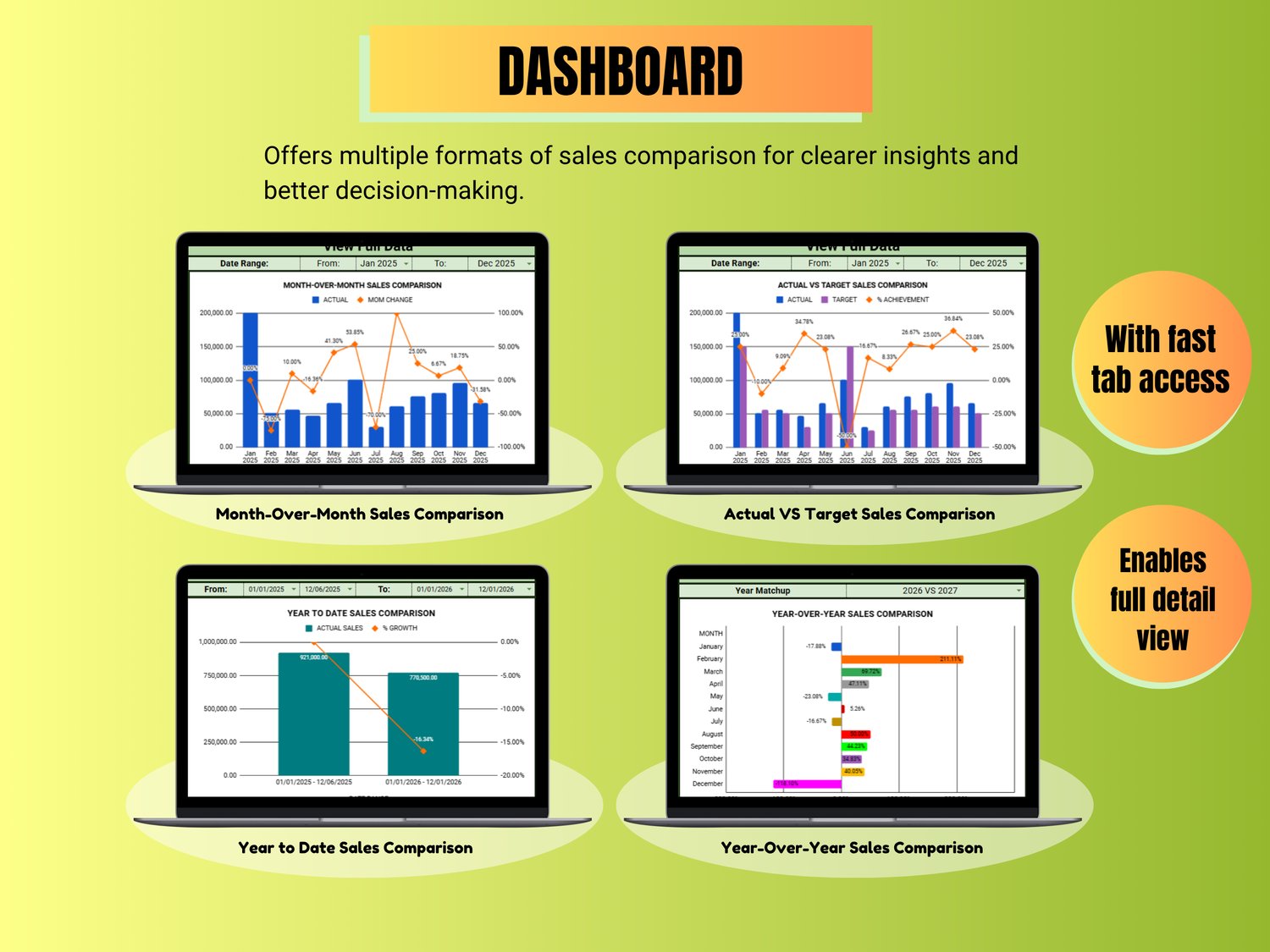
✔ Understand your sales performance at a glance using different comparison formats
✔ Easy-to-read charts and dashboards for better decision-making
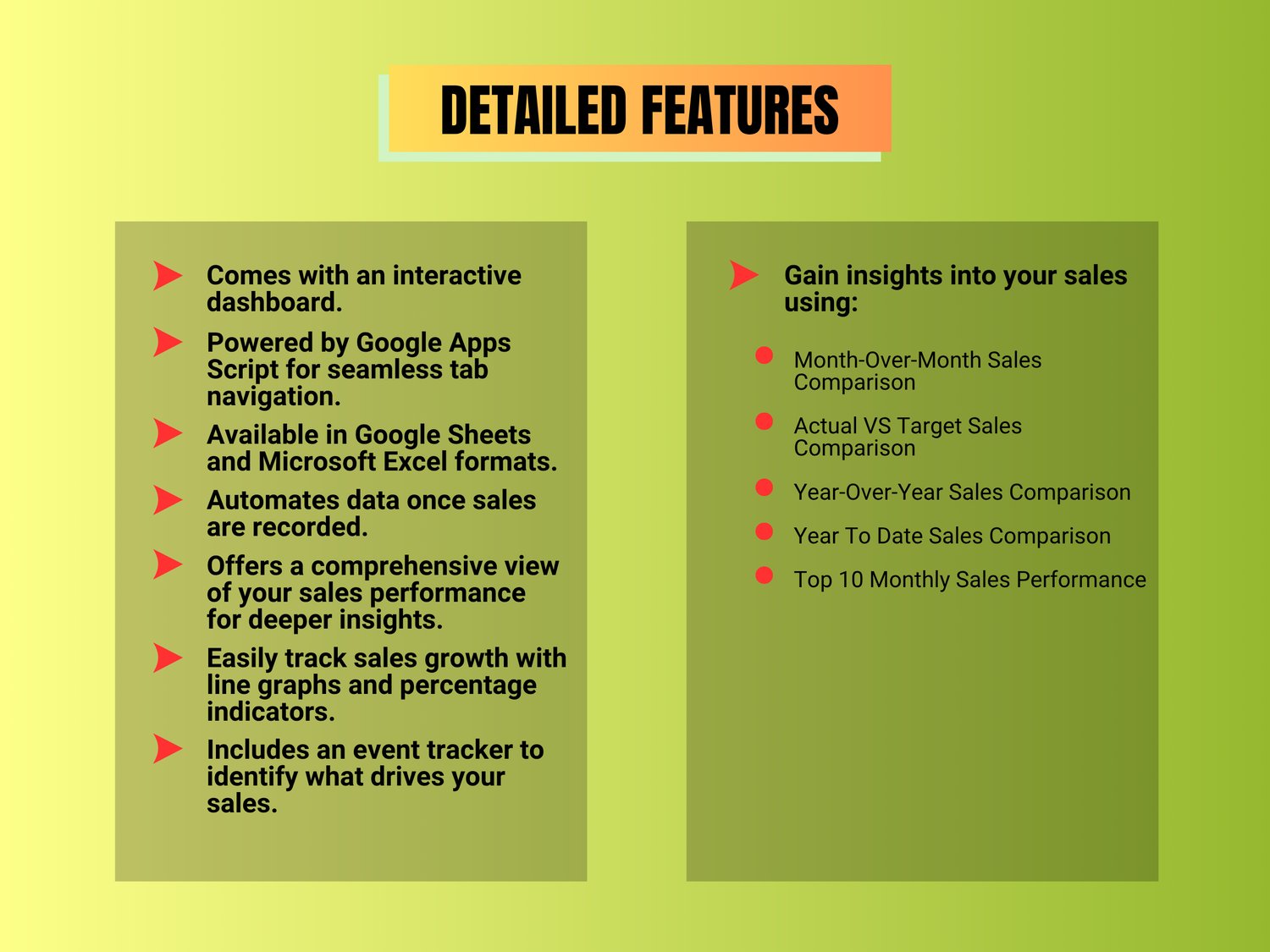
✔ Simple navigation buttons for a smoother user experience
✔ View all your sales data clearly in one place
✔ Automatically updates charts and reports once sales are recorded
✔ Beginner-friendly with step-by-step guide
✔ Track sales growth easily with automatic percentage calculations
SALES COMPARISON FORMATS
• Month-over-Month (MoM)
• Actual vs Target
• Year-over-Year (YoY)
• Year-to-Date (YTD)
• Top 10 Monthly Sales
COMPATIBILITY
• Comes with both Google Sheets and Microsoft Excel versions
• Excel version requires Microsoft Excel 365, Excel 2021, or later versions
LIMITATIONS
• Can be used on mobile phones for recording sales and viewing reports
• However, navigation buttons and some automation features will not work on mobile devices since they are powered by Apps Script and VBA Macros
• For the best experience, we recommend using a laptop or desktop computer
HOW TO GET IT
- After payment, you will receive a PDF file and a ZIP file via email.
- Download both files.
- For the Google Sheets version:
- Open the PDF file.
- Click the Download button inside the PDF.
- Click "Make a Copy" to save the spreadsheet to your Google Drive.
4. For the Excel version:
- Right-click the ZIP file.
- Select "Extract All" to access the Excel file.