




Excel workbook to make life easier
*It is recommended to create a master copy of the workbook before use so you have a clean backup if any formulas are accidentally deleted or corrupted. Always make a separate working copy for daily use rather than using the master file directly. The master file is your backup master template.
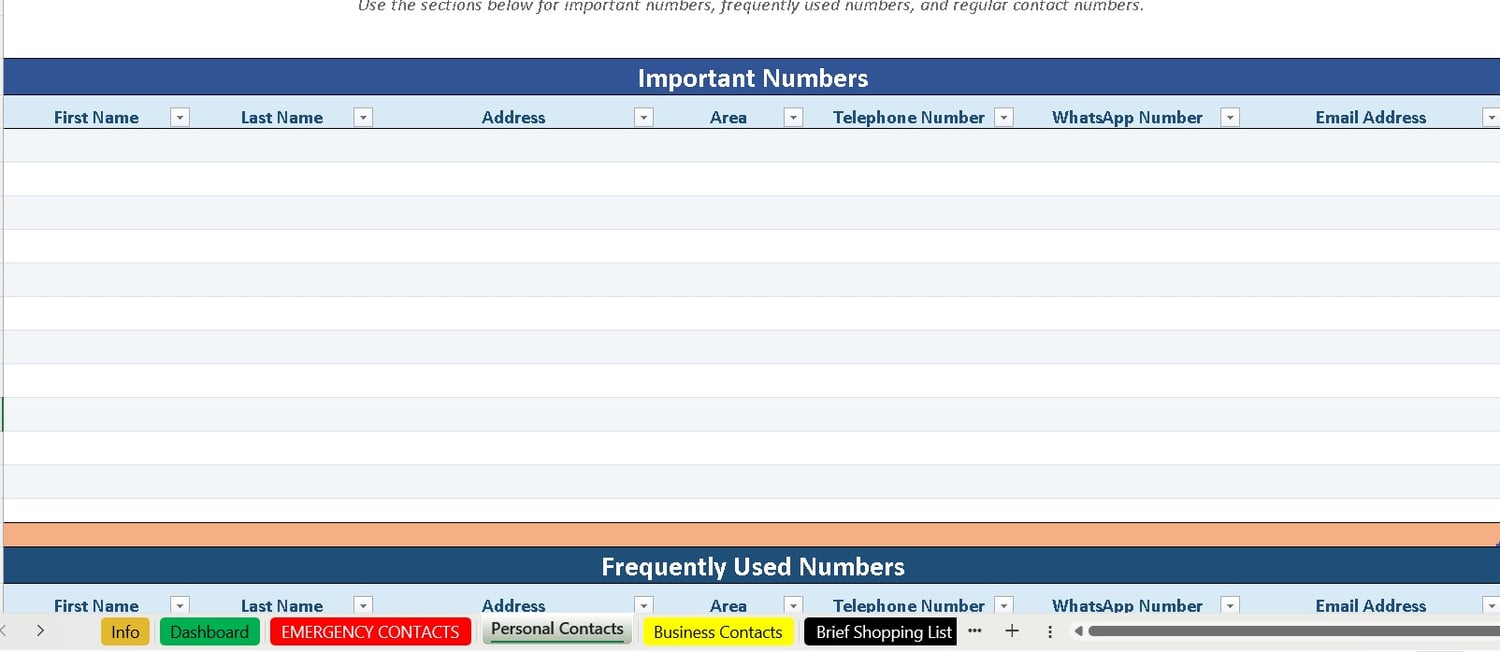
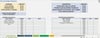
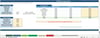
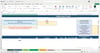
I have created an Excel workbook to make life easier and more simpler. The workbook contains the following tabs:
1) Info
2) Live dashboard
3) Emergency contacts
4) Personal contacts
5) Business contacts
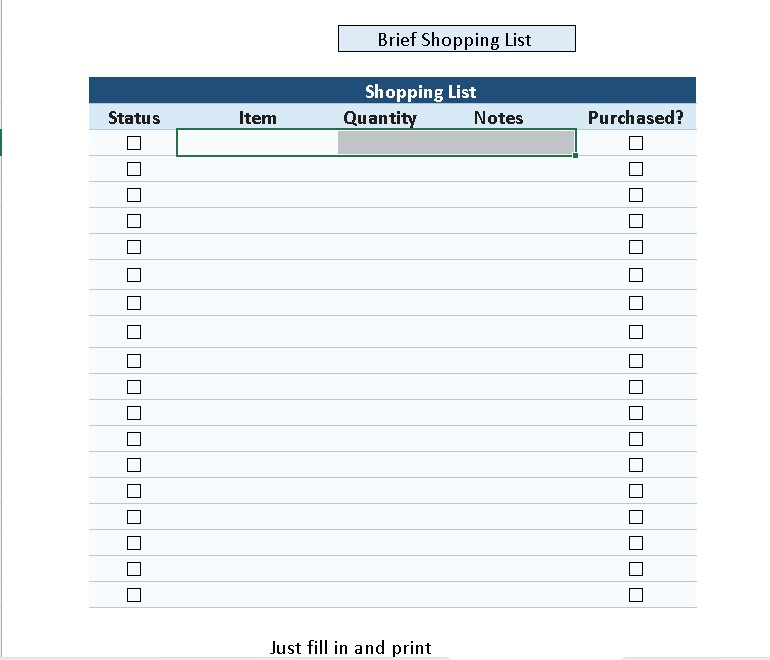
6) Brief shopping list
7) Comprehensive shopping list
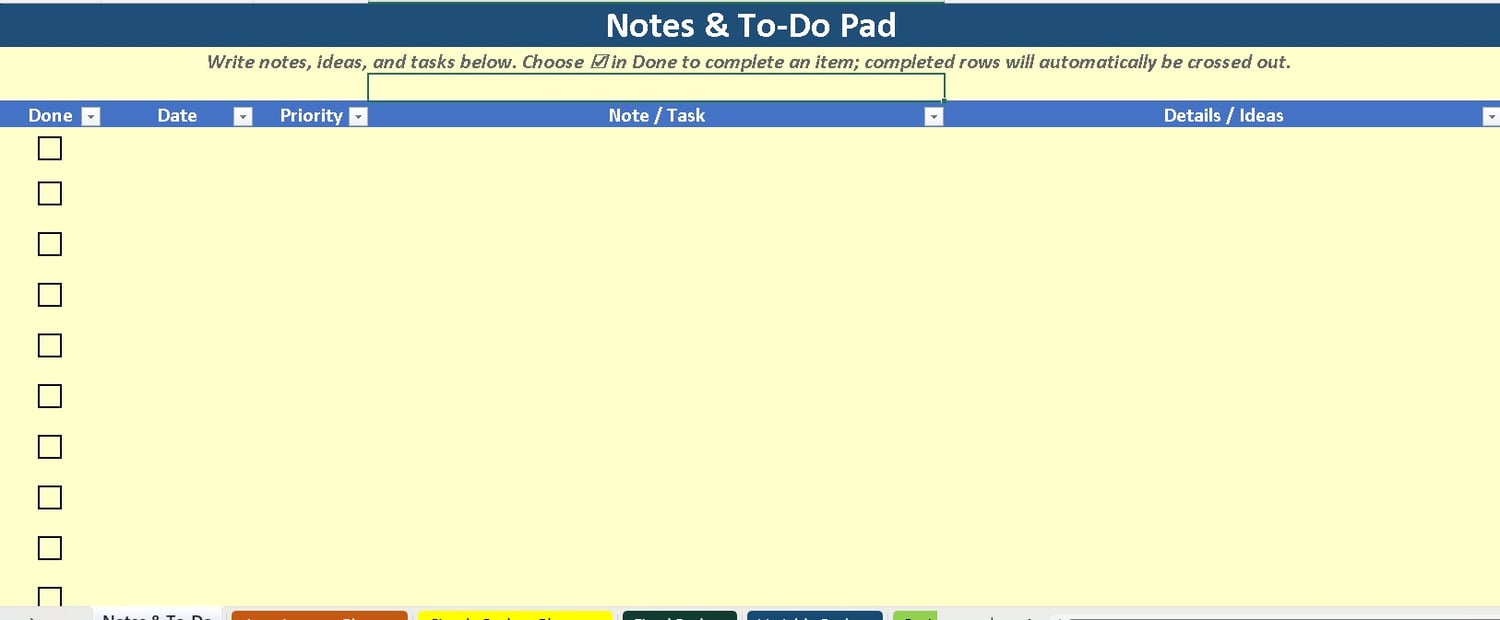
8) Notes & To-Do pad
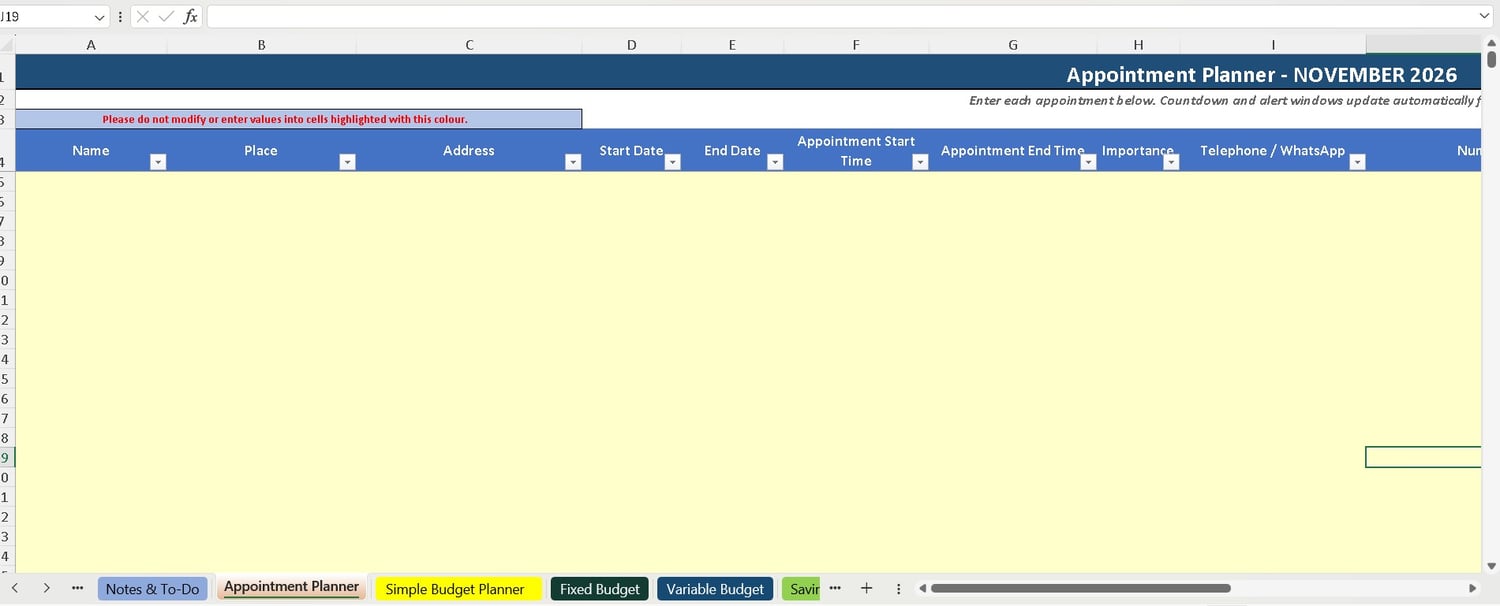
9) Appointment planner
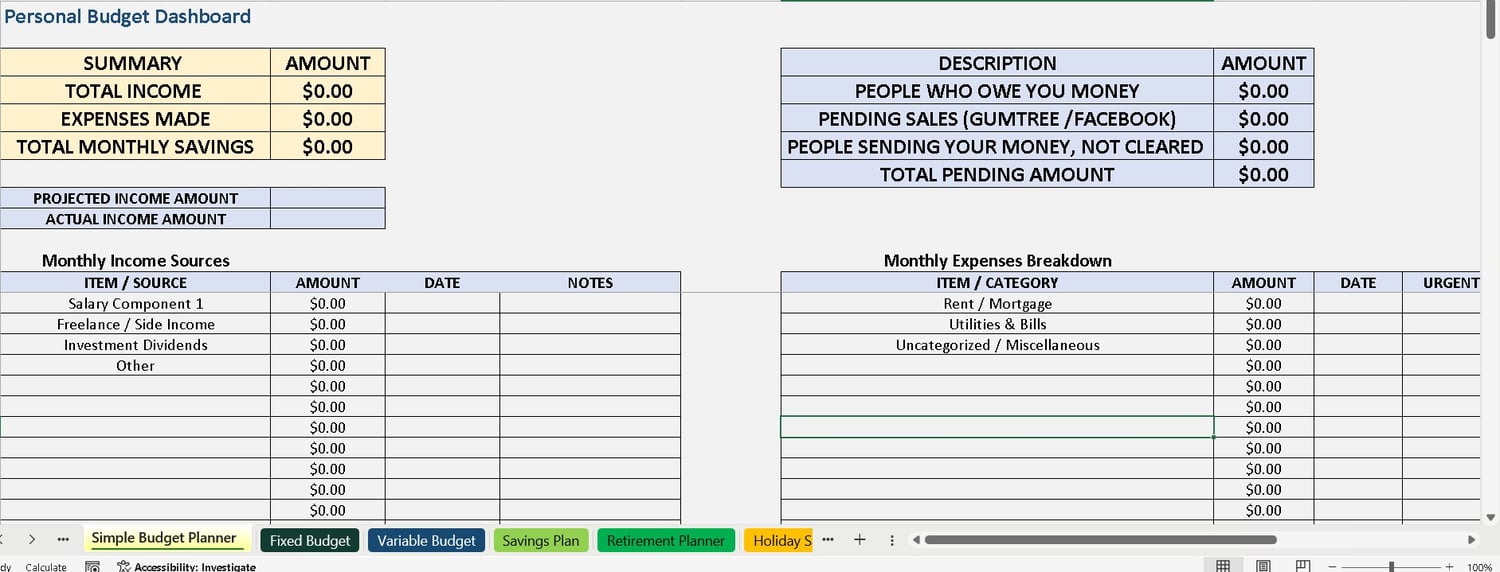
10) Simple budget planner
11) Comprehensive budget planner
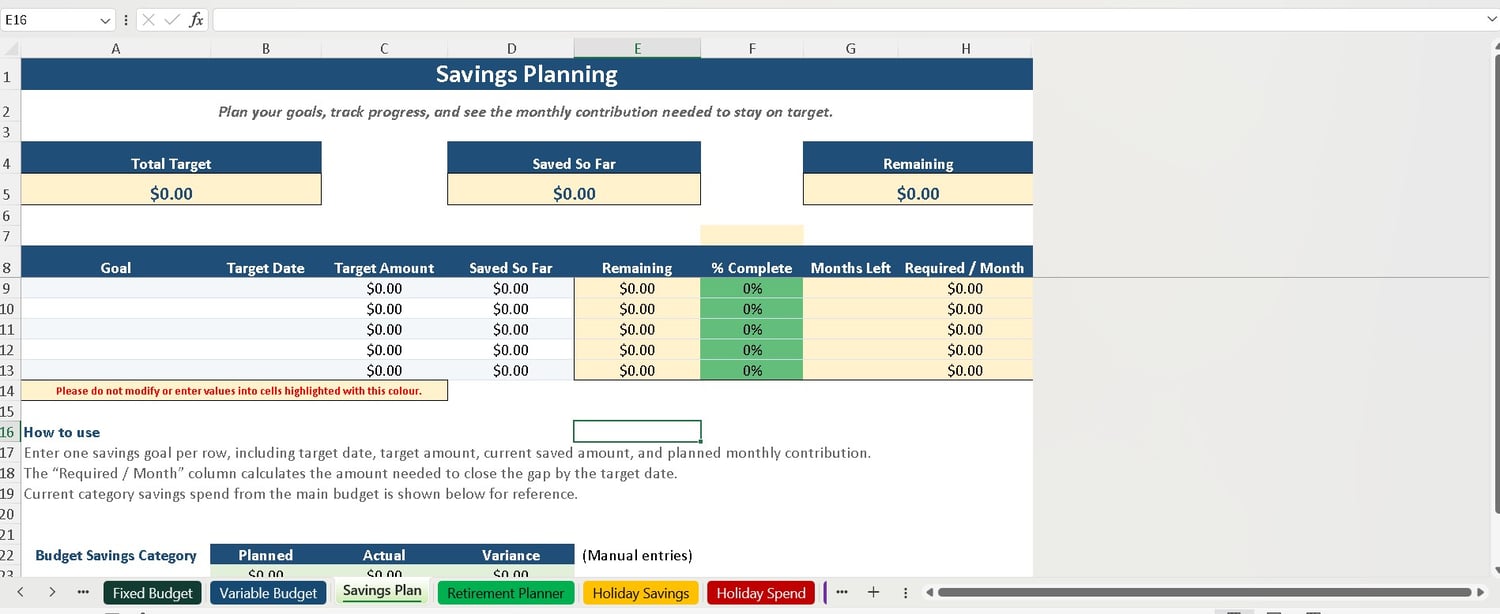
12) Saving planner
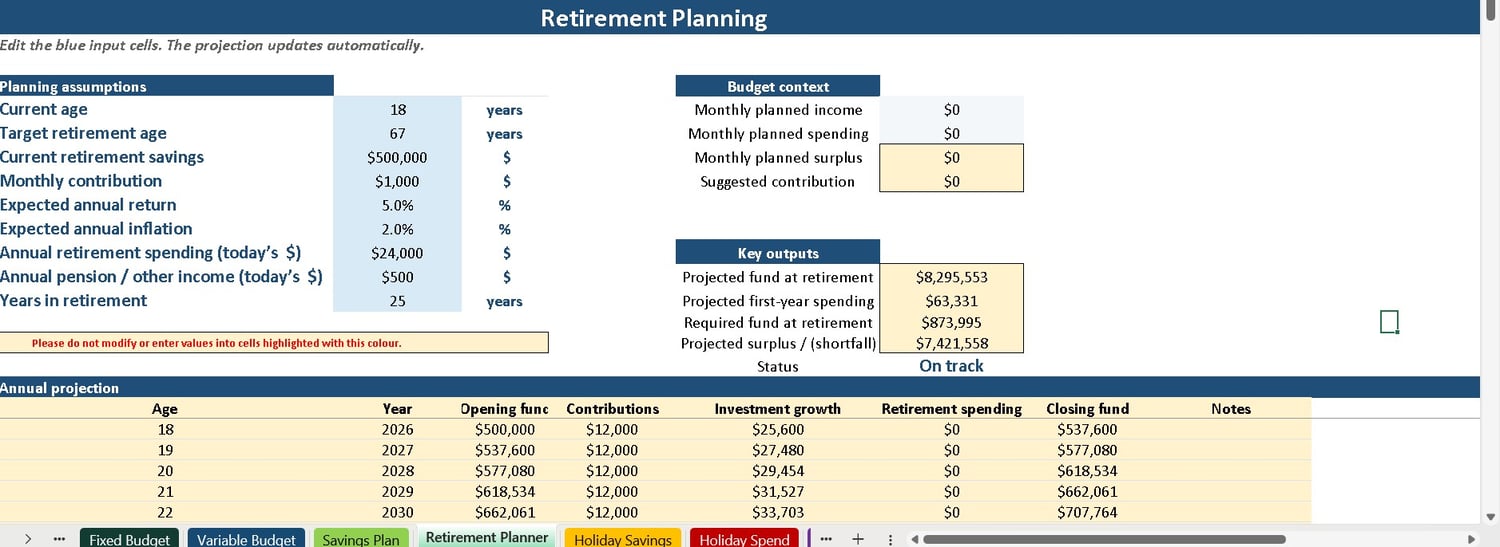
13) Retirement planner
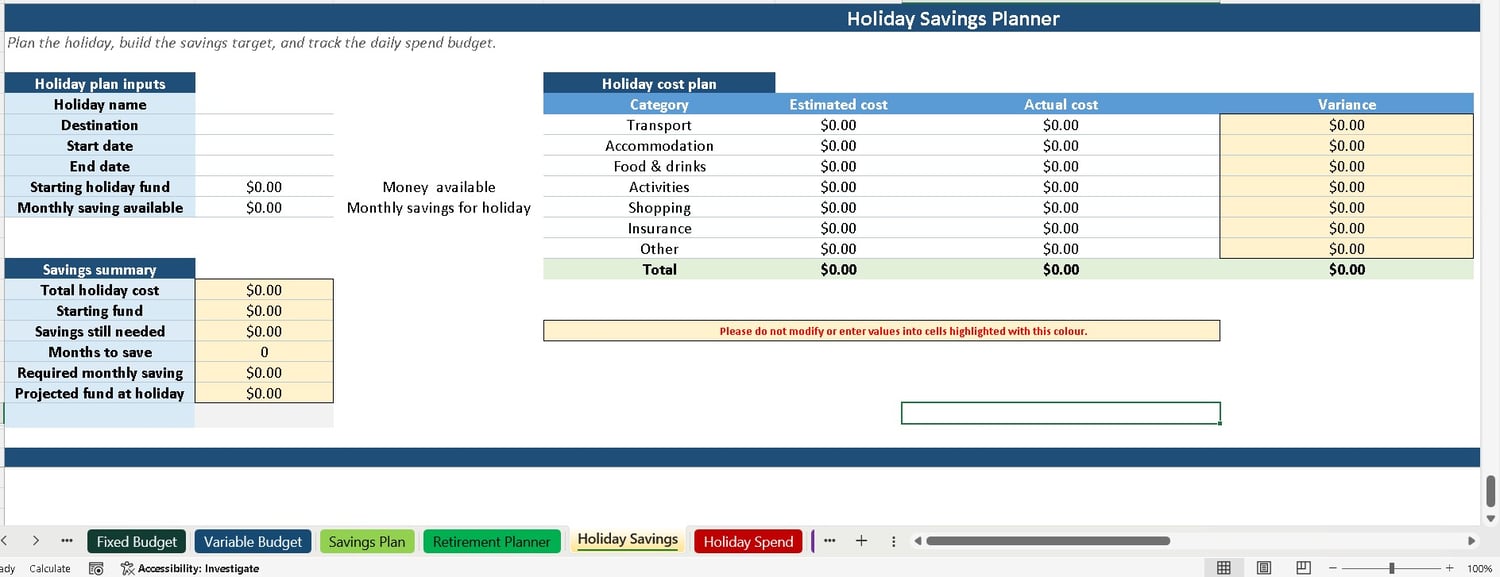
14) Holiday savings planner
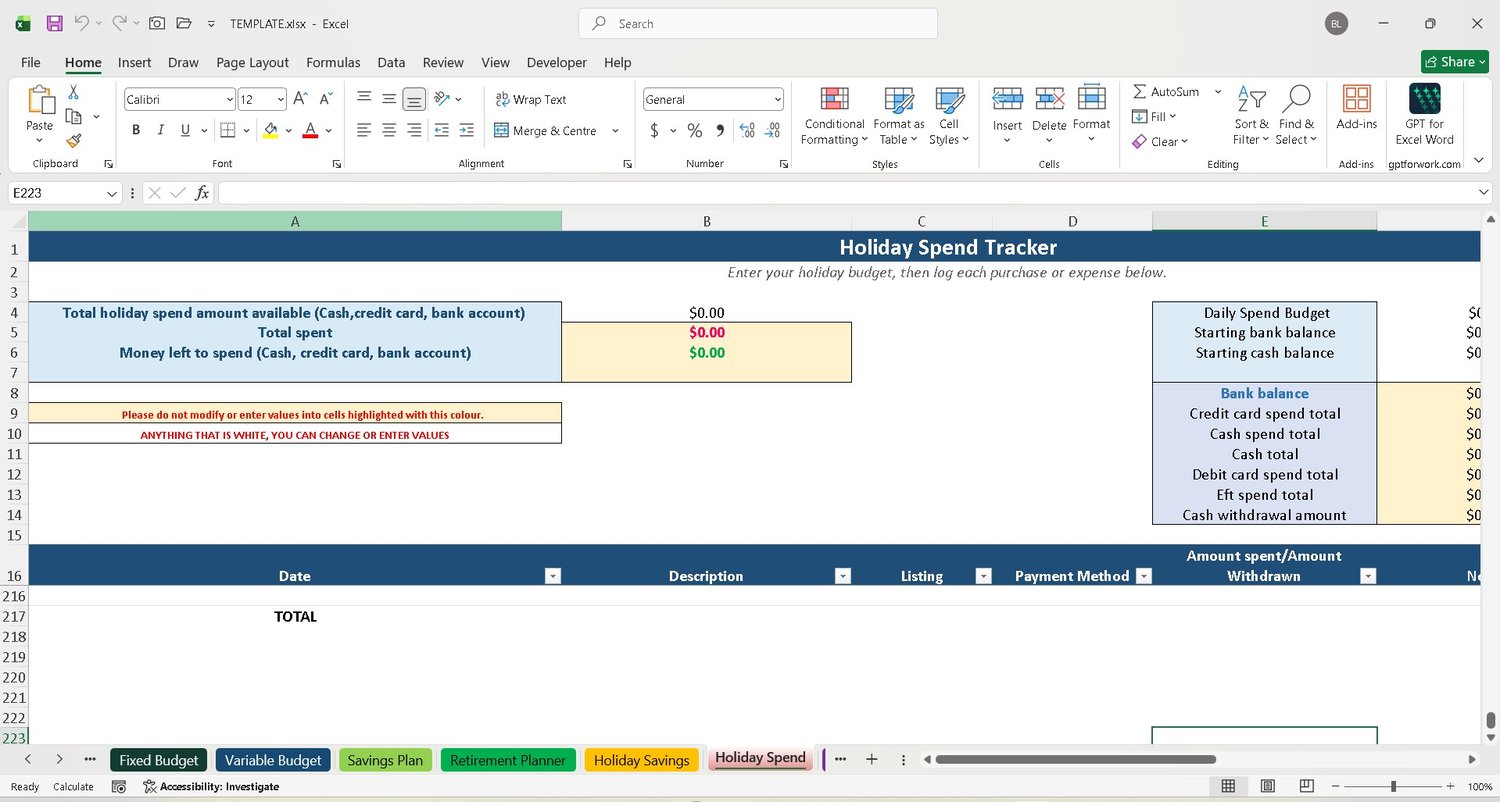
15) Holiday spend and budget planner/tracker
TEMPLATE.xlsx should work on a Mac using Microsoft Excel for Mac.
Compatibility notes:
- It is a standard .xlsx workbook.
- No VBA macros or external links were detected by online means.
- Formulas, dropdown lists, conditional formatting, hidden calculation sheets, tables, and images should work in Excel for Mac.
- Use a reasonably current version of Excel, preferably Microsoft 365 or Excel 2021+.
- Apple Numbers may open it, but complex formulas, formatting, validations, and layout may not transfer perfectly.
One minor consideration: formulas using TODAY() will recalculate based on your Mac’s date settings.
How to Get Excel on Your Mac
Before you start, you need the app installed. You have three main ways to get it:
- The Mac App Store: Open the App Store on your Mac, search for "Microsoft Excel," and click Get. This is the easiest way to ensure automatic updates.
- Microsoft365.com: If you already have a Microsoft 365 subscription, log into your account via a web browser, click Install Apps, and download the installer package for Mac.
- Excel for the Web: If you do not want to install any apps, you can use the lightweight version of Excel for free directly inside Safari or Google Chrome by logging into your Microsoft account online.
* Disclaimer: Created on Excel for Windows. Fully compatible with Windows; compatible with most modern versions of Excel for Mac. Due to software differences across operating systems, 100% functionality on Mac cannot be guaranteed. The buyer assumes responsibility for Mac compatibility, and the seller is not liable for system-specific feature limitations.
Modern Mac users running Excel 2019, 2021, 365, or newer should have no issues opening and running the template, however the live dashboard updates which gives summaries of all the tabs within the workboard may and or may not work at all or 100%. This does not effect the functioning of the entire workbook.
*No matter how hard one tries, gremlins may be found in the least expected places, so because of this fact, If you experience any issues within 7 working days with the workbook, I will be happy to correct any and or possible issues that maybe found, however the workbook has been fully tested and checked and I have found no issues. So you have piece of mind that this is a good quality product.
Warranty
No matter how hard one tries, bugs can still appear in the least expected places. Because of this, if you experience any issues with the workbook within seven working days, I will be happy to fix them. However, the workbook has been fully tested and checked with no issues found, so you can have peace of mind that this is a quality product backed by a 7 day warranty. (Issues = problems with the formulas, droboxes not working and wrong information is displaying)