
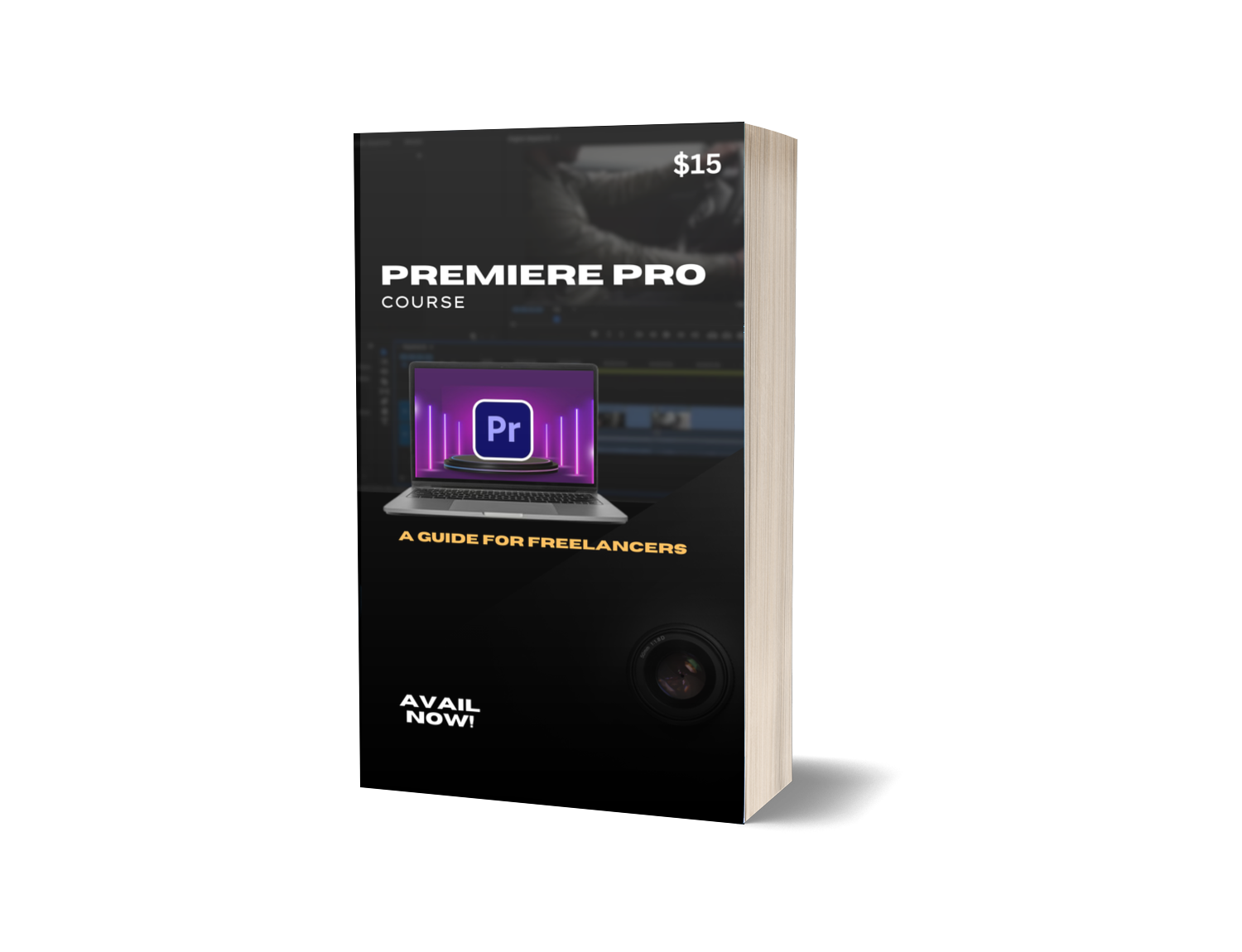
Premiere Pro Course
Introduction to Video Editing
- Overview of Video Editing
- Importance of Editing in Storytelling
- Tools and Software Overview
Organizing Your Footage
- Organizing Footage from Your Phone
- Tips for Efficient Footage Organization
- Creating Folders and Naming Conventions
- Creating an Editing File
- Setting Up Your Editing Workspace
- Best Practices for File Management
- Creating Project Backups
- Importance of Backups
- Techniques for Effective Backup
Selecting and Labeling Footage
- Choosing Video Selects
- Criteria for Selecting Best Takes
- Importance of Labeling Footage
- Overview of Rough Edit
- Understanding the Rough Cut Process
- Key Considerations for Editing
Editing Techniques and Concepts
- Visual Contrasts Between Shots
- Importance of Visual Contrasts
- Techniques for Enhancing Visual Appeal
- Pacing and Rhythm
- Understanding Pacing in Video Editing
- Techniques for Creating Rhythm in Edits
- Creating Transitions
- Types of Transitions and Their Uses
- Tips for Smooth Transitioning
Editing Specific Video Types
- Hype Montage
- Building Energy and Excitement
- Editing Techniques for Hype Montages
- Professional Level Video
- Techniques for Creating High-Quality Edits
- Balancing Professionalism with Creativity
- Vlog Style Video
- Personal Storytelling Techniques
- Editing for Engagement and Connection
- Promo Video
- Crafting a Compelling Message
- Techniques for Effective Promotion
- Showcase Video
- Highlighting Skills or Products
- Best Practices for Showcase Edits
- Video Trailer
- Elements of a Captivating Trailer
- Strategies for Teasing Content
- Music Video
- Synchronizing Visuals with Music
- Creative Techniques for Music Videos
- Demo Reel
- Showcasing Your Best Work
- Structure and Presentation of a Demo Reel
Finalizing Your Edits
- Reviewing and Polishing Your Edits
- Techniques for Final Review
- Making Last-Minute Adjustments
- Exporting and Sharing Your Videos
- Formats and Settings for Export
- Best Practices for Sharing on Social Media
Conclusion and Next Steps
- Recap of Key Concepts
- Resources for Continued Learning
- Tips for Building Your Video Editing Portfolio
With over 98 lessons inside