
OBS Studio: The Complete Streaming Setup Guide
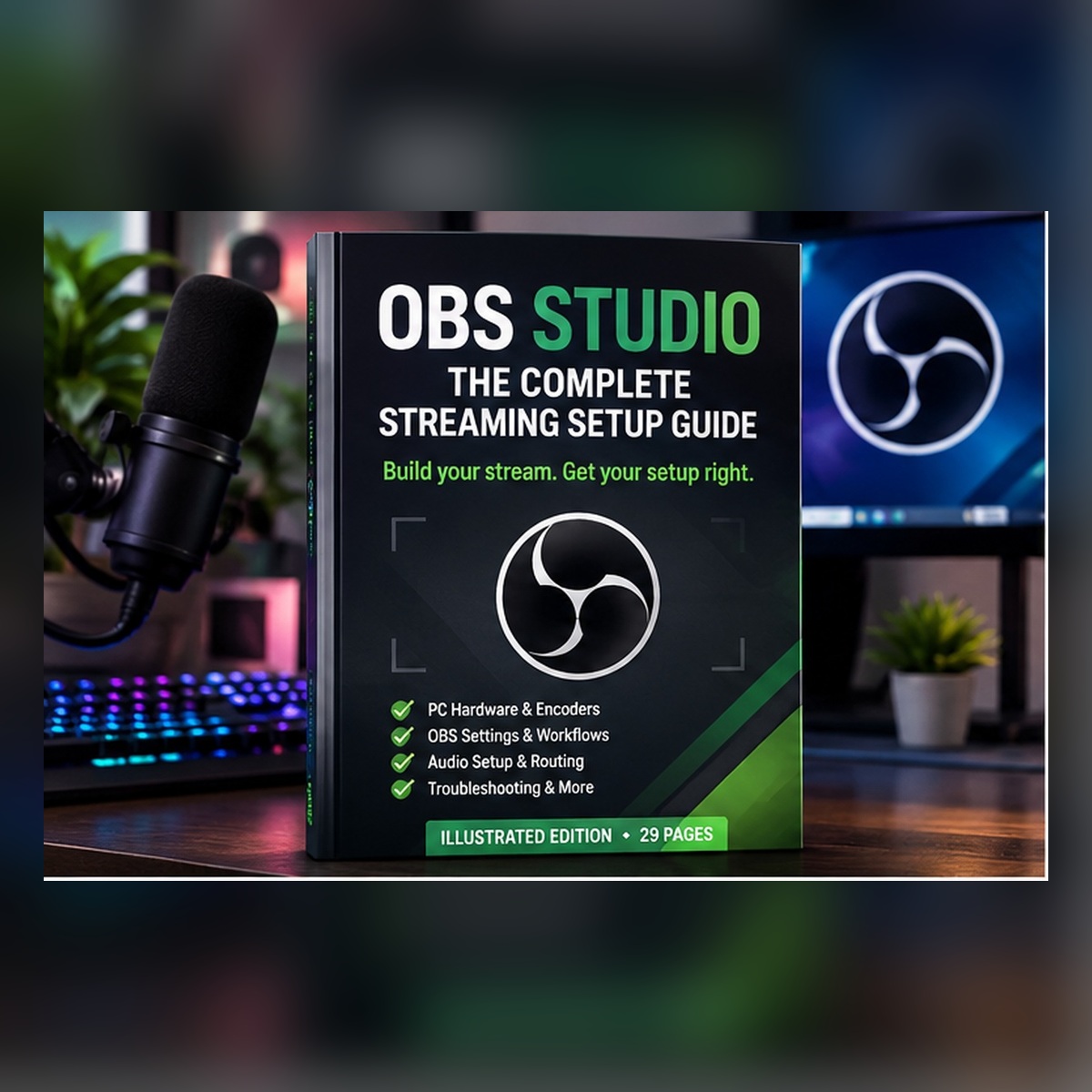
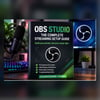
OBS Studio: The Complete Streaming Setup Guide
Build your stream. Get your setup right.
Whether you're preparing to stream for the first time or looking to improve an existing setup, this illustrated 29-page guide helps you understand OBS Studio and configure it with confidence.
Stop guessing which settings to use. Learn how your PC hardware affects streaming performance, how to choose the right encoder, how to separate streaming and recording settings, and how to build a clean audio setup.
What's inside?
PC hardware & encoder settings
- Understand how your CPU and GPU affect streaming.
- NVIDIA NVENC, AMD hardware encoding, Intel Quick Sync and x264 explained.
- Practical performance targets for lower-end, mid-range and higher-headroom PCs.
- A worked example using an NVIDIA RTX 3060 and Ryzen 5 5600X.
OBS Studio setup
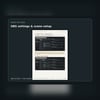
- Understand the OBS interface, scenes and sources.
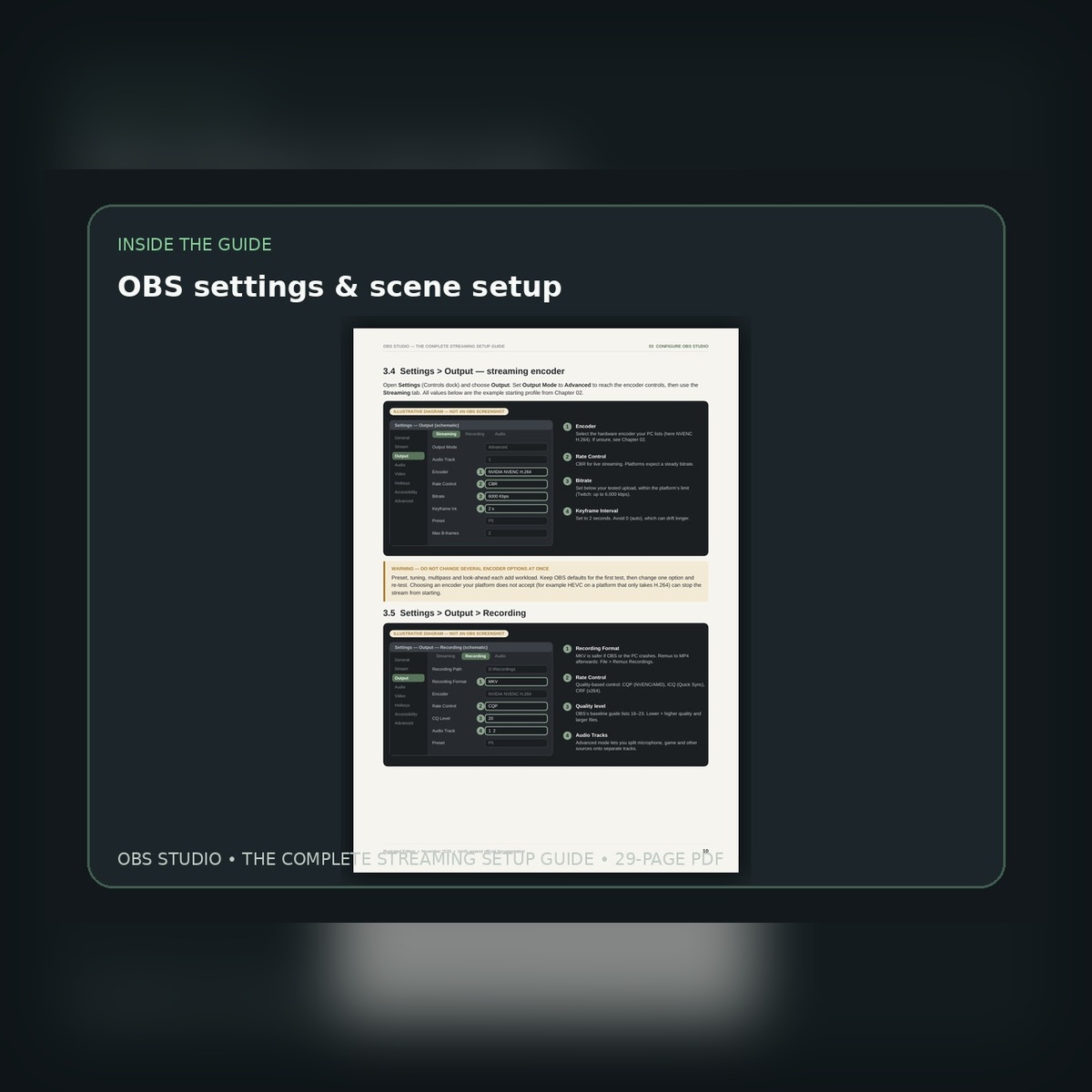
- Configure video, output and audio settings.
- Separate streaming settings from local recording settings.
- Understand bitrate, resolution, frame rate and recording quality.
Microphones & audio routing
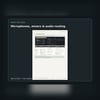
- USB and XLR microphone setups.
- Audio interfaces and mixers.
- Elgato Wave Link, GOXLR and RØDECaster Duo.
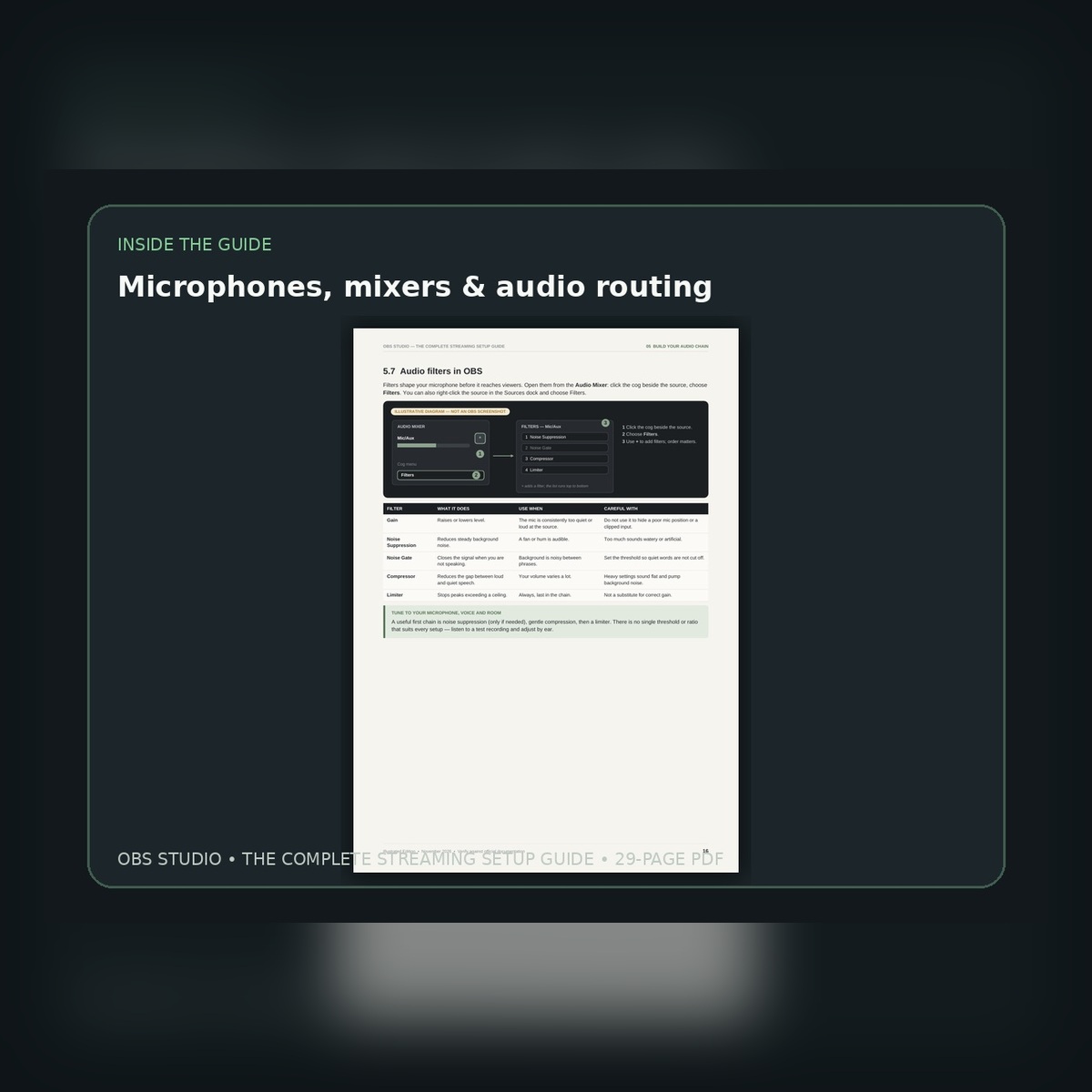
- Microphone filters, compression, noise suppression and limiting.
- Practical audio level guidance and routing diagrams.
Cameras & stream controls
- Webcam and camera setup.
- Lighting basics.
- Stream Deck and production controls.
- Building your first OBS scene.
Troubleshooting
- Blurry or low-quality stream footage.
- Gameplay stutters and performance problems.
- Encoder overload and dropped frames.
- Audio problems and synchronisation.
- Using OBS Stats to identify what is going wrong.
What you'll receive
- A 29-page illustrated PDF guide.
- OBS interface diagrams and audio-routing illustrations.
- Practical settings examples and troubleshooting walkthroughs.
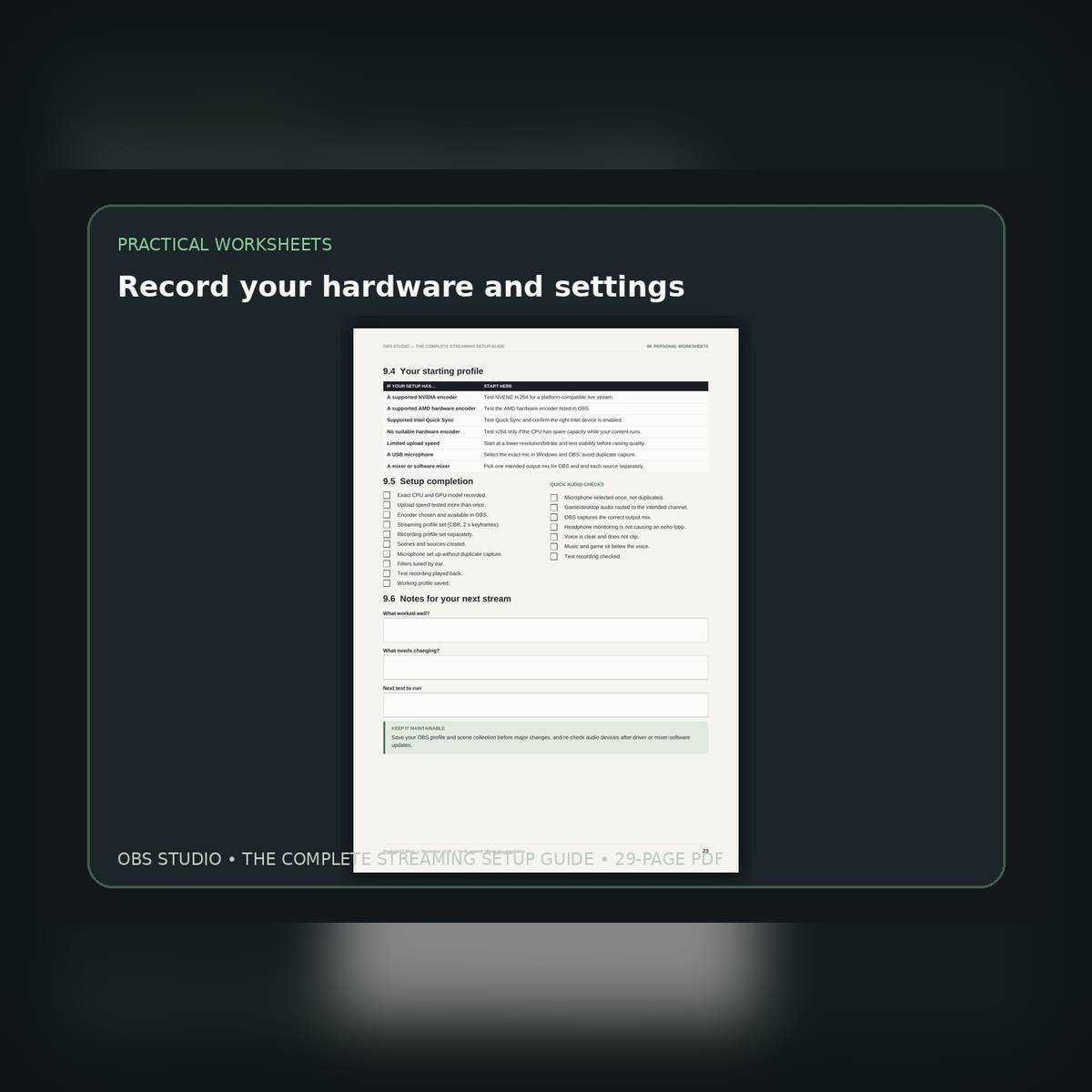
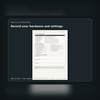
- Fillable setup worksheets to record your own hardware and settings.
- A reference library linking to official OBS, platform and equipment documentation.
Who is this guide for?
- People preparing to start livestreaming.
- Existing streamers who want to improve their setup.
- Gamers using OBS with NVIDIA, AMD or Intel hardware.
- Streamers who want to understand their microphone, mixer and audio routing.
- Anyone who wants a clearer, more organised approach to OBS settings.
Instant digital download
This is a digital PDF product. No physical item will be shipped.
Your download is available after purchase. You can use the guide alongside your own OBS installation and work through the relevant sections at your own pace.
Please note: OBS settings depend on your hardware, internet connection, streaming platform and content. The examples in this guide are starting points, not guaranteed settings for every PC. Some equipment and software features are model- or operating-system-specific.
OBS Studio and the third-party equipment mentioned are owned by their respective publishers. This guide is independently produced and is not affiliated with or endorsed by OBS Project, Twitch, YouTube, Elgato, TC-Helicon or RØDE.
Personal use licence: Purchase grants permission for personal use only. The PDF may not be resold, redistributed, shared publicly or republished.