

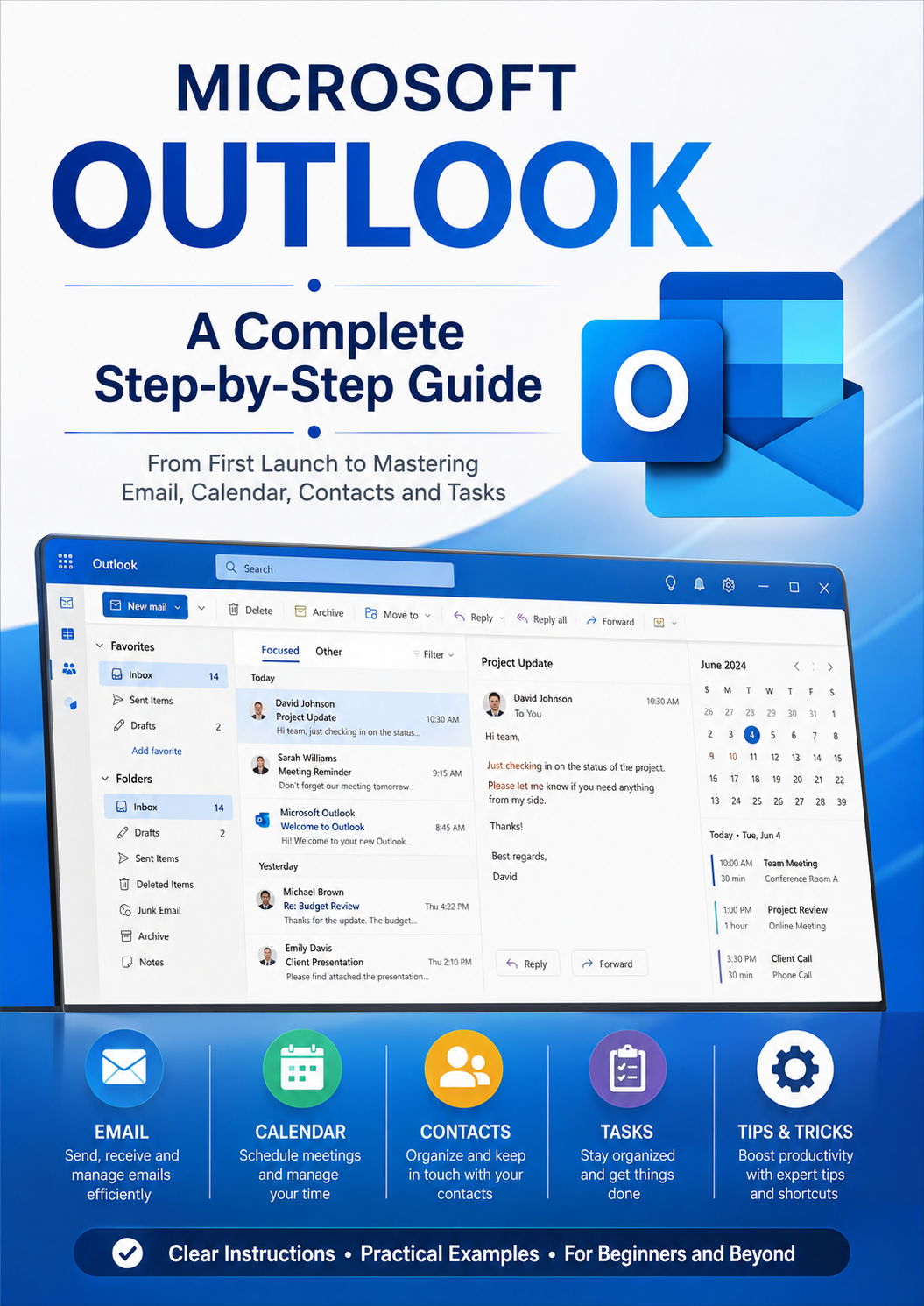
Microsoft Outlook a Complete Step by Step Guide
Microsoft Outlook: A Complete Step-by-Step Guide
Master Microsoft Outlook with this practical, easy-to-follow guide designed for beginners and anyone who wants to become more confident managing email and everyday communication.
Microsoft Outlook: A Complete Step-by-Step Guide takes you from your first launch of Outlook through the essential tools you need to stay organized and productive. Learn how to set up and manage your email account, send and receive messages, organize your inbox, use folders and categories, manage attachments, and search for important information quickly.
The guide also explores Outlook’s powerful Calendar, Contacts, Tasks, and scheduling features, helping you manage appointments, meetings, reminders, contacts, and daily activities in one place.
Inside, you'll learn how to:
- Set up and configure Microsoft Outlook
- Send, receive, reply to, and forward emails
- Organize your inbox and folders
- Work with attachments and files
- Create professional email signatures
- Use categories, flags, and rules
- Search for emails and information efficiently
- Manage contacts and address books
- Create appointments, meetings, and events
- Use reminders and calendar features
- Manage tasks and to-do lists
- Customize Outlook to suit your workflow
- Improve productivity and stay organized
- Troubleshoot common Outlook problems
Whether you're a complete beginner, a student, home user, employee, or small-business owner, this step-by-step guide provides clear explanations and practical instructions to help you get more from Microsoft Outlook.
Learn Outlook one step at a time—and turn your inbox, calendar, contacts, and tasks into an organized productivity system.