



Middle & High School Art/Technology Project | GIF Animation Lesson Using Canva, Pixlr & PSD Files
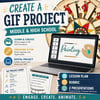
🎨 Traditional Drawing Meets Digital Animation: Create a GIF!
Bring art and technology together with this engaging middle or high school art project that blends traditional drawing techniques with digital manipulation to create a fun, shareable GIF.
Using free programs like Canva and Pixlr (with optional Photoshop instructions), students will draw, scan or photograph their work, and then animate it—learning both classic art skills and modern tech applications along the way.
💡 What’s Included
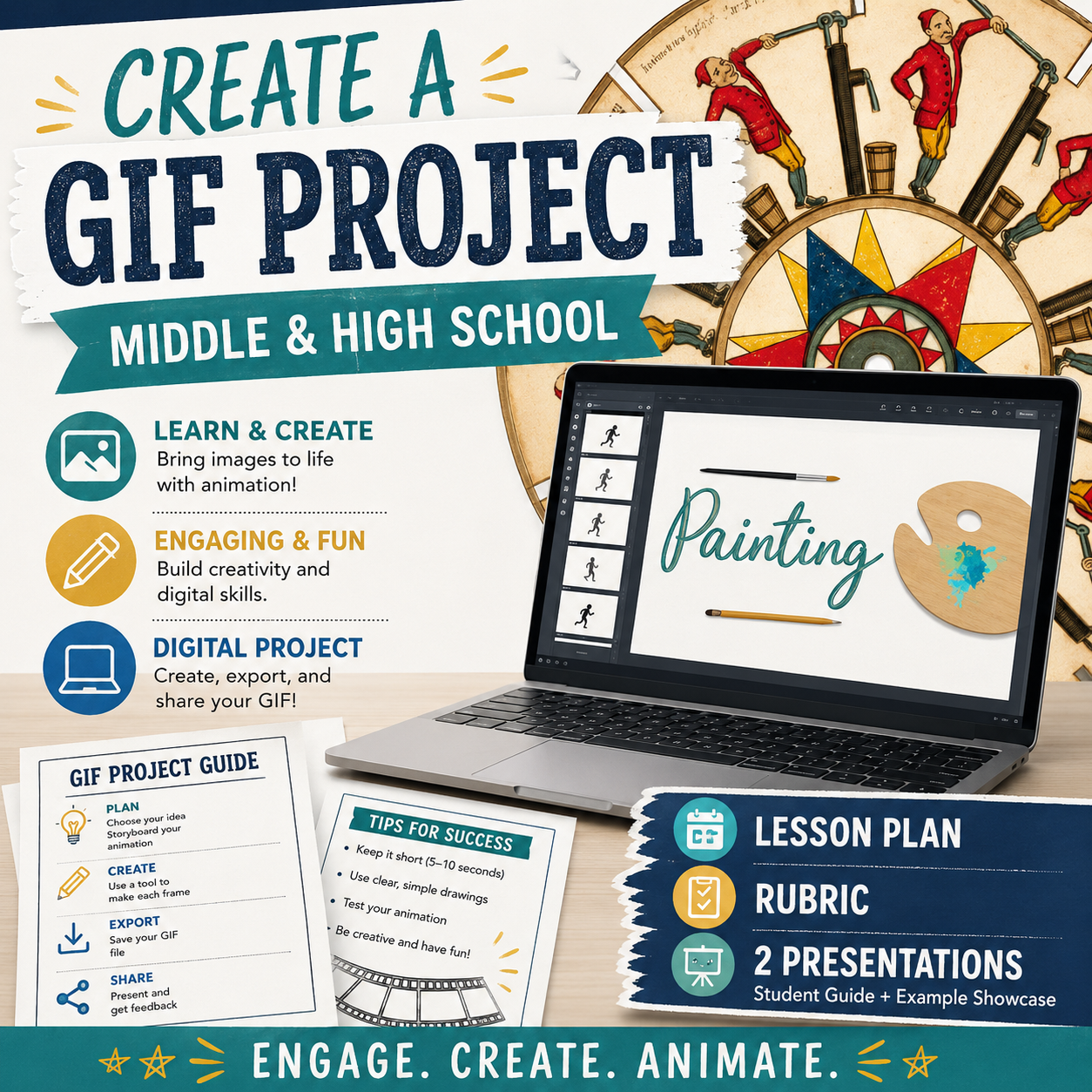
✅ Complete Lesson Plan
- Big idea, objectives, vocabulary
- National Middle & High School Art Standards
- Step-by-step project implementation
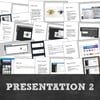
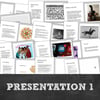
✅ PowerPoints (2)
- Project introduction with inspiring examples
- Detailed instructions for uploading & editing drawings
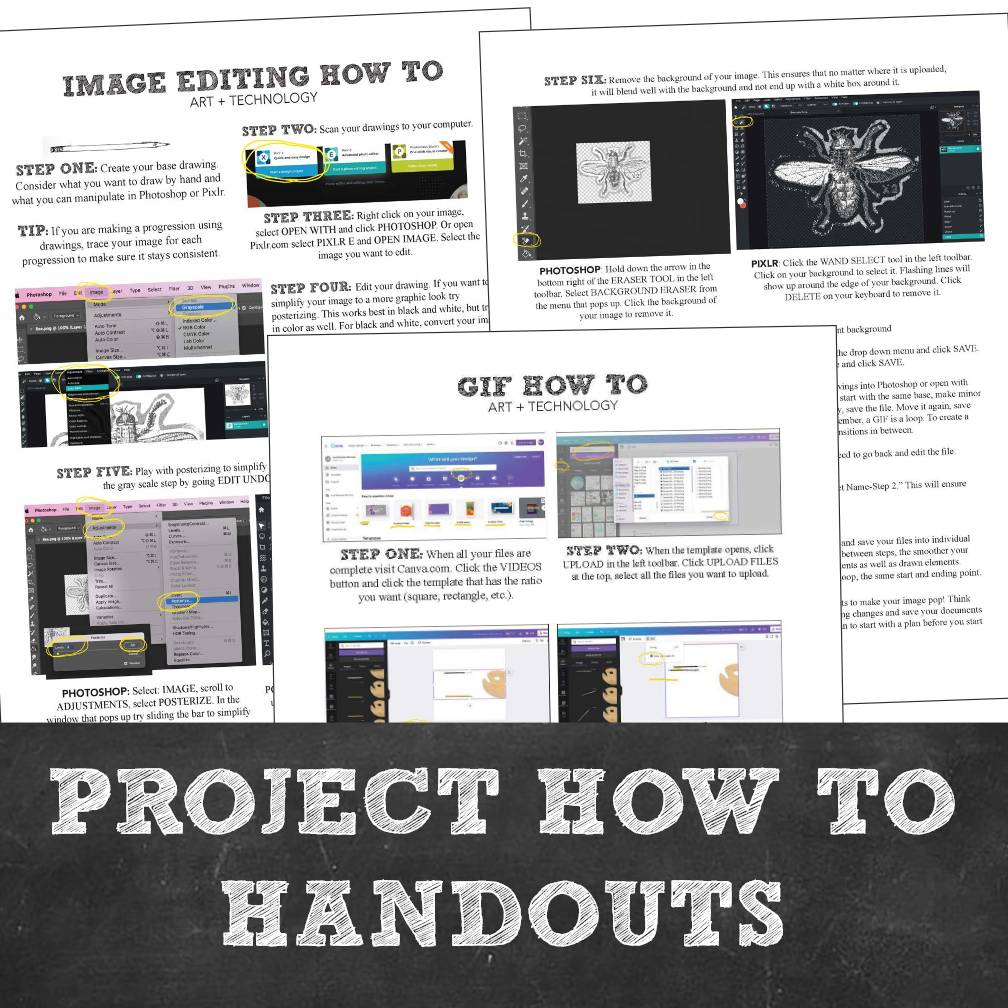
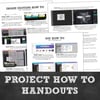
✅ Student Handouts
- Image editing guides (Photoshop & Pixlr)
- GIF creation how-to sheet
✅ Assessment Tools
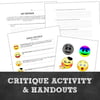
- Critique sheet
- Emoji critique labels & guide
- Project rubric
🌟 Skills & Concepts Covered
- Traditional drawing techniques
- Digital editing & animation
- History of animation & technology in art
- Creative problem solving & media integration
🖌️ Perfect For
✔️ Middle School Art
✔️ High School Art (2D Design, Media Arts, Animation Units)
✔️ STEAM or Technology Integration Projects
✔️ Art Clubs & After-School Programs
Introduce students to the history of animation, strengthen their drawing skills, and spark excitement by letting them create something they can share with friends and social media—all in one project!