

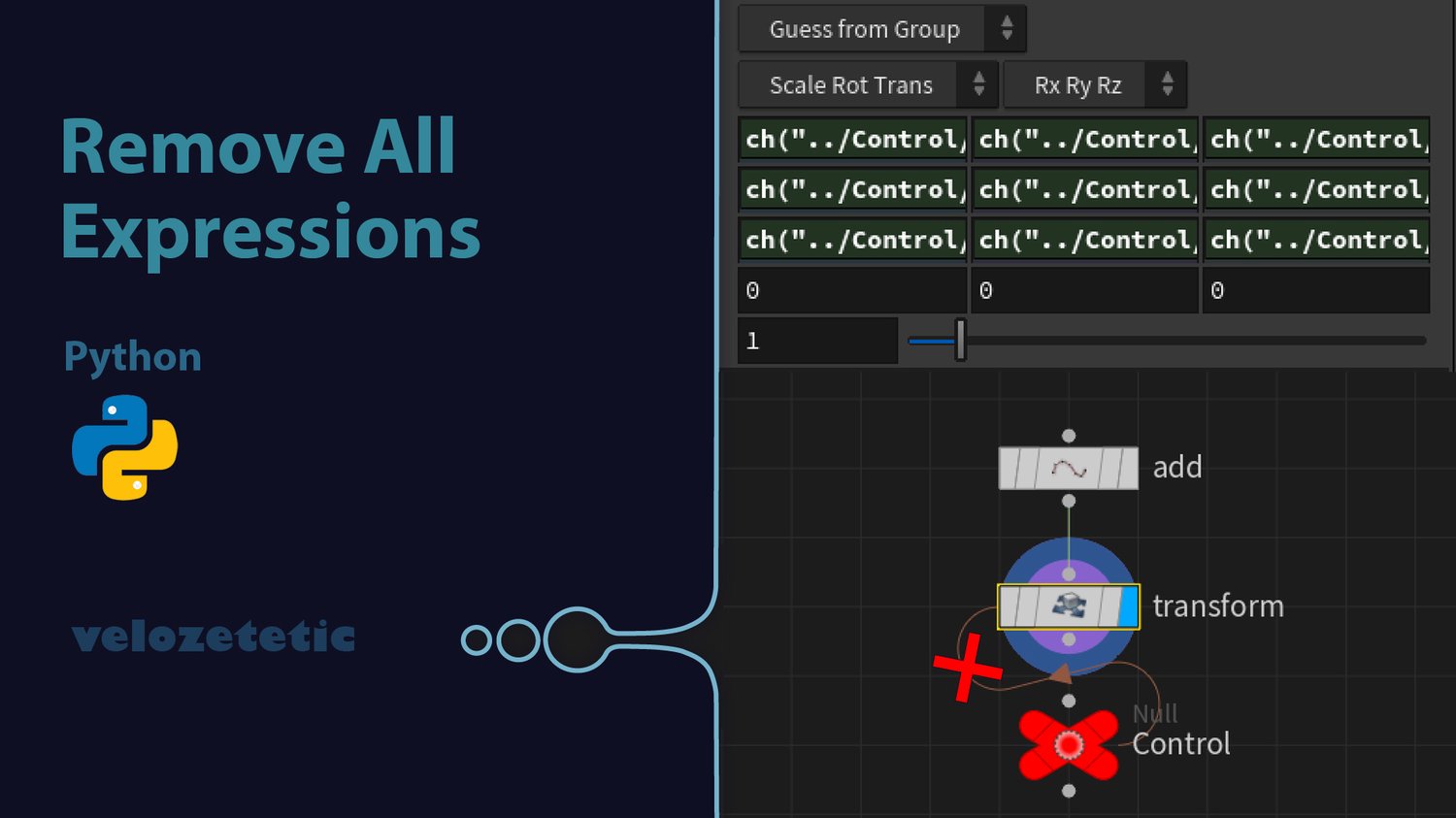
Houdini Expression Remover Script
Remove All Expressions with One Button
In Houdini, it's common to encounter nodes with numerous parameters containing expressions and channel references linking them to other nodes. When you need to duplicate such a node and transfer it to a new context (e.g., a different HIP file or network), manually removing all these connections becomes extremely time-consuming.
This Python script solves the problem with a single click:
- Removes all expressions from all parameters of the selected node
- Preserves current parameter values
- Displays the count of removed expressions
- Available in two variants: for Python Shell and as a Shelf Button
Particularly useful when working with complex nodes containing dozens of parameters with links to other parts of the project.
How to use:
Python Shell version:
- Select a node in Houdini
- Open Python Shell (Windows → Python Shell)
- Copy and paste the script
- Press Enter
Shelf Button version:
- Create a new Shelf button (right-click on Shelf → New Tool)
- Copy the script into the Script section
- Name your button (e.g., "Remove Expressions")
- Save
- Select a node and click the button
#Houdini #SideFX #HoudiniTutorial #HoudiniTips #VFX #TechnicalArt #PythonScript #HoudiniPython
#3D #CGI #MotionDesign #HoudiniTricks #Pipeline #TechArt #Procedural #HoudiniTools
#HoudiniScript #Automation #VFXPipeline #SideFXHoudini #HoudiniWorkflow #ProductionTools