
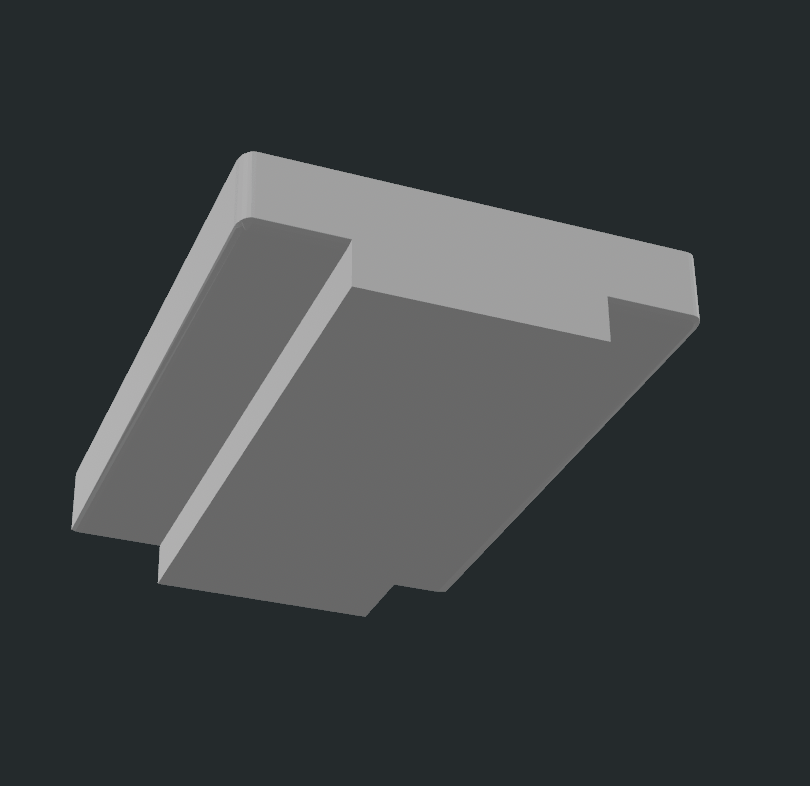
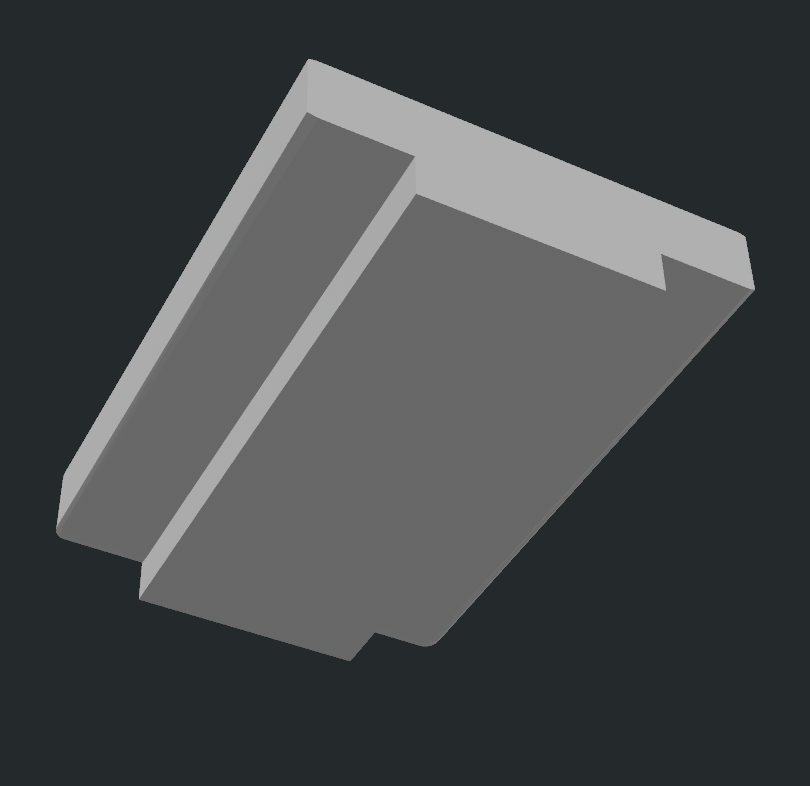

Nail Save Keychain Cutout attachment - 3D Print File
On Sale
$5.00
$5.00
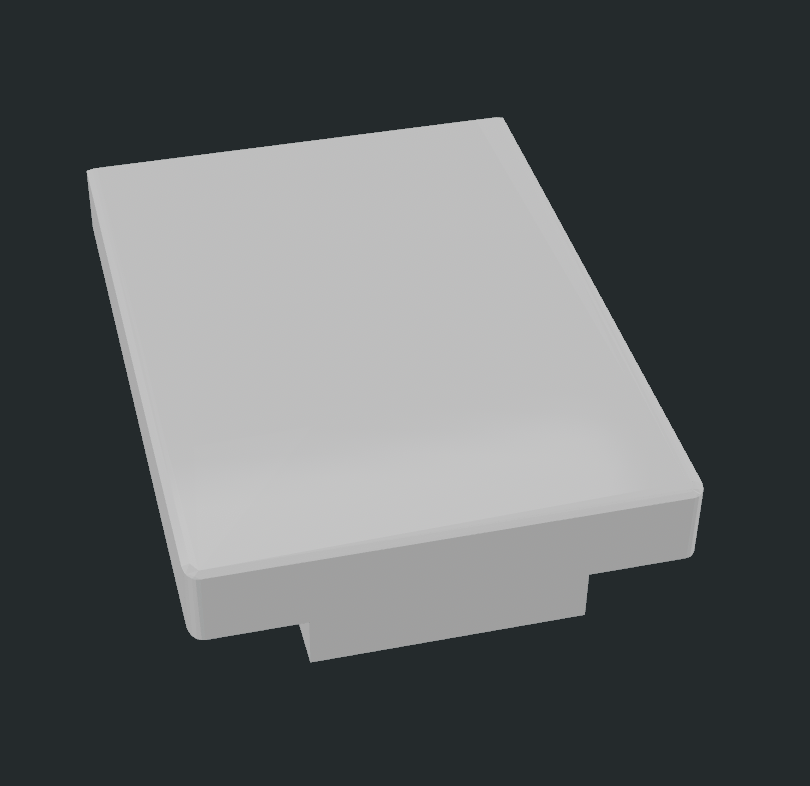
Want to create your own custom Nail Saver Keychains without having to design the functional opener portion from scratch? This Nail Saver Keychain Creator Kit gives you the attachment template needed to easily add the can-opening feature to your own designs.
Perfect for makers, designers, and small business owners, this file acts as a cutting template that can be used in Tinkercad or Bambu Studio to create the Nail Saver opening in virtually any keychain design.
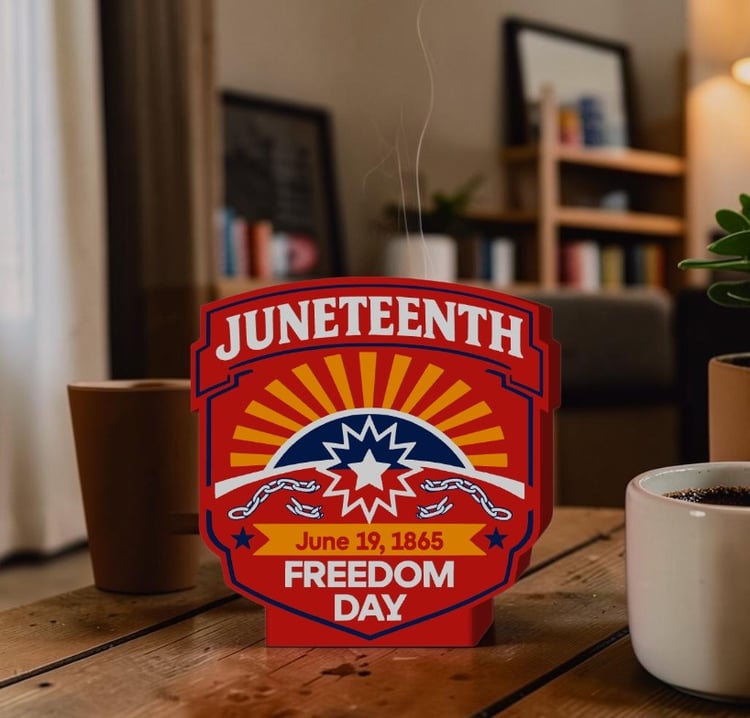
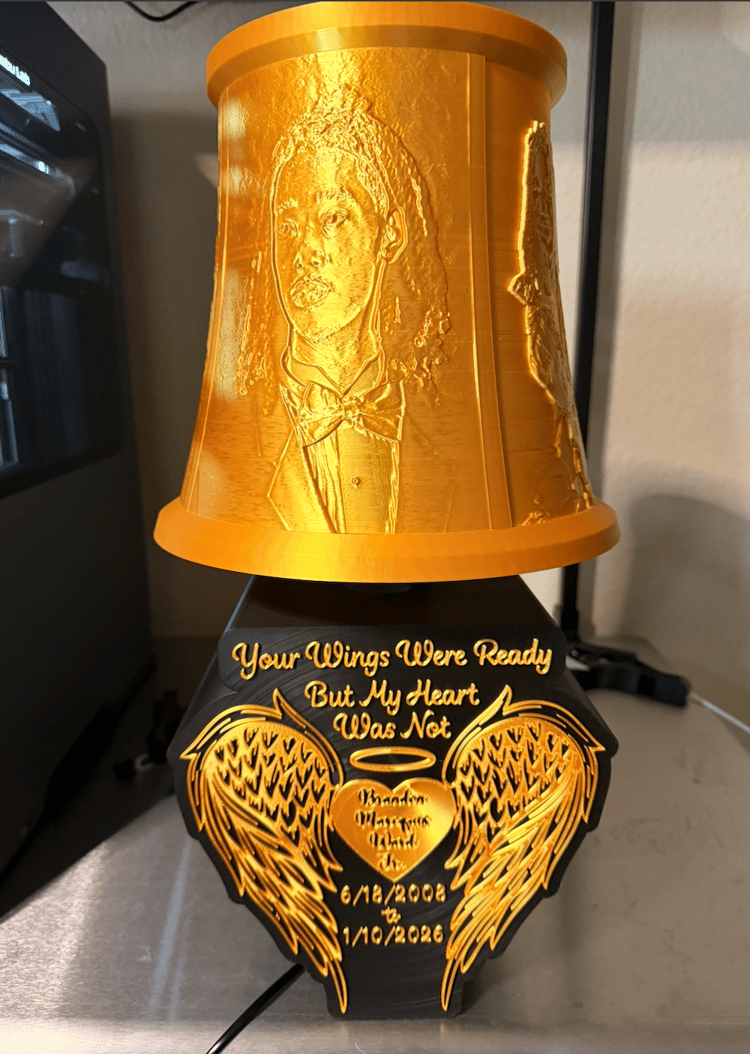
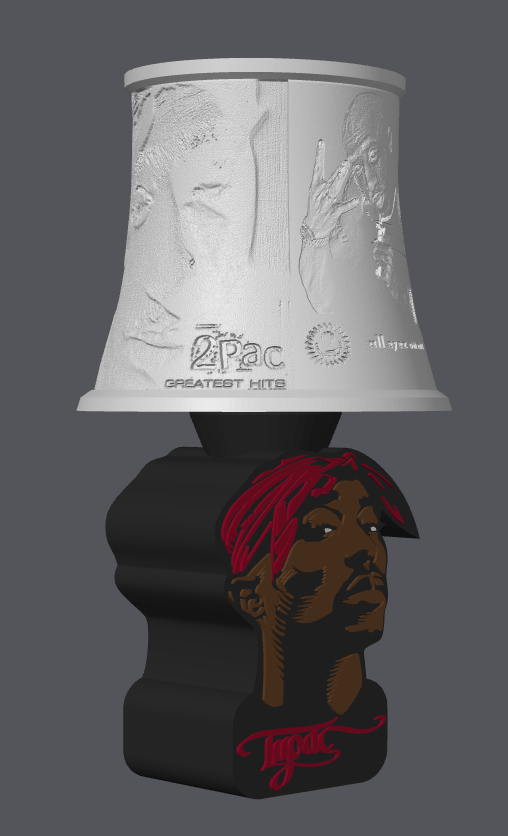
Create custom designs for sororities, sports teams, occupations, schools, businesses, awareness causes, holidays, and more!
What's Included
✔ Nail Saver Attachment STL
✔ Ready-to-Use Cutting Template
✔ Instant Digital Download
How to Use
Option 1: Tinkercad Method
- Import your keychain design into Tinkercad.
- Import the Nail Saver Attachment file.
- Change the attachment object to a Hole.
- Position the attachment where you want the Nail Saver opening.
- Group the objects together.
- Export your finished custom Nail Saver Keychain.
Option 2: Bambu Studio Method
- Import your design into Bambu Studio.
- Import the Nail Saver Attachment file.
- Position the attachment where desired.
- Use the Mesh Boolean > Subtract function.
- Export or slice your finished design.
Perfect For Creating
- Sorority & Fraternity Nail Savers
- Sports Team Keychains
- Occupation-Themed Keychains
- Business Promotional Items
- Awareness Products
- Personalized Name Designs
- Holiday Collections
- Vendor Event Best Sellers
Features
- Saves design time
- Easy to use in Tinkercad and Bambu Studio
- Create unlimited custom designs
- Beginner-friendly workflow
- Compatible with most 3D printing workflows
- Great for makers and small businesses
Important Information
- This is a DIGITAL DOWNLOAD ONLY.
- No physical product will be shipped.
- This file is intended to be used as a template/cutting tool to create your own custom Nail Saver Keychain designs.
- Basic knowledge of Tinkercad or Bambu Studio is recommended.