


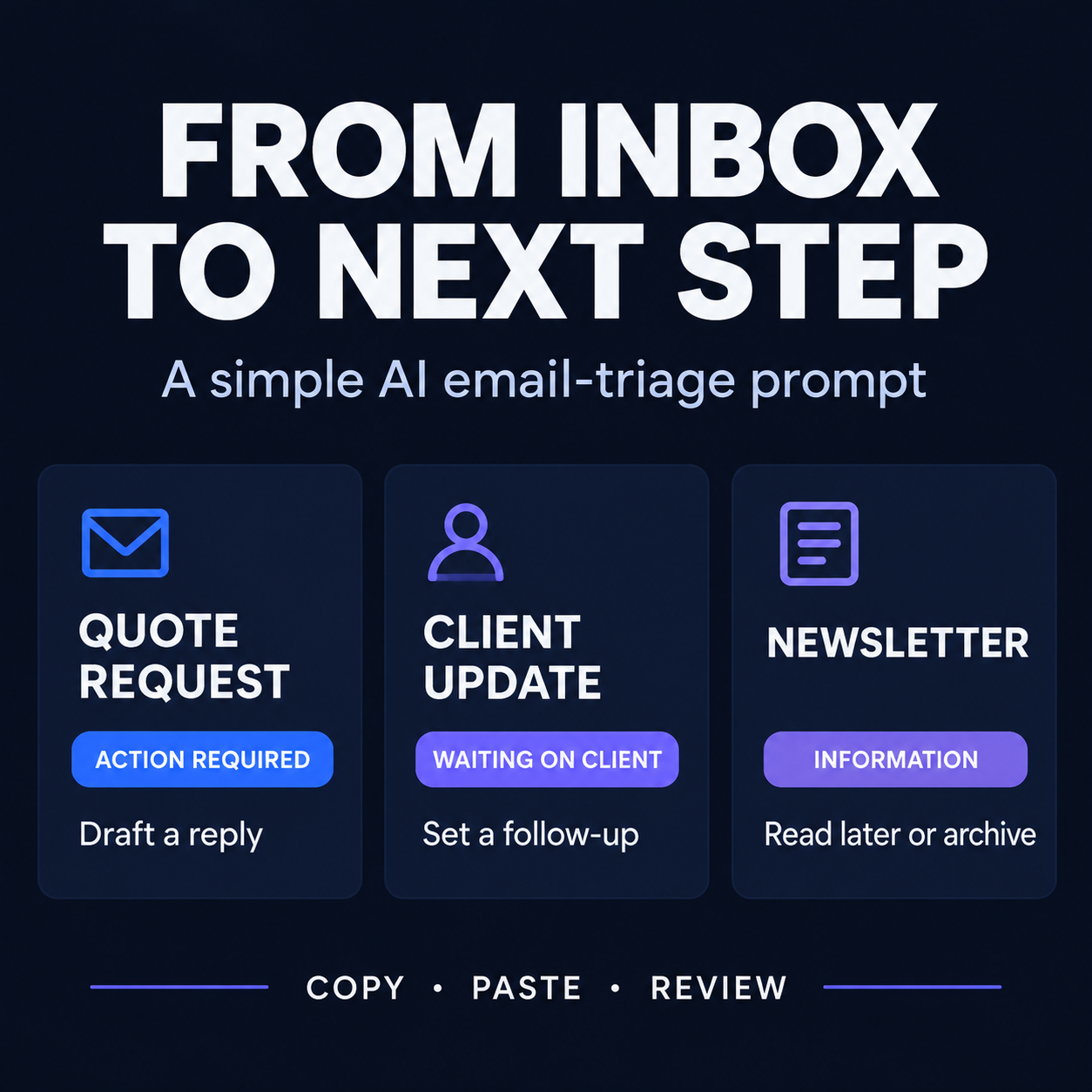


Free Inbox Triage Cheatsheet
A simple way to decide what your emails need from you
Stop rereading the same emails just to figure out what to do next.
This free resource helps freelancers and solo business owners use an AI assistant to sort email messages into clear next steps.
What you'll get
- A copy-and-paste prompt to help classify emails.
- Clear distinctions between messages that need your action, messages awaiting a client's response, and messages that are simply informational.
- A simple way to flag ambiguous messages for manual review.
- A practical reminder to check the AI's output before acting on it.
See how it works
Example email:
“Thanks for sending the proposal. I'll review it and get back to you by Friday.”
Expected classification: Waiting on the client.
Next step: Set a reminder to follow up if no response arrives by the agreed date.
The AI should identify the next action, not just summarize the message. Always check the result: context can change the correct classification.
Who is this for?
Freelancers and solo business owners who handle client emails themselves and want a more consistent way to organize their inbox.
What this resource doesn't do
It doesn't automatically read your inbox, send emails, or guarantee perfect classifications. You review the results and decide what to do.
Get the free cheatsheet
Download the resource, copy the prompt into your AI assistant, and test it on a few non-sensitive example emails before using it in your daily workflow.
Free to use. No paid AI subscription required.