

Cycleclose - Process Tracker — Google Sheet (Free for evaluation)
Every diagram your team runs, in one Google Sheet you own — free to evaluate, complete.
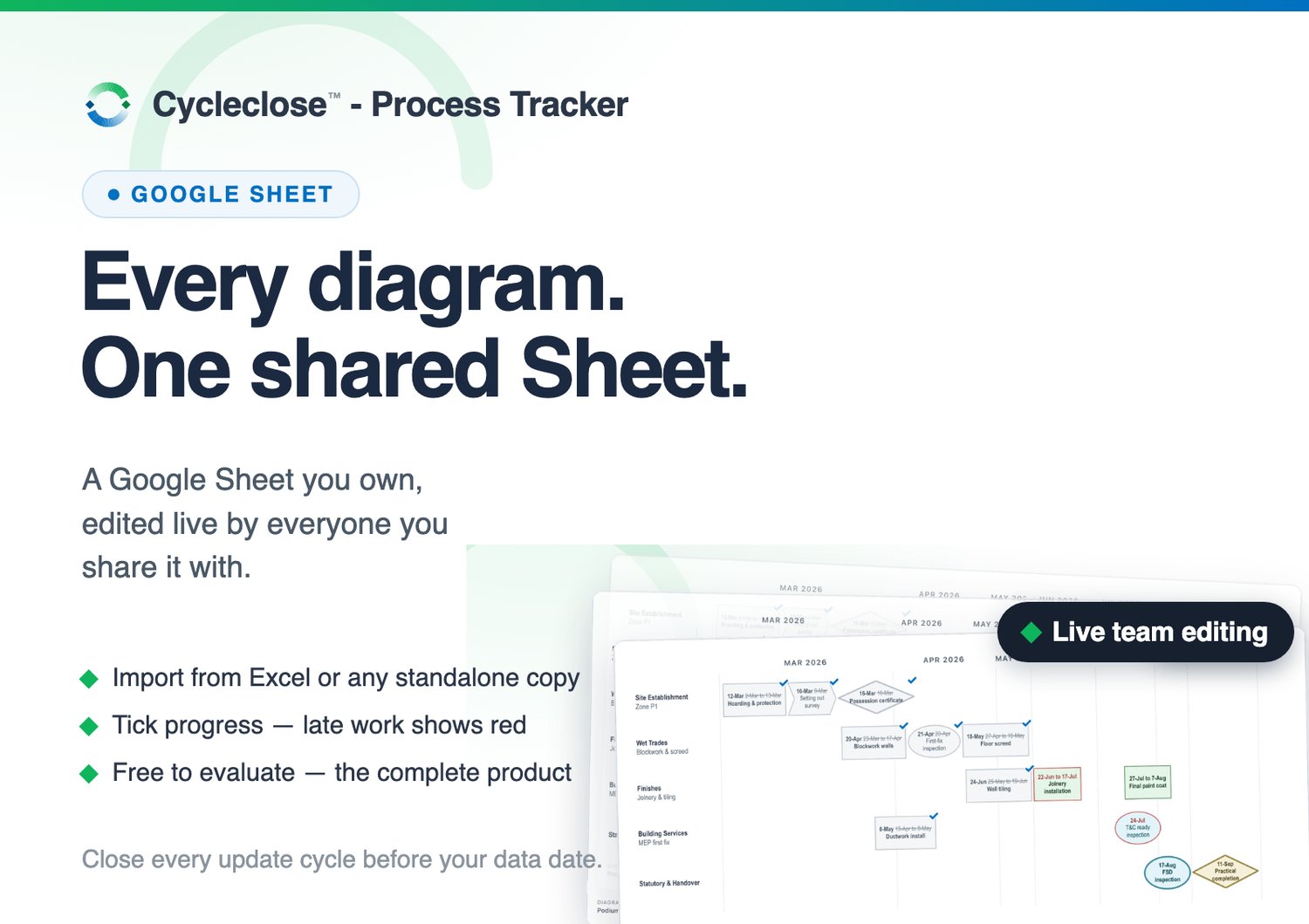
Cycleclose™ - Process Tracker is a process diagram planner made for the wall of the progress meeting: type the activities — or paste them from Excel — and the diagram draws itself; tick progress as it happens, and anything past the current date shows red, in words as well as colour.
- One shared Sheet, every diagram. The Sheet stores the data; a web app published from it is the everyday interface, with a diagram picker and per-diagram links.
- Live team editing. Share the Sheet the way you share any Google Drive file — whoever you share it with can open the web app and edit. Access is governed by ordinary Drive sharing; there is no separate user administration.
- Import. Paste activities from Excel or Google Sheets with a checked, previewed column mapping — or import a data file or any offline copy, ticks and dates carried across. Nothing existing is ever modified by an import.
- On the wall. The Current Status view is the meeting's page — today's diagram with its counts (done, overdue, next gate) — for the screen or the printer..
- A setup wizard walks you from "opened the file" to "web app bookmarked" — about 15 minutes, once.
- Your data stays yours. Everything lives in a Google Sheet in your own Drive, deployed under your own account. No server on our side, no vendor database — we never see your programme.
Free means the complete product. Nothing is cut and nothing expires — the only mark is a quiet "For evaluation only" on your own screen, never on anything your colleagues or clients see. Try everything. Pay when it has earned its place: the Licence on this shop (US$49) switches your copy to "Licensed to" your name, and the same key also covers the Desktop App edition.
You need: a Google account and a desktop browser. Teammates need a Google account too — the web app runs as the visitor, and access is gated by your Drive sharing.
One heads-up, so it never surprises you: during setup you'll see Google's standard warning for scripts that live in your own Sheet rather than an app store — this is because the code runs under your account, not ours. There is no external service to verify. The setup wizard walks you through it.
FAQ
1. What's the catch? There isn't one. The evaluation is the complete product, free for as long as you like. When it has earned its place, the Licence (US$49, one-time) puts your name on it and adds a year of updates and email support.
2. Does my planning data go anywhere? No. It lives in a Google Sheet in your own Drive, under your own account. We never see it.
3. Prefer no Google at all? The Desktop App edition on this shop is the same planner installed on your computer — no account anywhere, diagrams in files you own. One licence covers both.