

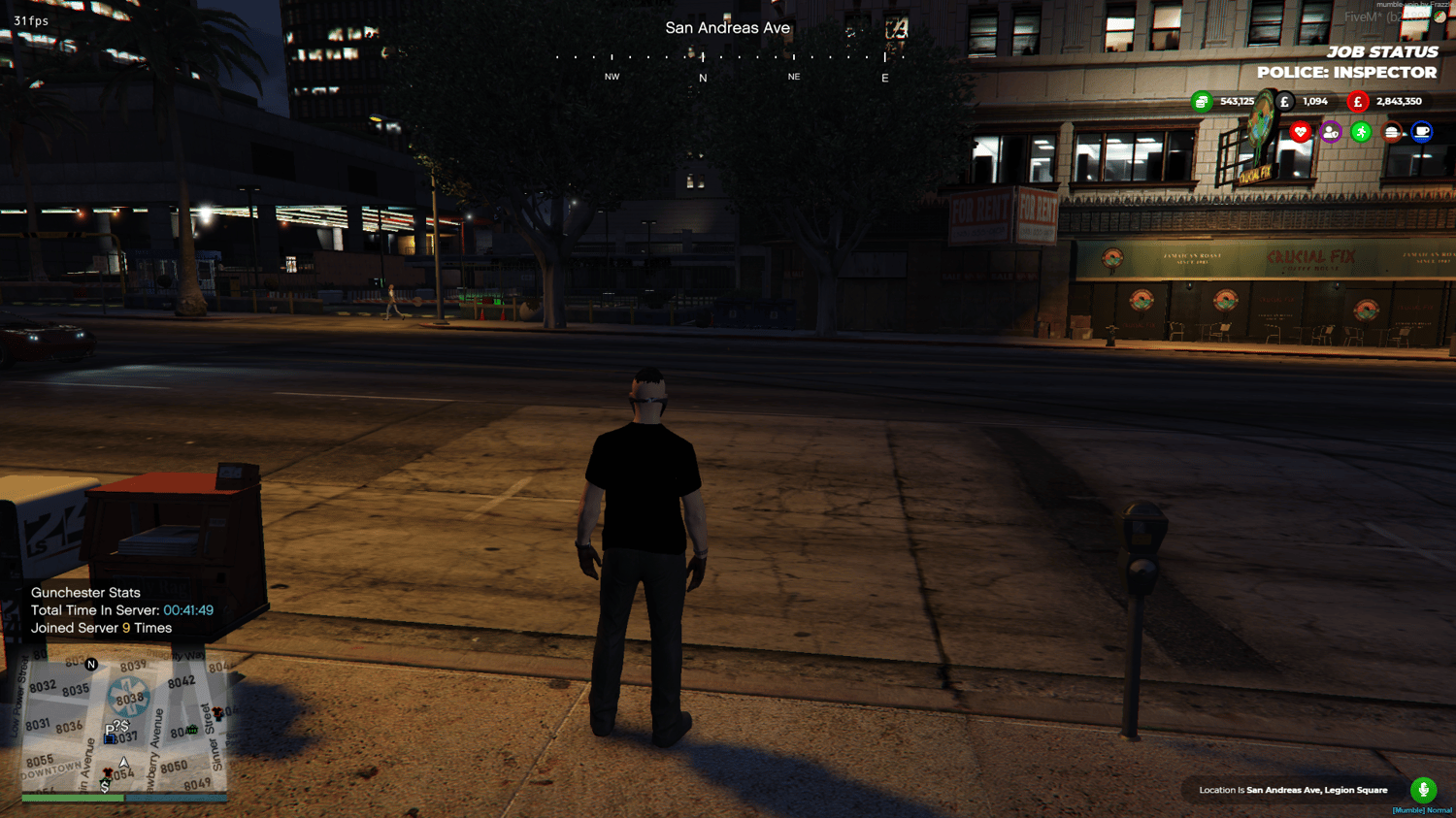

ESX Player Loyalty Tracker for FiveM | Time Played
On Sale
£9.99
£9.99
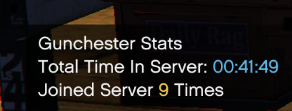
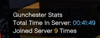
Discord Webhook Compatible - Player Loyalty / Time Played ESX Ready Tracker Script For FiveM Server.
Give Prizes Based On What This Can Track To Show Player Loyalty Appreciation!
Drag The Contents Of The Zip File Into Server Resources Then
Add The Name Of The Folder Name To Server.cfg.
Run Sql Restart Server Script Will Be Running.
Adding this resource to your roleplay server
Choose this FiveM resource for the activity or interface described in the product overview above. Review its specific features and framework requirements alongside your existing jobs, inventory, menu and economy resources so you can decide where it fits in your city. The supplied package defines the available functionality.
Download and setup
Download the attached digital files and extract the archive with a compatible tool. Read the supplied setup instructions, configuration and dependency information before adding the resource to a live server. Start required dependencies in the correct order and follow the package’s own resource naming and configuration details.
Use a development server for the first installation. Configure the options that the package exposes for your own setup and test the complete activity from start to finish. Where relevant, check player interactions, permissions, item changes, payments and the way the interface closes or resets. Keep a backup of existing resources before replacing them.
Framework and integration questions
Use the framework named in this listing. QBCore, ESX and custom framework resources are not interchangeable simply because they run in FiveM. If you use replacement inventories, menus, garages or job systems, check the integration relevant to this product before ordering. Additional paid dependencies or separate companion products are included only when explicitly listed.
Support and product scope
Use Support & Contact with this product title, your framework setup and the resources involved in your question. For installation help, include the relevant console error and the step at which it occurs. This listing supplies the described resource package rather than server hosting or a complete ready-configured city.
Give Prizes Based On What This Can Track To Show Player Loyalty Appreciation!
Drag The Contents Of The Zip File Into Server Resources Then
Add The Name Of The Folder Name To Server.cfg.
Run Sql Restart Server Script Will Be Running.
Adding this resource to your roleplay server
Choose this FiveM resource for the activity or interface described in the product overview above. Review its specific features and framework requirements alongside your existing jobs, inventory, menu and economy resources so you can decide where it fits in your city. The supplied package defines the available functionality.
Download and setup
Download the attached digital files and extract the archive with a compatible tool. Read the supplied setup instructions, configuration and dependency information before adding the resource to a live server. Start required dependencies in the correct order and follow the package’s own resource naming and configuration details.
Use a development server for the first installation. Configure the options that the package exposes for your own setup and test the complete activity from start to finish. Where relevant, check player interactions, permissions, item changes, payments and the way the interface closes or resets. Keep a backup of existing resources before replacing them.
Framework and integration questions
Use the framework named in this listing. QBCore, ESX and custom framework resources are not interchangeable simply because they run in FiveM. If you use replacement inventories, menus, garages or job systems, check the integration relevant to this product before ordering. Additional paid dependencies or separate companion products are included only when explicitly listed.
Support and product scope
Use Support & Contact with this product title, your framework setup and the resources involved in your question. For installation help, include the relevant console error and the step at which it occurs. This listing supplies the described resource package rather than server hosting or a complete ready-configured city.