
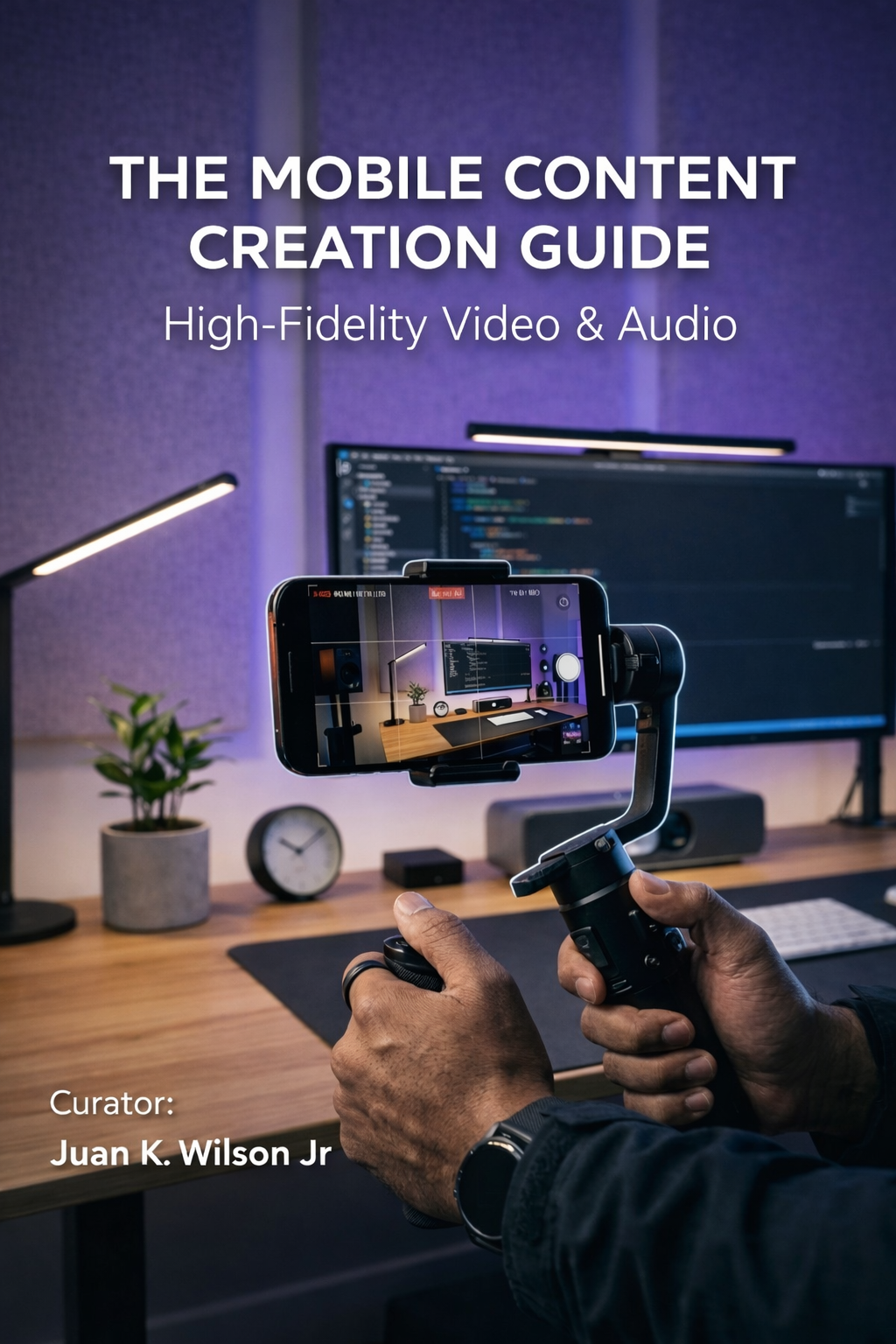
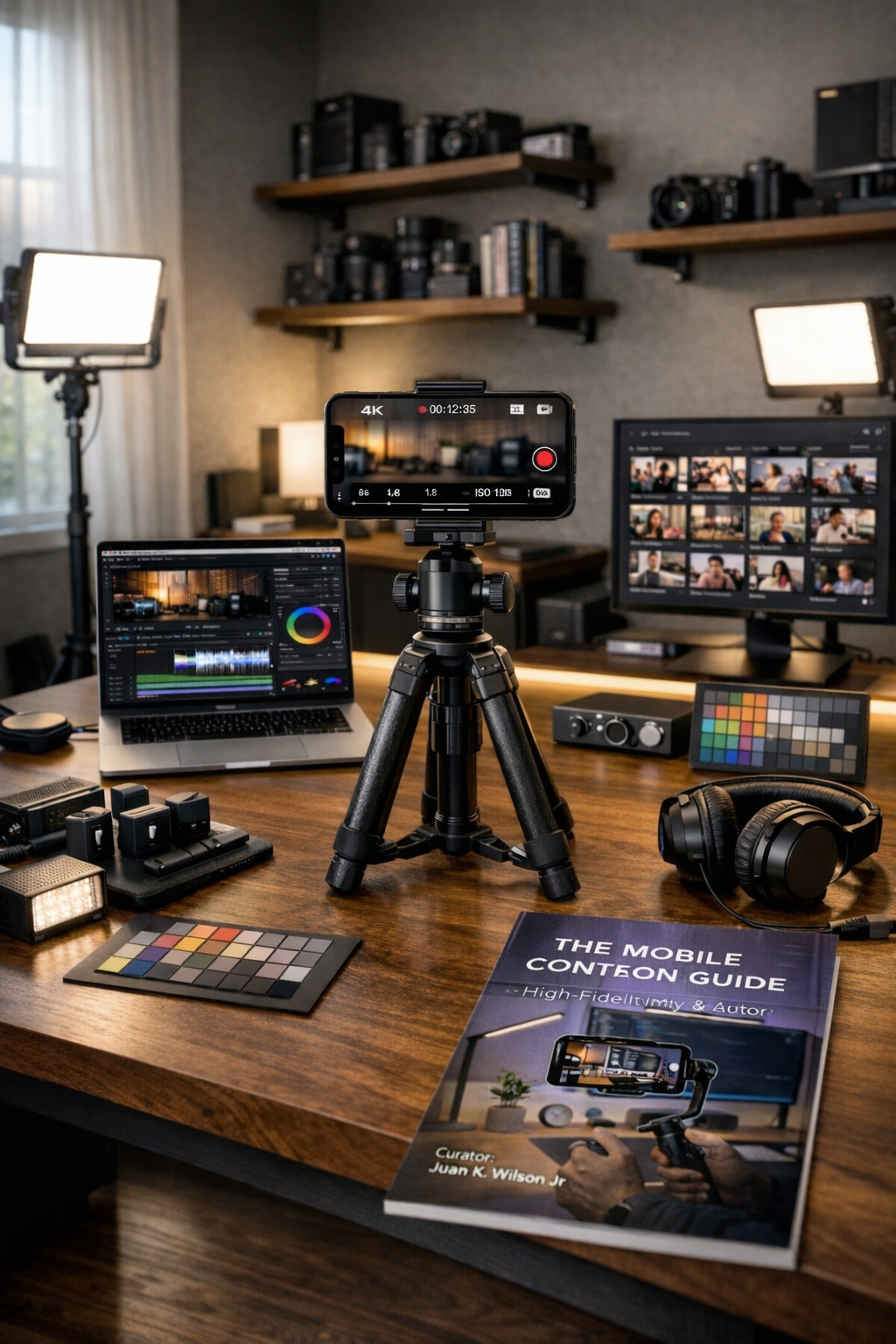
The mobile content, creation guide
Your phone can shoot like a studio. Most people just never set it up right.
The Mobile Content Creation Guide gives you the exact settings, lighting rigs, and editing workflow to produce high-fidelity video and audio from your iPhone — no expensive gear required.
You already have the most powerful camera in your pocket. The problem is not the hardware. It is the setup.
Most creators are shooting in the wrong format, skipping color grading entirely, and recording audio that sounds like a Zoom call from 2020. Then they wonder why their content looks compressed and flat on social media.
This guide fixes that.
It covers the full workflow from capture to export — the exact iPhone camera settings, how to grade Apple Log footage in CapCut, three lighting rigs you can build on any budget, four ways to get broadcast-quality audio from your phone, and a batch-editing system that turns one recording session into a week of content.
No fluff. No theory. Just the settings and steps that work.
WHAT IS THIS?
The Core Workflow — how to capture at 60 FPS and export at 30 FPS to beat social media compression
Native iPhone Camera Settings — every Advanced Format, video, and composition setting explained
Color Grading Apple Log in CapCut — LUT application, manual tweaks, and HSL color isolation
Foundational Lighting Setups — three-point lighting for subjects and a studio ambient rig for desk content
High-Fidelity Audio Capture — direct USB-C input, wireless lavalier setup, and CapCut AI noise removal
Batch-Editing Workflow — master template system for producing multiple clips from a single session
WHO THIS IS FOR?
Content creators who want their videos to actually look good. Educators and podcasters who need cleaner audio without buying a new mic. Small business owners producing their own content and tired of footage that looks amateur. Anyone with an iPhone who is serious about quality.
Get the guide for $4.99 and start shooting like you know what you are doing.