

Vol 2 — The Surgical DAW
Your Suno export just landed in Ableton. Now the real work begins.
Volume 2 is the technical core of the Bridge series. Where Volume 1 controls what Suno generates, this volume covers what you do with it once it arrives in Ableton Live — and the gap between those two things is where most AI-assisted productions fall apart.
You will learn to lock AI timing drift to the Ableton grid with manual warp markers, separate stems with enough accuracy to process independently, eliminate the characteristic 250–400Hz mid-frequency density that marks unfinished AI audio, restore Suno vocals to a professional standard, and correct pitch and timing artefacts using Melodyne as a VST3 plugin.
Every section includes a native Ableton path and a paid plugin alternative — so it works regardless of your current plugin budget.
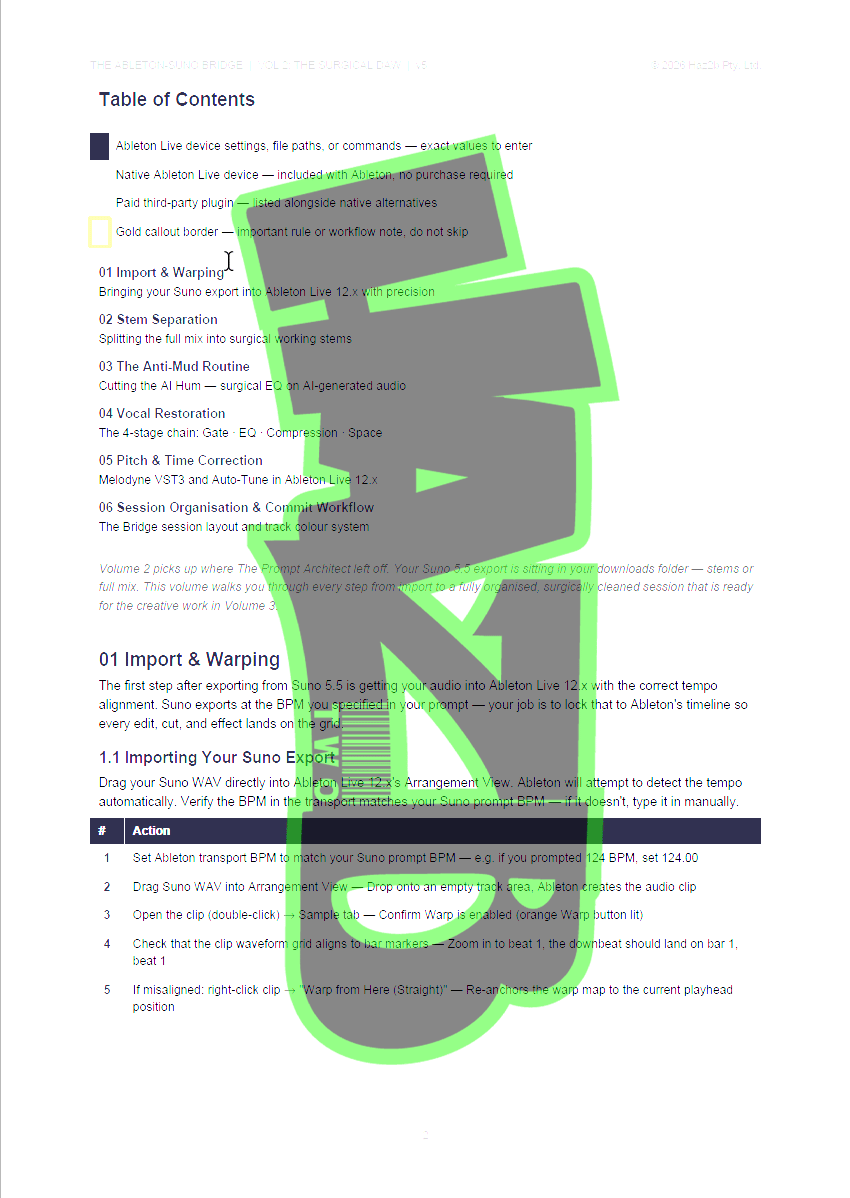
What's inside:
- Import and warp modes — which mode for which content, and why it matters
- Stem separation — native Ableton Live 12.x workflow including 12.4 time-selection feature
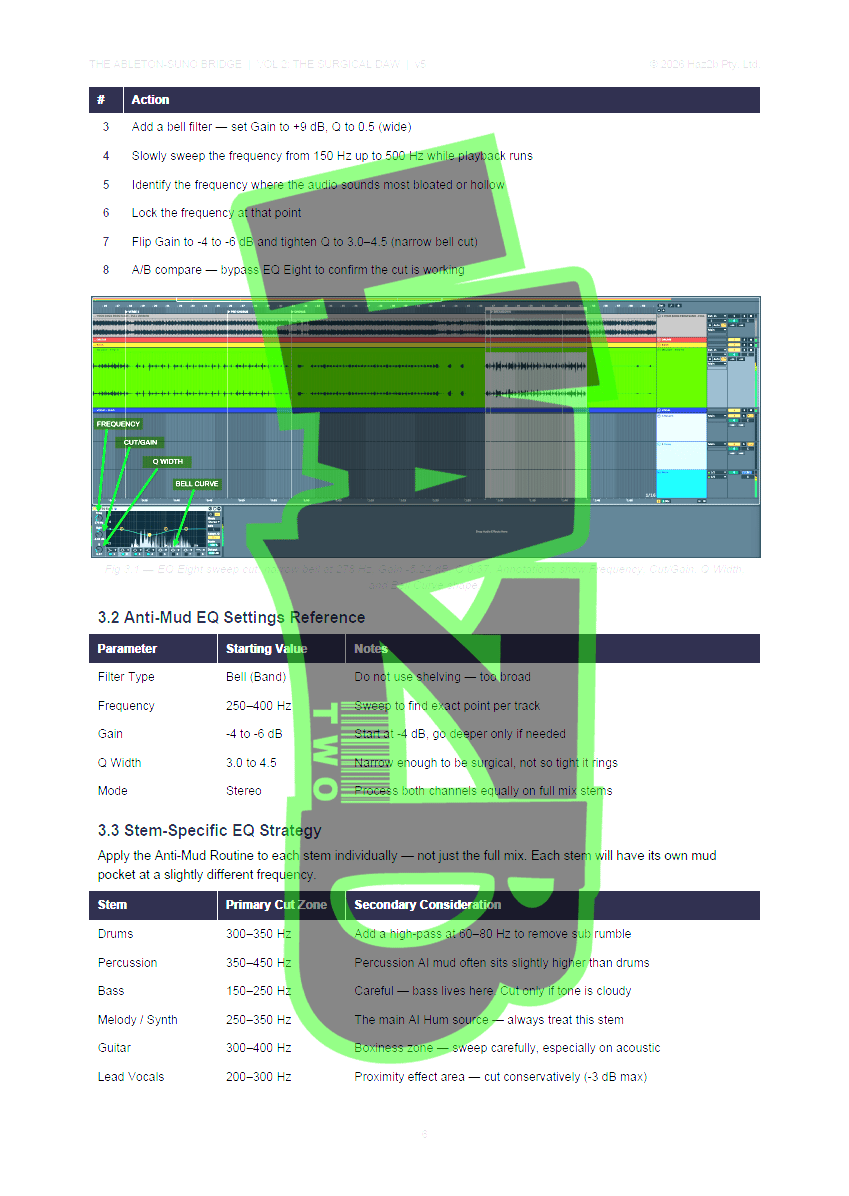
- The Anti-Mud Routine — surgical EQ to remove the AI hum at 250–400Hz
- Vocal restoration — four-stage chain: denoise, EQ for air, compression, space
- Pitch and time correction — Melodyne VST3 workflow for AI artefact repair
- Session organisation — colour-coded commit workflow ready for Volume 3
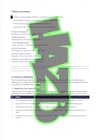
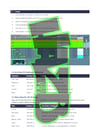
NOTE - Pages shown are watermarked for store display. There are NO WATERMARKS in the PDF's you purchase.
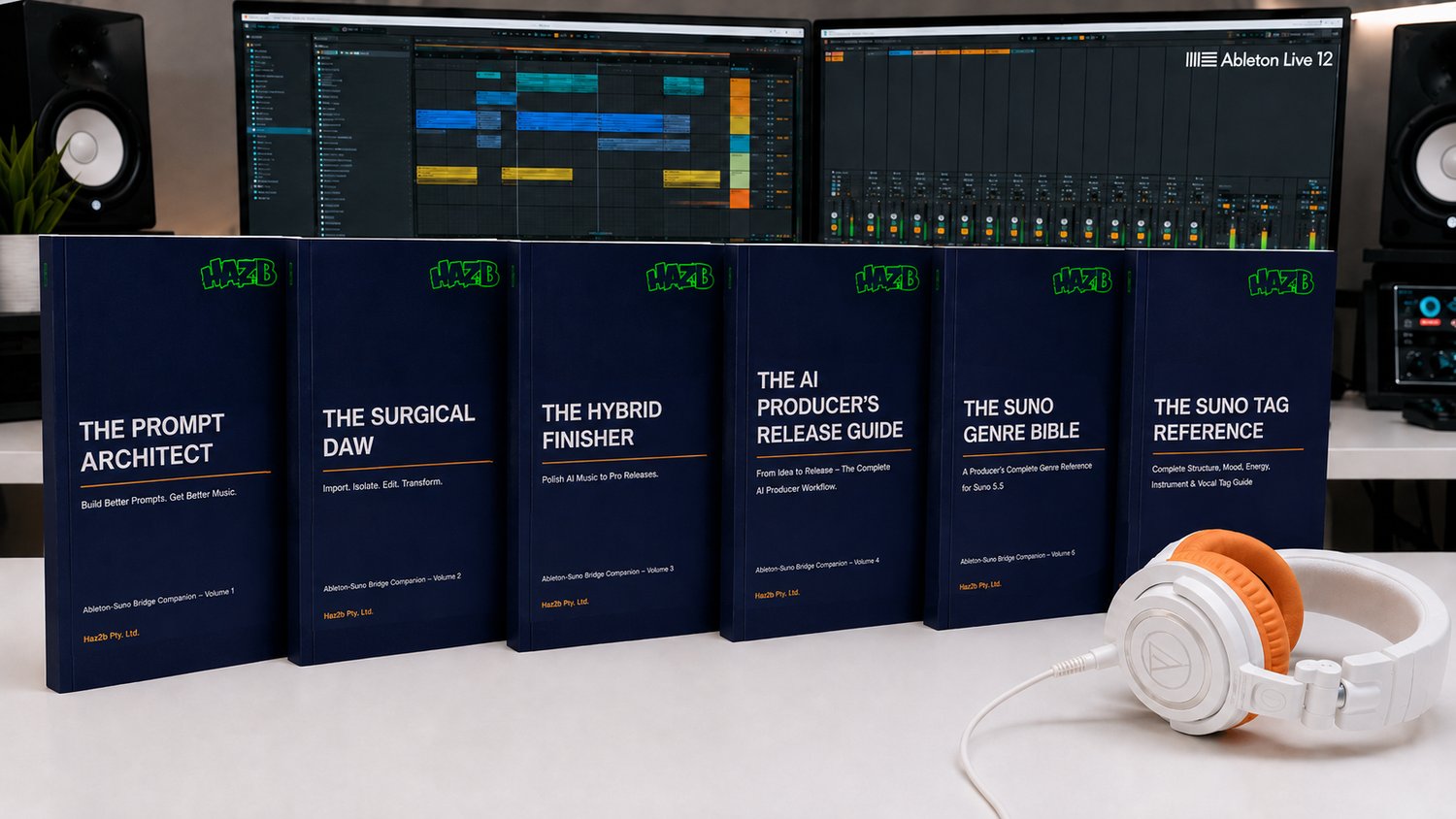
This guide is part of the Haz2b Ableton-Suno Bridge series — a complete end-to-end production workflow from AI prompt to mastered release. All six titles are available individually or as a complete bundle.