

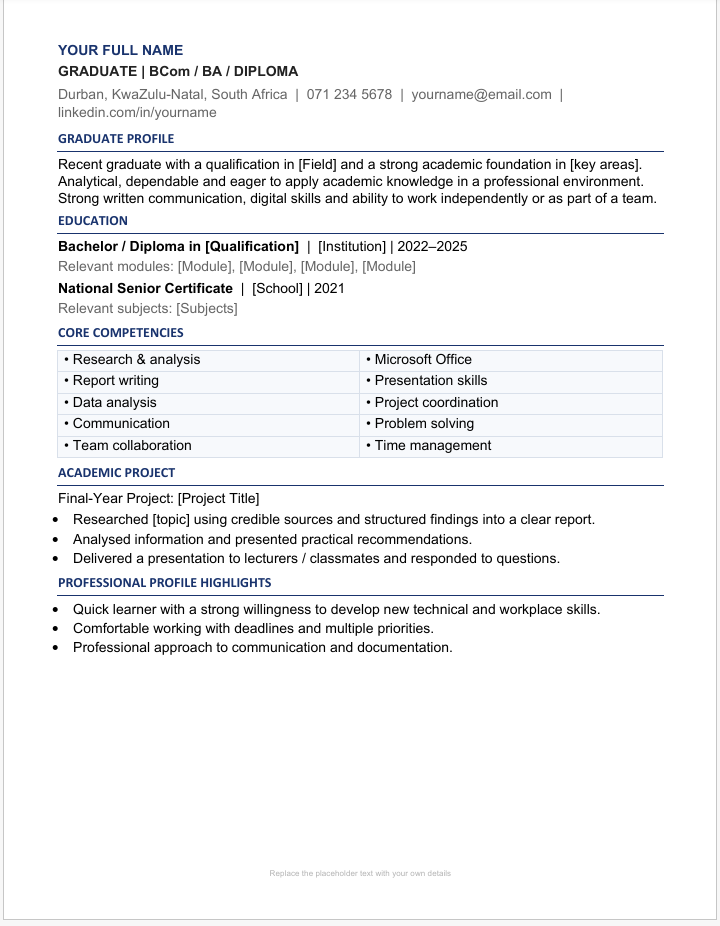
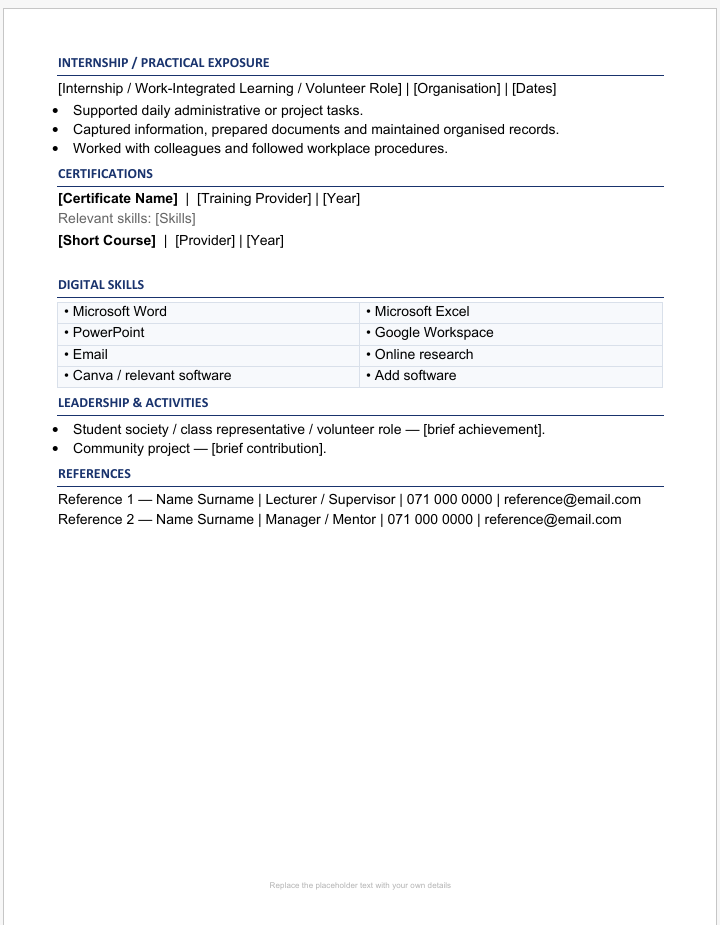
South African Graduate CV
1. Download your CV
After completing your payment, download the .DOCX file from the Payhip download page or the email sent to you.
2. Open the file
Open the downloaded file using Microsoft Word on your computer, laptop or compatible mobile device.
3. Replace the sample information
The template contains dummy information for demonstration. Replace it with your own:
- Full name
- Phone number
- Email address
- Location
- Professional profile
- Education
- Work experience
- Skills
- References
- Other relevant information
4. Add your own photo
If you want to include a profile photo, replace the sample photo with your own professional photo.
5. Check your CV
Before applying for a job, carefully check your spelling, phone number, email address, dates and qualifications.
6. Save your completed CV
Save an editable copy as a Word (.docx) file so you can update it later.
For job applications, you can also save/export a final copy as PDF if the employer requests a PDF CV.
Important: This is an editable template. You are responsible for replacing all sample information with your correct personal details before submitting the CV to an employer..