
Acelle Cloud Backup - Comprehensive Backup and Restore Plugin for Acelle EMA
On Sale
$999.99
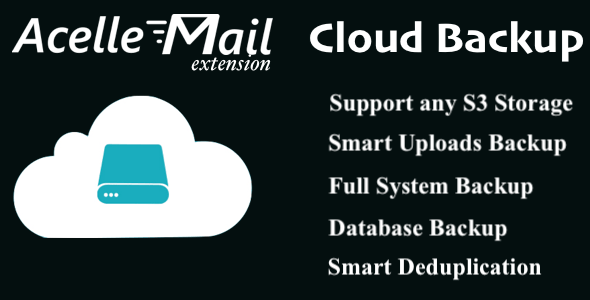
Secure your email marketing data with Acelle Cloud Backup — a comprehensive backup and restore plugin for Acelle Mail. Automatically back up your database (including campaigns, subscriber lists, templates, and other application data), uploaded files, and system assets to any S3-compatible cloud storage provider.
Key Features
Enterprise-Grade Security
- Automatic encryption for all backup data
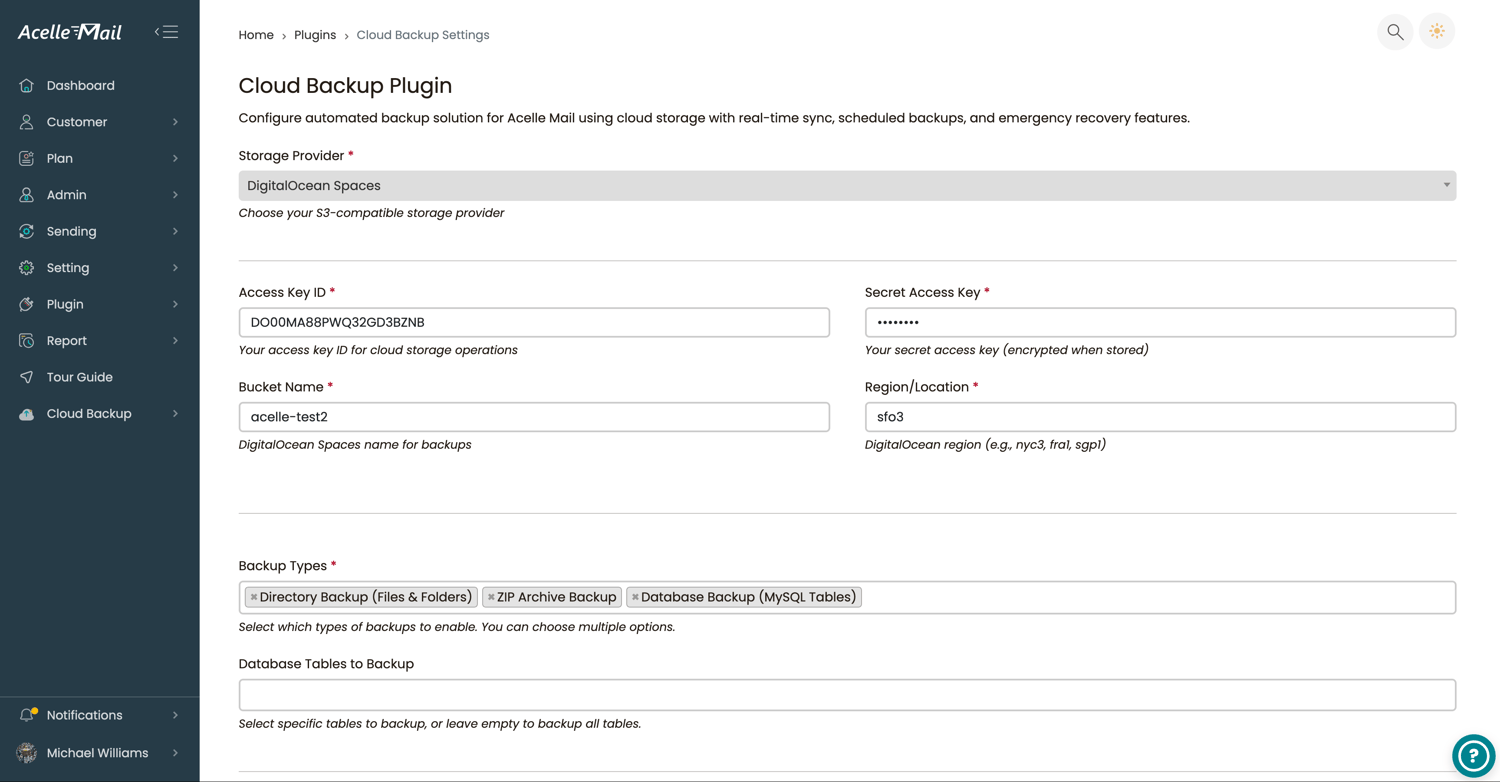
- Support for S3-compatible cloud storage providers, including AWS S3, DigitalOcean Spaces, Wasabi, Backblaze B2, and MinIO
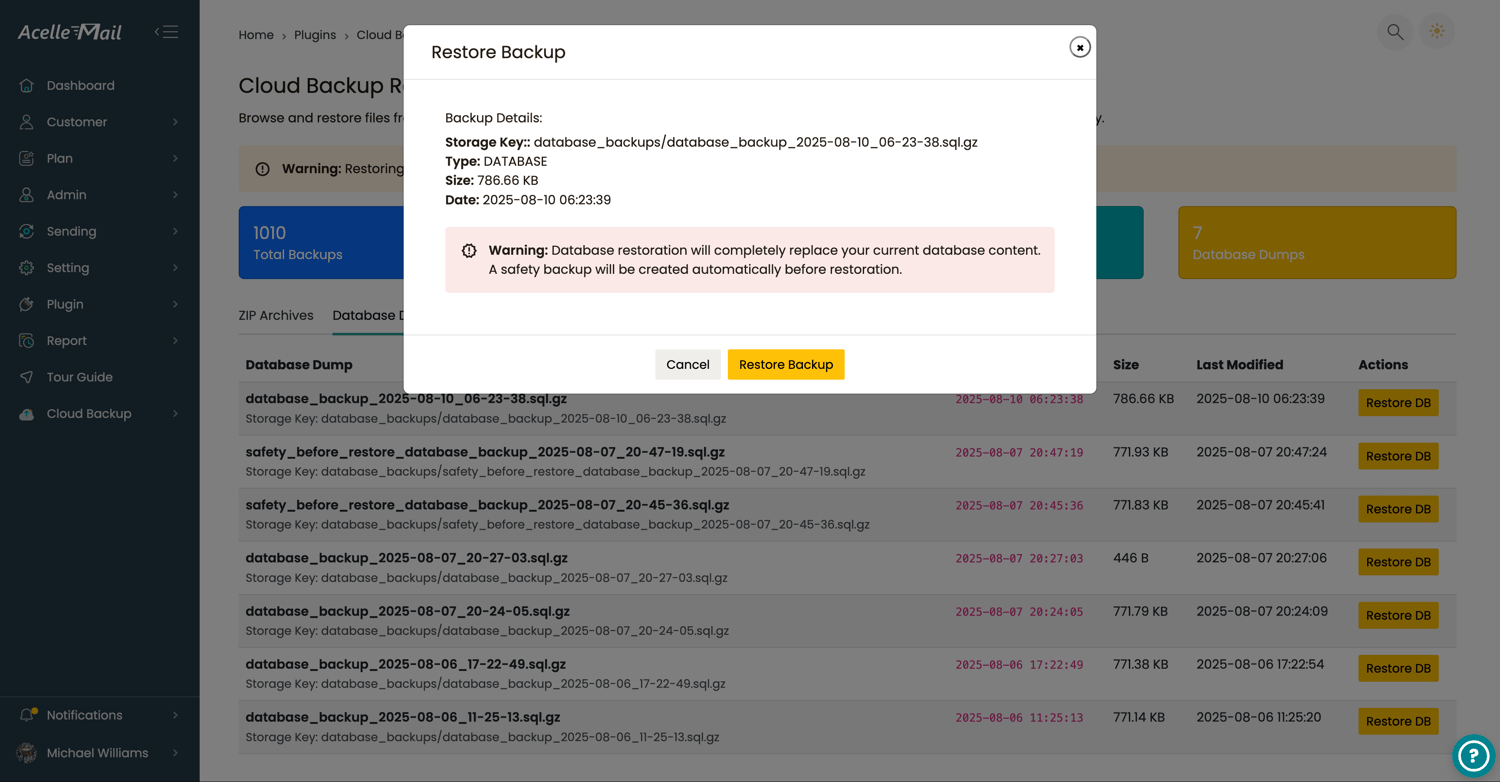
- Safe database restoration with automatic pre-restore safety backups
Smart Automation
- Real-time file synchronization to cloud storage
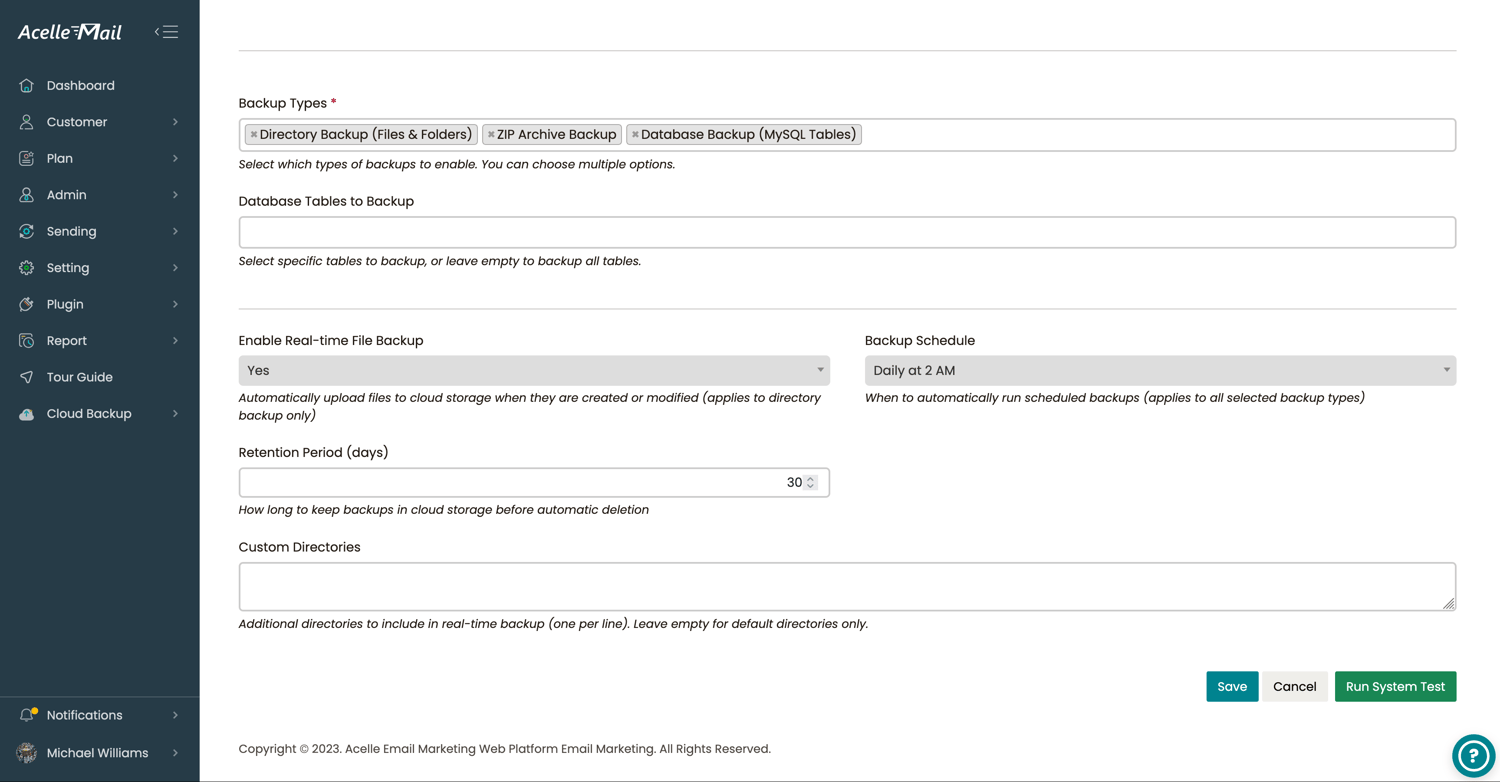
- Flexible backup scheduling (hourly, daily, weekly, and monthly)
- Intelligent deduplication to reduce storage usage
- Background processing with live progress tracking
Multiple Backup Types
- Database Backups — Complete MySQL database dumps with compression
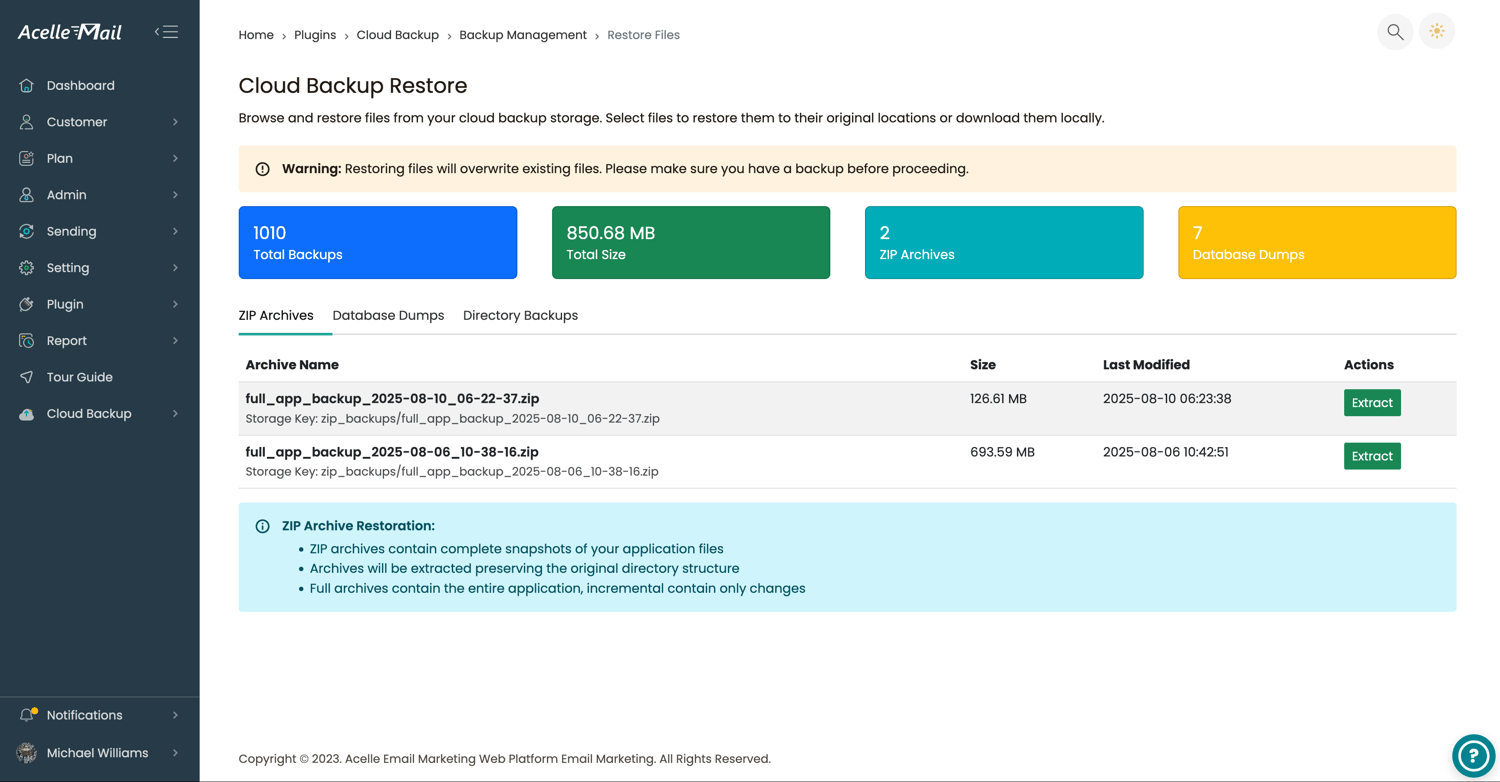
- ZIP Archives — Full application snapshots preserving directory structure
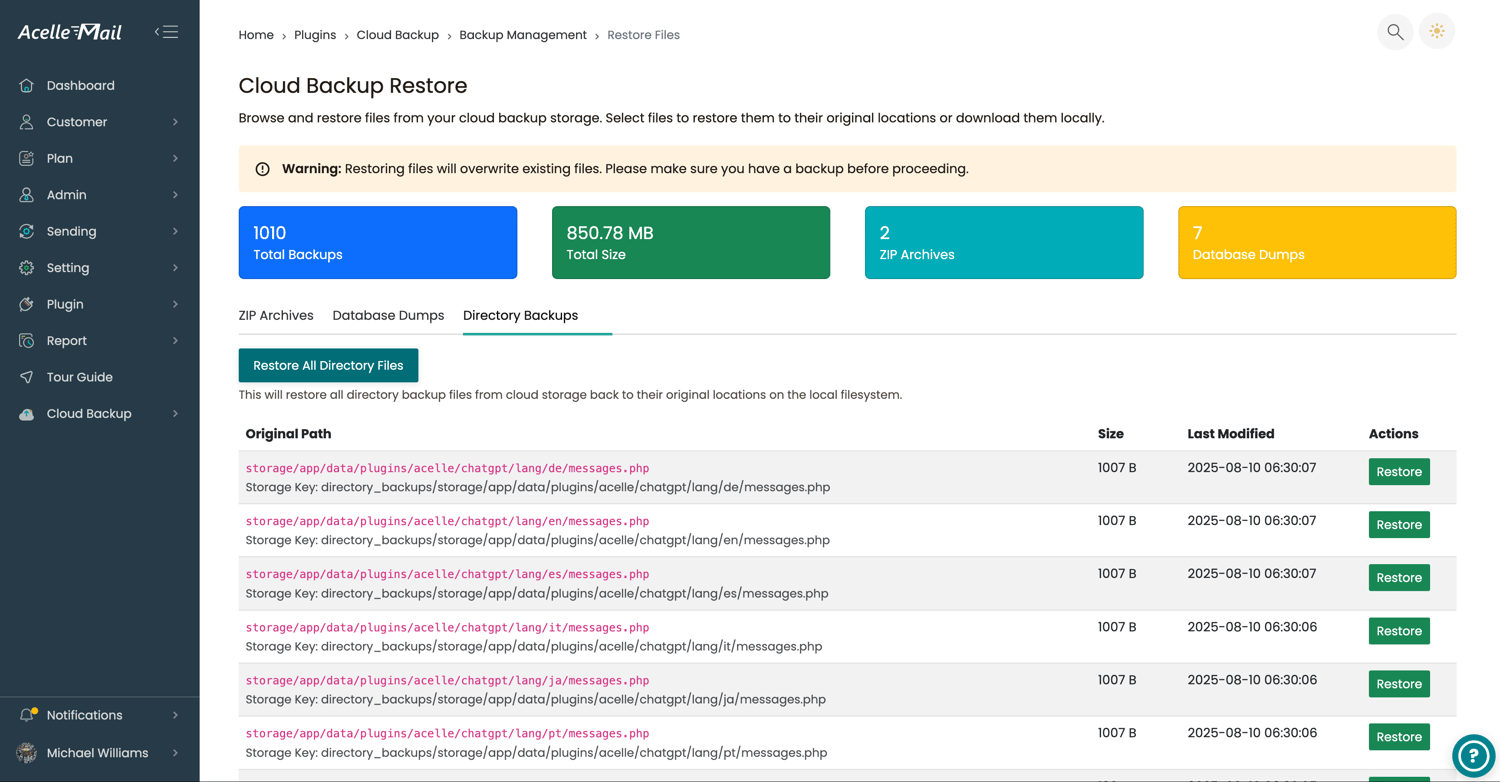
- Directory Synchronization — Individual file backups with selective restoration
- Custom Backup Paths — Include additional directories in your backup strategy
Advanced Restore Options
- One-click restoration to original or custom locations
- Granular restore for specific files, folders, or databases
- Bulk directory restoration with overwrite protection
Comprehensive Monitoring
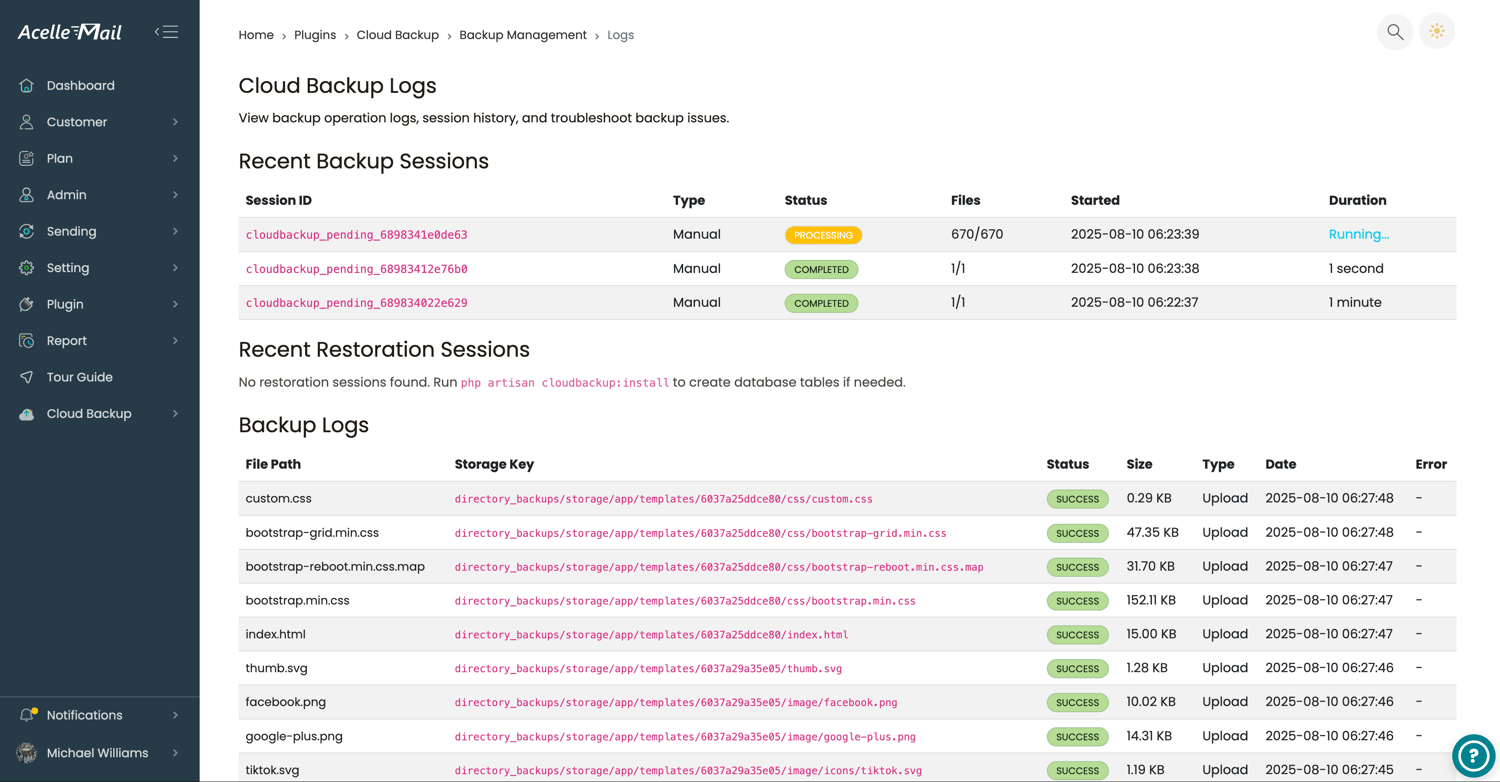
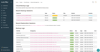
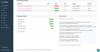
- Detailed operation logs with failed operations highlighted
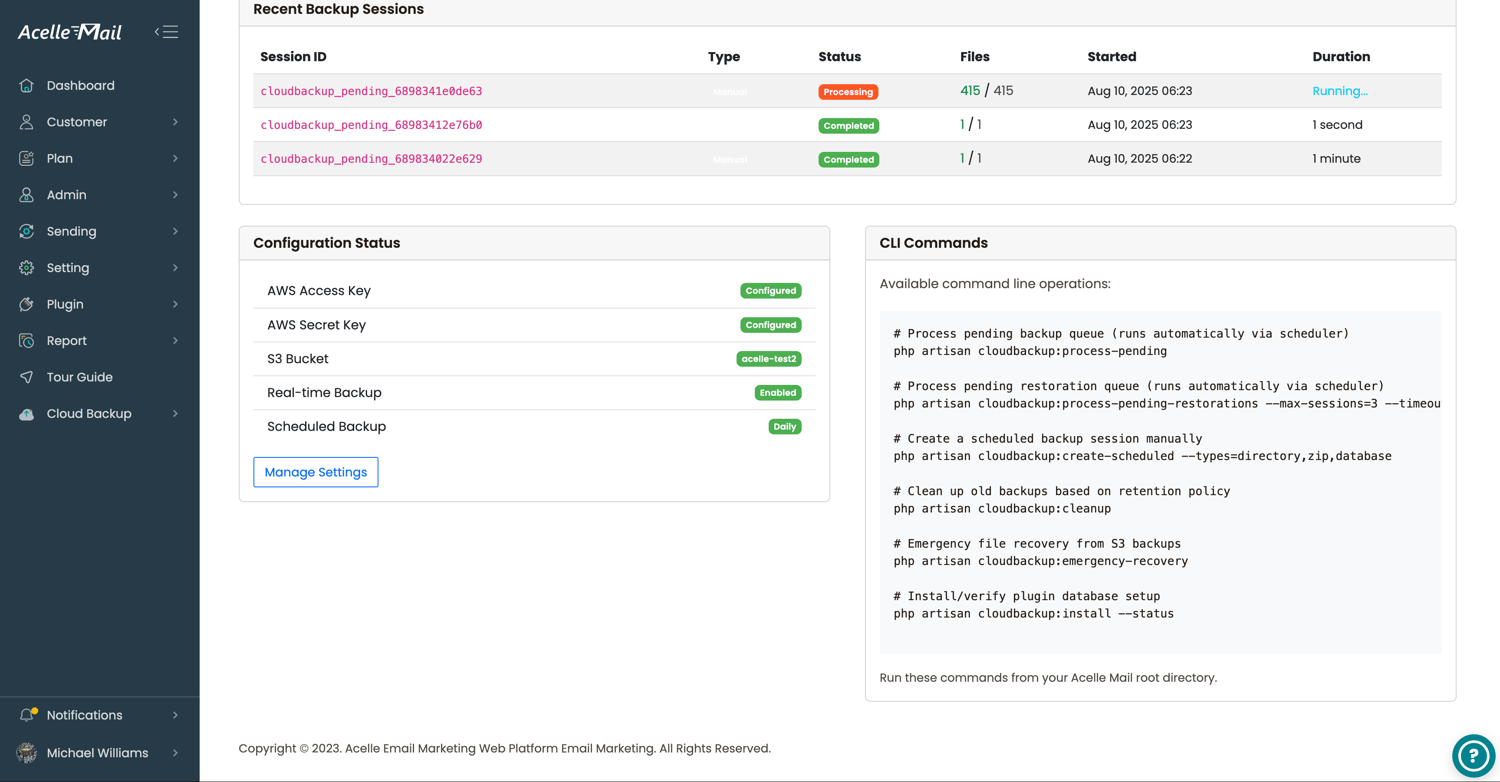
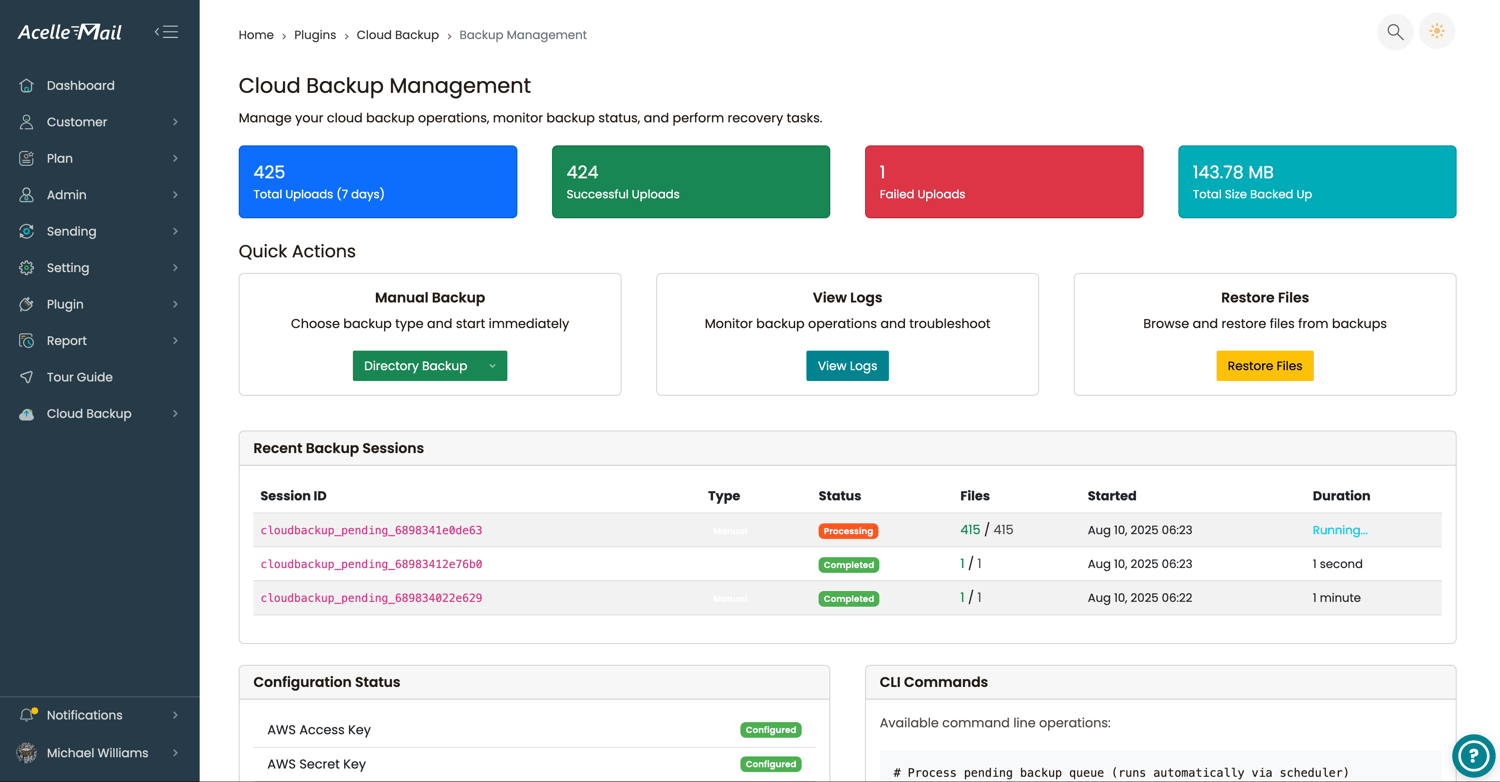
- Backup session history with duration, file count, and storage statistics
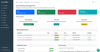
- Built-in system diagnostics and health checks
What You Get
- Complete plugin source code
- Comprehensive documentation with video tutorials
- Translation-ready language files integrated with Acelle Mail
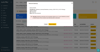
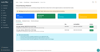
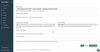
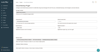
- Modern administration interface for backup management
- Command-line tools for automation and maintenance
- Free updates and bug fixes according to your Envato support period
Requirements
- Acelle Mail v4.0.25 or later
- PHP 8.0 or later
- Laravel (version compatible with your Acelle installation)
- MySQL 5.7+ or MariaDB 10.3+
- An S3-compatible cloud storage account (AWS S3, DigitalOcean Spaces, Wasabi, Backblaze B2, MinIO, etc.)
Questions & Support
- Compatible with Acelle Mail version 4.0.25 and newer.
- Comprehensive documentation with video walkthroughs is included to help you install and configure the plugin.
- We respond to support requests as quickly as possible—typically within a few hours, though response times may occasionally take longer depending on workload.
- Please review the documentation and compatibility requirements before purchasing, as refunds are not provided after purchase.
- Custom development, installation services, migrations, and other consulting work requiring development time are available separately.
- To translate the plugin into your language, navigate to Settings → Language in Acelle Mail and select Translation for Cloud Backup Plugin from the translation list.
Documentation: View the complete documentation
Live Demo
Admin Panel:
https://acelle.turnsaas.com/admin/plugins/cloudbackup/backup
Demo login credentials are available on the demo page.
Need assistance? Contact us at mail@turnsaas.com.
Change Log
Version 1.0.0 — 10/08/2025
- Initial release.