


Virtual Christmas Card
You can download a sample PDF of the images to your device by clicking the PREVIEW BUTTON. For the best viewing experience, please use a computer or tablet.
The download is in WinRAR format. Please make sure you have WinRAR loaded onto your device. Open the WinRAR file with WinRAR and extract the contents to a location on your device, preferably a computer or tablet.
WinRAR website to download WinRAR: Free - https://www.win-rar.com/download.html?&L=0
Besides WinRAR: Completely Free & Open Source
- 7-Zip: The most popular open-source alternative. It has high compression ratios and its own powerful .7z format.
- PeaZip: A clean, modern tool that supports over 200 archive formats and focuses heavily on security.
Modern & Built into Windows
- Windows File Explorer: Windows 11 now natively supports extracting .rar, .7z, and .tar files without installing any extra software.
- NanaZip: A modern spinoff of 7-Zip designed specifically to look and feel native on Windows 10 and 11, including modern right-click context menus.
Mac-Specific Alternatives
- The Unarchiver: The go-to free app for Mac users to open RAR and other archive formats that macOS can't handle natively.
- Keka: A powerful, easy-to-use file archiver for Mac that lets you compress files by simply dragging and dropping them onto the icon.
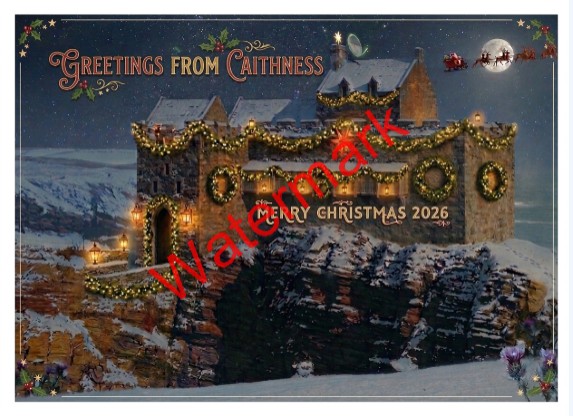
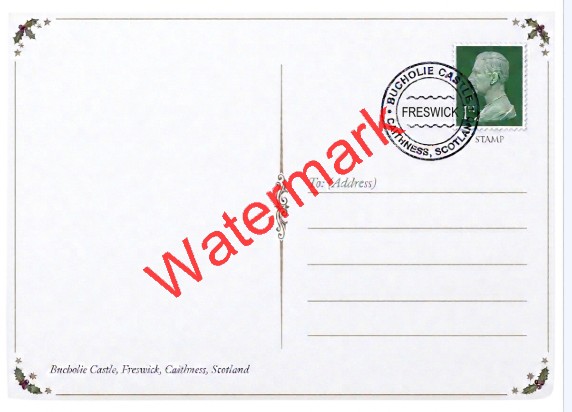
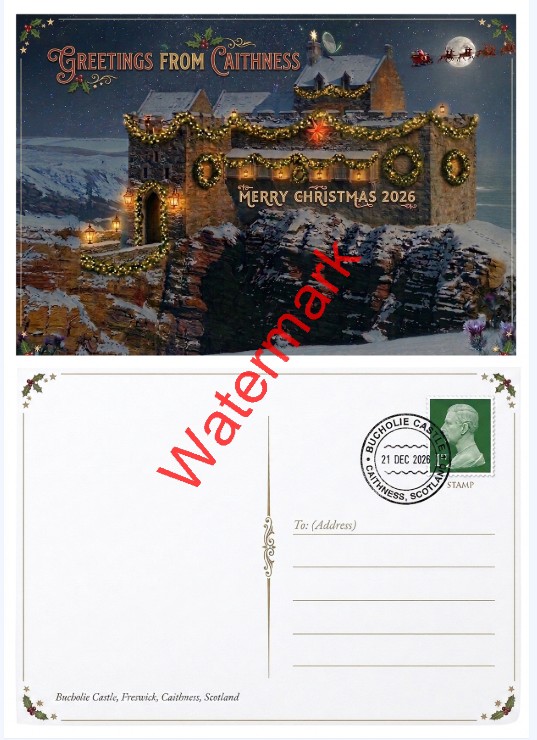
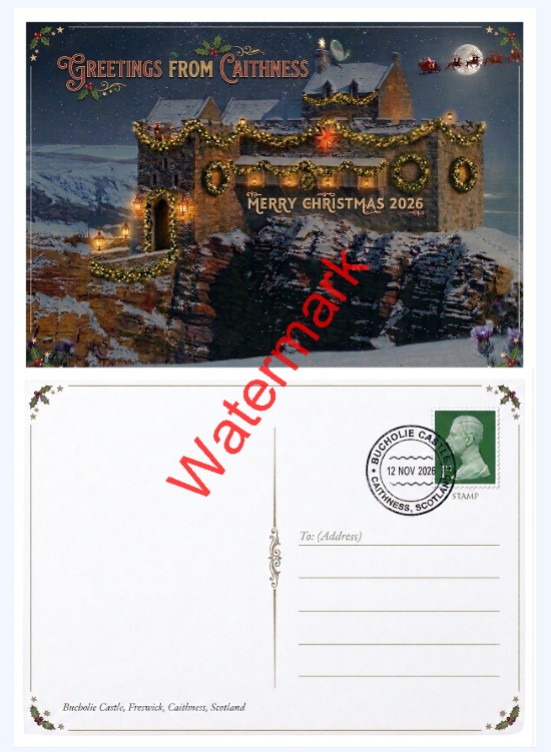
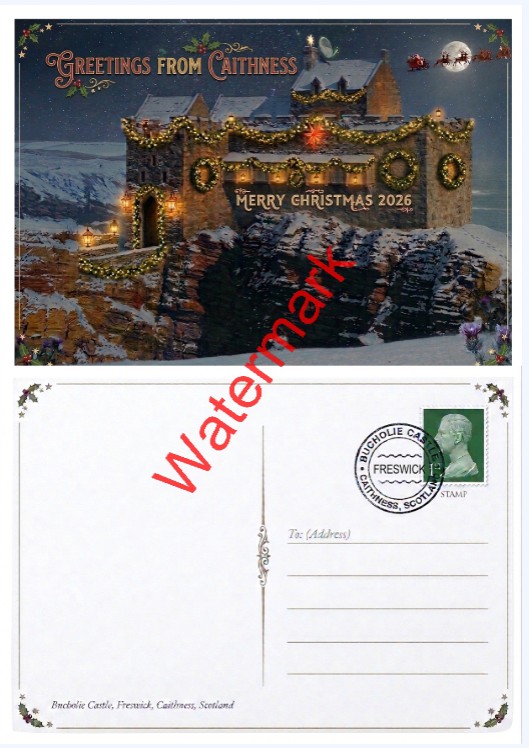
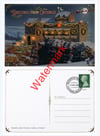
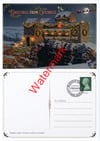
Make sure your loved ones get their Christmas card on time; plus, virtual Christmas cards help save paper and ink. I have created a Christmas-themed postcard along with the back of the postcard, so you can easily add a message for your loved ones.
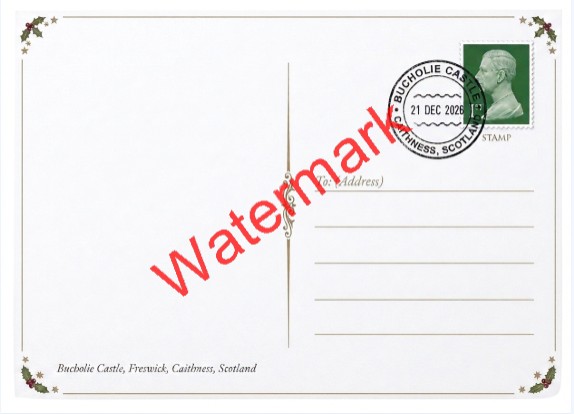
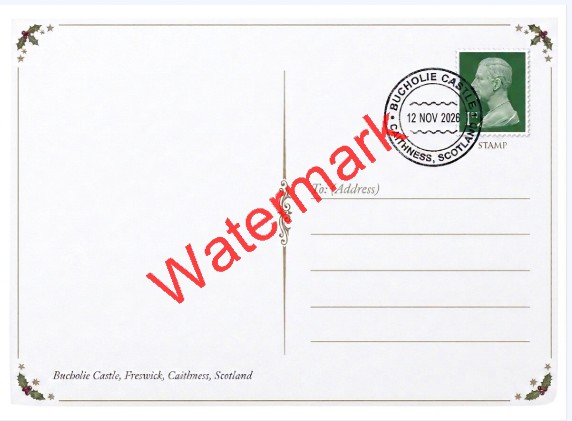
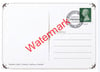
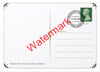
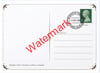
- 4 separate JPEG images at 300 DPI (5029 × 3667 pixels):
- Front.
- Back with ink date stamp: 12 November 2026.
- Back with ink date stamp: 21 December 2026.
- Back with ink Freswick stamp. (so the card can be sent at any time)
- 3 PNG images combining the front and back into an all-in-one Christmas card image:
- Front + back with ink Freswick date stamp. (so the card can be sent at any time) 2480 x 3508 pixels at
300 DPI.
- Front + back with 12 November 2026 ink stamp. 2480 x 3508 pixels at 300 DPI.
- Front + back with 21 December 2026 ink date stamp. 2480 x 3486 pixels at 300 DPI.
Remember: When sending by email, always send a test email first to see how it will look to the recipient. You can resize the image to be bigger or smaller before sending the finished email.
The preview pdf example will download onto your device, simply save it to where you can find it, then locate the preview pdf and evaluate it. The payment method and gateway is PayPal. You do not need to have a PayPal account in order to purchase the song.
How to use PayPal:
If you are purchasing a product online and the merchant accepts PayPal, you can bypass the login page:
- Proceed to Checkout: Go through the website's checkout process until you reach the payment selection.
- Select PayPal: Choose PayPal as your payment method.
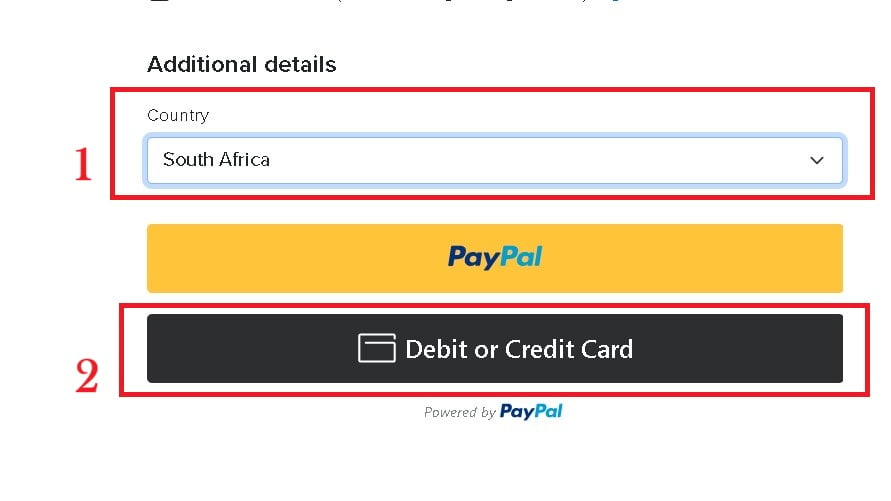
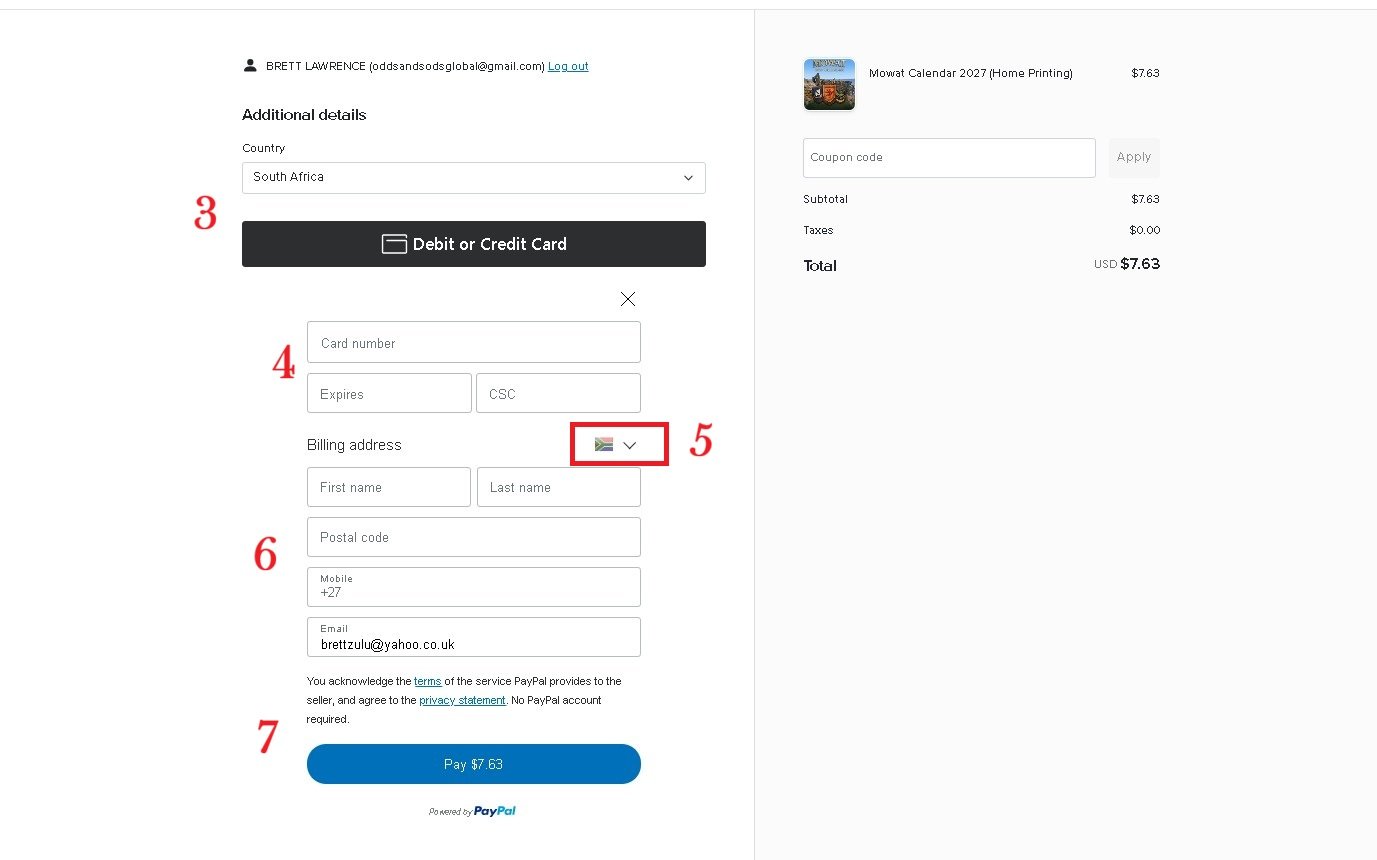
- Choose the Guest Option: When the PayPal login box pops up, look directly underneath the login fields. Click on the button that says "Pay with Debit or Credit Card" or "Checkout as Guest".
- Enter Details: Fill in your card details, email, and shipping information. Remember to select your country as well.
- Decline Account Creation: PayPal will ask if you want to save your information and create an account at the very end. You can simply decline or uncheck the box and complete your payment.
These images are reserved and copyrighted and may not be resold, redistributed, or utilised for any commercial purposes. Usage is strictly limited to private, personal use.
How to make a payment without having a PayPal account additional information
YouTube vide: https://www.youtube.com/watch?v=R_gLJv03IIw