

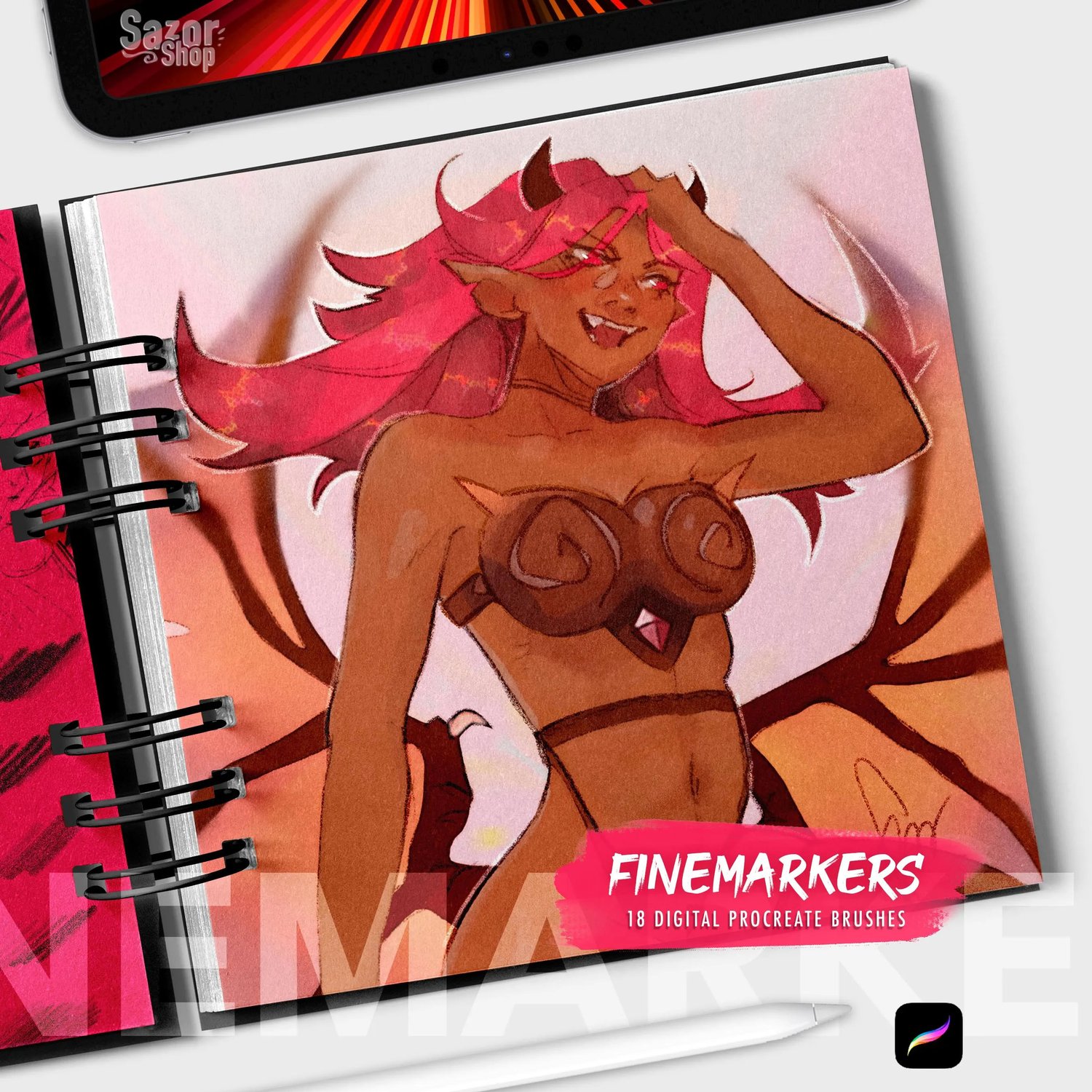
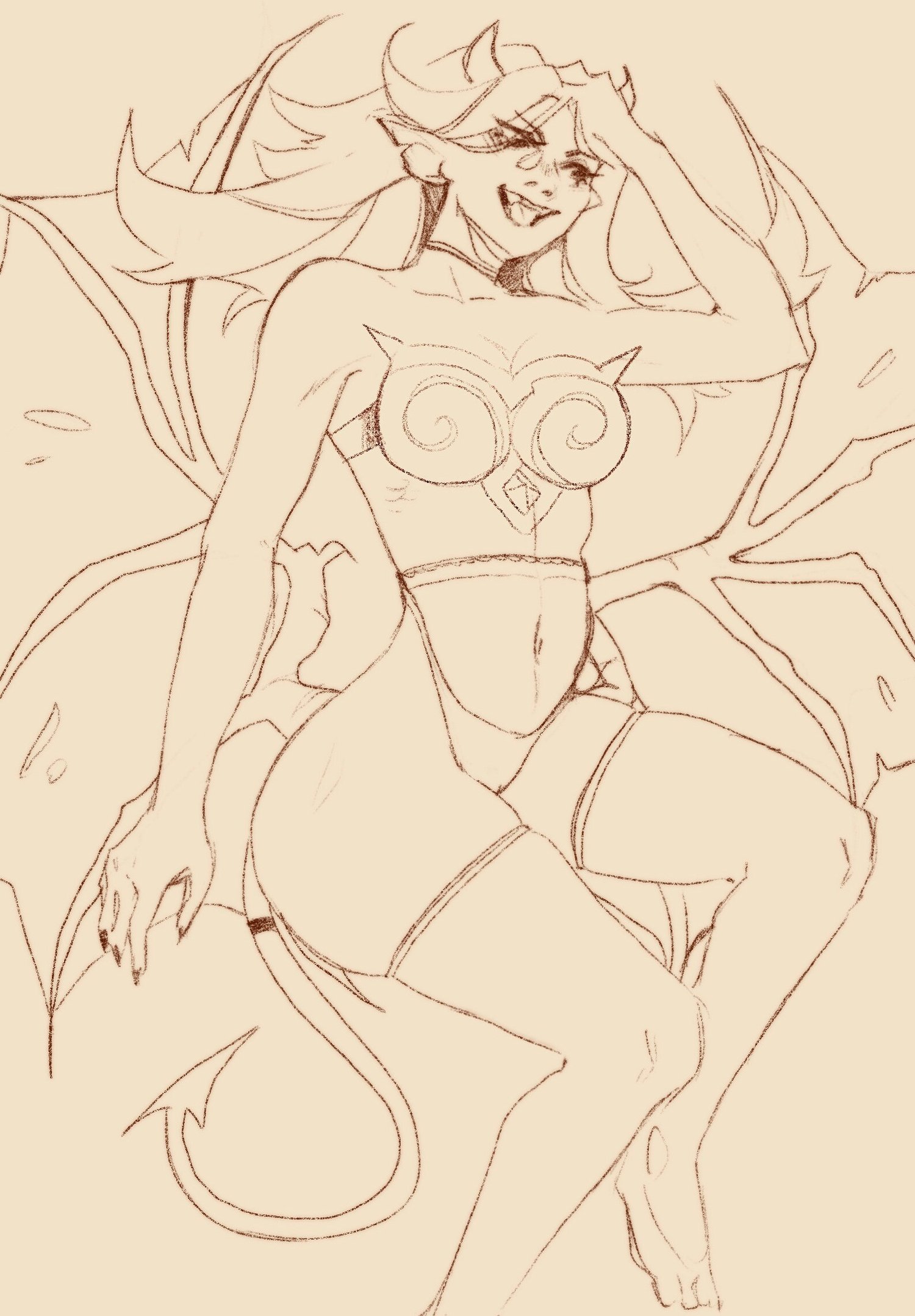
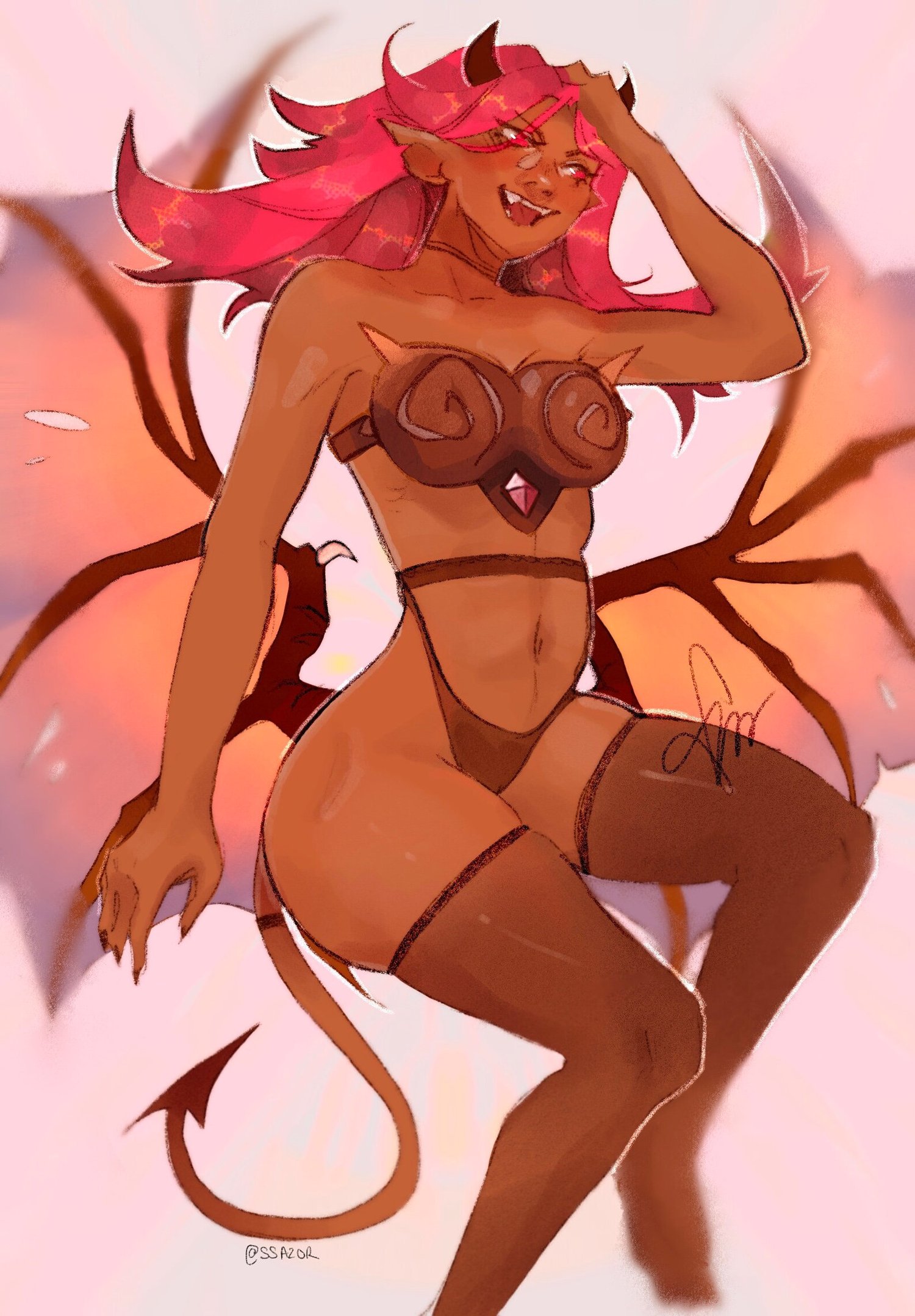
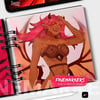
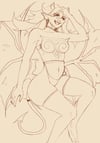

Sazor lineart finemarkers Procreate Brushset for Ipad (18 digital brushes) for illustration and sketch
Do you want to get traditional style drawings but you don't find easy and fun to use brushes?
This brush set is the answer! It offers a variety of fine markers and special brushes for
lineart and shading!
The set is divided into two files (due to size limitation per file in etsy, both of them add the total brushes included)
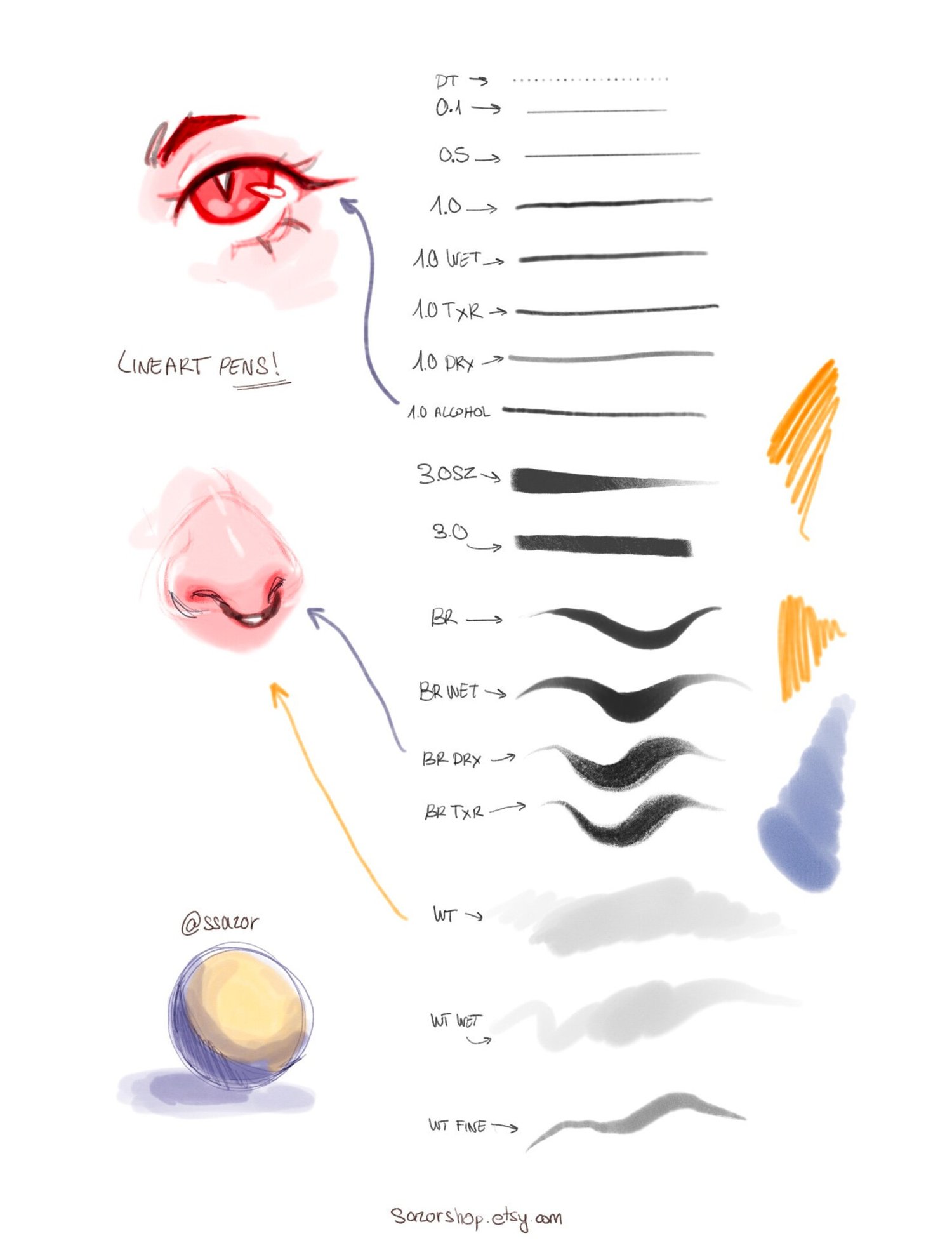
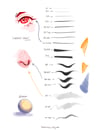
18 BRUSHES INCLUDED IN THIS SET:
3.0 SZ
1.0 ALCOHOL
1.0 DRY
1.0 TXR
1.0 WET
1.0
0.5
0.1
-
WTPEN
WT FINE
WT WET
WT
BR TXR
BR DRY
BR WET
BR
NS
DT
FAQ
How do the dark lineart and light lineart work?
-both brushes work the best with vibrant colors, the harder you press the darker it gets or the more saturated.
I end this extremely useful for making the eyes, if you press more at the center of the eyelids you get soft colors on the ends.
What does the white heart ♡ in the brushes mean?
-Those are my favorite brushes and the ones that I use personally the most in my drawings (@ssazor at instagram)
so if you want to get close results try those brushes first!
Why are some brushes so small?
-My brushes are made to work in canvas sizes equal to the screen size of the iPad, so if you create a huge canvas, it is likely
that some of the brushes are too tiny.
Can I make the maximum size of the brushes bigger?
-Forks! Of course, just get into the brush settings by tapping in the brush you want to modify, go to the properties tab and in maximum size,
just make it as big as you need!
——-
Installation process
——-
Download the file(s) to your computer or to your iPad directly.
Send the files via iCloud/drive/dropbox/airdrop to the tablet.
Importing procreate brushes is super easy, just open them through the files app and choose procreate
when the "open with" option appears.
Alternatively, you can also go to your brushes in procreate and hit the plus icon in the top right corner,
and then again in the same corner there is an option called "import", just click that and then choose the files
you just downloaded: "SazorSketch.Brushset"
Now in Procreate you'll see your new brush set at the top of your brush library.
**The brushes only work on Procreate