



Budget Autopilot – Automatic Bank Import Budget Tracker | Excel & Google Sheets Template | English & Italian
STOP manually categorizing every single transaction.
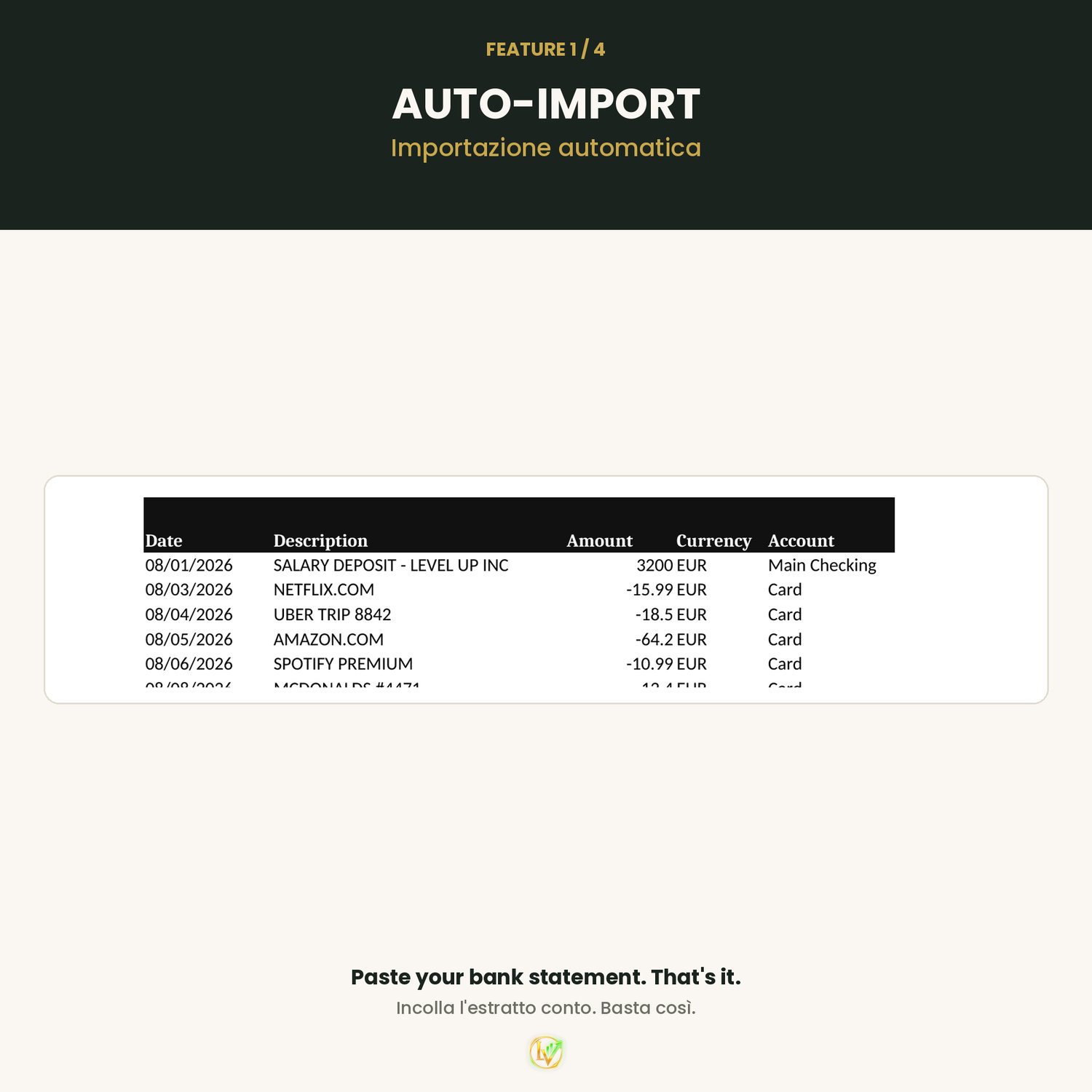
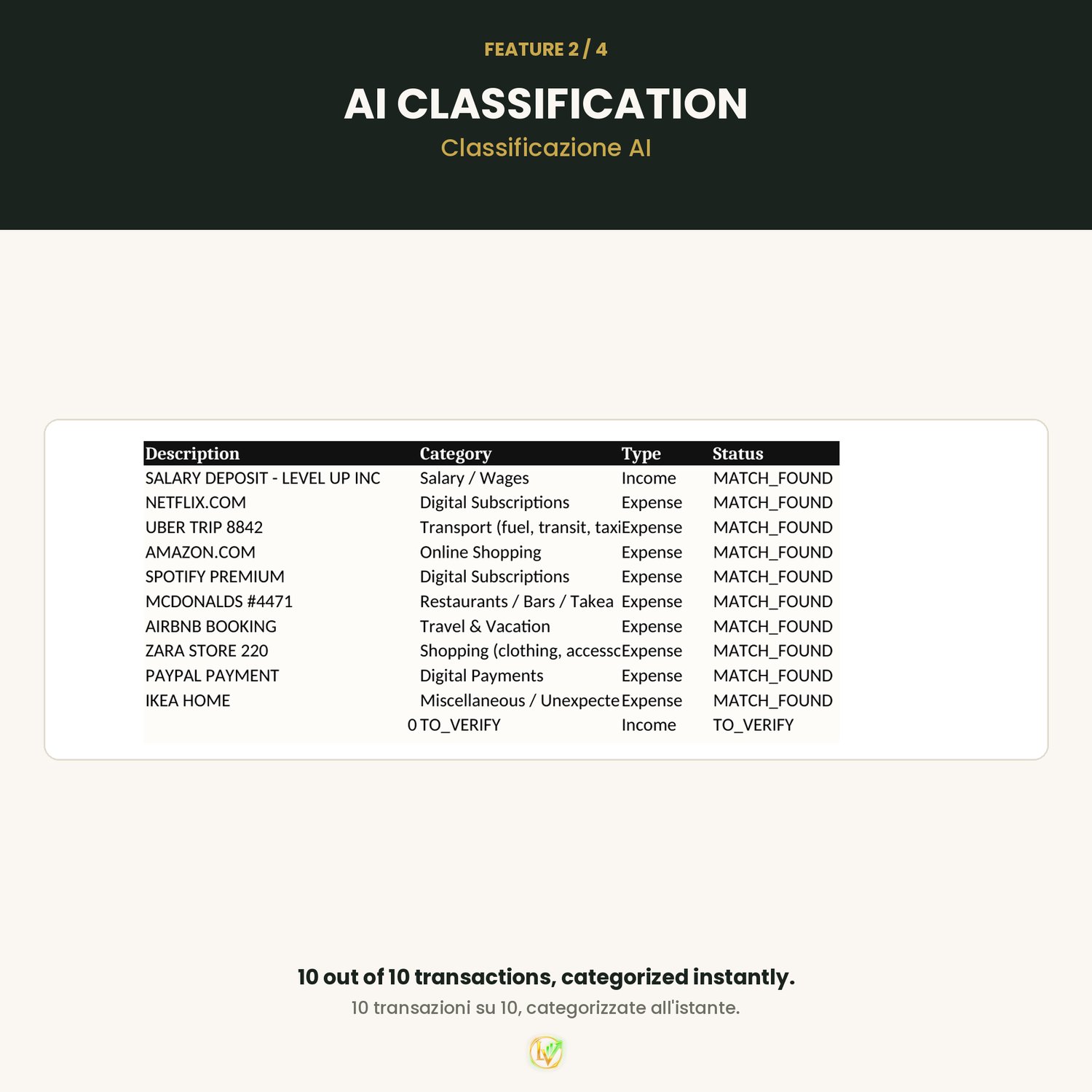
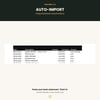
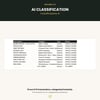
Paste your bank statement — Automatic Expense Tracker sorts every transaction into the right category instantly. No formulas to learn, no manual sorting, no wasted evenings.
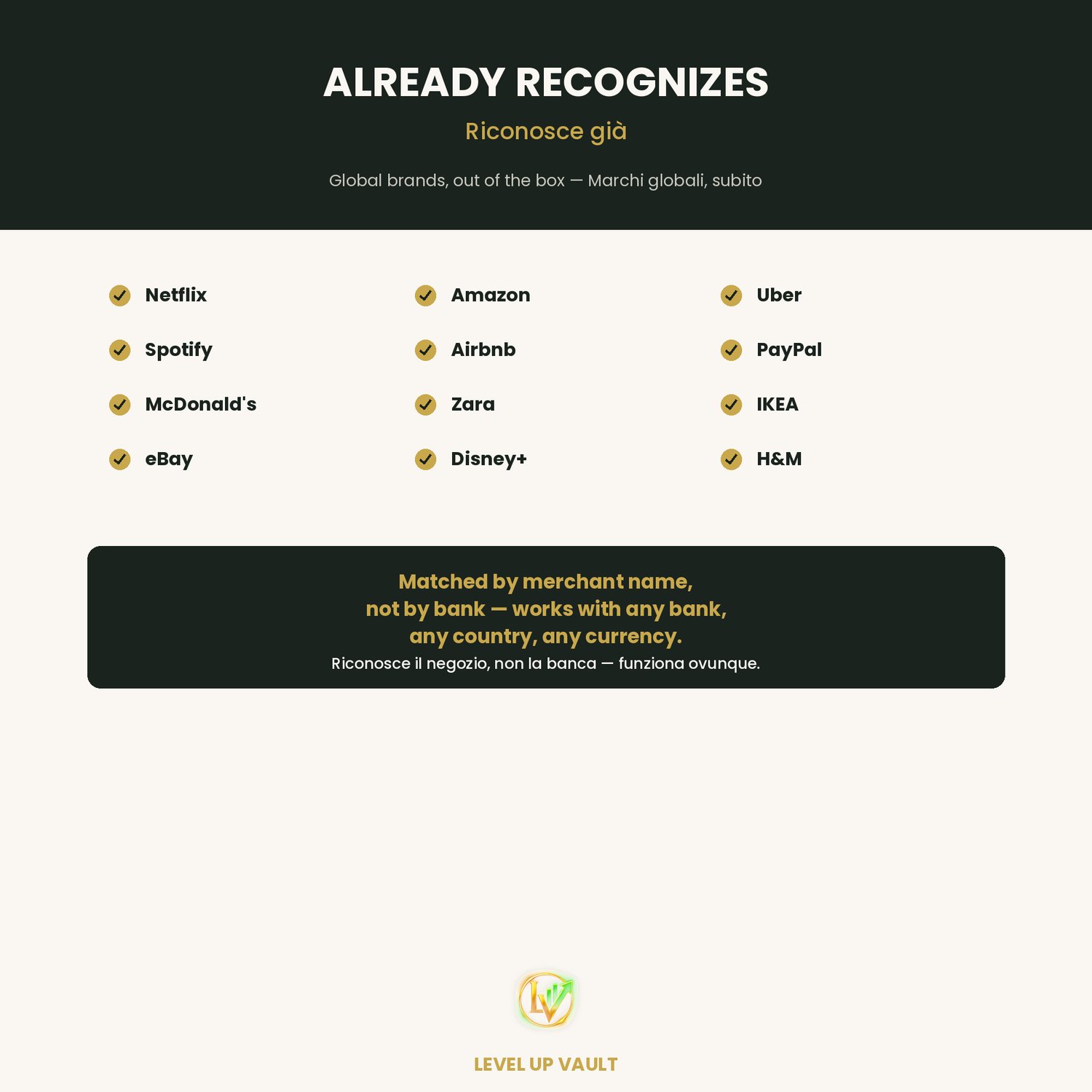
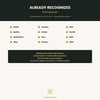
✔ Paste & Done — copy your bank statement, paste it in, and every transaction gets classified automatically by merchant name (Netflix, Amazon, Uber, and 280+ more recognized out of the box)
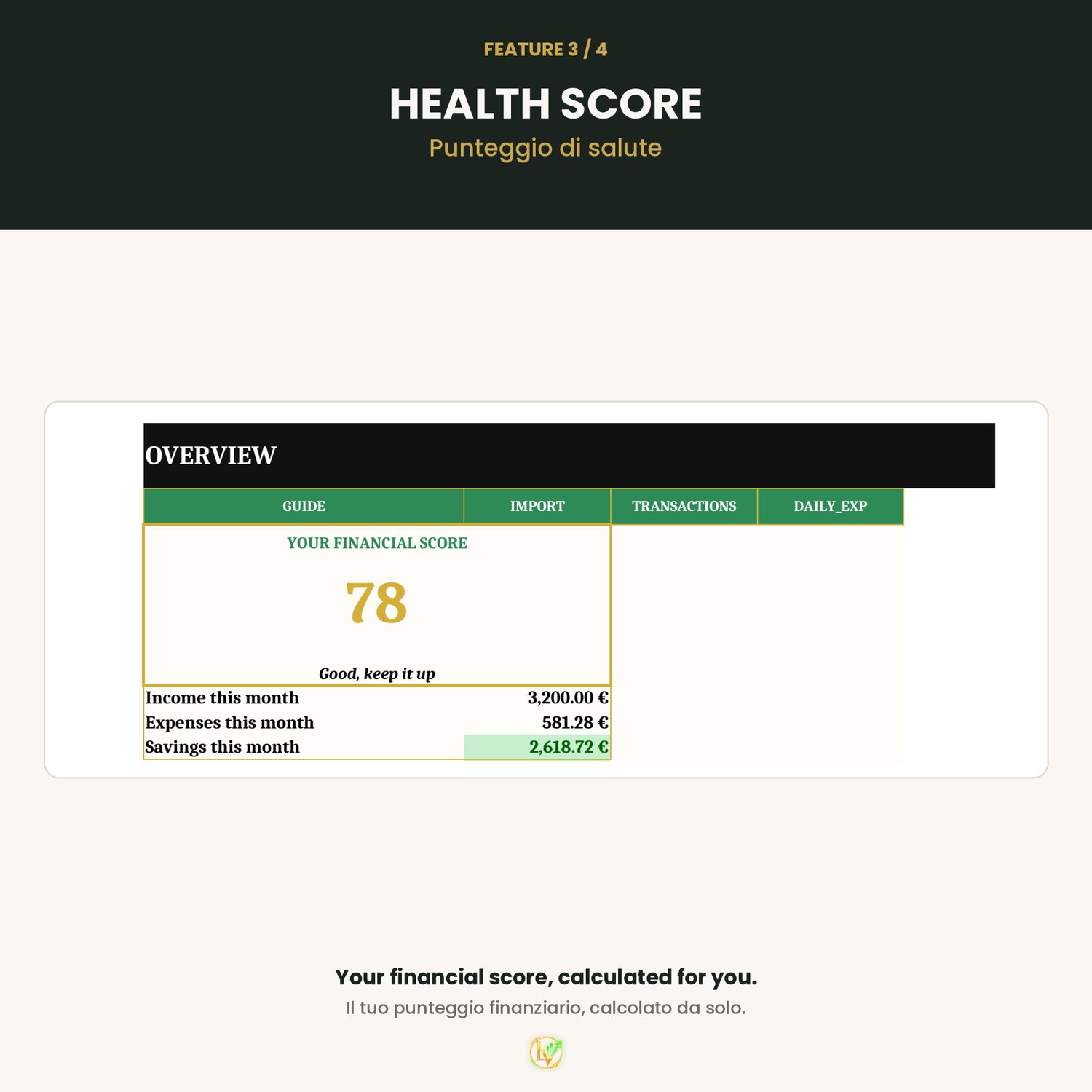
✔ Financial Health Score — one number that tells you exactly where you stand, recalculated automatically every time you add data
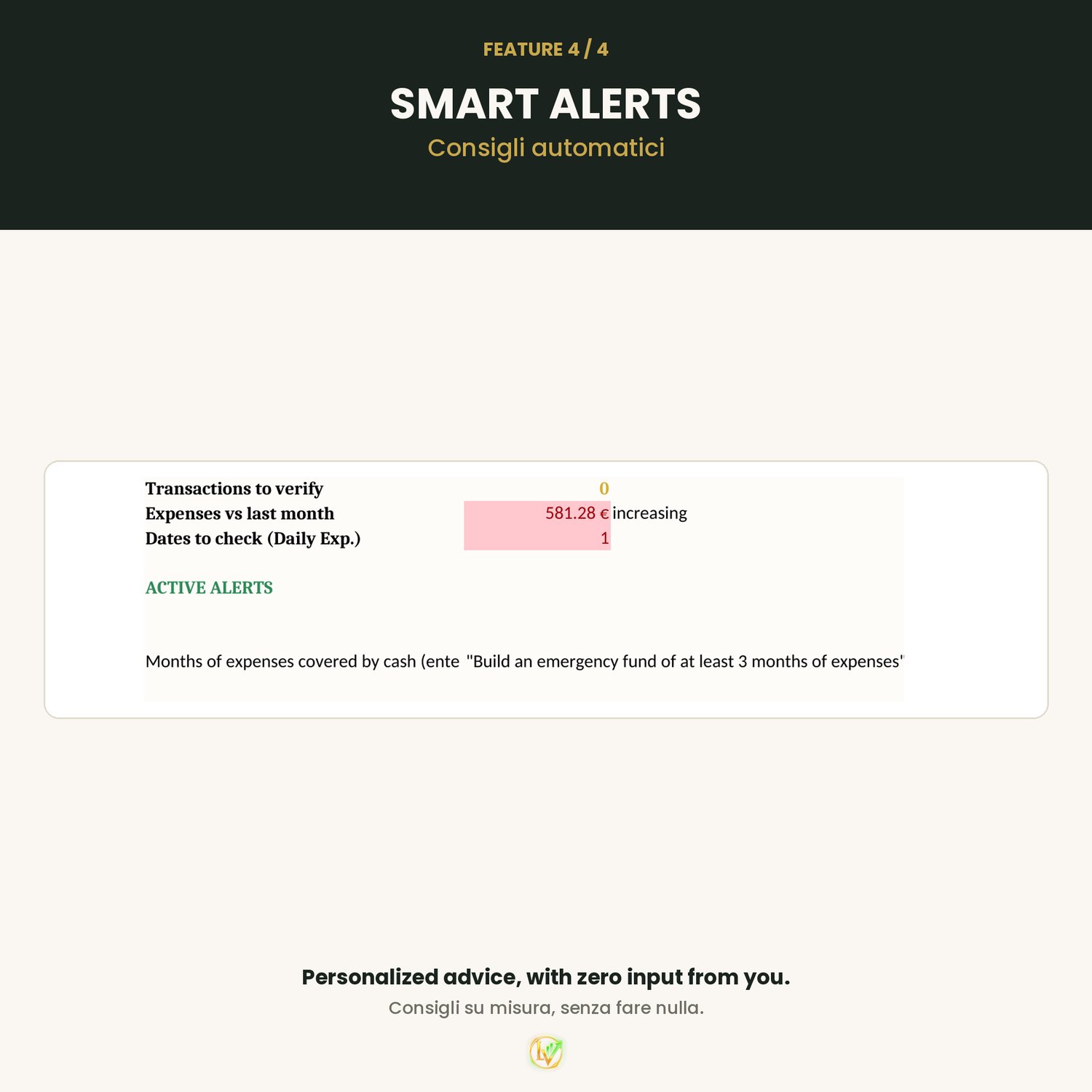
✔ Smart Alerts — personalized written advice based on YOUR numbers ("Build an emergency fund", "Cut non-essential spending this month"), no input needed
✔ Works with any bank, any country — matched by merchant name, not by bank. Add your own bank's wording in 2 clicks if something's missing
✔ Goals & Debt tracking built in — see your savings goals and remaining debt update in real time
✔ Bilingual — full English AND Italian versions included in one download
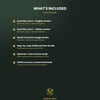
WHAT YOU GET
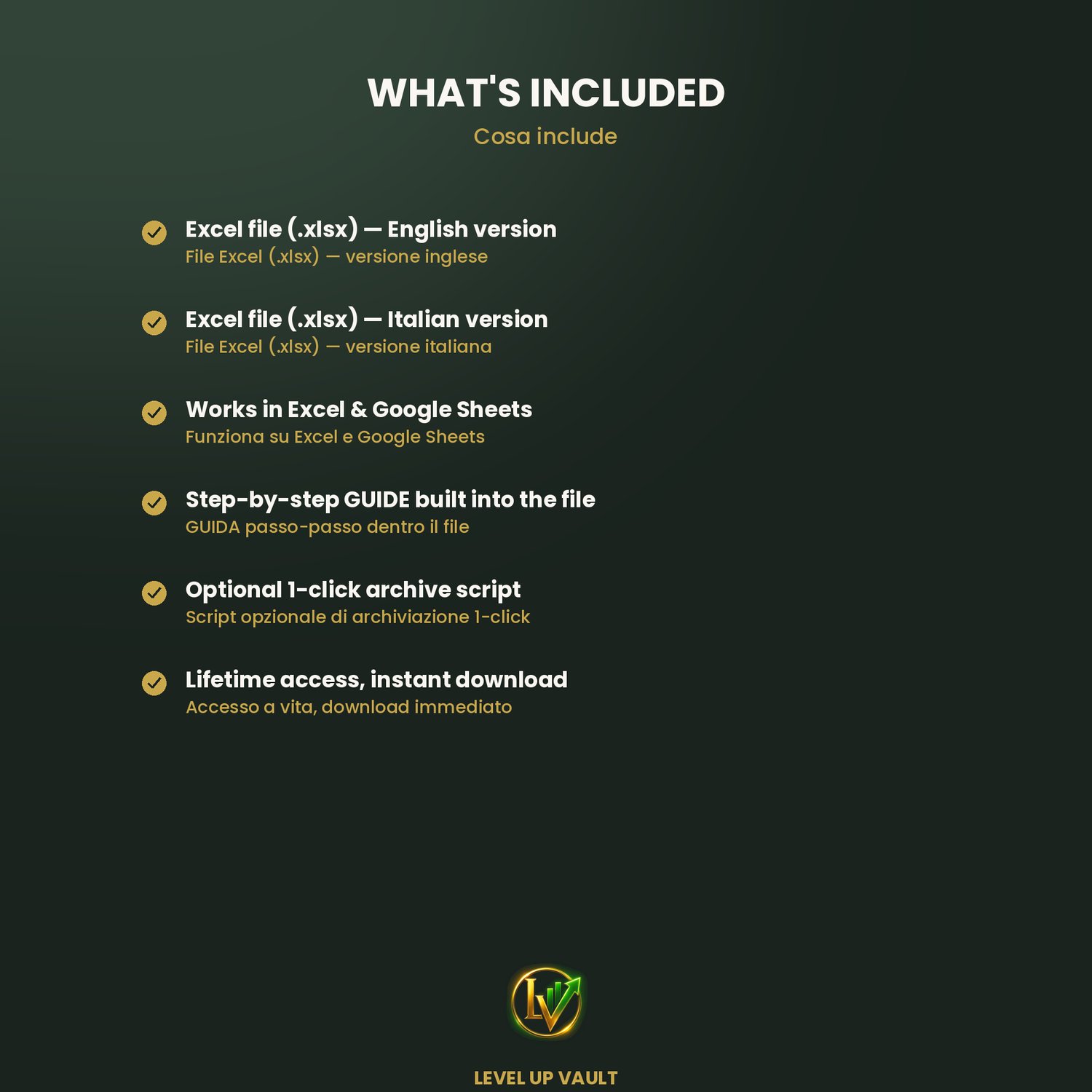
- Excel file (.xlsx) — English version
- Excel file (.xlsx) — Italian version
- Step-by-step GUIDE built directly into the file
- Optional 1-click archive script for Google Sheets users
- Works in Excel & Google Sheets
Perfect for anyone who's tried a budget spreadsheet before and abandoned it after two weeks because manual entry got old fast. This one does the sorting for you — you just paste and look.
⚡ Instant download. Start in under 5 minutes.
Questions before you buy? Message me — I always reply.