

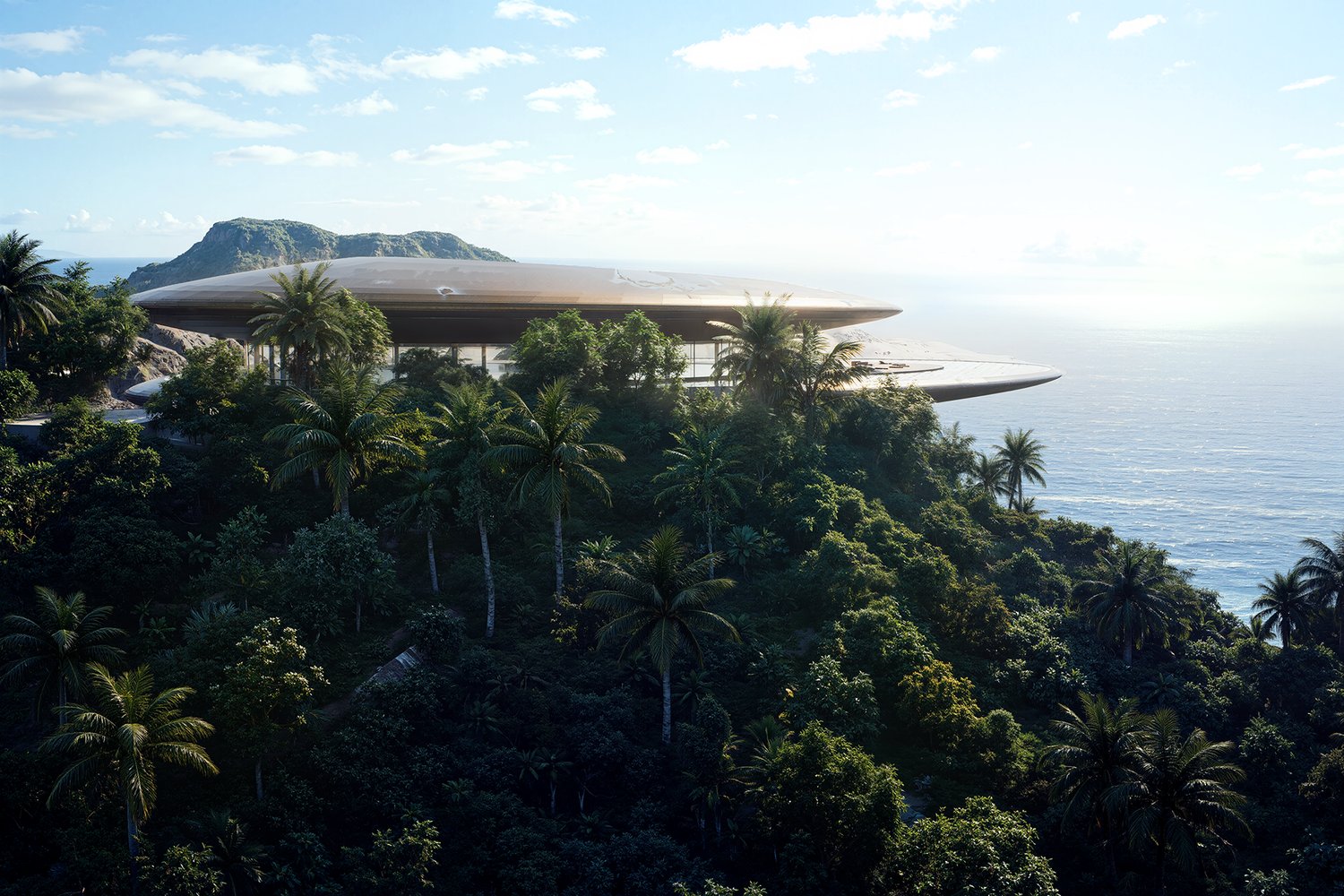
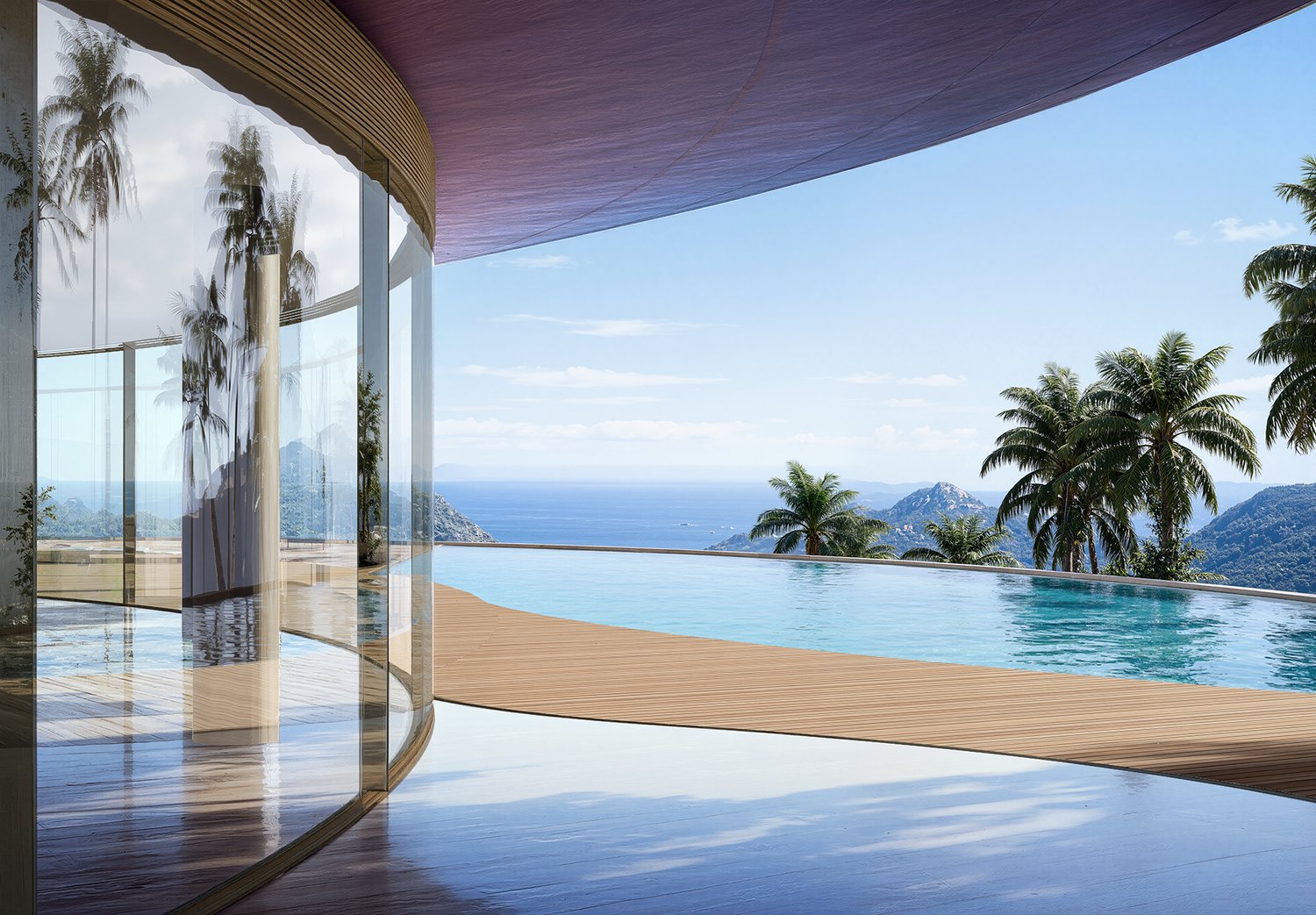
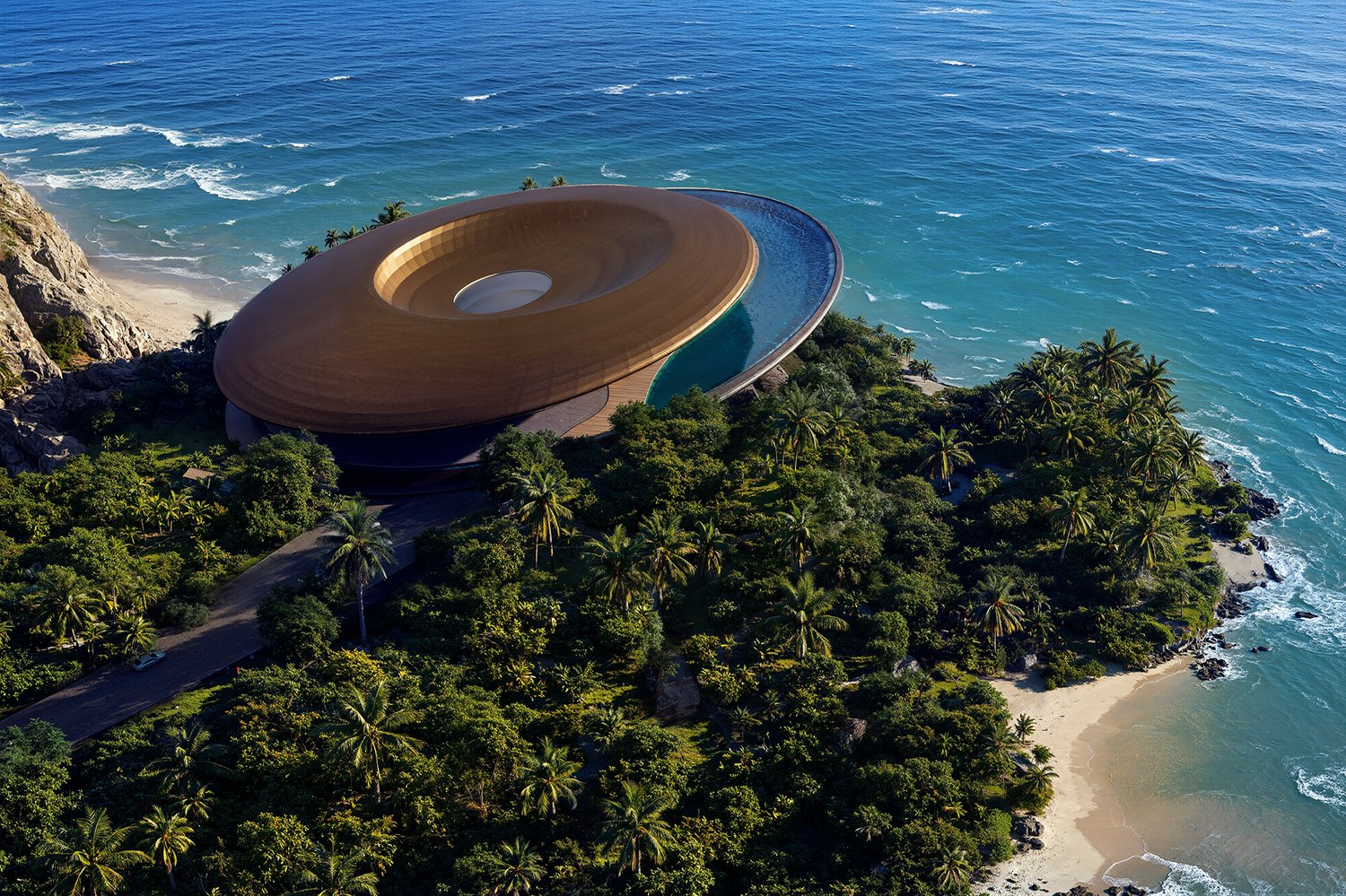
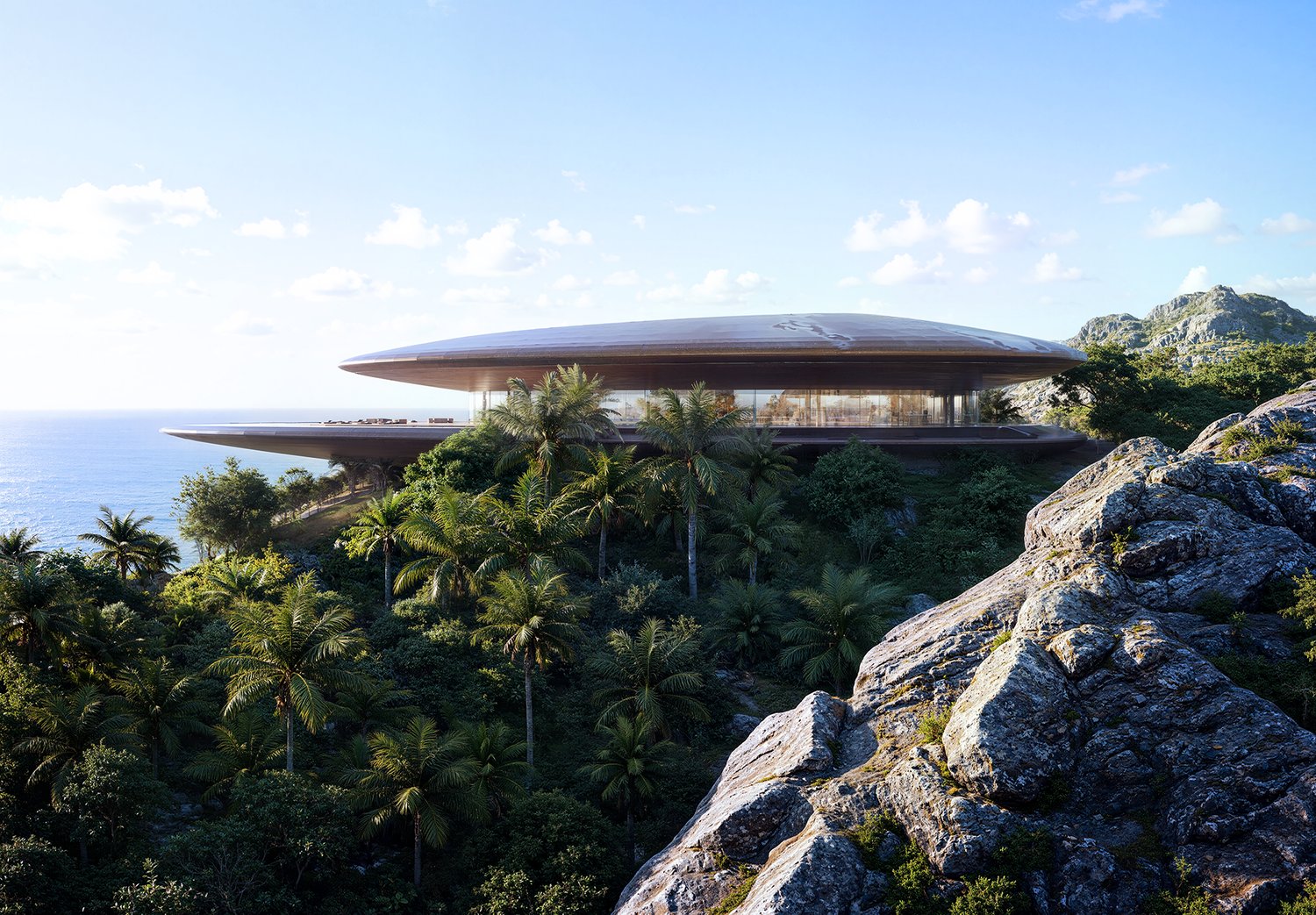
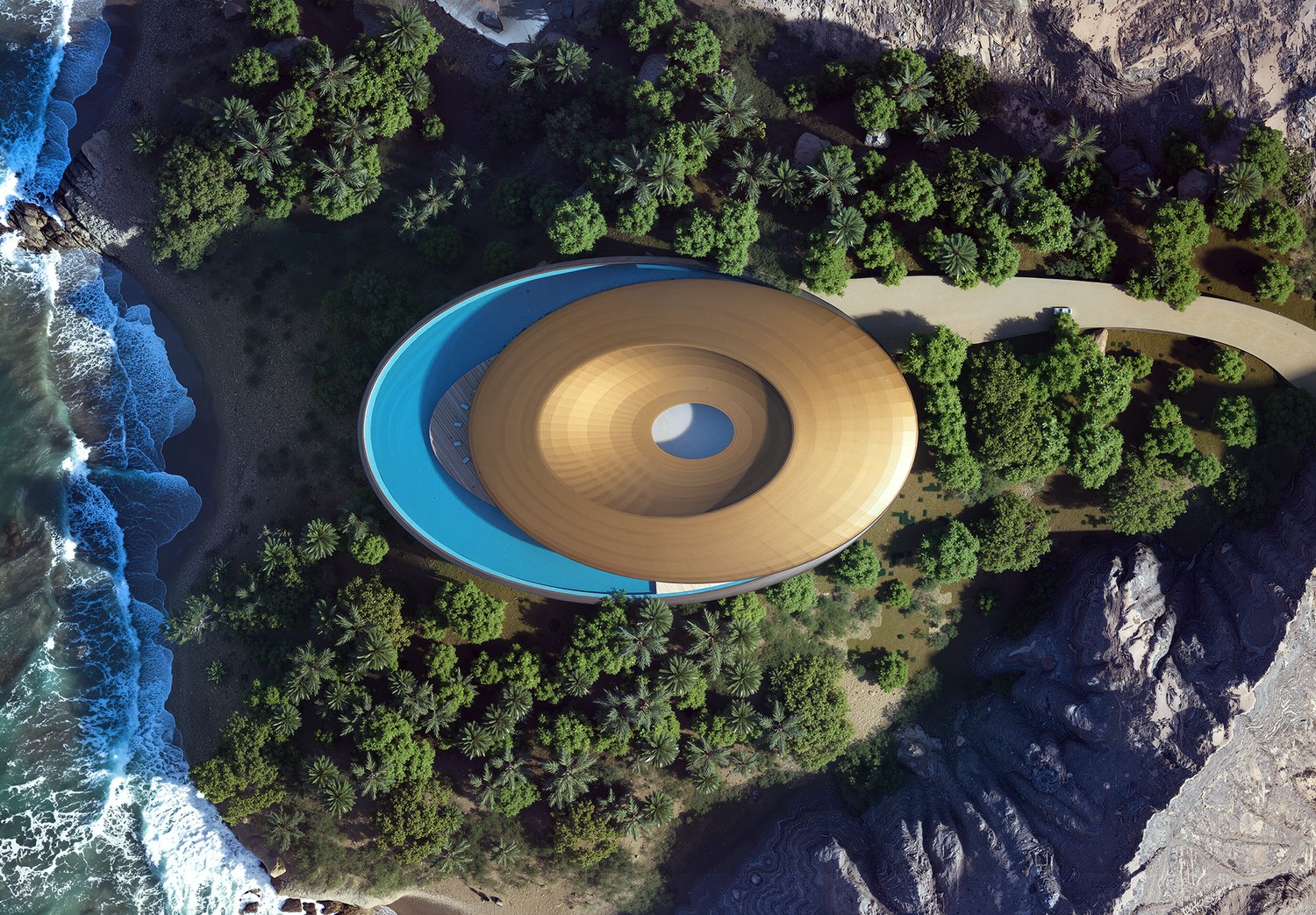
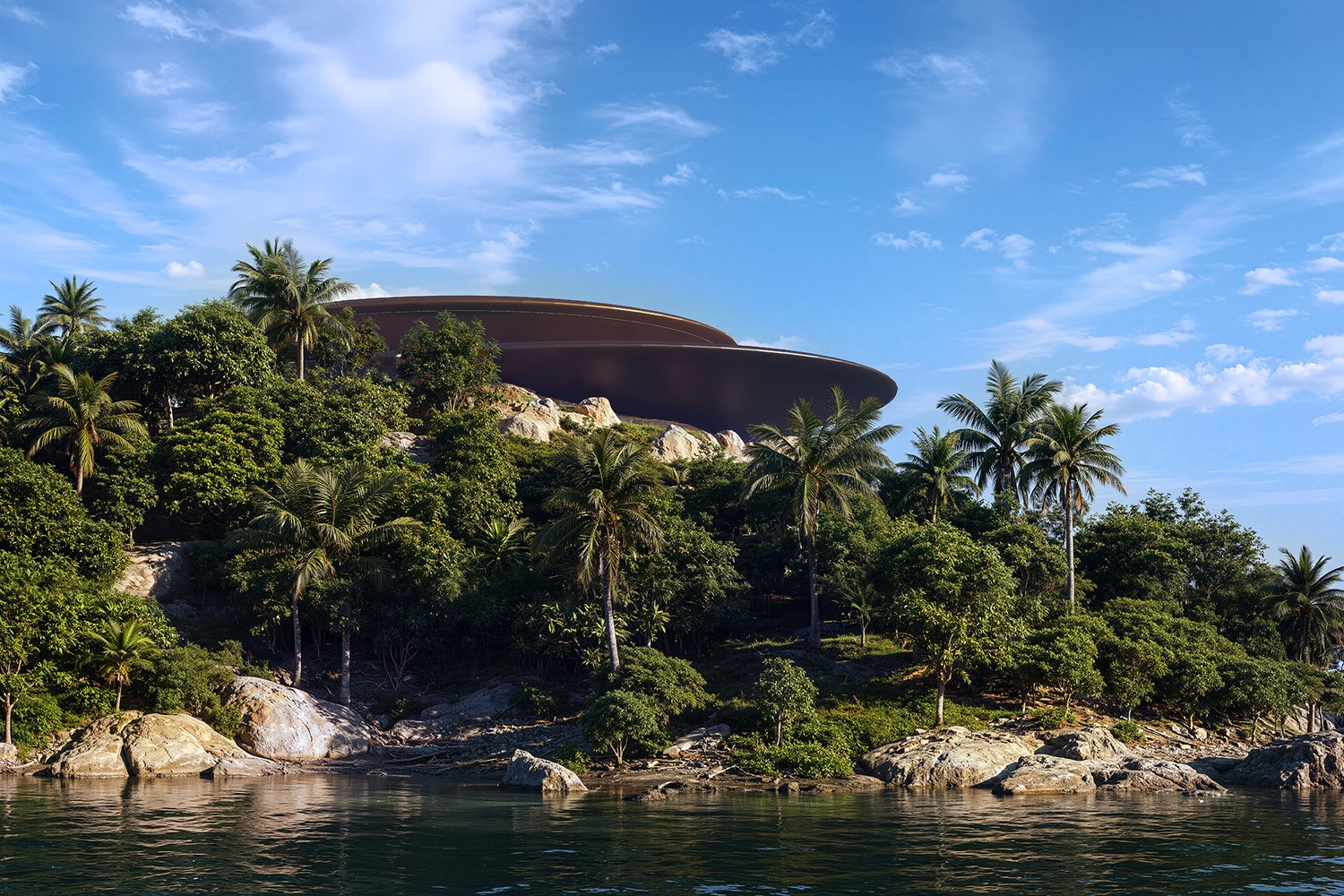
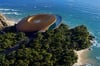
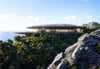
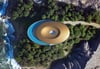
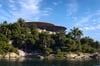
Cliff House: D5 Render Scene (Complete)
The full Cliff House scene, built to render cinematically the moment you open it. Modern architecture on an ocean cliff, with the lighting, camera, material, and post work already done for you,
What you get:
- The SketchUp 3D model of the Cliff House
- The D5 Render scene with camera views set up (stills and animation)
- 6 Photoshop (PSD) post-processing files, one per view
- The final versions of all 6 rendered images
- Base materials applied, ready to adjust
Setting up lighting, cameras, and a grade from scratch takes hours and a trained eye. This hands you finished, professional result you can render, study, and adapt for your own projects.
Before you buy:
D5 Render Pro license for Pro assets access. SketchUp license only required if you plan to edit the 3D model. Adobe Photoshop (version 26 or higher). Runs on Windows with an NVIDIA RTX GPU. Instant digital download, so sales are final. Visit the FAQ section for more information.
Bonus Tips:
Use the AI post-render options available in D5 Render. To get better results, choose the default AI Style Transfer option or upload a reference image to achieve your desired look and feel using the same method.
You can use this to follow along and get better at using D5 Render or make your own animated short film too. Have fun!
Basic vs Complete - which one do you need?
SketchUp 3D model
Basic: Yes | Complete: Yes
D5 Render scene (cameras, lighting, materials)
Basic: Yes | Complete: Yes
Photoshop (PSD) post-processing files
Basic: No | Complete: Yes (6 files)
Final rendered images
Basic: No | Complete: Yes (6 images)
Choose Basic if you want a solid scene to study or build on. Choose Complete if you want the finished renders and the PSD post files done for you.