
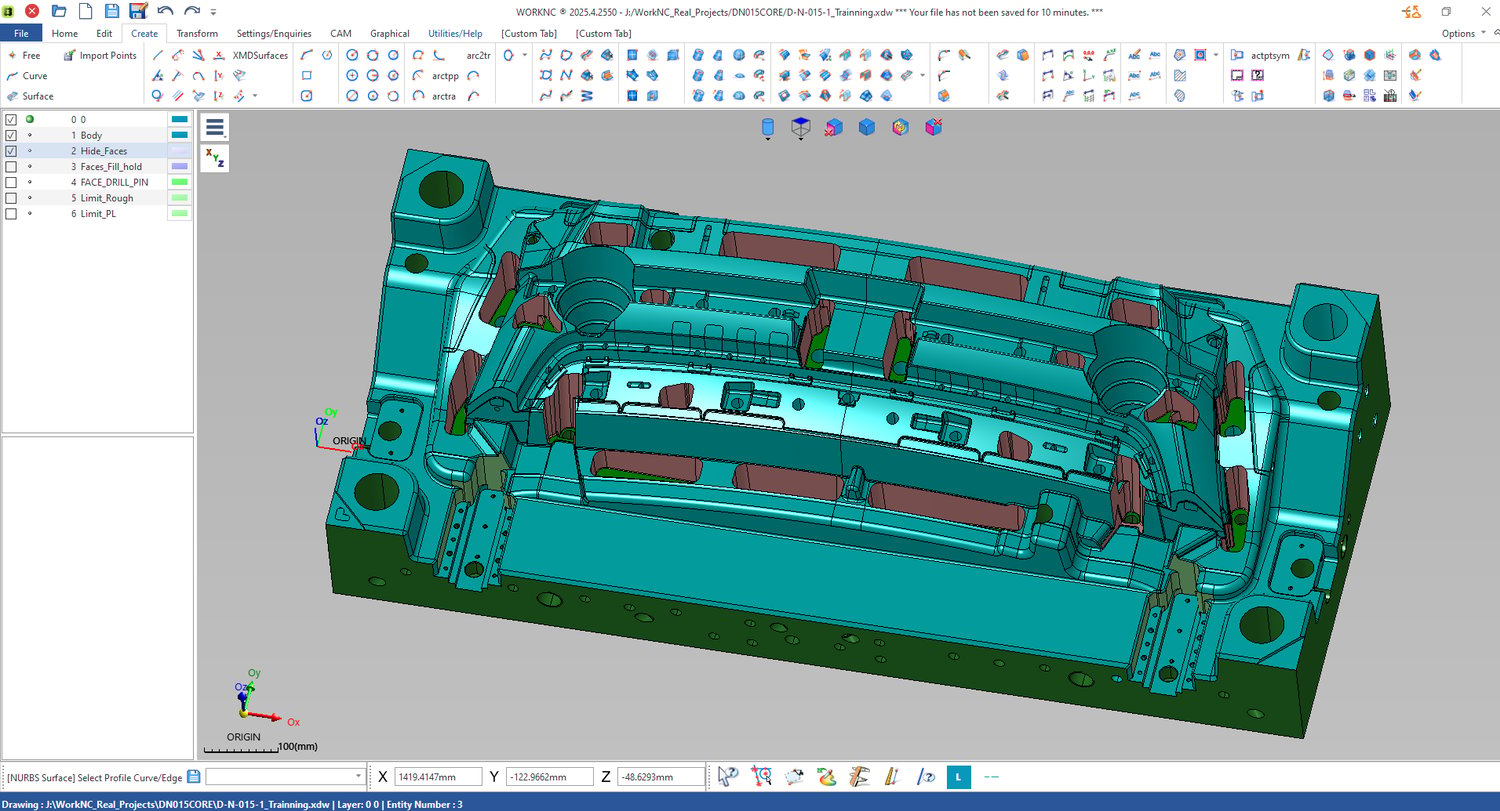
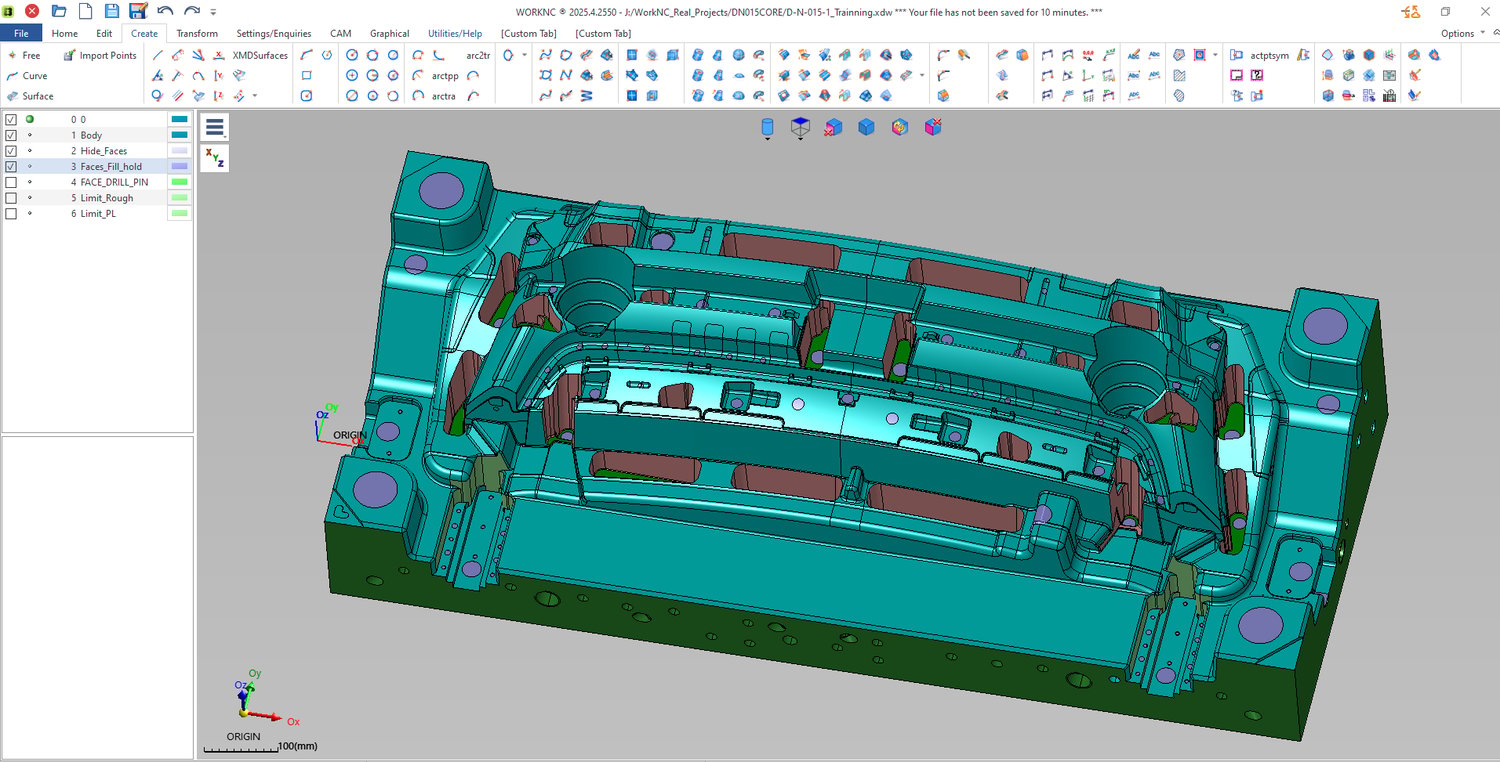
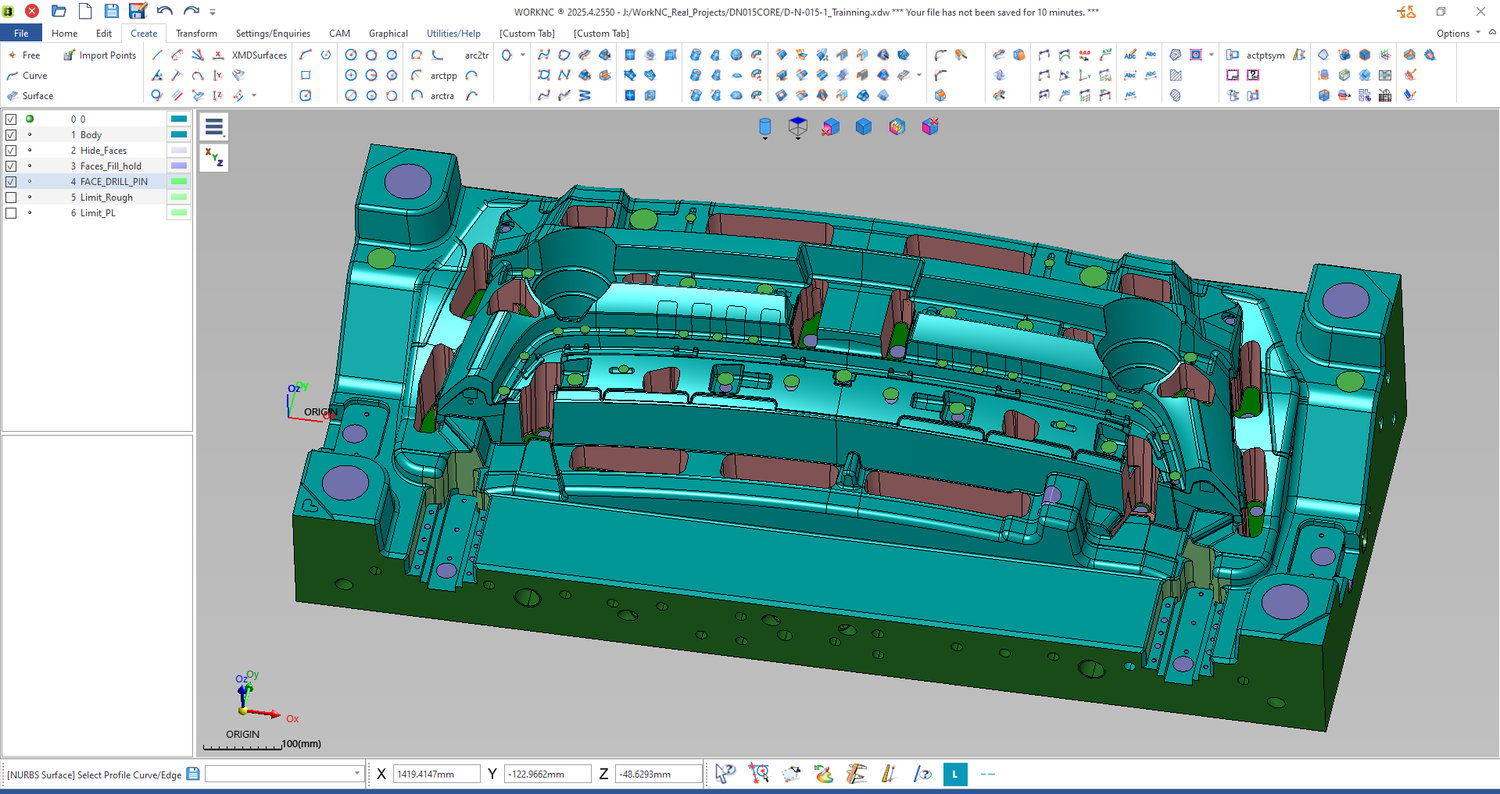
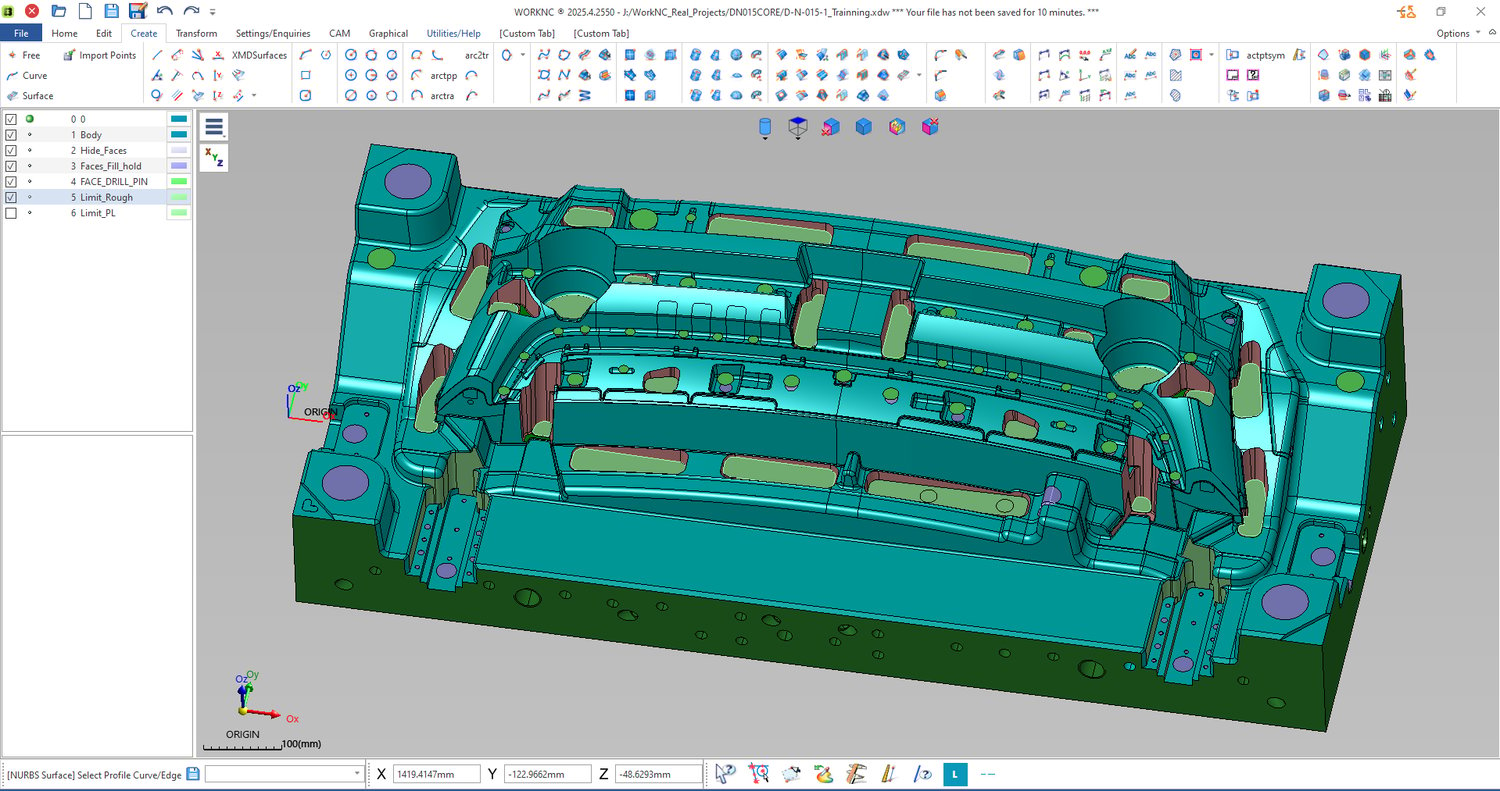
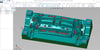
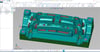
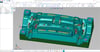
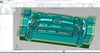
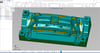
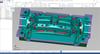
Protect Surface Workflow for Mold Machining – Safe Roughing & Clean Finishing - Quy trình tạo mặt bảo vệ gia công khuôn – Phá thô an toàn & gia công tinh chất lượng cao
A simple, step-by-step guide to protect your model before machining and avoid costly CNC errors
🚀 Why This Is Important
Most beginners think:
👉 “I just need to create toolpaths”
But in reality:
👉 If your model is not protected → your machining will fail
Common problems:
- Tool cuts into the wrong area (overcut)
- Surface gets damaged during roughing
- Finishing quality is poor
- Tools break unexpectedly
👉 The reason is simple:
No surface protection before machining
📦 WHAT YOU WILL LEARN (STEP-BY-STEP)
🛠️ Step 1: Understand Your Model
Before doing anything:
- Identify important areas:
- Core / cavity
- Walls
- Sharp edges
👉 Ask yourself:
“Which areas must NOT be cut?”
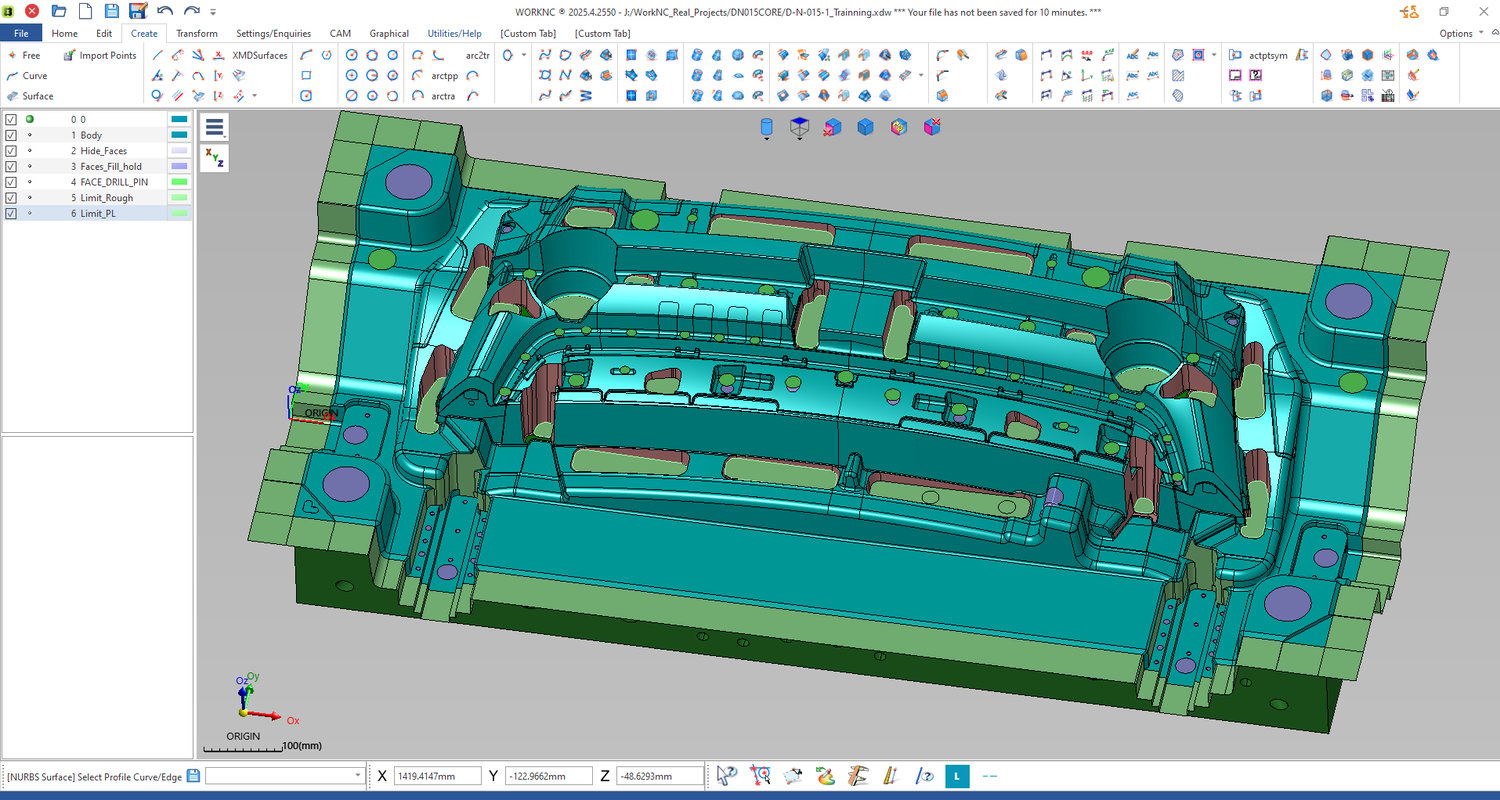
🧱 Step 2: Create Protect Surfaces (For Roughing)
What you will do:
- Offset the surface outward (create safe distance)
- Extend surfaces to fully cover the model
- Build a “protect layer” around your part
👉 Simple idea:
Wrap your model before cutting
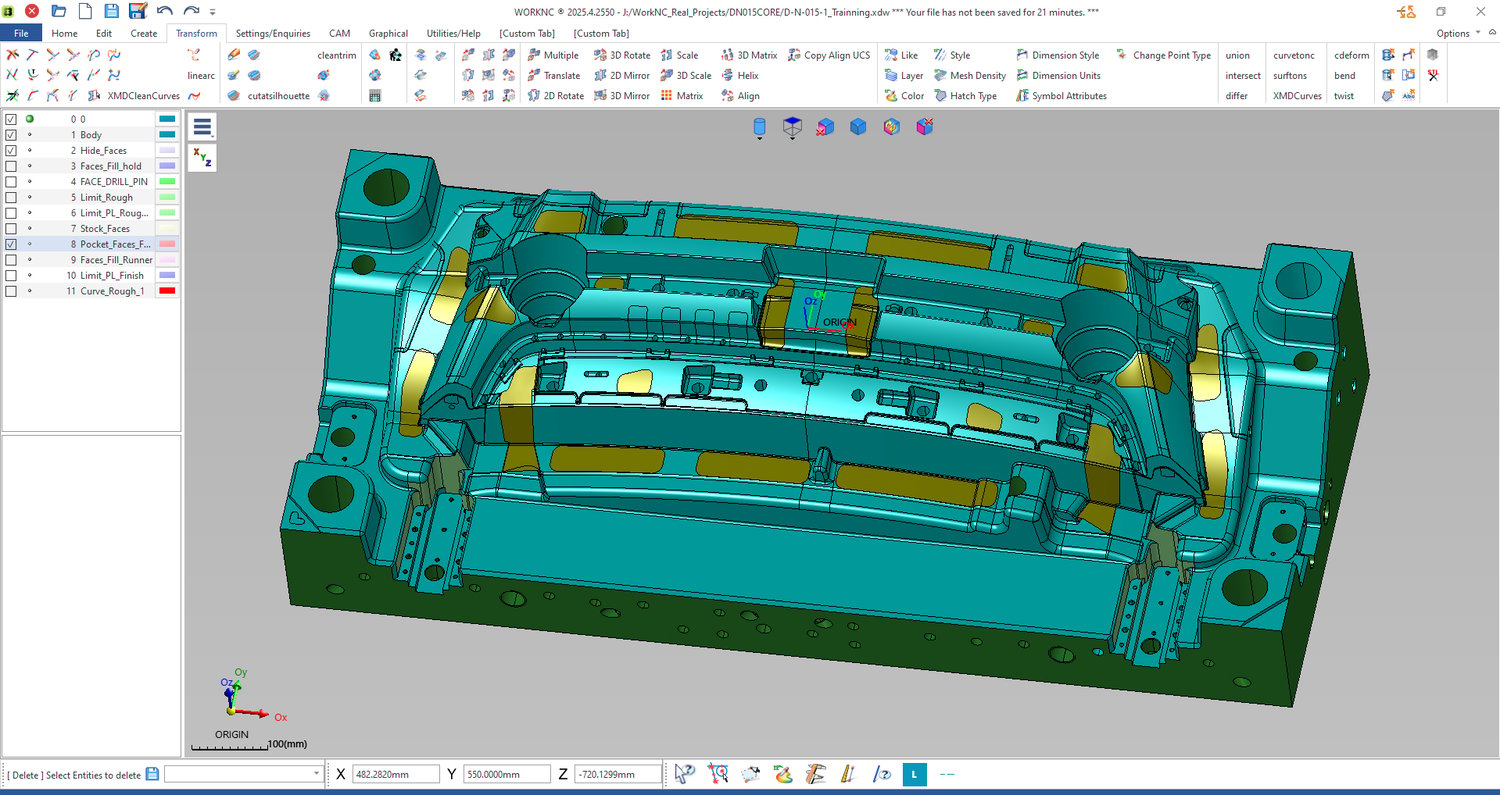
⚙️ Step 3: Control Roughing Area
- Define where the tool is allowed to cut
- Combine:
- Protect surfaces
- Machining boundary
👉 Result:
Tool only cuts where it should
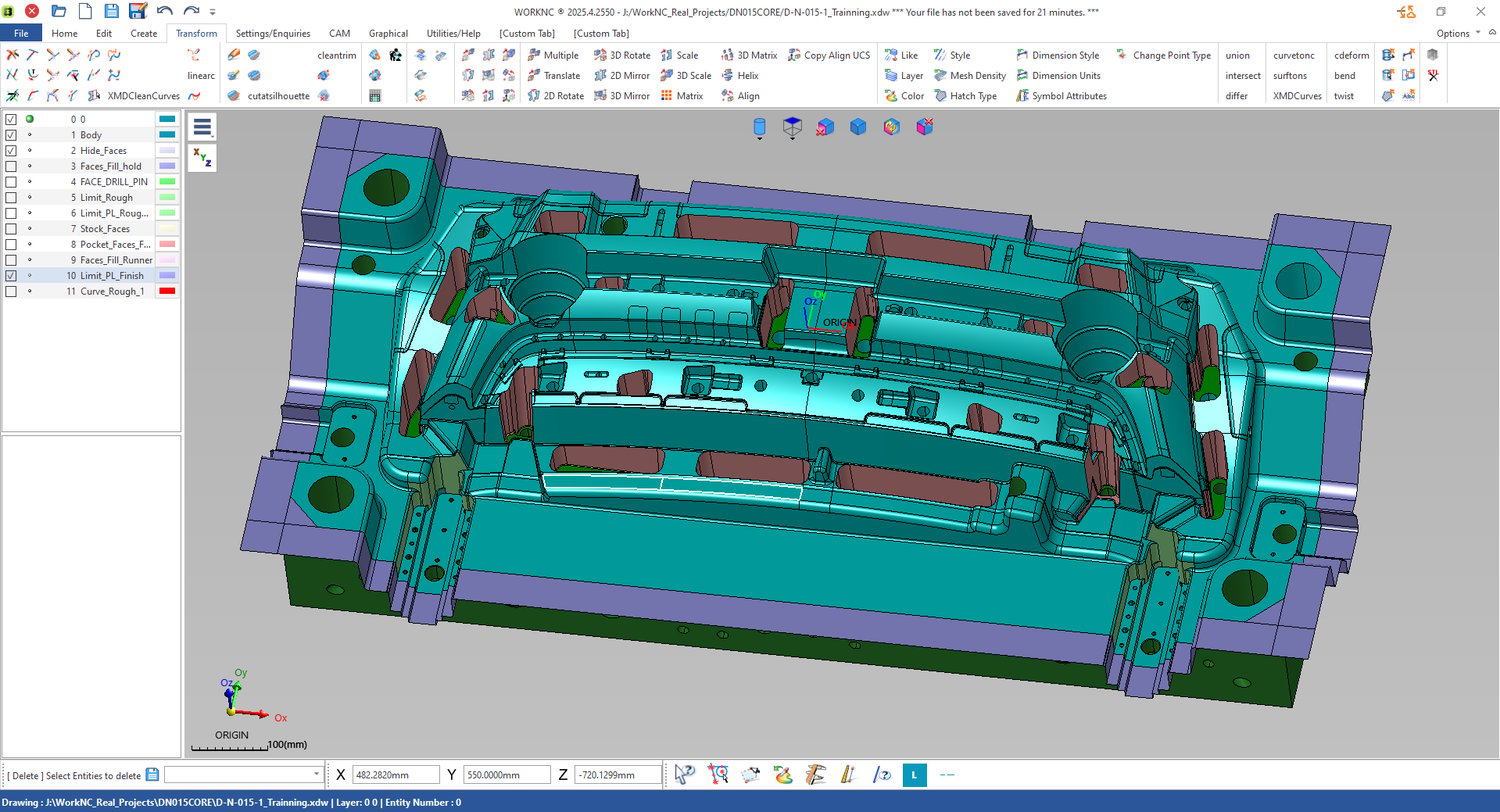
🧪 Step 4: Adjust for Finishing
For finishing:
- Reduce or remove offset
- Use clean, accurate surfaces
- Ensure smooth transitions
👉 Focus:
Surface quality, not just safety
🧠 Step 5: Think Like a CAM Programmer
- Always prepare before machining
- Don’t trust raw imported data
- Control geometry → control toolpath
🎯 WHO IS THIS FOR?
- Beginners learning WorkNC or CAM
- CNC programmers working with molds
- Anyone confused about machining errors
💡 WHAT YOU WILL ACHIEVE
✅ Understand protect surface clearly
✅ Avoid overcut and broken tools
✅ Machine more safely
✅ Get better finishing results
🚀 WHY THIS IS EASY TO FOLLOW
- No complex theory
- Step-by-step explanation
- Based on real machining problems
👉 If you are new to CAM, this is the step you should NOT skip.
Learn how to protect your model first —
then your machining will become easier.