

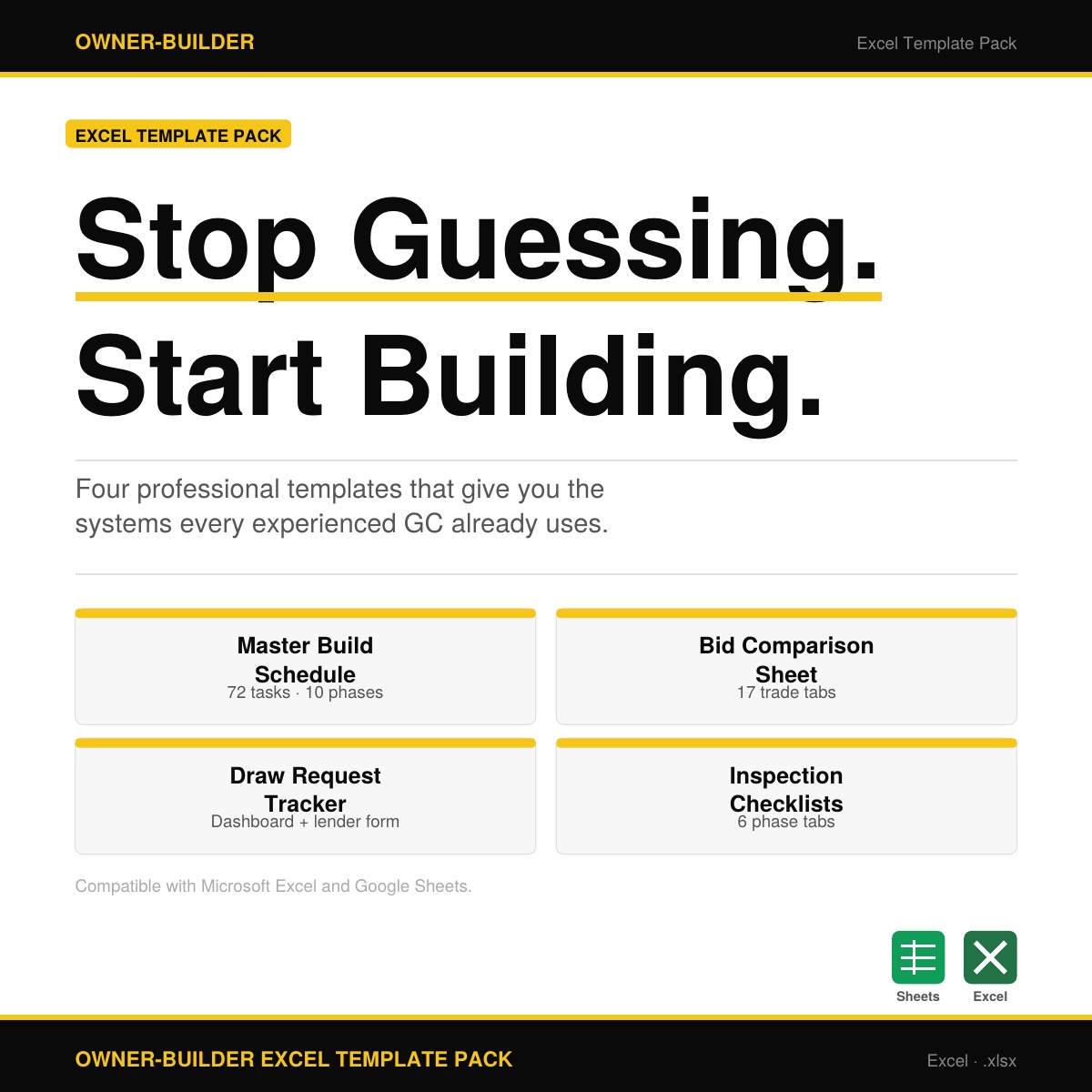


Owner-Builder Excel Templates: Budget, Schedule, Bids & Inspections in One Pack
The spreadsheet infrastructure that keeps an owner-builder project on track — from first permit to final inspection. A must have companion to the Owner-Builder Guide!
Most first-time owner-builders go into a build with a notebook, a spreadsheet they built themselves, and a lot of optimism.
By the time framing is done, they're managing 50 line items in their head, chasing bids they never formally compared, and guessing at their draw balance. These four templates exist to solve that problem before it starts.
The Owner-Builder Excel Template Pack gives you the same project management tools experienced general contractors use — built specifically for US residential new construction and designed to work from the first day of your project through Certificate of Occupancy.
I've made them step-by-step so you don't miss anything, and simple so you can keep track of EVERYTHING.
Pro Tip: Thinking about getting a construction loan? These include the exact format and documents that lenders require to approve your loan!
What's Included
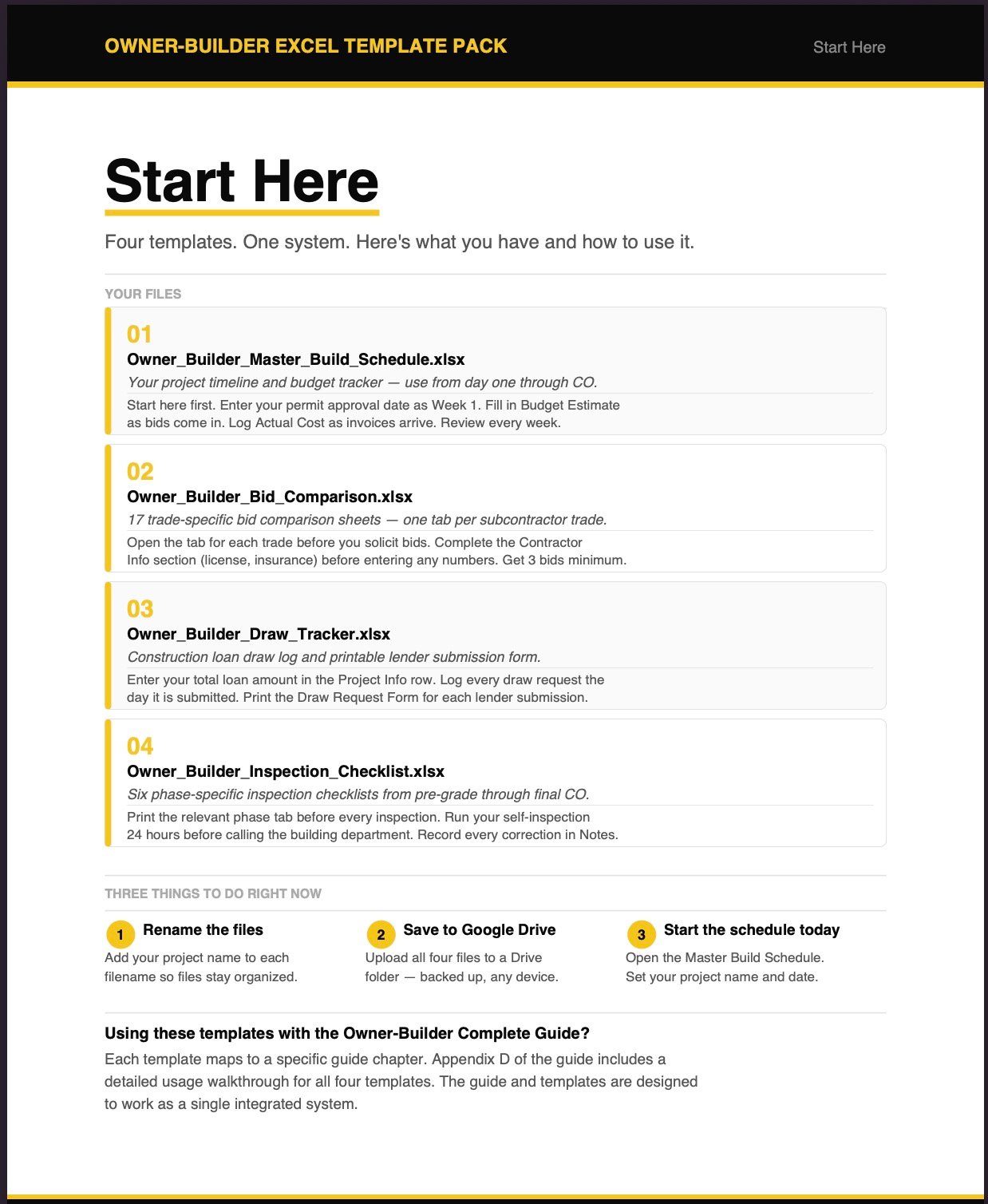
1. Master Build Schedule
A 72-task, 10-phase construction schedule covering every phase from site work through final CO. Each task includes who performs it (Owner / Sub / Both), week start, duration, budget estimate, actual cost, auto-calculated variance, permit required flag, and inspection required flag. This is your weekly management tool — open it every Monday, update it every Friday.
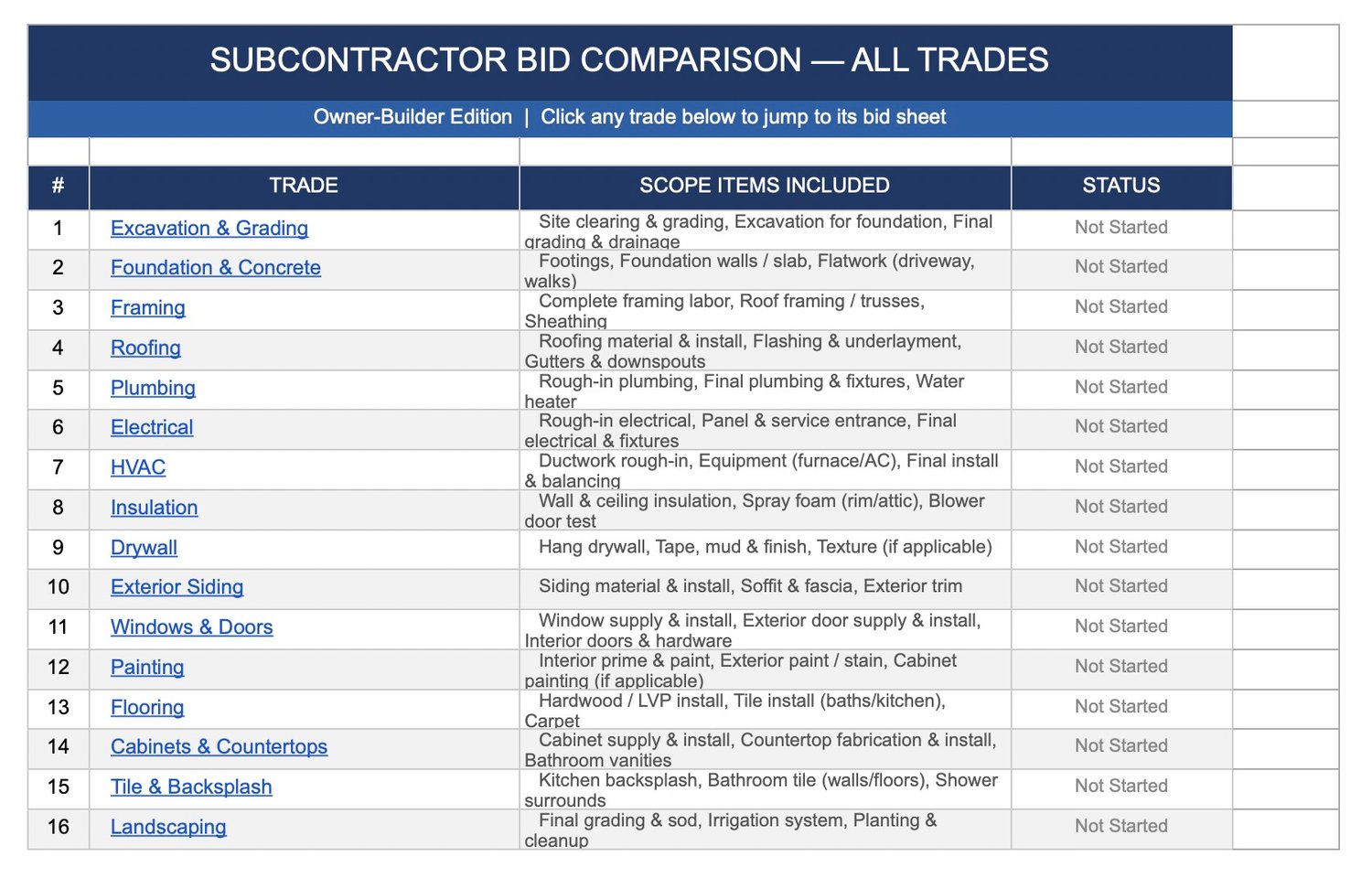
2. Subcontractor Bid Comparison Sheet
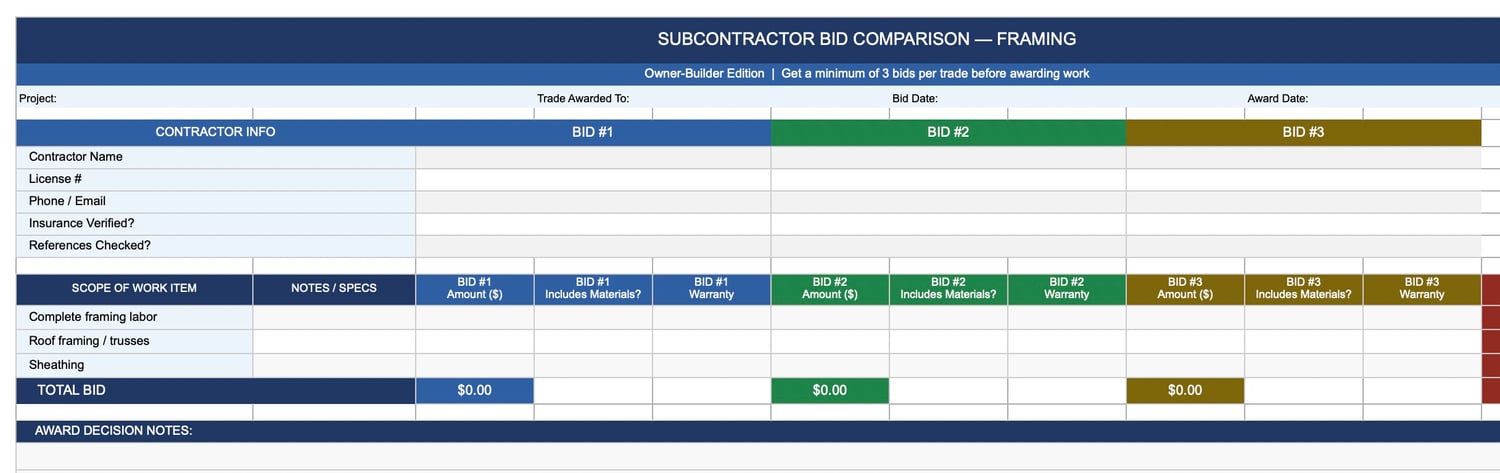
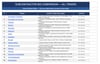
17 trade-specific tabs covering every major subcontract — excavation through landscaping. Each tab includes a contractor vetting section (license number, insurance status, references checked), line-item bid entry for up to three bidders, and an auto-calculated lowest bid per line item. Stops you from awarding work on a gut feeling instead of a real comparison.
3. Draw Request Tracker
A two-part workbook: a running draw log with a live summary dashboard (total loan, total drawn, remaining balance, draws submitted, approved, and pending), and a printable Draw Request Form ready to submit to your lender with every disbursement request. Never lose track of where your construction loan stands.
4. Inspection Checklist by Phase
Six phase-specific inspection checklists — pre-grade/site work, framing, rough-in trades, insulation and energy, mechanical finish, and final building inspection. Each checklist tells you who calls the inspection, when to schedule it, what the inspector evaluates, and includes Pass/Fail/N/A columns for both the inspector and your own pre-inspection walk. An index tab tracks all phase pass dates in one view.
Built for How a Real Build Works
These templates are not generic project management tools adapted for construction. Every task, every trade tab, every draw field, and every inspection line item was built around the actual sequence and requirements of US residential new construction. The sequencing is correct. The trade list is complete. The inspection hold points are accurate.
Compatible with Microsoft Excel and Google Sheets. Instant download — all four files delivered as a ZIP.
Who These Are For
- First-time owner-builders who want professional-grade systems from day one
- Anyone managing subcontractors, a construction loan, and a municipal inspection process simultaneously
- Owner-builders using the Owner-Builder Complete Guide (sold separately) — each template maps directly to its corresponding guide chapter
A Note from the Author
I'm a contractor with 24 years of custom home building experience, not a lawyer or tax professional. These templates are project management tools, not legal or financial advice. For decisions specific to your project, jurisdiction, or loan, consult the appropriate licensed professional.
Instant download. Start using them today.