

Easter STEM Tech Challenges Christmas Pixel Art Activity in Google Sheets
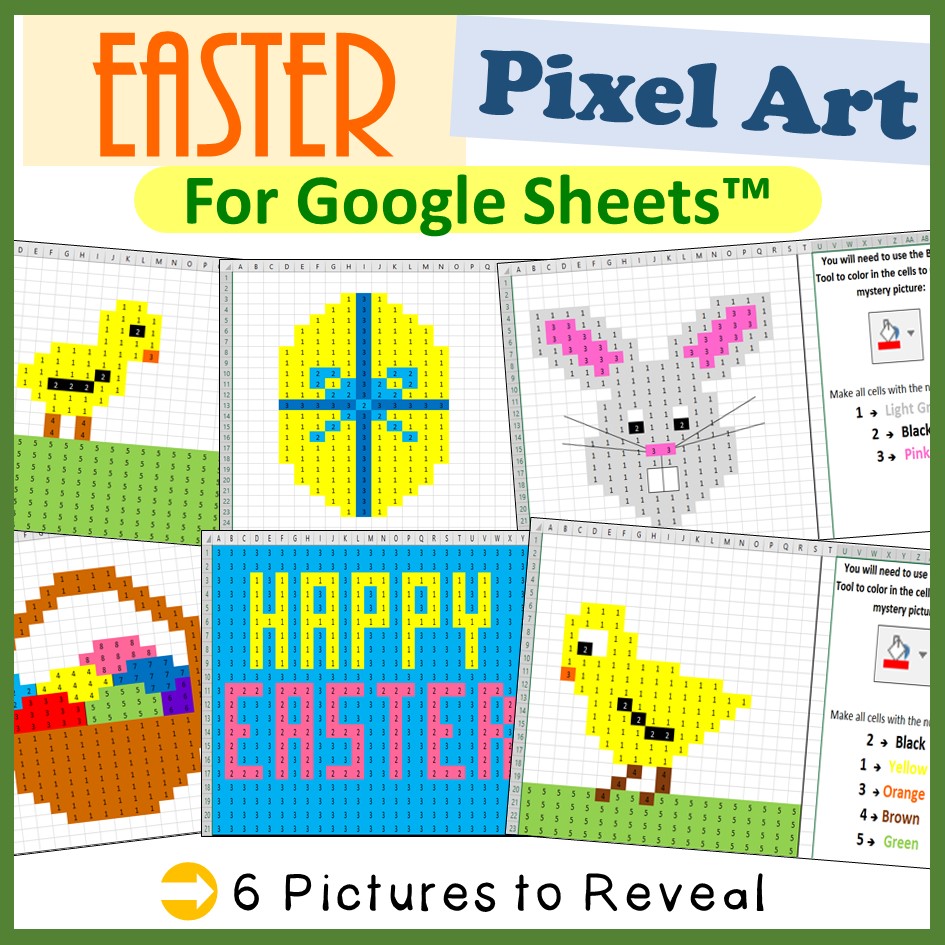
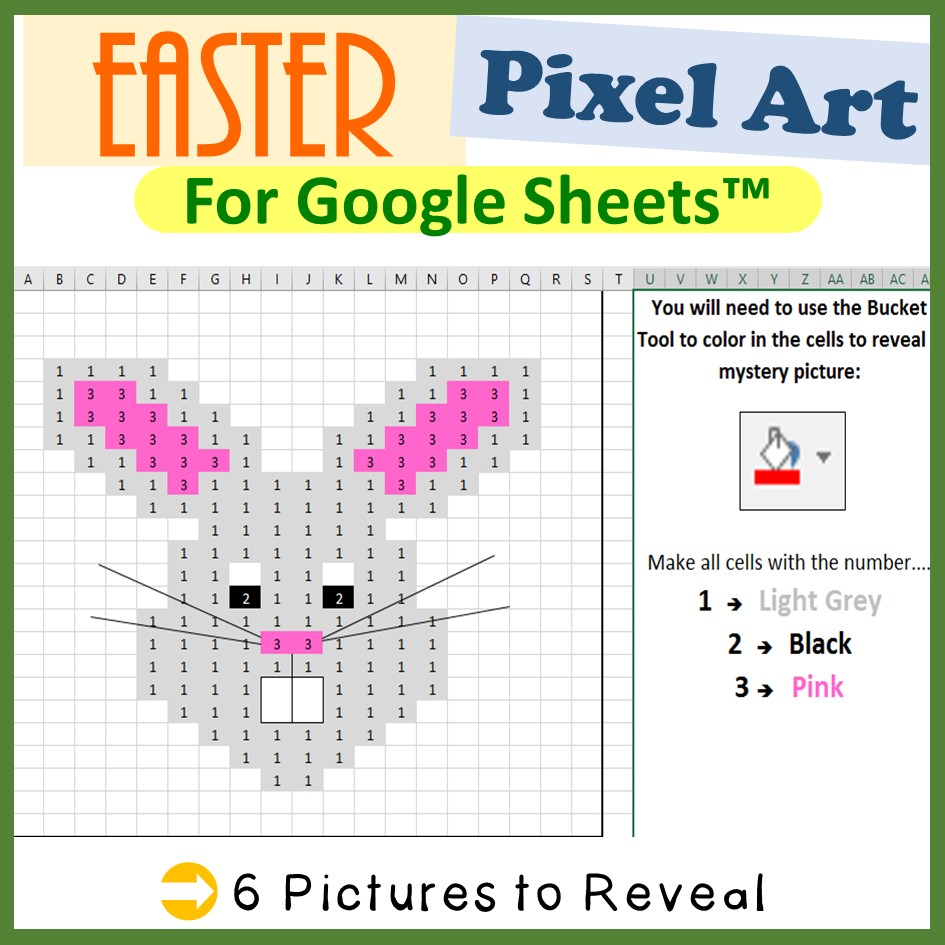
Bring some fun and creativity into your classroom with this Easter Google Sheets Pixel Art Activity! Students will use the Color Fill Tool to carefully colour specific cells and reveal a hidden Easter-themed mystery image—turning a simple spreadsheet into an exciting, interactive challenge.
Perfect for both beginners learning Google Sheets and more experienced students, this activity builds confidence with spreadsheet tools while keeping learners fully engaged.
What’s Included:
- 6 Easter-themed Google Sheets pixel art mystery pictures
- Clear, student-friendly step-by-step instructions
- Ready-to-use digital resource (no prep required)
- Easy sharing via Google Classroom
How It Works:
Students follow the instructions to colour specific cells using the Fill Tool in Google Sheets. As they progress, a hidden Easter image is revealed—combining technology skills with problem-solving and fun!
Skills Covered:
- Using Google Sheets tools (Color Fill, navigation, accuracy)
- Following instructions carefully
- Attention to detail
- Pattern recognition
- Digital literacy skills
Perfect For:
- Computer Science / ICT lessons
- Easter-themed classroom activities
- Sub plans or emergency lessons
- Early finishers
- Independent or remote learning
Important Notes:
- A shareable Google Drive link is provided upon purchase
- Students can access the activity easily through Google Classroom
- You must be logged into your Google account to access the files
Make learning fun and festive with this low-prep, high-engagement Easter technology activity—your students won’t even realise how much they’re learning!