
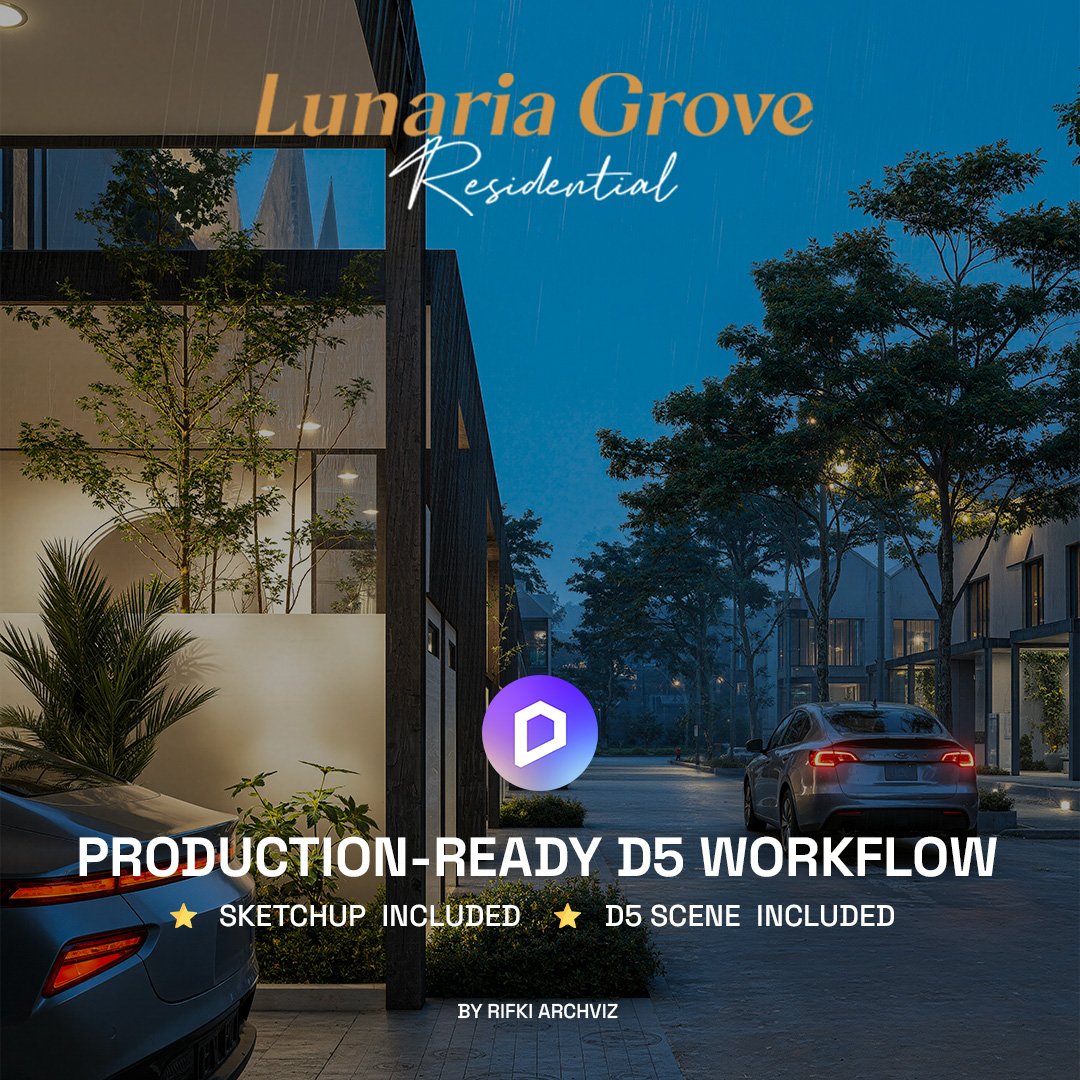
LUNARIA GROVE RESIDENTIAL - D5 RENDER SCENE
Lunaria Grove Residential D5 Render Scene
Production-ready D5 Render and SketchUp workflow, with the editable source file included.
Lunaria Grove is a complete D5 Render scene, built as a production-ready residential workflow. Open the .d5a scene or the editable SketchUp file, and the lighting, vegetation, materials, and camera angles are already set up for you. It is ready to render straight away, and organized cleanly enough to study and reuse on your own client projects.
What is inside this D5 Render scene
- D5 Render scene file (.d5a)
- SketchUp file (.skp), fully editable
- Organized texture folder
- Vegetation setup
- Lighting setup
- Camera composition
- Day and night render presets
- HDRI and LUT
- Preview images
- Basic setup tutorial
The editable SketchUp file is included
Many D5 scenes only give you the final render file. Lunaria Grove includes the original SketchUp model, so you can change materials, replace vegetation, adjust lighting, move cameras, or reshape the architecture itself. The workflow is kept open and easy to follow.
Rendered without post-production
The preview images come straight from D5 Render, with no Photoshop editing. The lighting, materials, and cameras are already balanced, so the result you see is the result you render. You can still refine afterwards if you want.
Organized and beginner-friendly
The scene is structured for smooth navigation, fast workflow, and efficient real-time rendering, without losing visual quality. The clean setup makes it easy to learn from, whether you are new to D5 or working on production deadlines.
What you need
You will need D5 Render and SketchUp. The scene opens in D5 Free, but some Pro-only assets and features may be limited, so D5 Pro is recommended for the full experience. Most essential assets and textures are included. A few may rely on the D5 built-in library, depending on your version.
Who this is for
Architects, 3D visualizers, architecture students, and freelancers who want a realistic residential scene to render, study, or build client work on, without setting up a scene from scratch.