
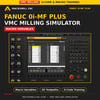
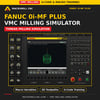
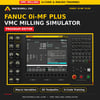
MacroMill VMC Simulator: Macro B & G-Code Training
Practise FANUC-style Macro B programming and prove out VMC programs on your PC, before they go anywhere near a real machine.
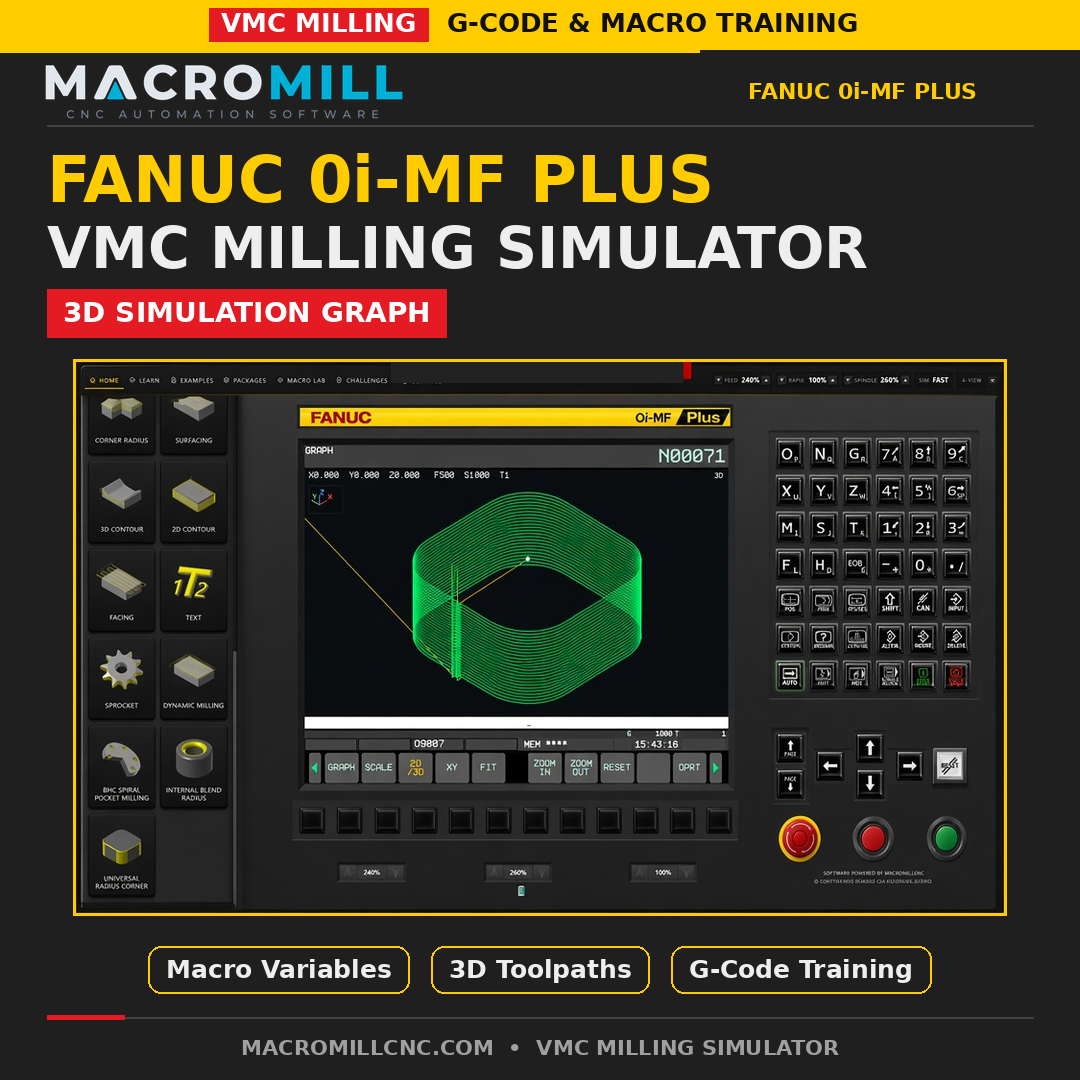
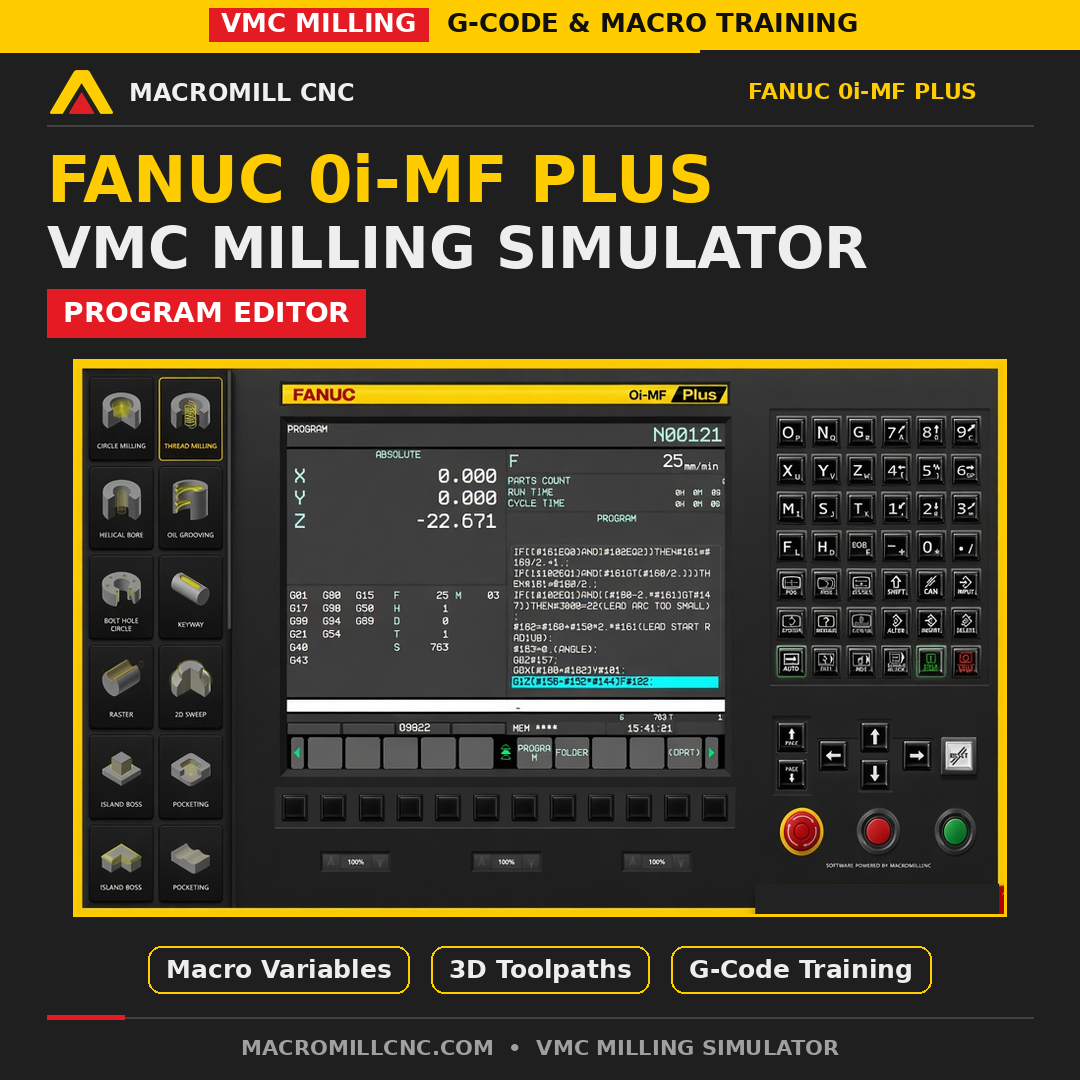
MacroMill VMC Simulator is a professional Windows training and simulation package for vertical machining centres. It combines a FANUC-style control environment, a dedicated Macro Lab, guided training content and a library of ready-to-run milling packages in one desktop application.
One payment. Lifetime licence on 2 PCs. No subscription.
What's inside
- FANUC-style CNC control simulation for VMCs
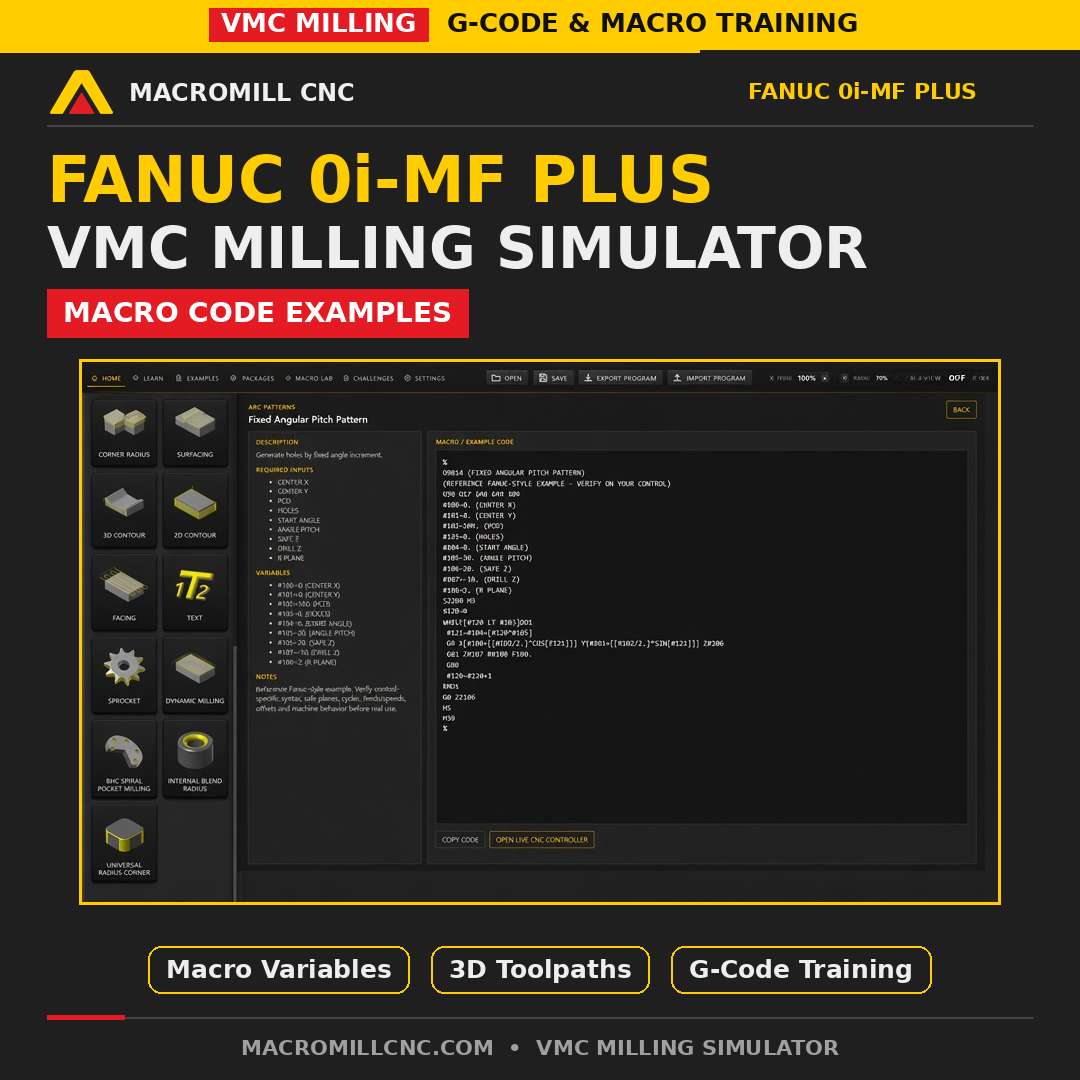
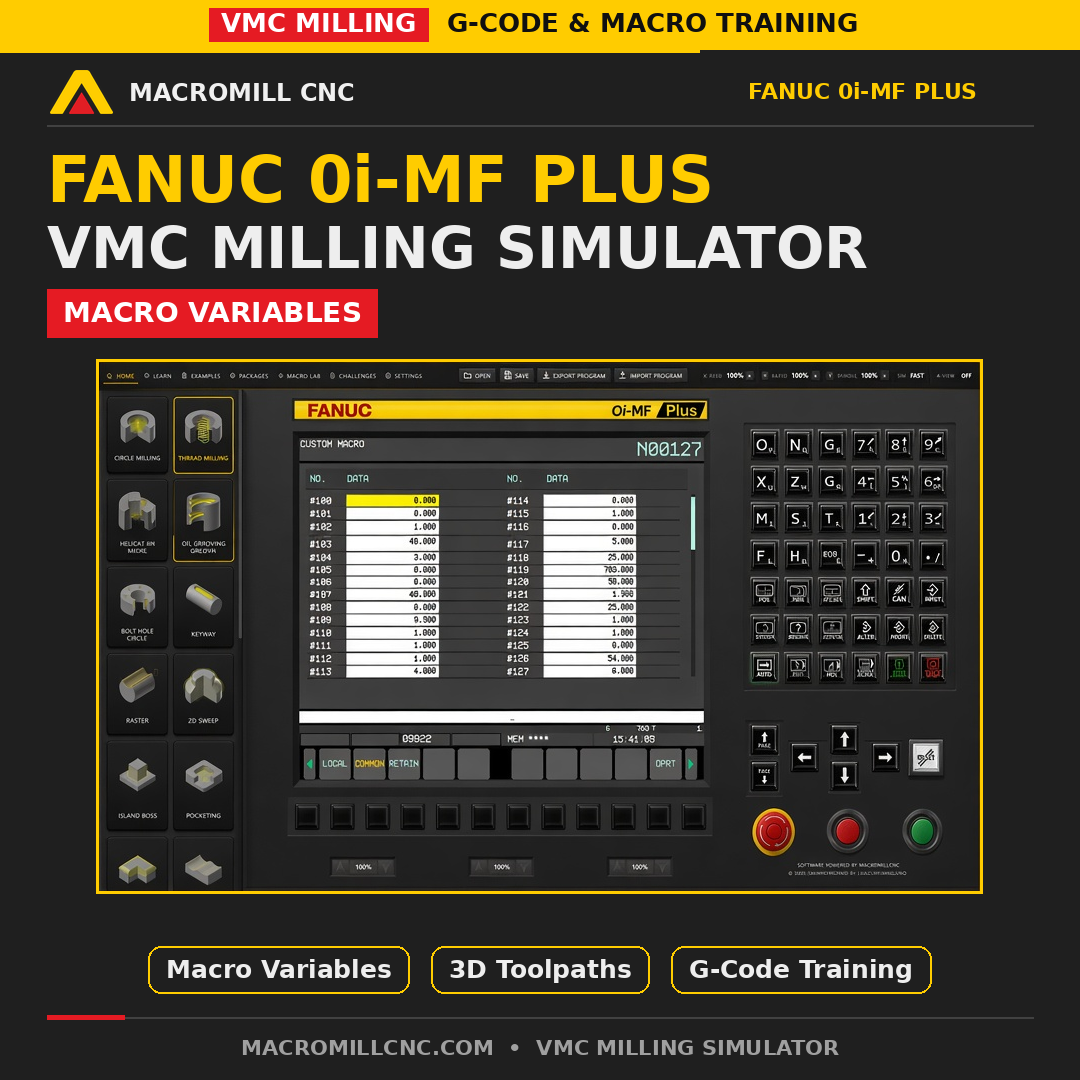
- Macro Lab for Macro B programming: # variables, IF / WHILE logic and G65 macro calls
- Learn mode with built-in training content
- Practical worked examples
- Challenge mode to test your skills
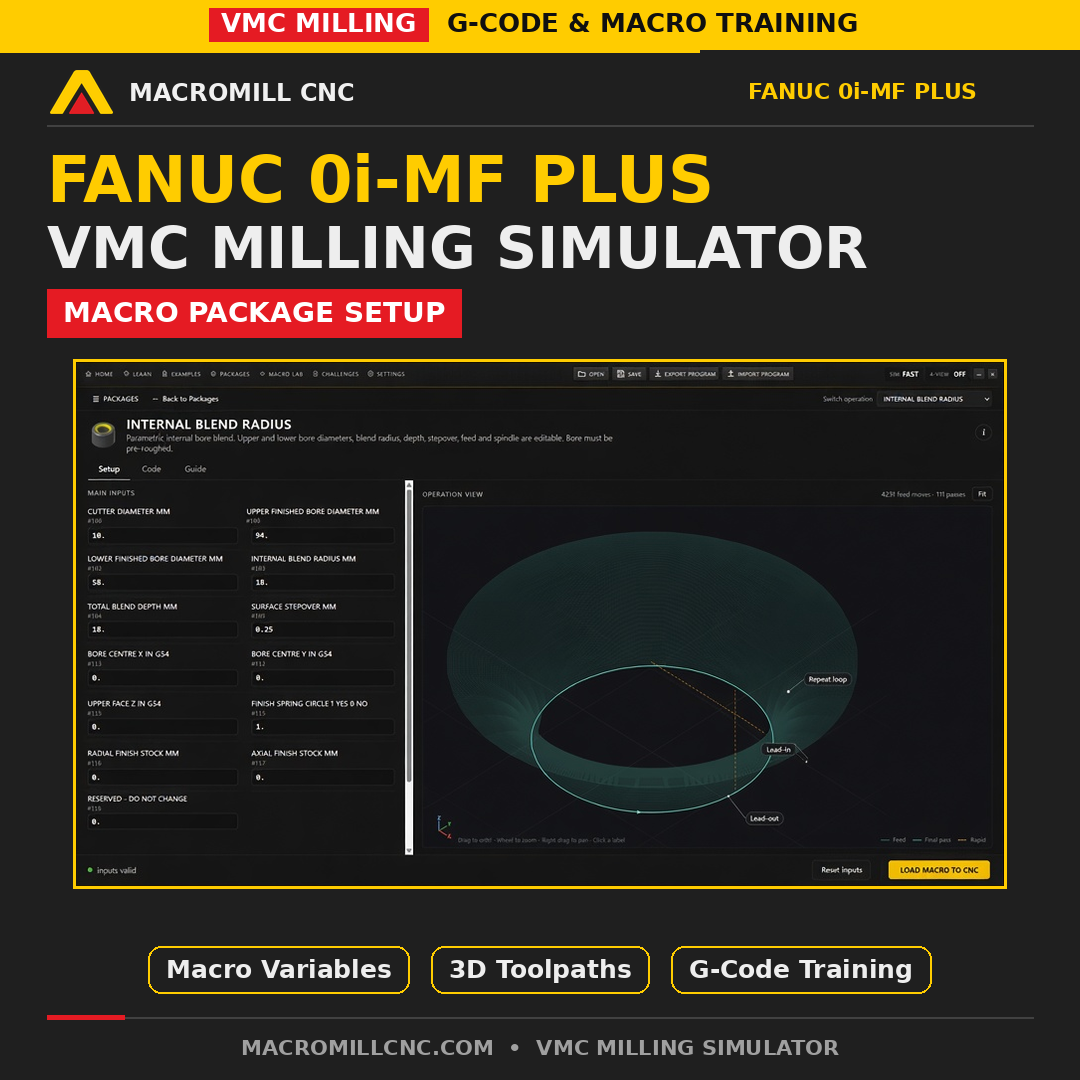
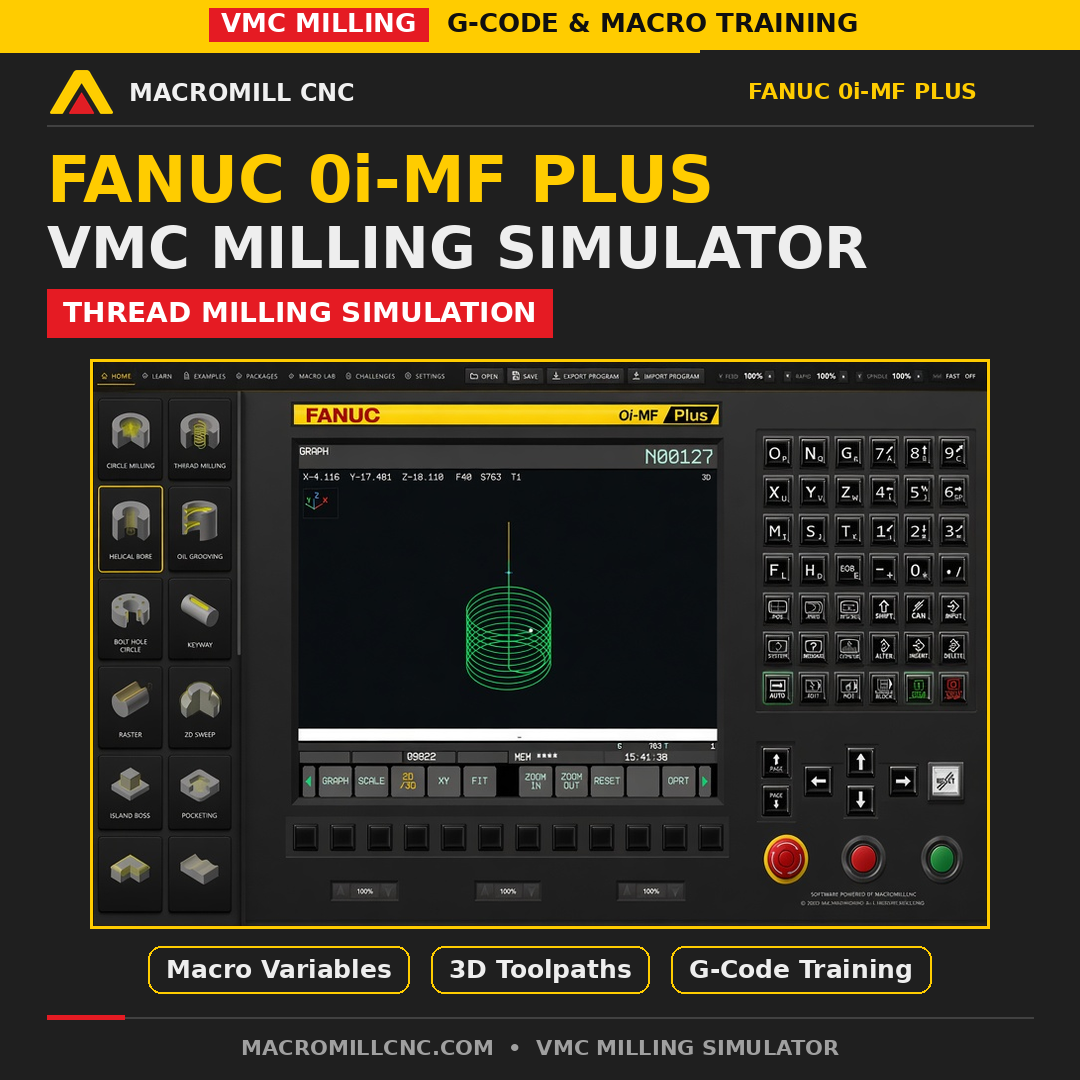
- Package library of ready-to-use machining routines, including circle milling, pocketing, thread milling, helical bore, bolt hole, corner radius, surfacing and 2D contour
Who it's for
- CNC programmers who want to test macros safely
- Machinists and CNC operators building their skills
- Apprentices and students
- Training centres (multi-seat pricing available on request)
What you get
- Instant digital download for Windows 64-bit (latest and older versions included)
- 1 unique licence key, activation on up to 2 devices
- Lifetime access, one-time payment
- Internet connection needed for first activation only
Versions included
- 1.0.6 - latest release (recommended)
- 1.0.4 - previous release
- 1.0.2 - older release, for anyone who prefers the earlier version
- All versions use the same licence key
Frequently asked questions
Is this official FANUC software?
No. MacroMill VMC Simulator is independent training software that follows FANUC-style operation and programming conventions.
Do I need a CNC machine?
No. Everything runs on your Windows PC, so you can learn and test programs without risking a machine, tool or part.
How do I activate it?
After purchase you receive the download link and your licence key instantly. Enter the key on first launch (internet required once). Keep your key safe.
Can I use it on more than one PC?
Yes, one licence key activates on up to 2 devices.
Built by MacroMill, South Africa. Questions before you buy? Email info@macromillcnc.online or visit www.macromillcnc.com
Compare MacroMill simulators
- MacroMill 4-in-1 CNC Simulator Bundle: VMC, A-axis VMC, X/Z lathe and C-axis lathe simulators in one purchase. Best value.
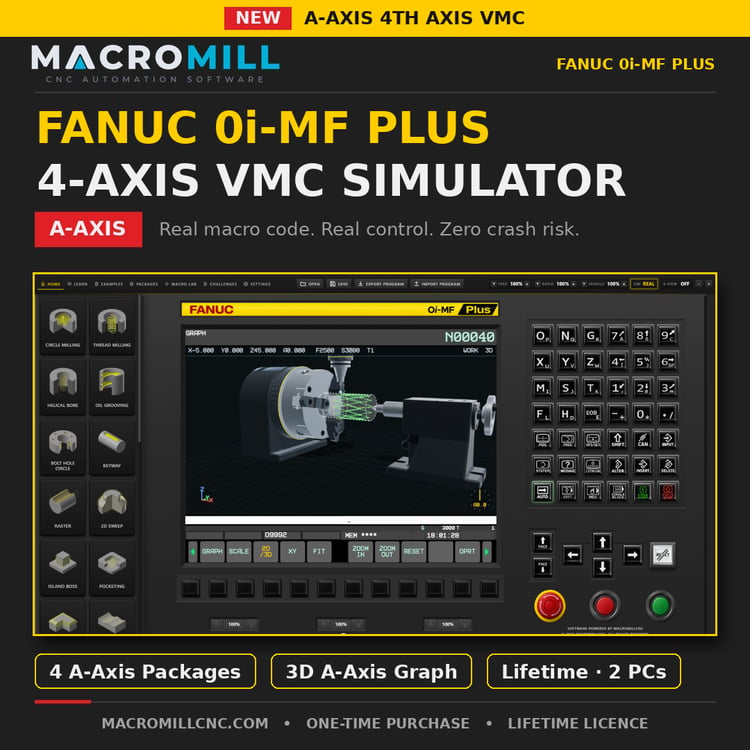
- A-Axis VMC Simulator: 4-axis milling with a rotary A axis.
- Lathe Simulator: X/Z turning, G-code and macro training.
- Lathe Simulator with C-Axis: C-axis indexing for live-tooling style work.
- MacroMill CNC Lathe Simulator: 3D lathe with 180+ tools, tool probing and robot automation.
Want to write the macros as well as test them? CNC Automation Pro 2026 is the MacroMill training course, with 380+ lessons and CNC software and apps included. The latest simulators are sold separately.
MacroMill store rating: 4.8 out of 5. Questions? Email info@macromillcnc.online or visit www.macromillcnc.com
FANUC is a registered trademark of FANUC Corporation. MacroMill is not affiliated with, sponsored by or endorsed by FANUC.