
Excel Spreadsheets Activities Bundle | Technology & Computer Applications
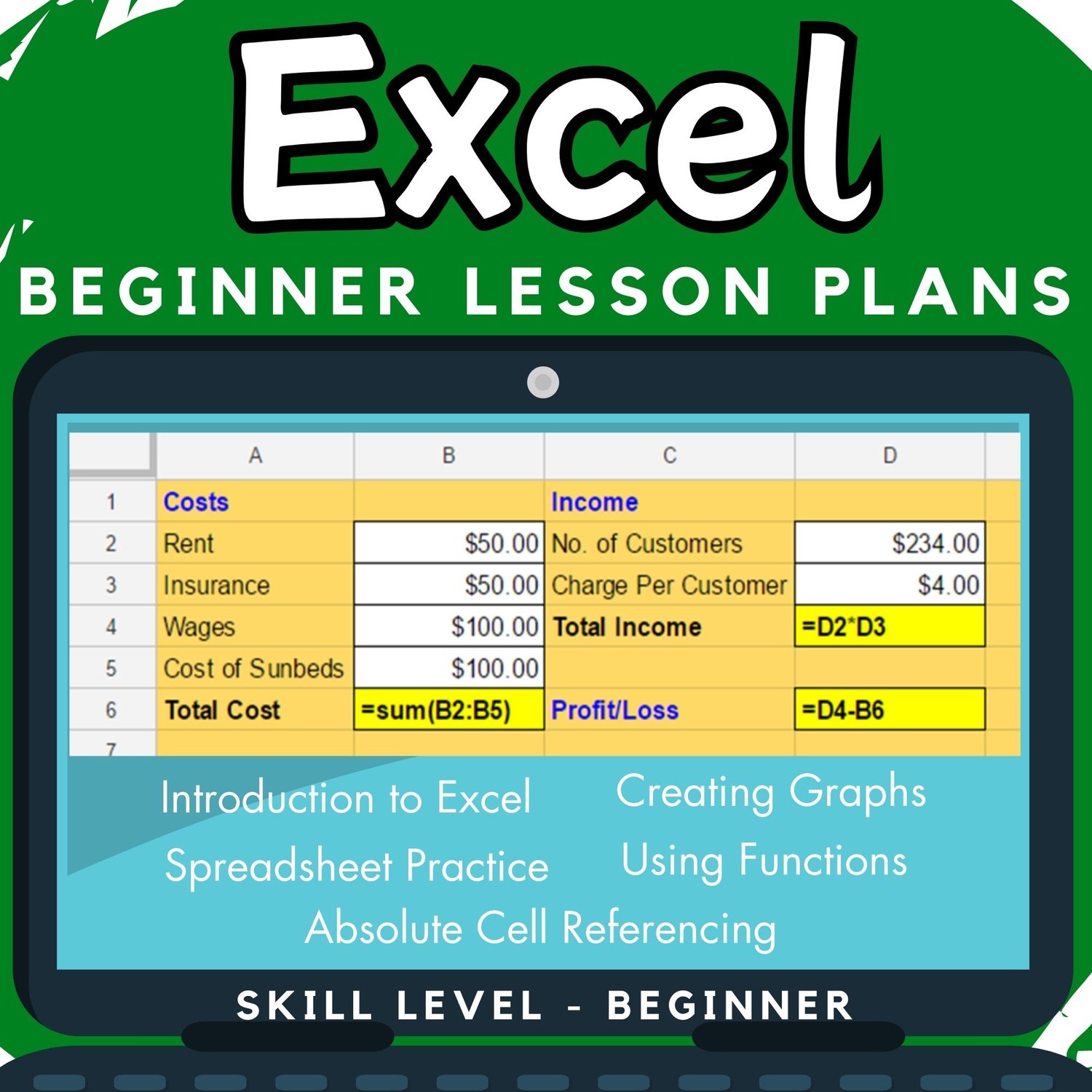
Need a complete Microsoft Excel unit that takes students from beginner to confident spreadsheet users? This Excel Spreadsheets Activities Bundle includes lessons, practice, assessments, and independent task cards.
This Microsoft Excel Spreadsheets & Activities Bundle is a comprehensive set of lesson plans, worksheets, and spreadsheet exercises designed to teach students both basic and intermediate Excel skills.
Perfect for Technology, Computer Applications, and Computer Science classrooms, this bundle allows teachers to introduce spreadsheet concepts step by step while also providing consolidation activities, independent practice, and mini assessments.
The Excel activities and exercises included can be used during lessons, as revision work, or as mini tests, making this bundle extremely flexible for classroom use.
Topics in this bundle include:
- Introduction to Excel spreadsheets
- Calculations in spreadsheets
- Understanding and naming cell references
- Simple formulae (addition, subtraction, multiplication, division)
- Functions: SUM, MIN, MAX, AVERAGE, MODE
- Tallying and organizing data
- Making predictions by changing data
- Components of graphs
- Advantages of spreadsheets vs. pen-and-paper methods
- Analysing spreadsheet data
- Inserting and deleting rows
- Creating spreadsheets from real-world scenarios
- Creating, understanding, and analysing graphs
- Absolute and relative cell referencing
What’s Included in This Bundle:
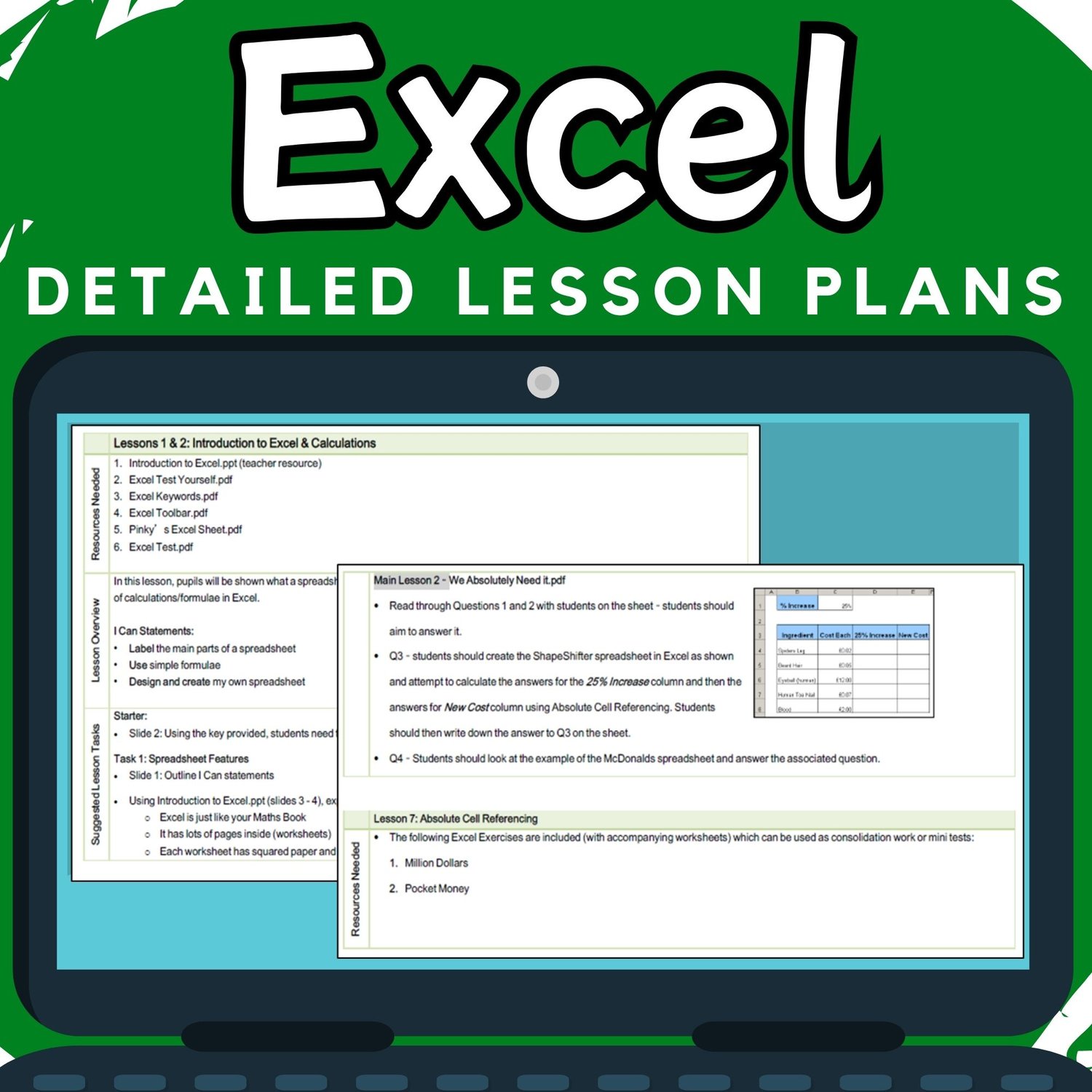
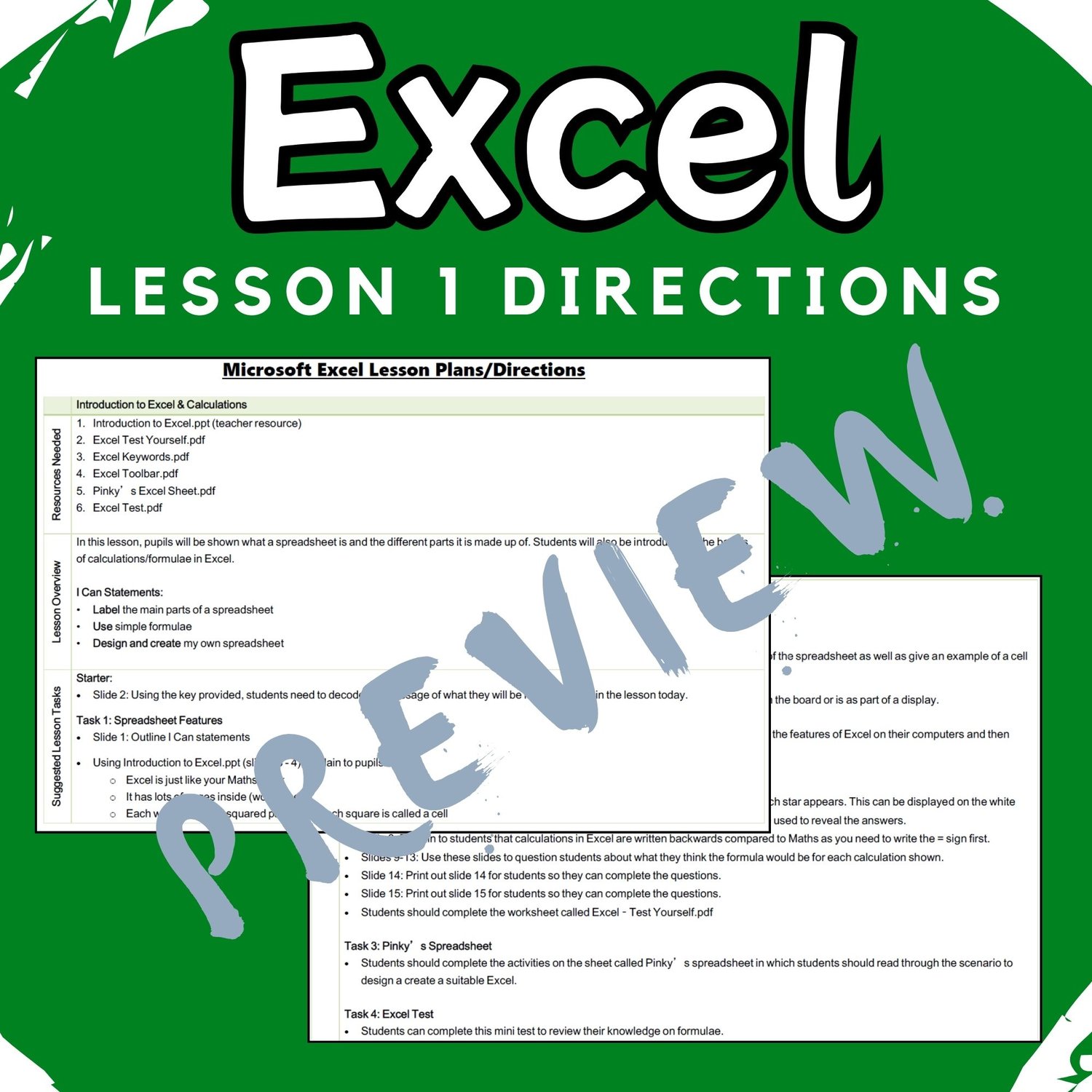
✔️ Detailed lesson directions
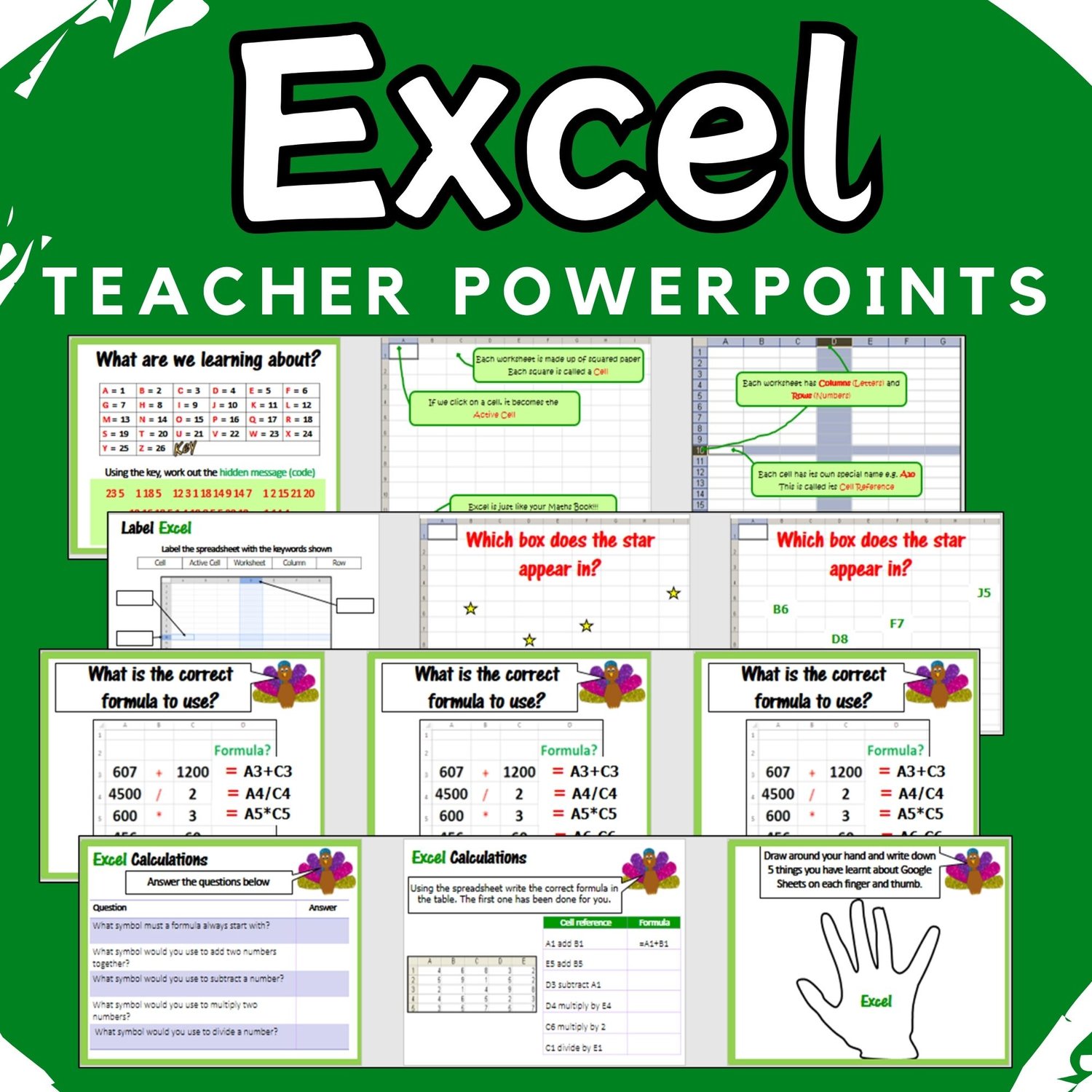
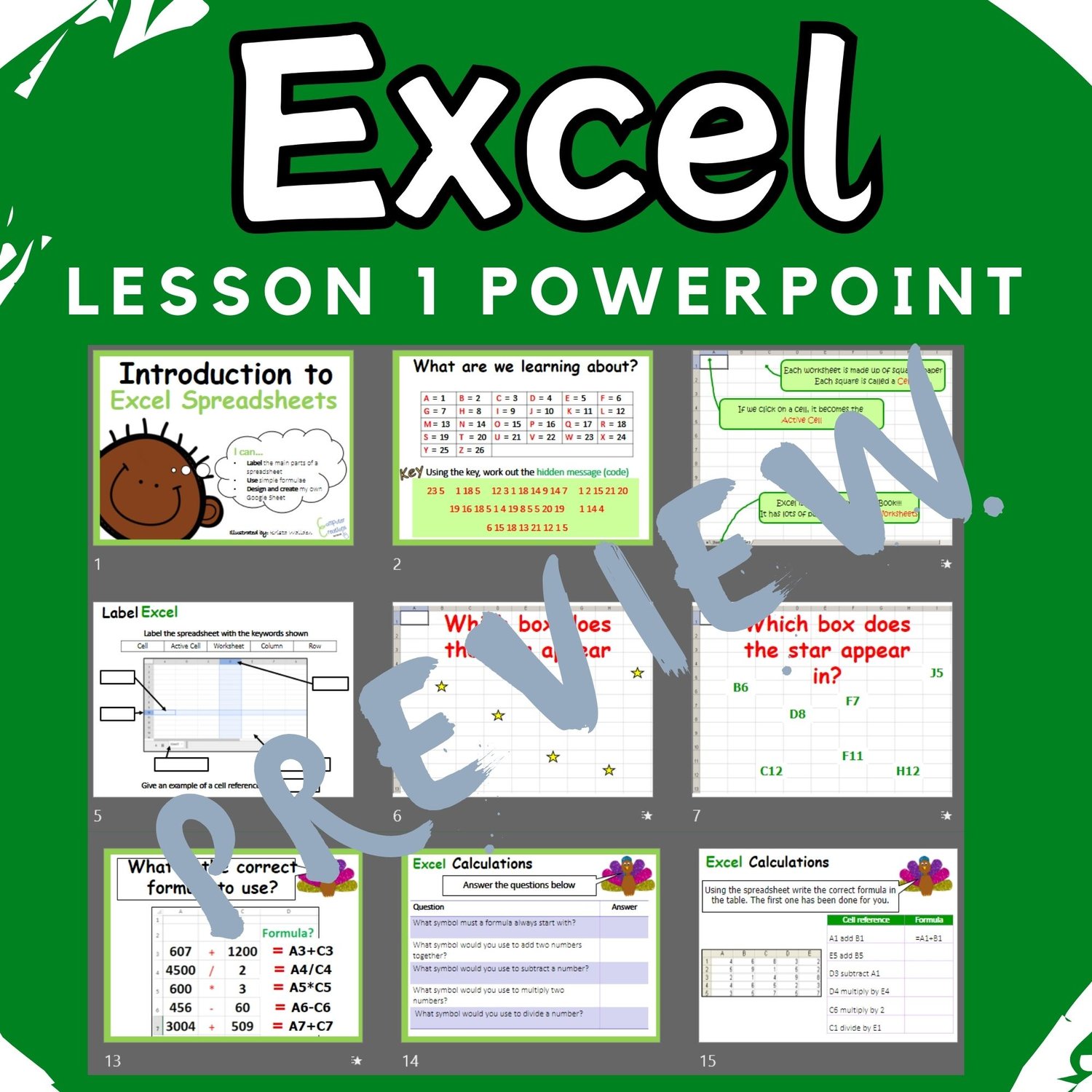
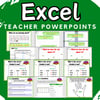
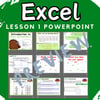
✔️ Teacher presentation slides
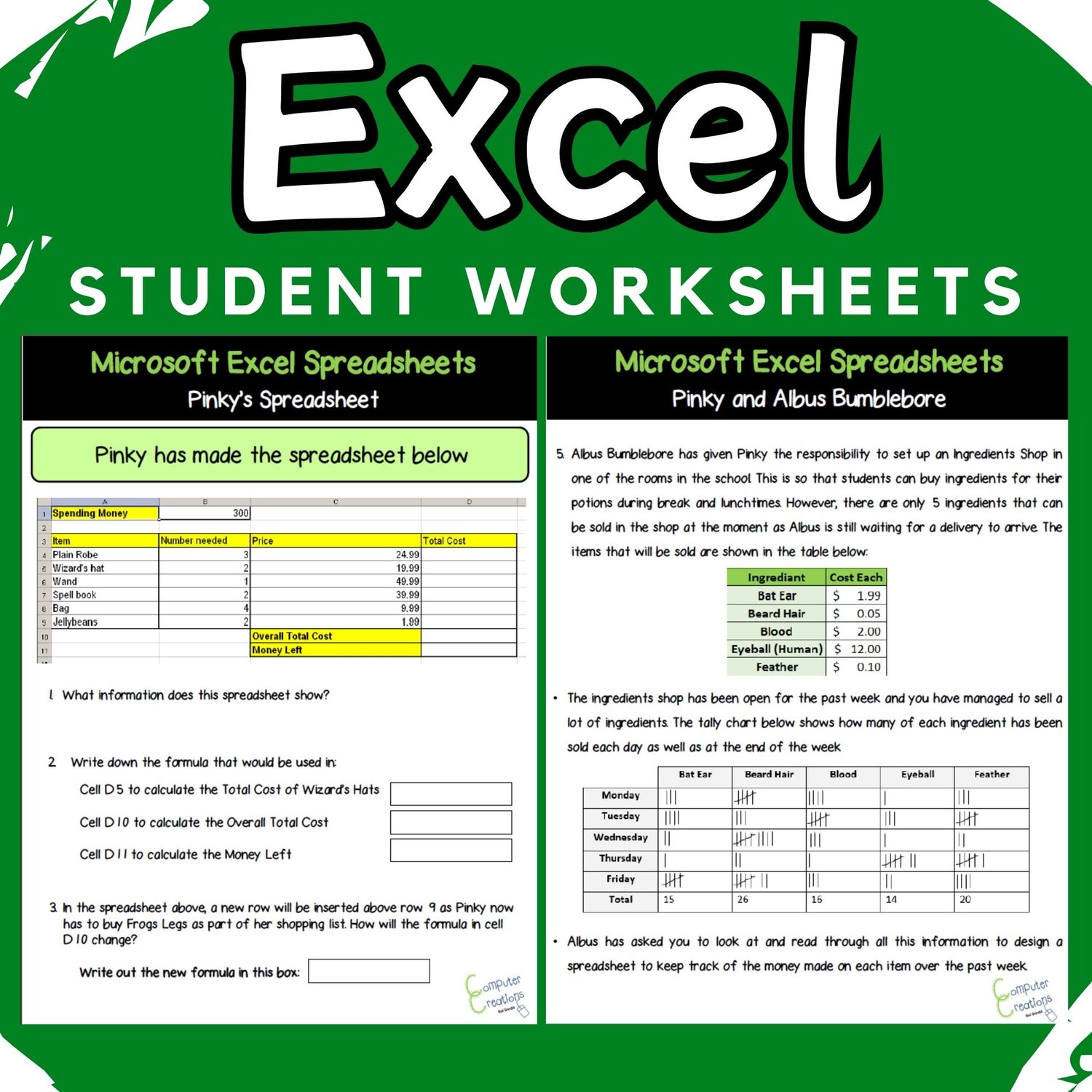
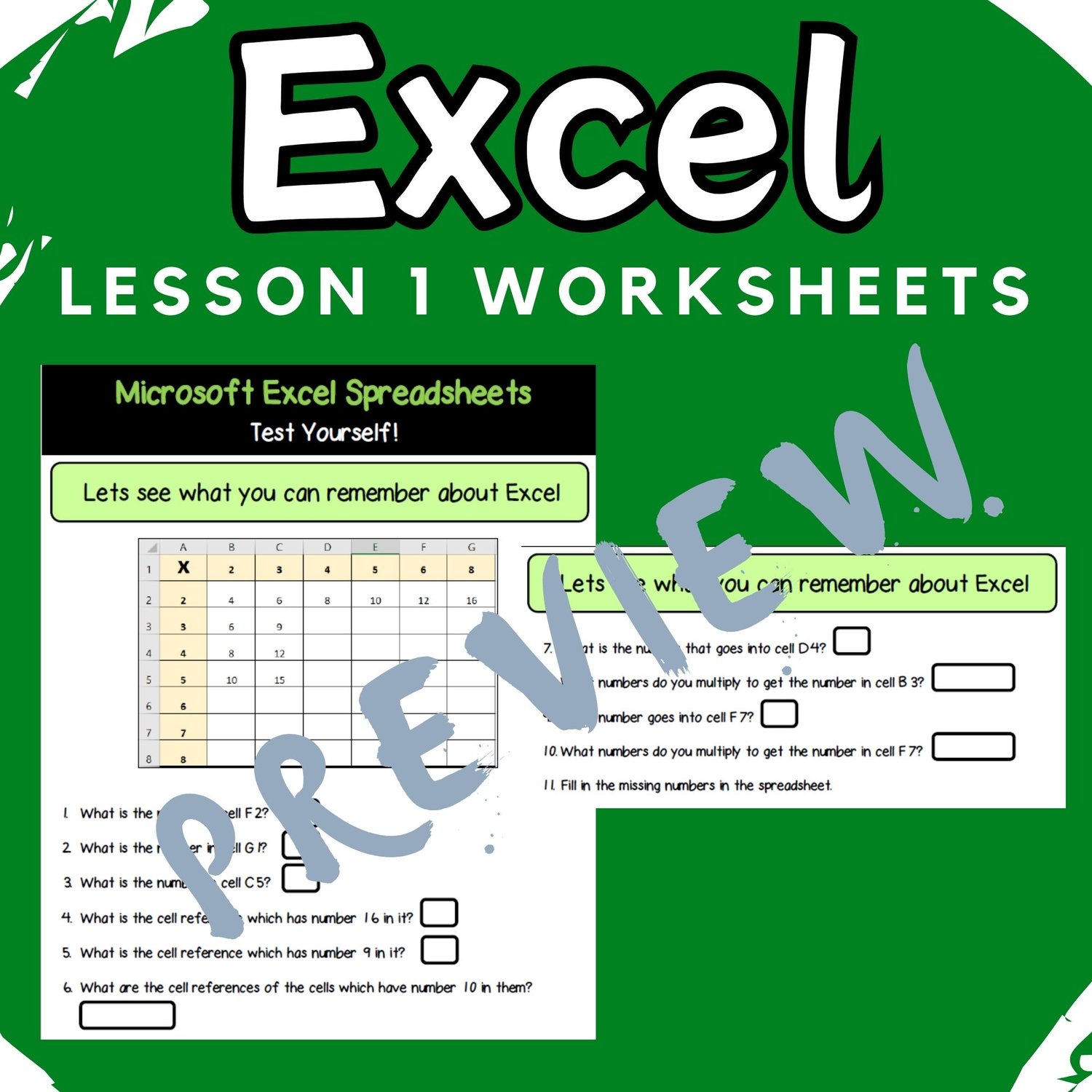
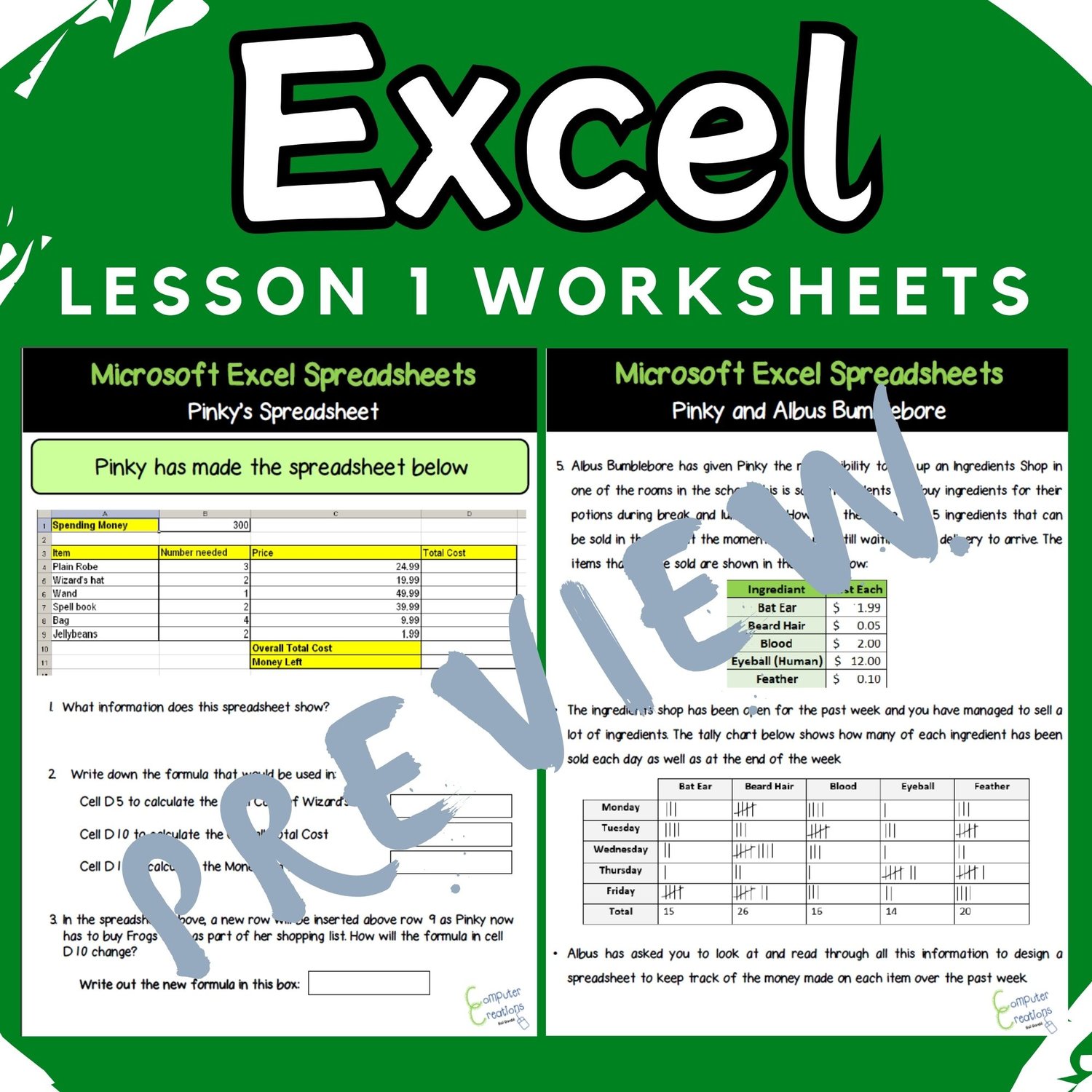
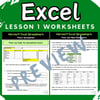
✔️ Student worksheets
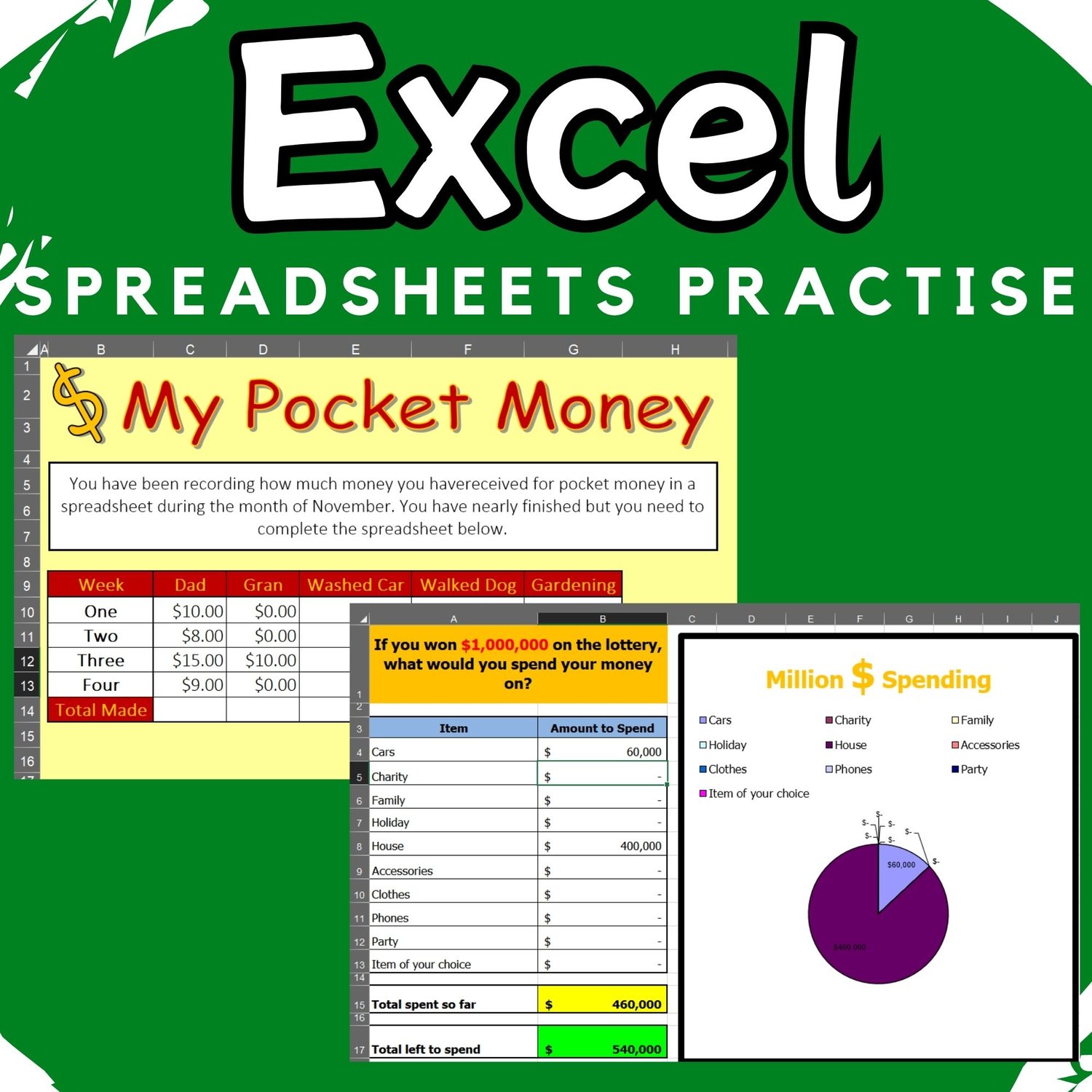
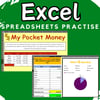
✔️ Excel spreadsheet exercises for consolidation or mini tests
✔️ “I Can” Statements covering:
- Text & number formatting
- Cell formatting
- Creating & formatting graphs
- Using formulae & function
- Sheet operations
- Sheet layout & appearance
✔️Task Cards & Question Cards:
- 19 Excel Task Cards for independent practice, including:
- Pie and bar charts (creating & formatting)
- Inserting and deleting rows
- Excel formulae and functions:
- =SUM(), =MAX(), =MIN(), =MODE(), =AVERAGE()
- =COUNT(), =COUNTA(), =COUNTIF()
- 20 Question Cards to assess Excel knowledge
- (Perfect for bell work, starters, plenaries, review, or testing)
Perfect For:
- Microsoft Excel lessons
- Computer Applications classes
- Digital literacy instruction
- STEM & technology classrooms
- Middle school & early high school students
- Independent work, assessments, and sub plans