
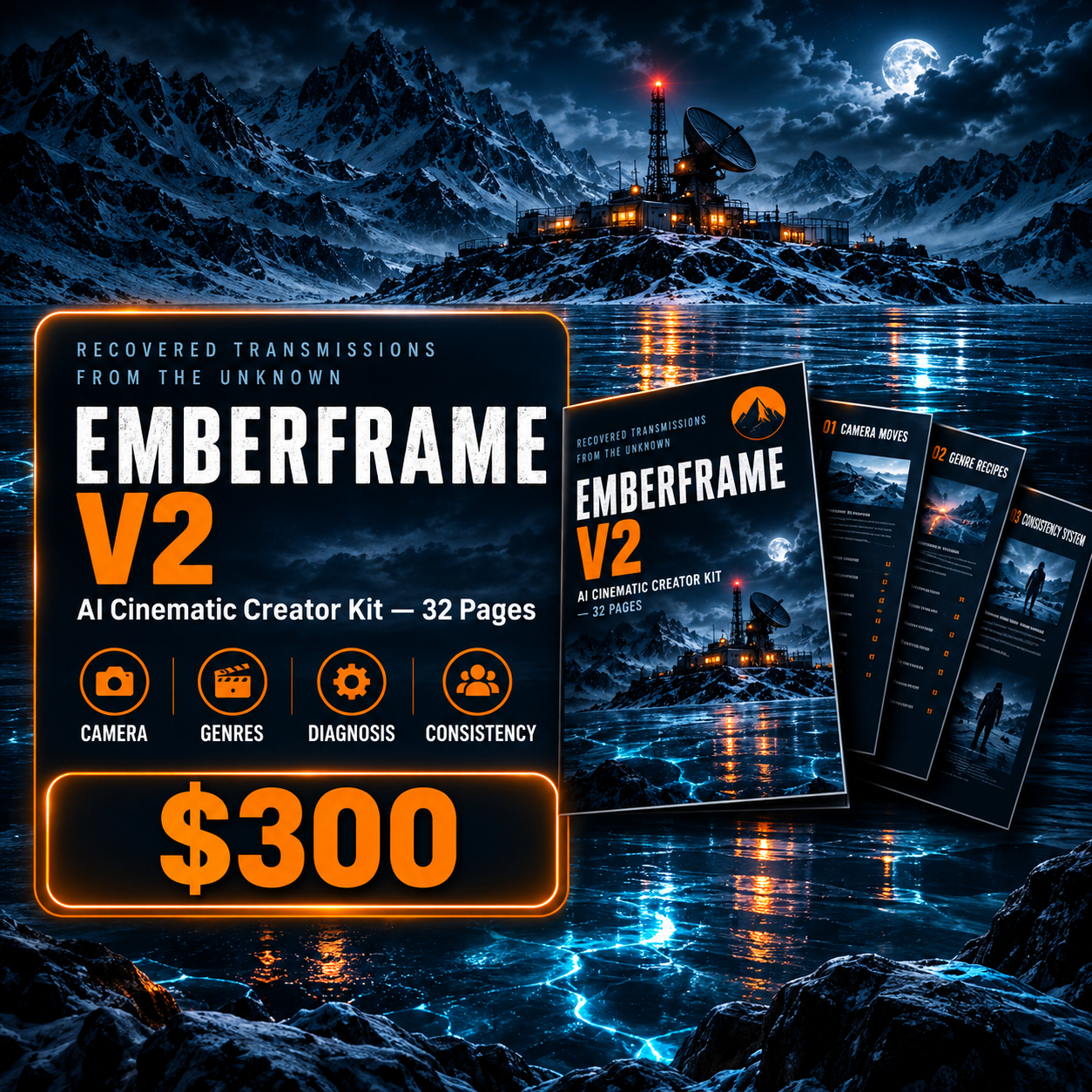
EMBERFRAME V2 — AI Cinematic Creator Kit
😩 TIRED OF AI VIDEO THAT LOOKS... AI-GENERATED?
Flat lighting. Floaty motion. Weak depth.
A character that subtly changes from scene to scene.
You've tried adding more adjectives to your prompts.
More detail. More keywords. More "cinematic" words.
And somehow... the results still feel wrong.
The problem was never your creativity.
It was your SYSTEM.
━━━━━━━━━━━━━━━━━━━━━━━━━━━━━━
🎬 INTRODUCING EMBERFRAME V2
STOP ADDING ADJECTIVES.
START DIAGNOSING SHOTS.
EMBERFRAME V2 is a practical AI Cinematic Creator Kit for turning simple AI ideas into more controlled, cinematic video scenes.
Instead of throwing more words into a prompt, you'll learn how to control the variables that actually shape the result:
COMPOSITION.
CAMERA.
LENS.
LIGHTING.
MOTION.
DEPTH.
SOUND.
COLOR.
CONSISTENCY.
Build fewer shots.
Control them better.
Make every frame feel intentional.
━━━━━━━━━━━━━━━━━━━━━━━━━━━━━━
🎯 THE CORE FORMULA
10 CONTROLLED VARIABLES FOR CINEMATIC PROMPTING
SUBJECT + ACTION + CAMERA + LENS + LIGHTING
+ ENVIRONMENT + ATMOSPHERE + MOTION + COMPOSITION + COLOR
Use the formula as a repeatable framework instead of guessing what to add to a prompt.
Every slot has a purpose.
Vague instructions create generic results.
Specific decisions create control.
━━━━━━━━━━━━━━━━━━━━━━━━━━━━━━
🎥 CAMERA MOVES — WITH PLATFORM NOTES
Explore 50+ camera movements organized by creative intent.
Learn when to use:
• Push-ins
• Pull-backs
• Orbits
• Tracking shots
• Crane movements
• Rack-focus combinations
• Establishing movements
• And more
The kit also includes platform-aware guidance so you can understand how camera language behaves across different AI video tools.
━━━━━━━━━━━━━━━━━━━━━━━━━━━━━━
🔍 LENS LANGUAGE
Most prompt guides tell you WHAT camera move to use.
EMBERFRAME also teaches you to think about the LENS.
Understand how focal length, perspective, compression, depth of field, and lens choice change the visual language of a shot.
Because a camera move without the right lens can still look wrong.
━━━━━━━━━━━━━━━━━━━━━━━━━━━━━━
💡 CINEMATIC LIGHTING
Build lighting with intention instead of simply writing "cinematic lighting."
Learn practical lighting setups and how to describe them with platform-aware guidance.
From hard side light and practical sources to controlled contrast, motivated lighting, and atmospheric depth.
━━━━━━━━━━━━━━━━━━━━━━━━━━━━━━
🎬 REALISTIC MOTION & THE MICRO-MOTION RULE
AI video often looks fake because everything feels frozen.
EMBERFRAME introduces a simple principle:
Even in a "static" shot, give the scene one small continuous movement.
A curtain shifting.
A light flickering.
Breath.
Fabric reacting to wind.
Water rippling.
Steam drifting.
Small physical details can make a scene feel dramatically more alive.
━━━━━━━━━━━━━━━━━━━━━━━━━━━━━━
🧠 THE FAILURE DIAGNOSIS SYSTEM
THIS IS THE PART MOST PROMPT PACKS DON'T HAVE.
When a shot looks artificial, don't rewrite the entire prompt.
Diagnose the problem.
Is the issue:
• Composition?
• Motion?
• Camera?
• Lighting?
• Depth?
• Physics?
Then fix the broken variable.
That's the philosophy behind EMBERFRAME V2:
"When a shot looks artificial, the fix is never 'add more adjectives.' It's to diagnose which single variable is broken — composition, motion, camera, lighting, depth, or physics — and correct that one thing."
━━━━━━━━━━━━━━━━━━━━━━━━━━━━━━
🔊 SOUND DESIGN & FOLEY LIBRARY
A cinematic shot isn't only what you SEE.
It's what you HEAR.
Explore practical sound-design principles including:
• Foley
• Environmental sound
• Silence
• Timing
• Micro sound cues
• Sound choices that support visual action
Build shots that feel more grounded instead of relying on visuals alone.
━━━━━━━━━━━━━━━━━━━━━━━━━━━━━━
🎭 GENRE RECIPE SHEETS
Ready-to-use cinematic starting frameworks for different creative genres.
Each recipe combines the Core Formula into a practical starting point covering:
CAMERA
LENS
LIGHTING
MOTION
SOUND
COLOR
Adjust the subject and action.
Keep the structure.
Generate with intention.
━━━━━━━━━━━━━━━━━━━━━━━━━━━━━━
📊 PLATFORM COMPARISON — 2026
A practical snapshot of:
Kling 3.0
Runway Gen-4.5
Veo 3.1
Pika 2.5
Seedance 2.0
See what each platform is best suited for, where its strengths are, and how its workflow differs.
Platform capabilities change quickly, so the kit clearly treats this section as a 2026 snapshot rather than permanent specifications.
━━━━━━━━━━━━━━━━━━━━━━━━━━━━━━
🎨 COLOR GRADING & MOOD PALETTES
Learn how color treatment affects:
• Mood
• Visual cohesion
• Emotional tone
• Scene-to-scene consistency
Use color as a creative decision — not an afterthought.
━━━━━━━━━━━━━━━━━━━━━━━━━━━━━━
🧬 CHARACTER CONSISTENCY DEEP-DIVE
One of the biggest problems in multi-scene AI video is character drift.
EMBERFRAME gives you a practical Character Lock System designed to keep your character consistent across scenes.
You'll learn how to:
• Write a complete character lock
• Reuse it consistently
• Define proportions precisely
• Use negative lists
• Anchor new scenes to reference frames
• Reduce consistency loss during camera and lighting changes
No more relying on luck to keep the same character.
━━━━━━━━━━━━━━━━━━━━━━━━━━━━━━
📚 12 BEFORE → AFTER CASE STUDIES
See the system applied to real creative problems.
6 core case studies plus 6 additional case studies added in V2.
Each example shows more than the final prompt:
BEFORE → REASONING → AFTER
You'll see why a basic shot fails, which variable needs attention, and how a more intentional construction changes the result.
━━━━━━━━━━━━━━━━━━━━━━━━━━━━━━
📝 FILL-IN-THE-BLANK PROMPT TEMPLATES
Three ready-to-use templates built from the Core Formula.
Copy.
Replace the bracketed sections.
Keep the structure.
Templates include:
• Character Moment
• Product / Object Hero Shot
• Establishing / Environment Shot
The structure does the heavy lifting.
━━━━━━━━━━━━━━━━━━━━━━━━━━━━━━
⚡ 7-DAY PRACTICE PLAN
Don't just read the kit.
Practice it.
The 7-Day Practice Plan gives you a structured way to apply the system and build the habit of making deliberate cinematic decisions.
━━━━━━━━━━━━━━━━━━━━━━━━━━━━━━
📋 QUICK REFERENCE + GLOSSARY
Need a fast reminder?
The One-Page Quick Reference compresses the system into practical defaults.
The Glossary gives you clear definitions for important concepts such as:
• Character Lock
• Micro-Motion
• Negative Rules
• Rack Focus
• Depth of Field
• Parallax
• Motivated Lighting
• Foley
• Color Grade
• Temporal Consistency
• Prompt Drift
• Establishing Shot
━━━━━━━━━━━━━━━━━━━━━━━━━━━━━━
👤 WHO THIS IS FOR
• Faceless content creators building AI channels
• AI filmmakers and visual storytellers
• Creators working with AI video generation tools
• Creators building consistent AI characters or mascots
• Small brands creating cinematic product videos
• Anyone tired of prompts that "almost" work
• Anyone who wants a repeatable system instead of a bigger prompt list
━━━━━━━━━━━━━━━━━━━━━━━━━━━━━━
📄 FORMAT
ONE CLEAN, FULLY DESIGNED PDF
32 PAGES
INSTANT DIGITAL DOWNLOAD
Read it on any device.
Use the frameworks directly in your AI video workflow.
Copy, adjust, generate, diagnose, improve.
No filler.
No endless theory.
No random collection of prompts.
A practical system for gaining more control over your AI cinematic shots.
━━━━━━━━━━━━━━━━━━━━━━━━━━━━━━
🧠 THE CREATOR RULE
Fewer shots.
Better controlled.
Every frame should feel like a decision —
not a guess.
━━━━━━━━━━━━━━━━━━━━━━━━━━━━━━
💵 $499 LAUNCH PRICE: $300
Get EMBERFRAME V2 at the launch price of $12.99.
━━━━━━━━━━━━━━━━━━━━━━━━━━━━━━
EMBERFRAME V2
BUILD FEWER SHOTS.
CONTROL THEM BETTER.
MAKE EVERY FRAME FEEL INTENTIONAL.