
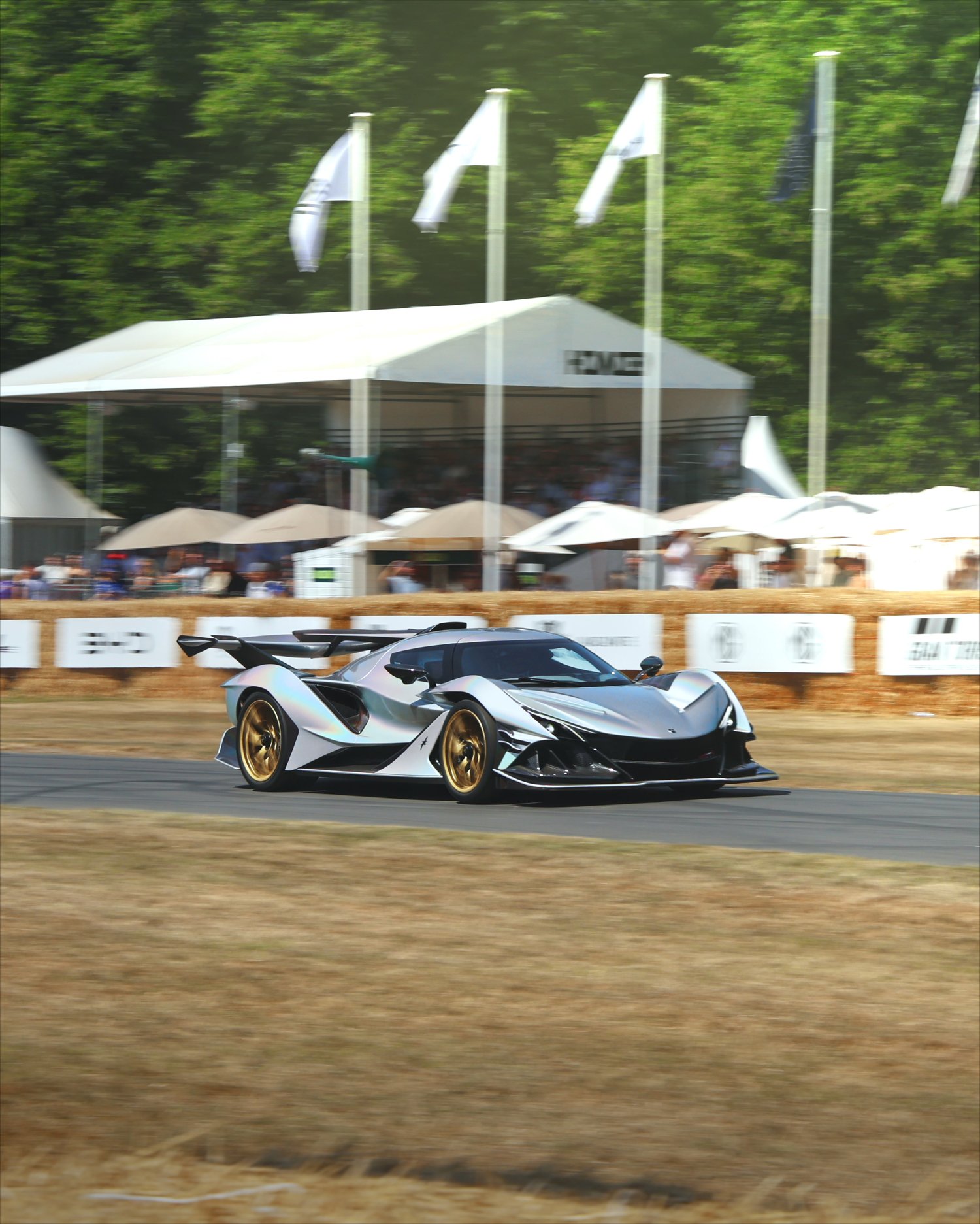
My Shake Tutorial!
PC REQUIRED, Works With Any Version Of Davinci Resolve
🎬 Master My Cinematic Shake in DaVinci Resolve
A Complete Step-by-Step Tutorial for Filmmakers, Editors & Motion Designers
Take full control of camera movement with this in-depth tutorial focused entirely on creating clean, cinematic shake inside DaVinci Resolve. Whether you’re adding subtle handheld motion or aggressive impact shake, this tutorial shows you how to build professional-quality shake from scratch, without plugins.
🎯 Why This Tutorial?
Camera shake is one of the most powerful tools for adding energy, realism, and emotion to an edit—but only when it’s done right. This training is designed to help you understand why shake works, not just how to apply it. You’ll learn workflow-proven techniques that translate directly into professional edits for short-form content, music videos, and cinematic projects.
If your goal is to add movement that feels intentional, modern, and polished, this tutorial gives you full creative control.
Learn to:
- Create natural, cinematic shake without plugins
- Control intensity, speed, and randomness
- Apply shake to clips, text, and compositions
- Avoid common mistakes that break realism
Level up your motion design skills.
Add professional energy to your edits.
Create shake that actually feels cinematic.
You can find the shake example here:
https://www.tiktok.com/@thxnder.visuals/video/7585894543590001942?lang=en