

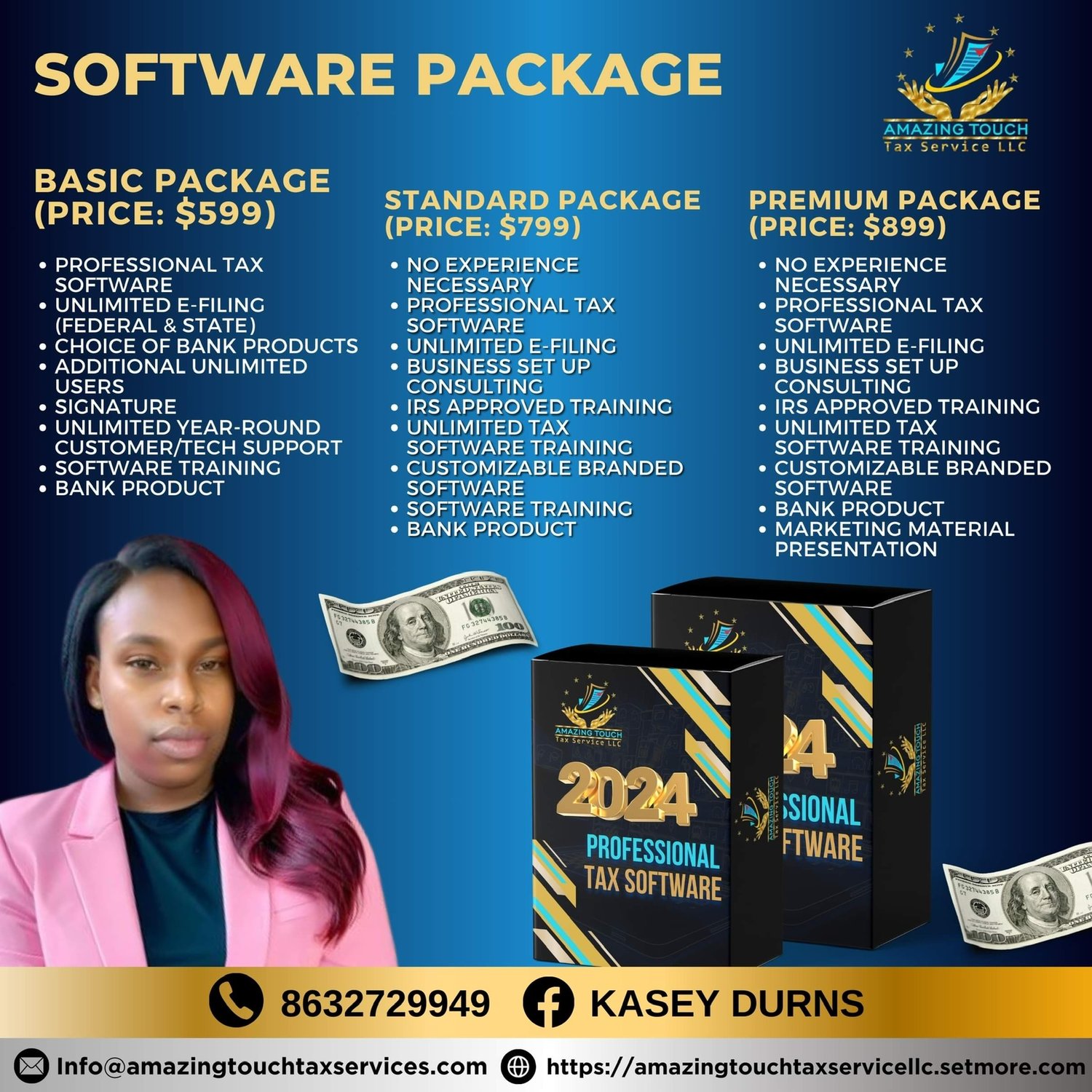
Tax software basic package
When choosing Amazing Touch Tax Pro software, consider the following factors:
*Features*
1. *Tax Preparation*: Ensure the software supports preparation of various tax forms (1040, 1120, 1065, etc.).
2. *E-Filing*: Verify that the software allows e-filing of tax returns.
3. *Accuracy Checks*: Look for built-in accuracy checks to minimize errors.
4. *Audit Protection*: Check if the software offers audit protection and support.
5. *Importing Data*: Ensure the software can import data from various sources (e.g., QuickBooks, Xero).
*Ease of Use*
1. *User Interface*: Opt for software with an intuitive and user-friendly interface.
2. *Guided Interview*: Ensure the software offers a guided interview process to help with tax preparation.
3. *Context-Sensitive Help*: Look for software with context-sensitive help and support.
*Support and Resources*
1. *Customer Support*: Verify that the software provider offers reliable customer support (phone, email, live chat).
2. *Training and Webinars*: Check if the provider offers training and webinars to help with software usage.
3. *Knowledge Base*: Ensure the provider has a comprehensive knowledge base with FAQs and tutorials.
*Security and Compliance*
1. *Data Security*: Verify that the software ensures data security and confidentiality.
2. *IRS Compliance*: Ensure the software is compliant with IRS regulations and standards.
3. *PTIN Registration*: Check if the software requires PTIN registration for tax professionals.
*Pricing and Plans*
1. *Pricing Model*: Verify the pricing model (e.g., per-return, subscription-based).
2. *Plans and Packages*: Check if the provider offers different plans and packages to suit your needs.
3. *Discounts and Promotions*: Look for discounts and promotions that can help reduce costs.