
QuickBooks / Sage Alternative | Small Business Bookkeeping App | Offline Accounting Software | Invoice, Payroll, P&L | No Monthly Fee
Digital download
Digital file type(s): 3 PDF, 2 other files
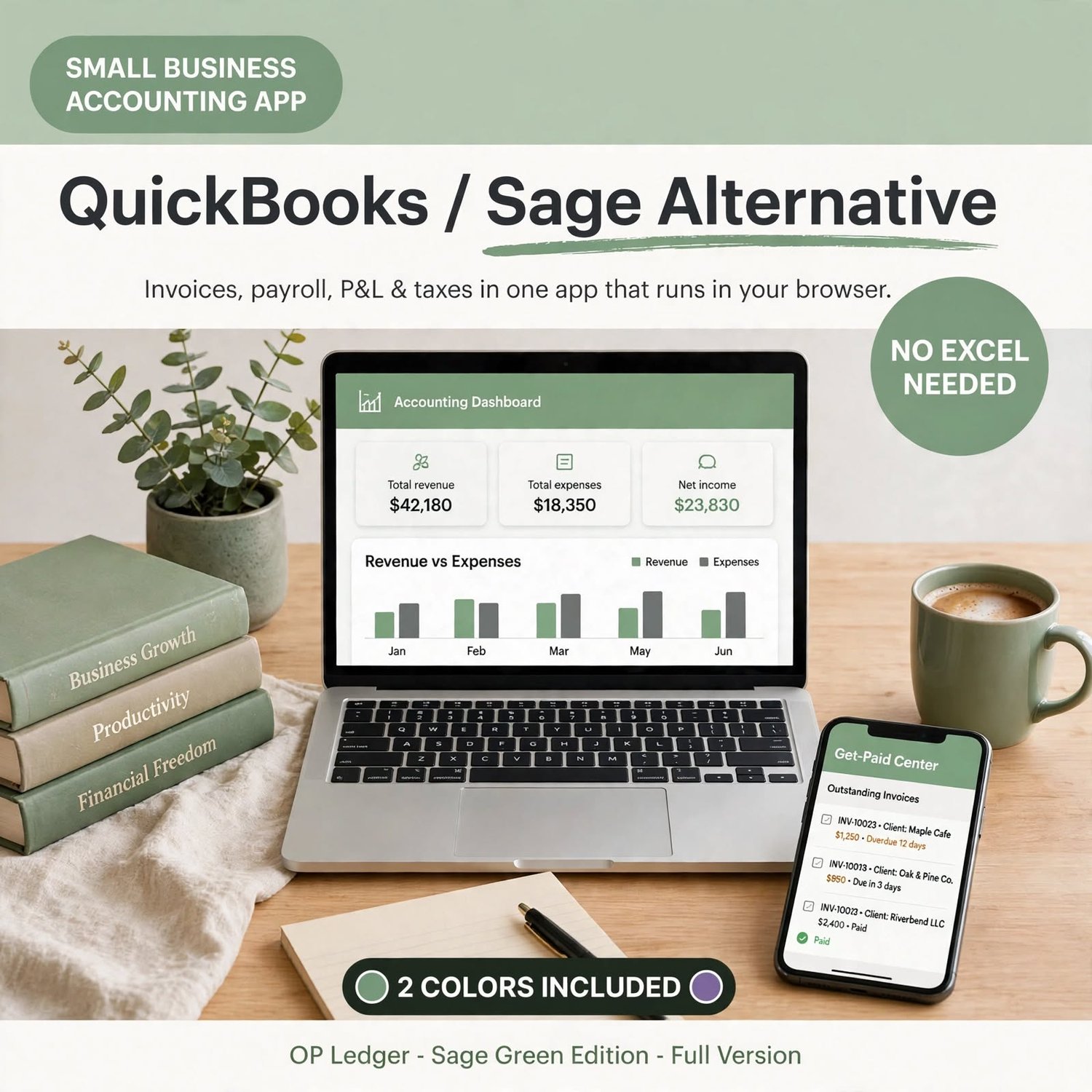
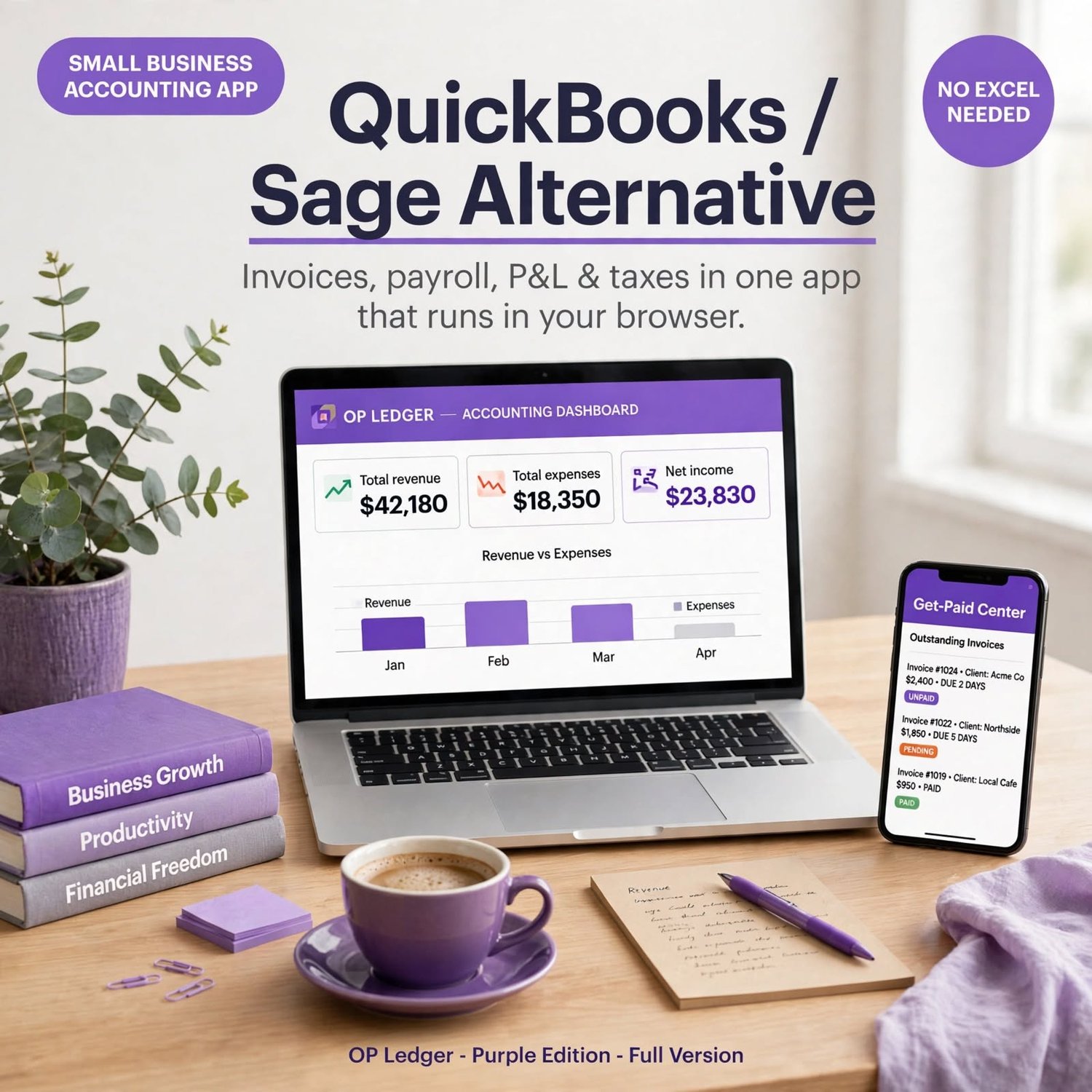
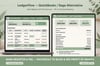
QuickBooks / Sage Alternative accounting app for small business: invoices, bookkeeping, payroll and profit & loss reports in your browser. No Excel needed to run, no subscription.
Tired of paying $38–$90 every month for -QuickBooks or Sage just to see your own numbers? OP Ledger gives you a complete small business bookkeeping system that you buy once and own forever. It isn't a spreadsheet you can break with one wrong click. It's a real app that runs in Chrome, Safari, Edge or Firefox on your computer, laptop or tablet.
━━━━━━━━━━━━━━━━━━━━━━
✨ Try Before You Buy — Live Interactive Demo
━━━━━━━━━━━━━━━━━━━━━━
See the QuickBooks / Sage Alternative in action before you commit. Open the live demo, explore the full dashboard, and click through every planner tool to experience exactly how it works — no downloads, no sign-ups.
👉 Live demo: https://opsmallbusinessbookkeeping.netlify.app/
📌 Please note: This demo runs on sample data for preview purposes only — Good morning Dave / Monkey Cheeze Inc. Some features may be limited, and any changes you make won't be saved in the demo version.
💚 Shop with confidence — explore every feature firsthand, then get the full app with unlimited use and no restrictions.
🔄 BEST ALTERNATIVE TO
- Monthly accounting subscriptions= QuickBooks, Sage, Xero, FreshBooks and similar)
- Excel or Google Sheets bookkeeping templates with fragile formulas
- Printable ledgers and paper receipt shoeboxes
- Juggling separate invoice, expense and payroll tools
💼 WHAT THIS ACCOUNTING APP HELPS YOU DO
- Send professional branded PDF invoices and estimates in seconds
- See who owes you money with overdue alerts and an A/R aging report
- Write polite payment reminder emails in one click
- Track business expenses with receipt photos stored privately on your device
- Run payroll with federal, state, Social Security, Medicare, 401(k) and health deductions
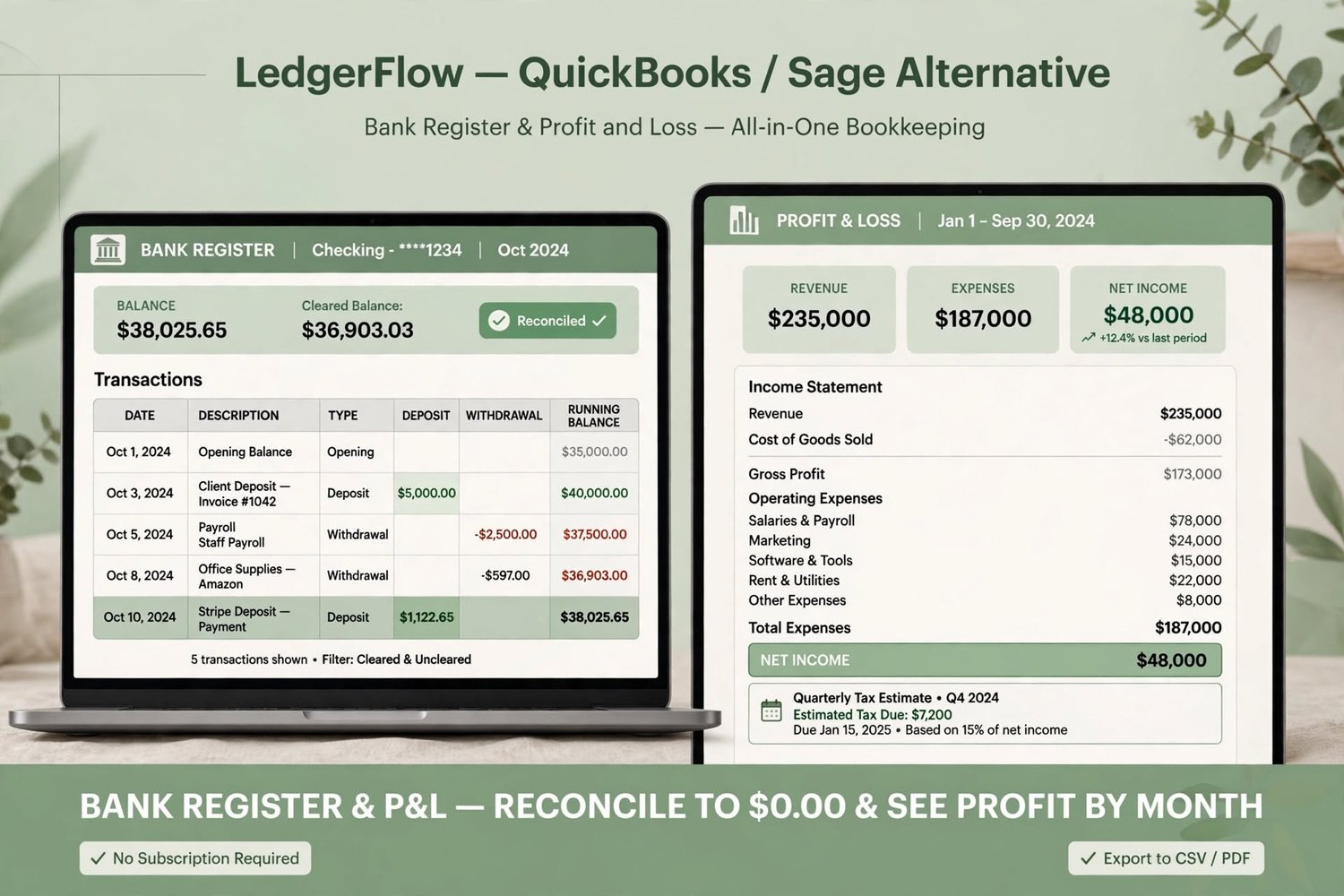
- Reconcile your bank account to a $0.00 difference
- Understand profit, cash flow and taxes without an accounting degree
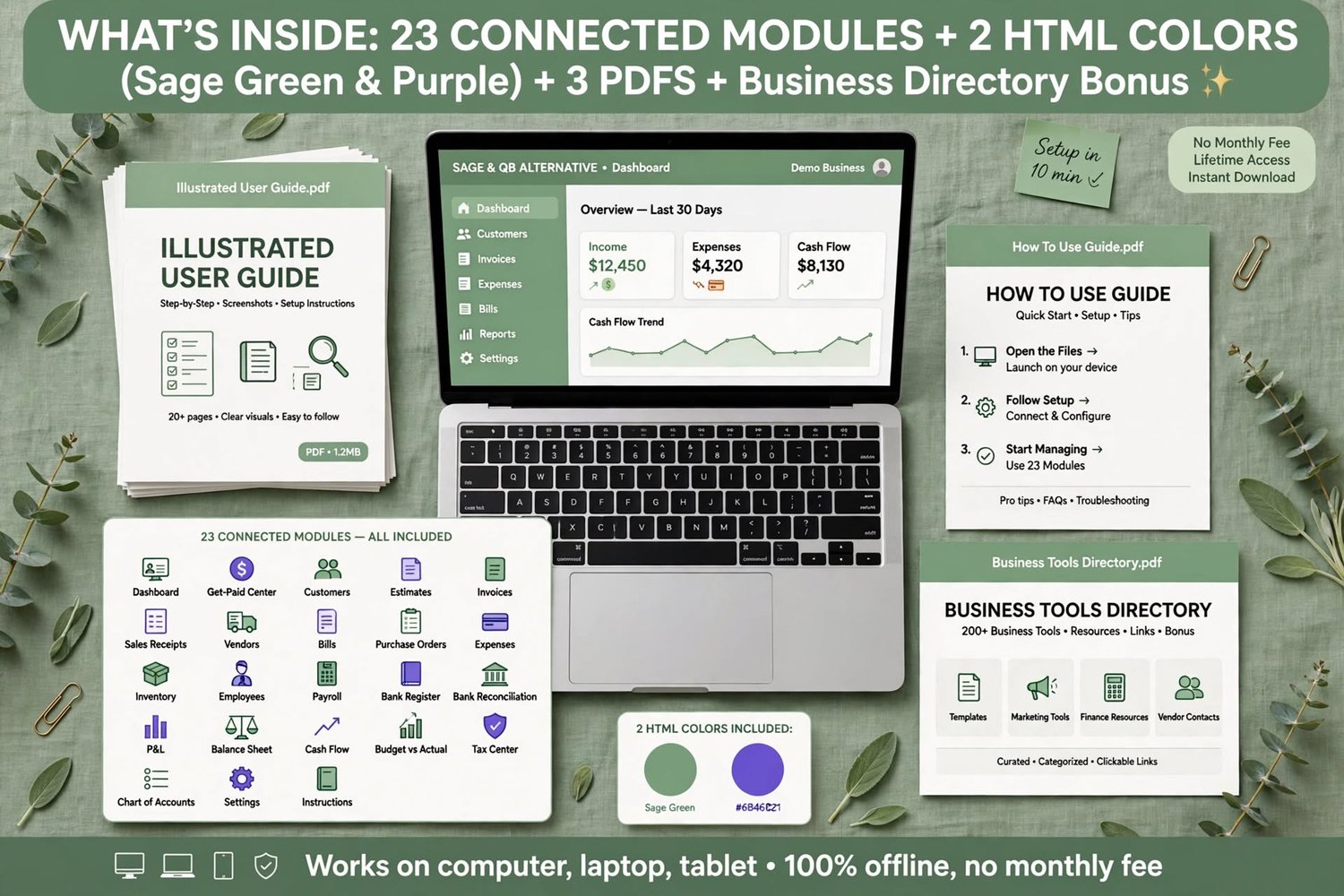
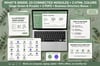
📋 WHAT'S INSIDE: 23 CONNECTED MODULES + GET-PAID CENTER
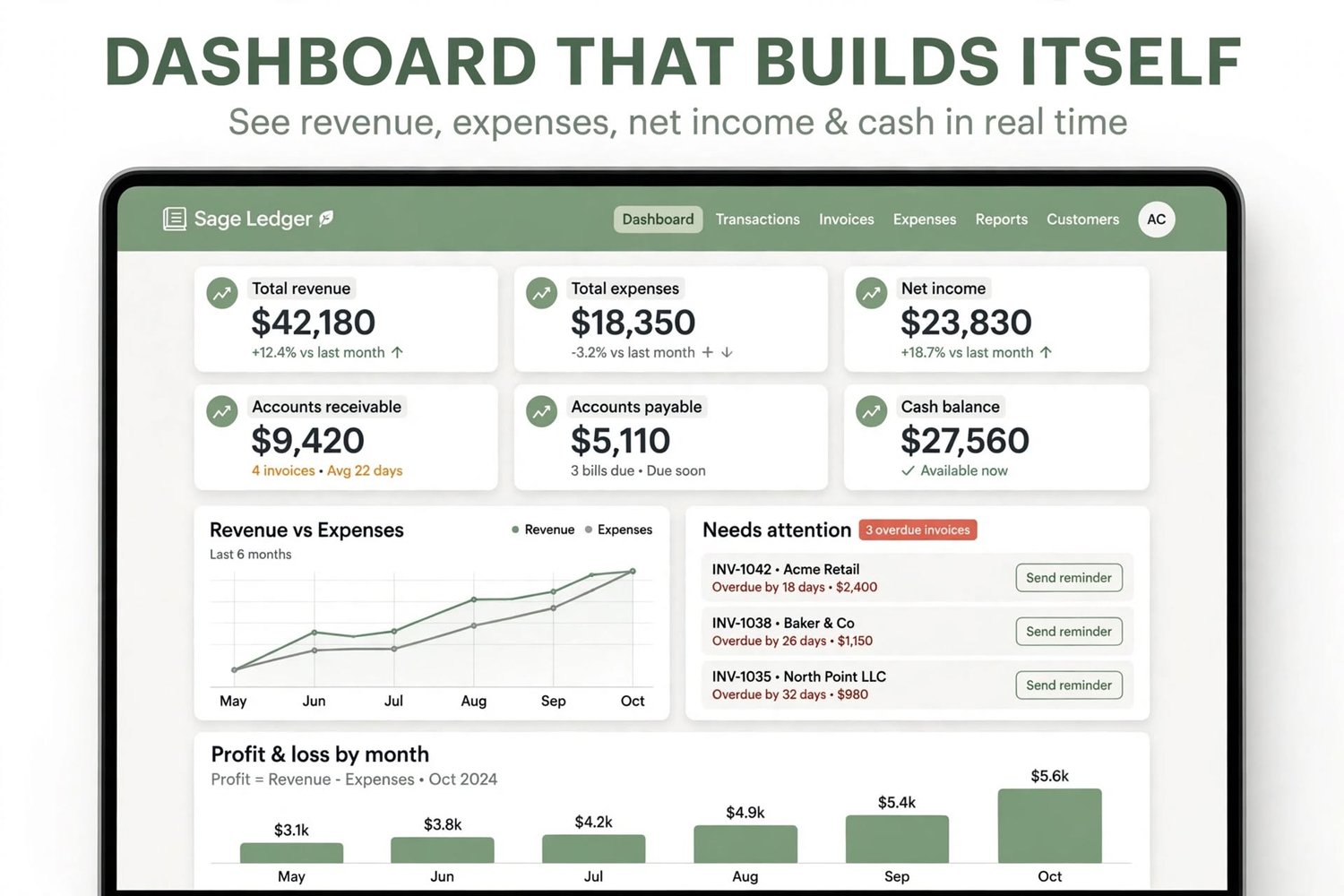
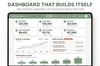
🏠 Dashboard – revenue, expenses, net income, receivables, payables and cash with live charts
💵 Get-Paid Center – overdue invoices, aging buckets, payment reminders and recurring invoices
👥 Customers – contacts, payment terms, credit limits, balances and full history
💡 Estimates & Quotes – convert an accepted quote to an invoice in one click
🧾 Invoices – line items, automatic sales tax, totals, balance due and part payments
🛒 Sales Receipts – record cash, card and counter (POS) sales
🏪 Vendors – supplier list with what you owe each one
📄 Bills & Payables – due dates, payment status and bill payments
🛍 Purchase Orders – receiving a PO adds stock and creates the bill automatically
💳 Expenses – category totals and receipt photo attachments
📦 Inventory – SKUs, cost, price, margin and automatic reorder alerts
👷 Employees – pay rates, pay frequency and withholding settings
💼 Payroll – pay runs, net pay, printable pay stubs and a payroll register
🏦 Bank Register – every deposit and withdrawal with a running balance
✅ Bank Reconciliation – match your bank statement to $0.00
📈 Profit & Loss – income statement by period or month, with quarterly estimated tax
⚖ Balance Sheet – assets, liabilities and equity that always balance
💰 Cash Flow Statement – operating, investing and financing activities
🎯 Budget vs Actual – 12-month budget with variance analysis
🏛 Tax Center – sales tax, payroll tax and quarterly estimated income tax
📒 Chart of Accounts – 60+ pre-loaded small business accounts, fully editable
⚙ Settings – company info, logo, EIN, tax rates, fiscal year, currency and 2 color themes (Sage Green & Purple)
📖 Instructions – built-in step-by-step help
🎁 WHAT YOU RECEIVE — 5 FILES (3 PDF, 2 other files)
- OP Ledger Full Version — Sage Green (HTML) – opens in your browser, no installation
- OP Ledger Full Version — Purple (HTML) – second color, same full app, pick your theme
- Illustrated User Guide (PDF) – Sage Green edition with labeled screenshots
- How to Use — 1-Time Setup Guide (PDF) – add your logo, company name & info once
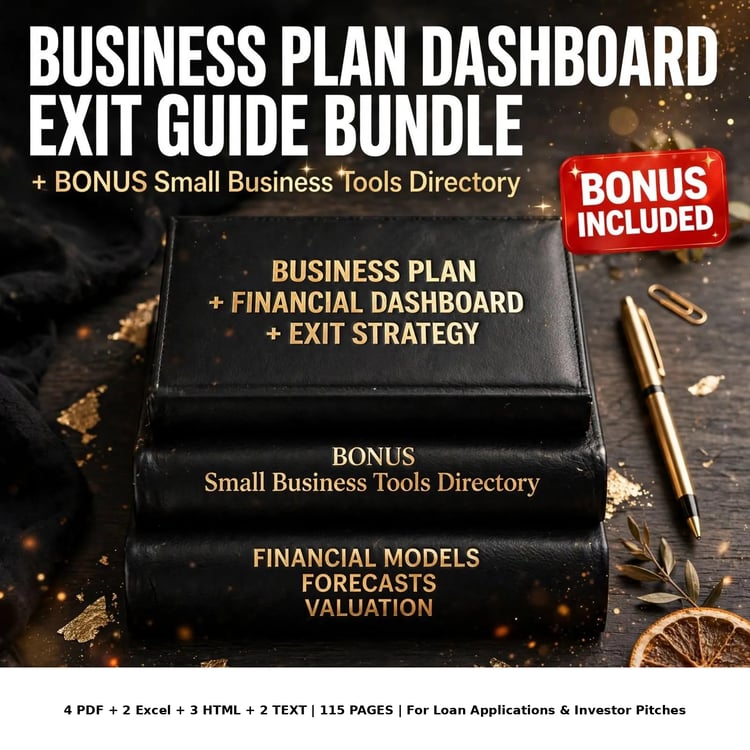
- BONUS: Business Tools Directory (PDF) – 200+ business tools, resources & links
⭐ WHY SMALL BUSINESS OWNERS LOVE IT
- No Excel needed to run, no 【entity-Microsoft 365¦canonical_name=Microsoft 365】, no macros – works on Mac, Windows, Chromebook and iPad
- 2 colors included – Sage Green & Purple – pick your favorite, both full unlocked
- Reports that tie out: your P&L, Balance Sheet and Cash Flow come from the same records
- Change your tax rate or fiscal year once and every open invoice and report updates
- Your logo and letterhead on every invoice, estimate, pay stub and report
- 100% private: no account, no login, no cloud, no tracking
- Works offline once opened
- Sage Green & Purple themes with light mode
👍 PERFECT FOR
Small business owners, freelancers, independent contractors, consultants, sole proprietors, side hustles, service businesses, retail and product shops, startups and bookkeepers who want simple business accounting without a monthly fee. Works on computer, laptop and tablet.
🛠 HOW IT WORKS
1. Download and unzip your files
2. Double-click the Sage Green or Purple app file to open it in your browser
3. Welcome tour shows you the 6 unlocked demo sections, then start fresh with your own company
4. Add your logo, company name and contact info once in Settings
5. Add customers, send invoices and record payments
6. Your reports build themselves automatically
💾 DATA & BACKUP
Your records are saved in your own web browser on your device. Export a backup file anytime (it includes your receipt photos) and import it on another computer. You can also export CSV files for Excel, Numbers or Google Sheets.
❓ FAQ
Do I need Excel or a subscription?
No. OP Ledger runs in any modern web browser. There are no monthly fees. Bonus Business Tools Directory is a PDF.
Will it work on my device?
Yes, on Windows, Mac, Chromebook, iPad and Android tablets in Chrome, Edge, Safari or Firefox. Works on computer, laptop and tablet.
Is my financial data private?
Yes. Everything stays on your device. There is no account, cloud or tracking.
Can I add my own logo and company details?
Yes. Add them once in Settings and they appear on every PDF.
Can more than one person use it?
It's designed for one user on one device. You can share a backup file if someone else needs a copy.
Can I get a refund?
Because this is a digital download, all sales are final. If anything doesn't work as expected, message us and we'll help you quickly.
🛡 PRODUCT SAFETY
Digital download only – no physical item is shipped. Runs in a standard web browser on common computers, laptops and tablets; no special hardware needed. Recommended for adults (18+). Data is stored locally on your device, so please keep a regular backup. OP Ledger is a bookkeeping and organization tool, not tax, legal or accounting advice, and not a filing service. Payroll and tax figures are simplified estimates – confirm them with official sources or your accountant. Not affiliated with Intuit, QuickBooks, Sage, Microsoft or any other brand.