

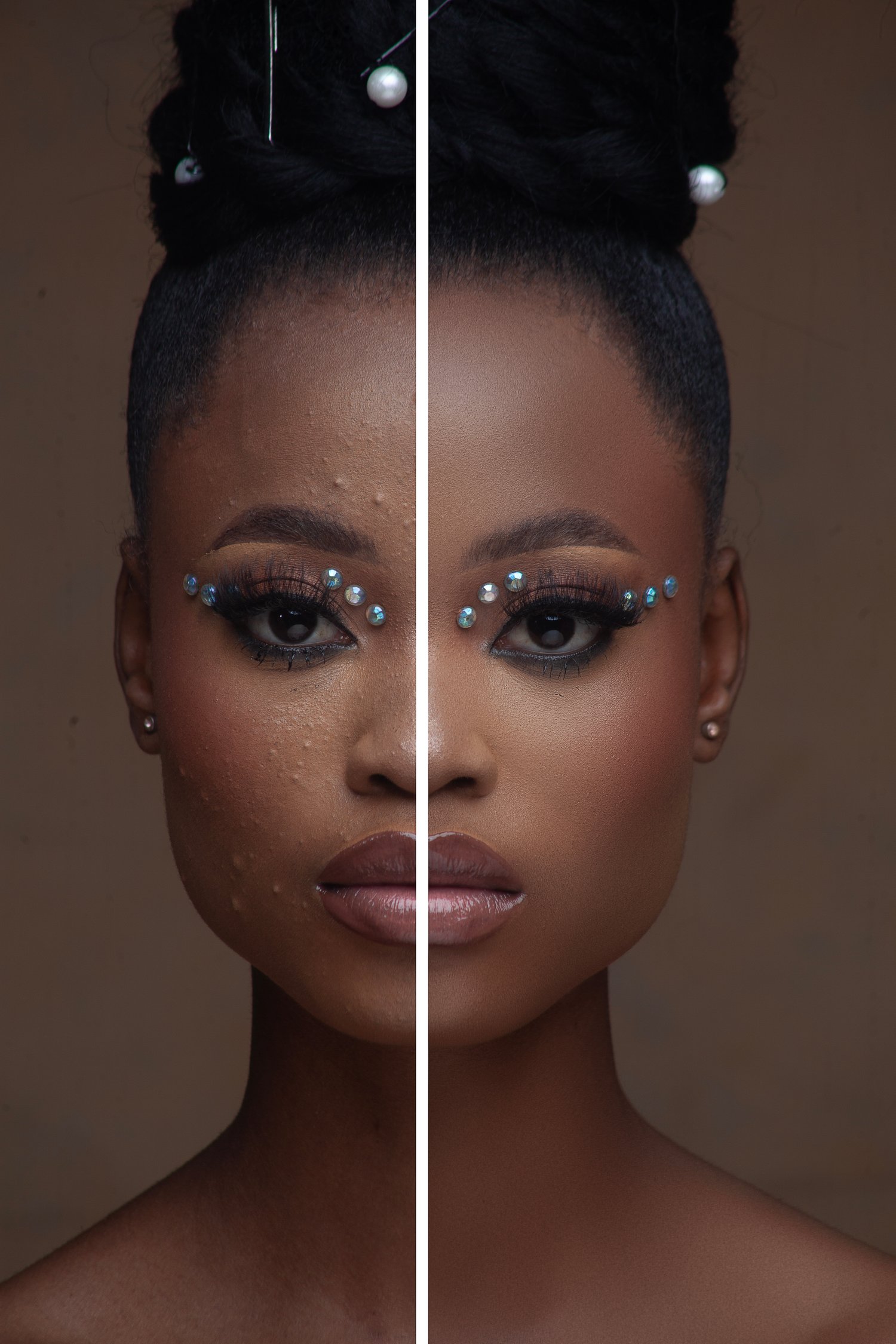
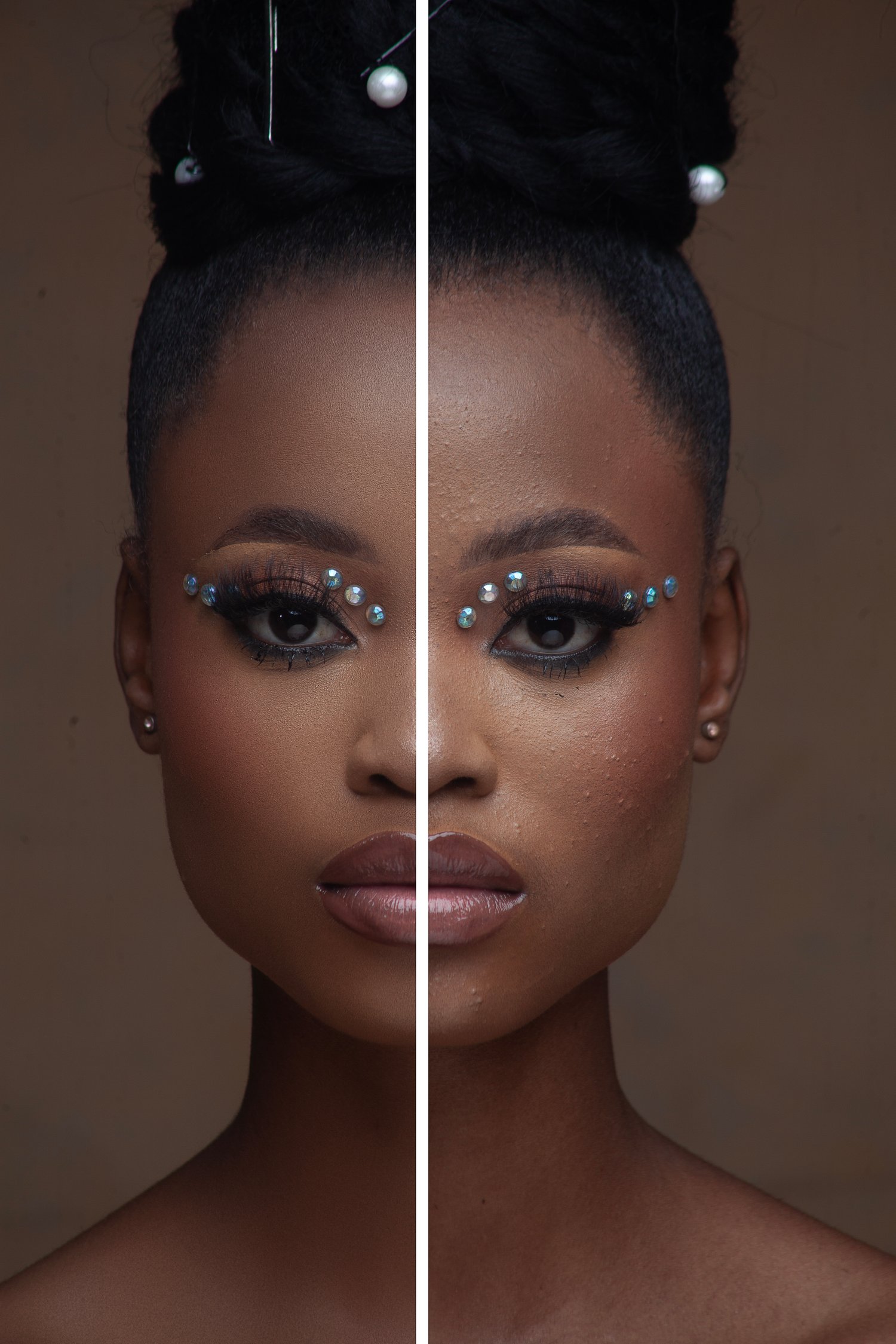
Skin Retouch - Portrait Vol. 1
On Sale
$6.99
$6.99
Want to clean up skin in under a minute?
This action helps quickly remove acne, skin imperfections, and small distractions for fast portrait retouching workflow.
Perfect for photographers and retouchers who want clean results without spending hours on every photo.
How to install the Photoshop action:
- Download the .ATN file
- Open Adobe Photoshop
- Go to Window → Actions
- Open the Actions panel menu
- Click “Load Actions”
- Select the downloaded .ATN file
- The action will appear in your Actions panel and is ready to use
Enjoy your editing process and have fun creating.
Thank you for supporting my work.