









Weekly Business Pulse Kit – Excel Weekly Review & AI Report Template
Boost Productivity with Our Weekly Business Pulse Kit
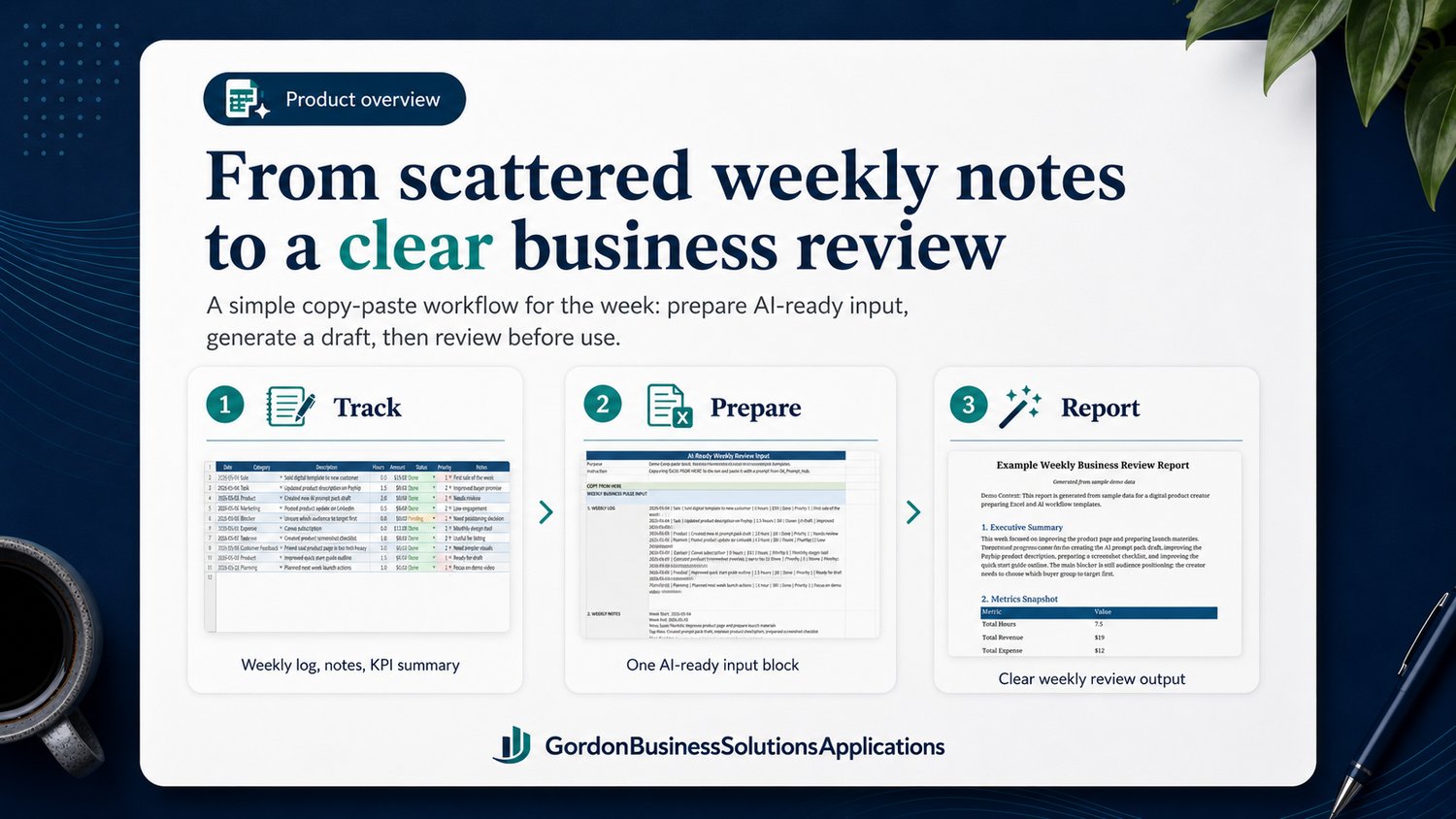
Streamline your weekly tasks and save up to 15 minutes per week using our Excel + AI copy-and-paste workflow. Organize, summarize, and easily review your weekly activities, KPIs, wins, and blockers in one place for easy sharing.
Not sure yet?
Try the free Weekly Business Review Prompt Pack first.
It includes ready-to-use AI prompts, example input, example output, and a quick start guide so you can test the weekly review workflow before buying the full Excel kit.
👉 Try the free prompt pack here
The free pack is a prompt-only starter pack.
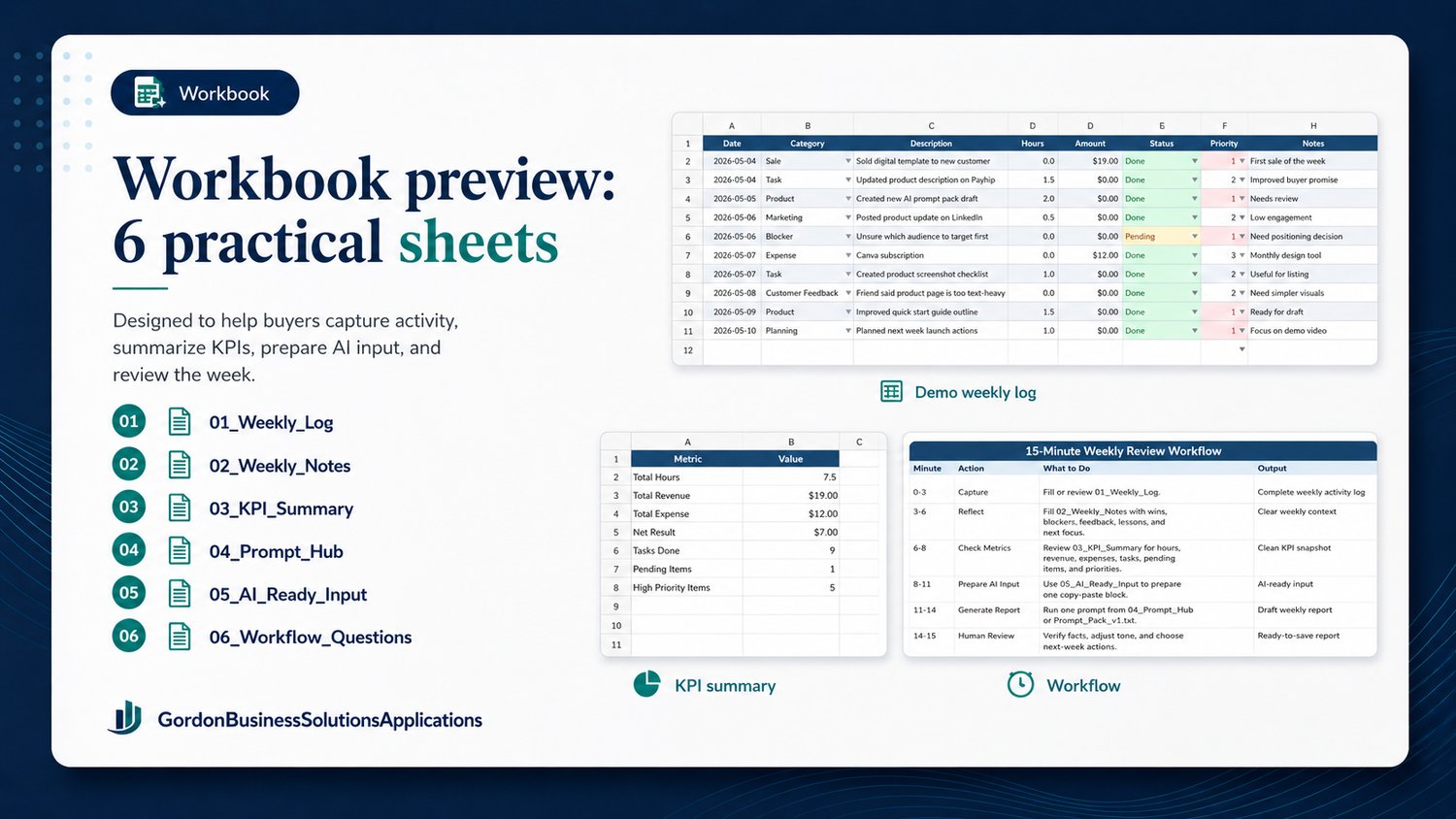
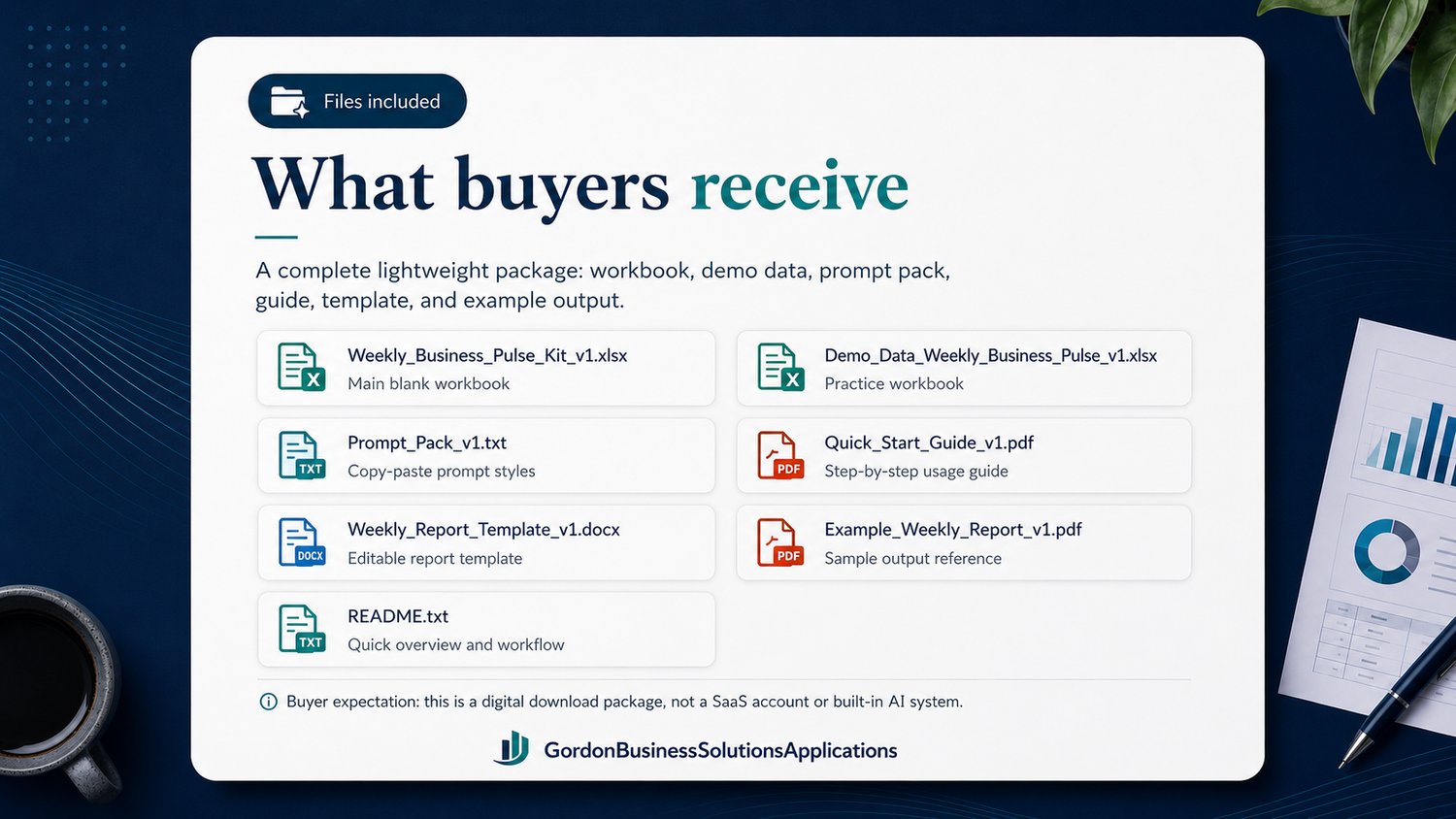
The full Weekly Business Pulse Kit includes the Excel workbook, KPI summary, AI-ready input sheet, prompt hub, workflow questions, Word report template, demo data, and example report.
What you’ll achieve
- Effortlessly organize and summarize your weekly activities, KPIs, wins, and blockers.
- A clear KPI summary to monitor progress against your goals.
- An AI-assisted first draft of your weekly update, saving time on writing.
What’s inside
- Comprehensive Excel workbook including weekly log, notes, KPI summary, prompt hub, AI-ready input, and workflow questions.
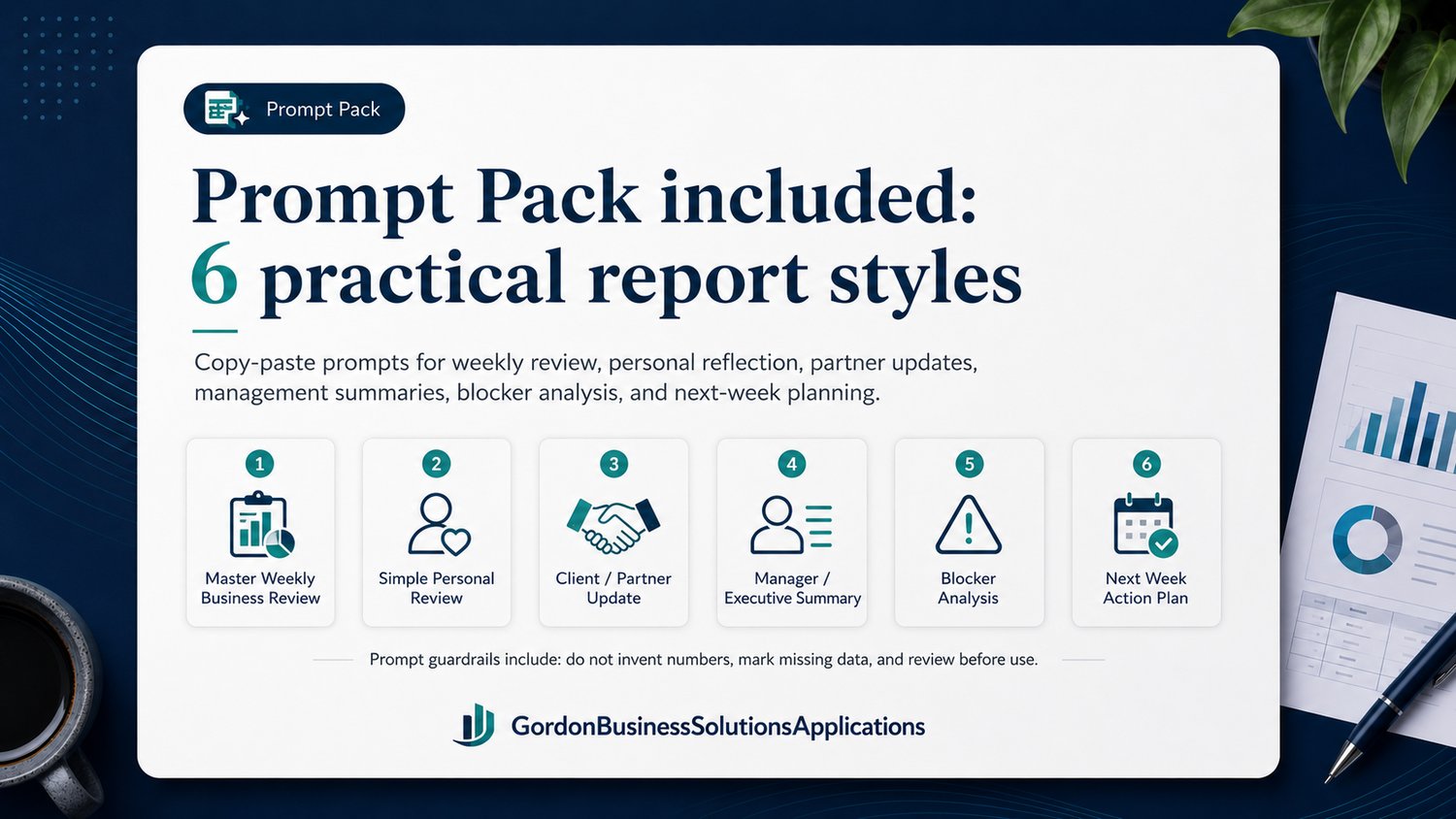
- Prompt pack with tested prompts for weekly business summaries.
- Quick Start guide & README.
- Word report template & example report
How it works
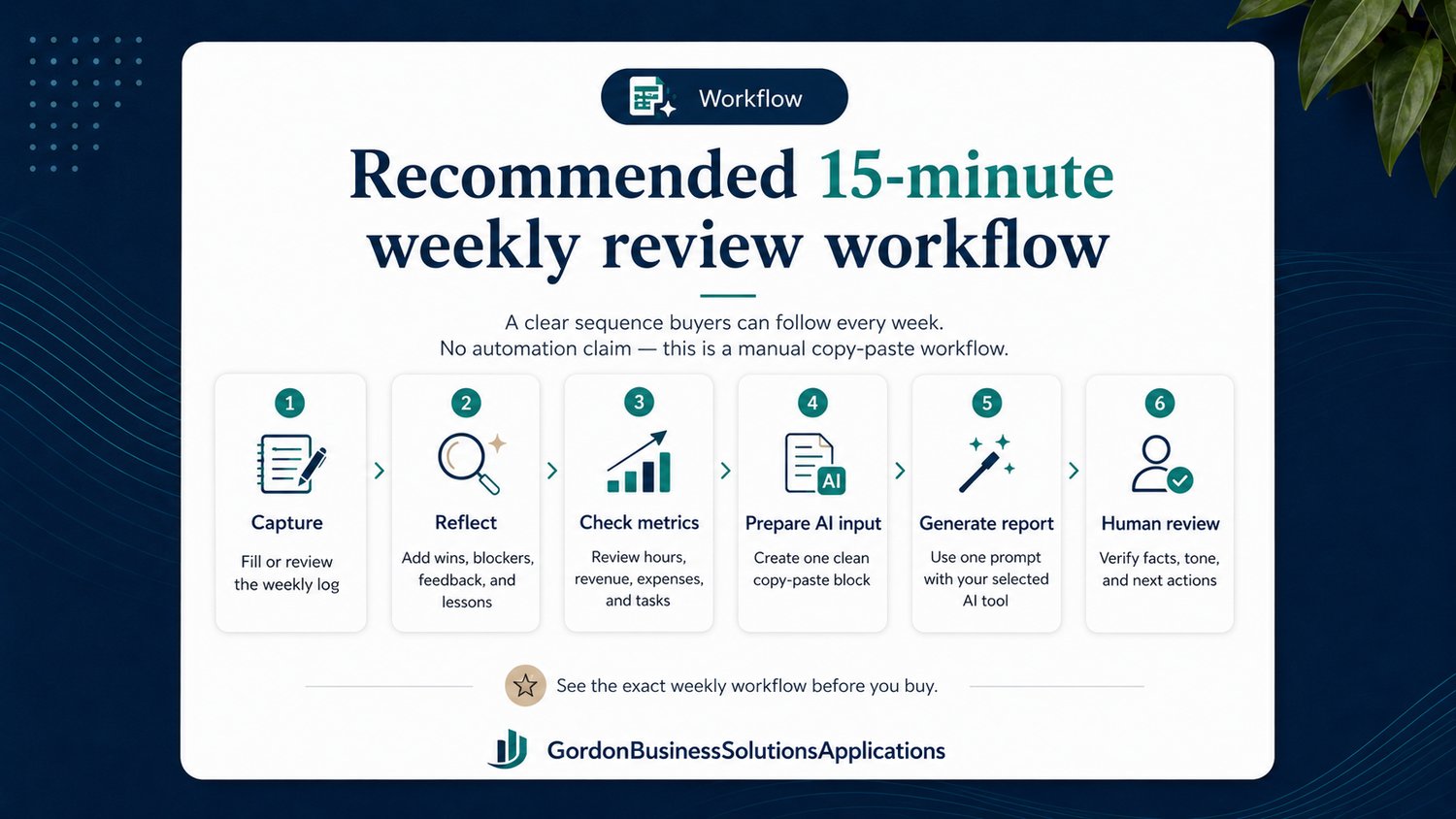
- Open our demo Excel workbook for a quick start guide.
- Log your weekly activities, wins, blockers, and KPIs in the blank workbook.
- Copy the AI-ready input block and paste it into your AI tool together with a prompt from the prompt pack.
- Paste the AI output into the Word template and refine it.
- Review your report with the human-review checklist before sharing.
Who this kit is for
- Ideal for freelancers, entrepreneurs, analysts, managers, and content creators looking to streamline their weekly tasks with ease.
Who this kit is not for
- Not suitable for those seeking fully automated or live dashboards.
- Users comfortable with Excel and copy-and-paste workflows.
Important
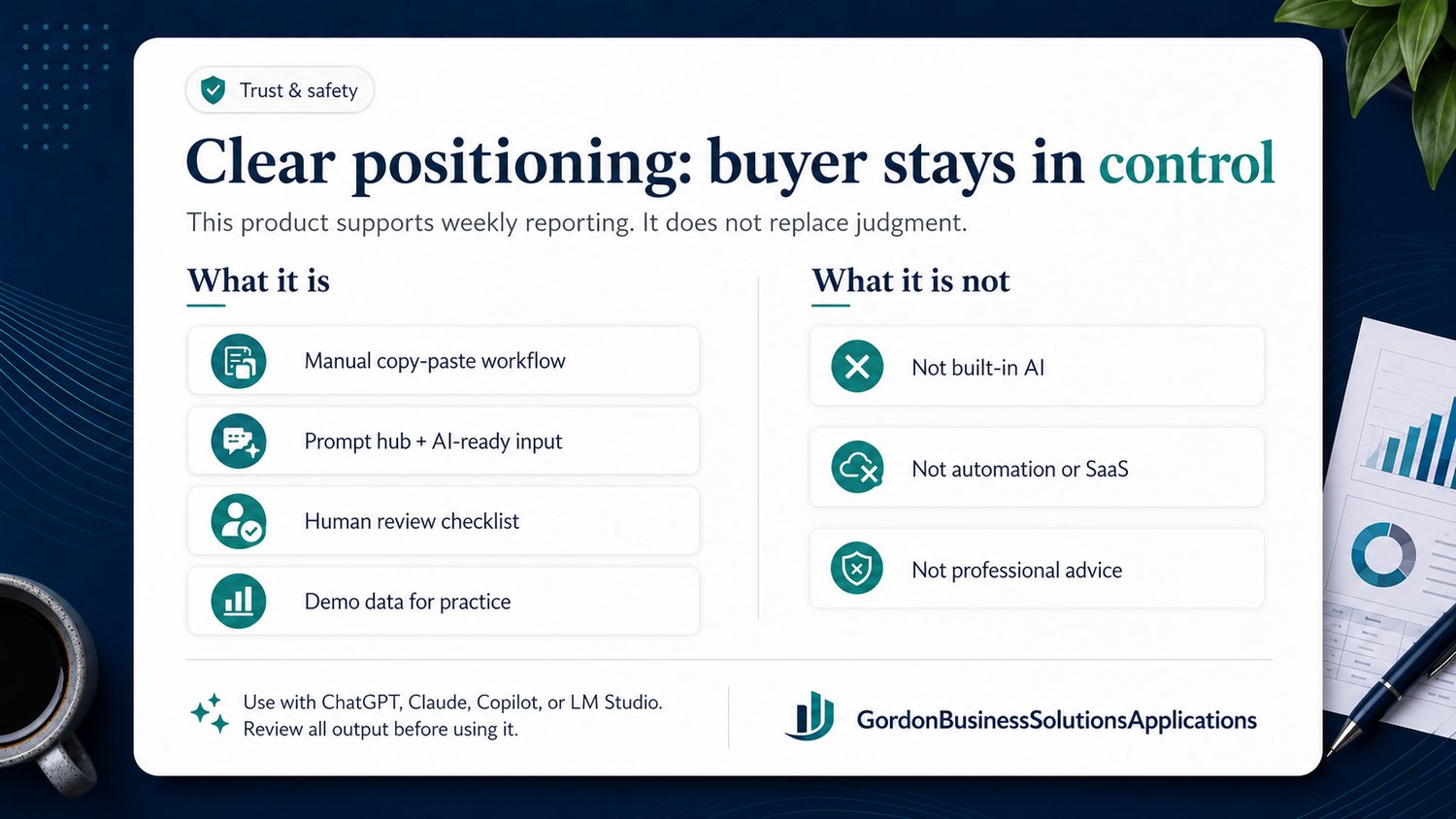
This is an Excel template. It doesn’t include any built-in AI or automated API connections. You will need to use your preferred AI tool and perform manual copy-and-paste. A human review is required to verify the AI-generated output.
Recommended tools
- Microsoft Excel for Windows (macros disabled; no automation in this edition).
- ChatGPT, Copilot, Claude or any text-based AI model.
- A word processor (Word or Google Docs) for final editing.
FAQ
- Does this include built-in AI? No. You bring your own AI tool (ChatGPT, Copilot, etc.).
- Do I need a paid AI account? A paid plan allows longer prompts but isn’t required.
- Is it automated? No. The workflow is manual: copy/paste between Excel and your AI tool.