



MailForge AI
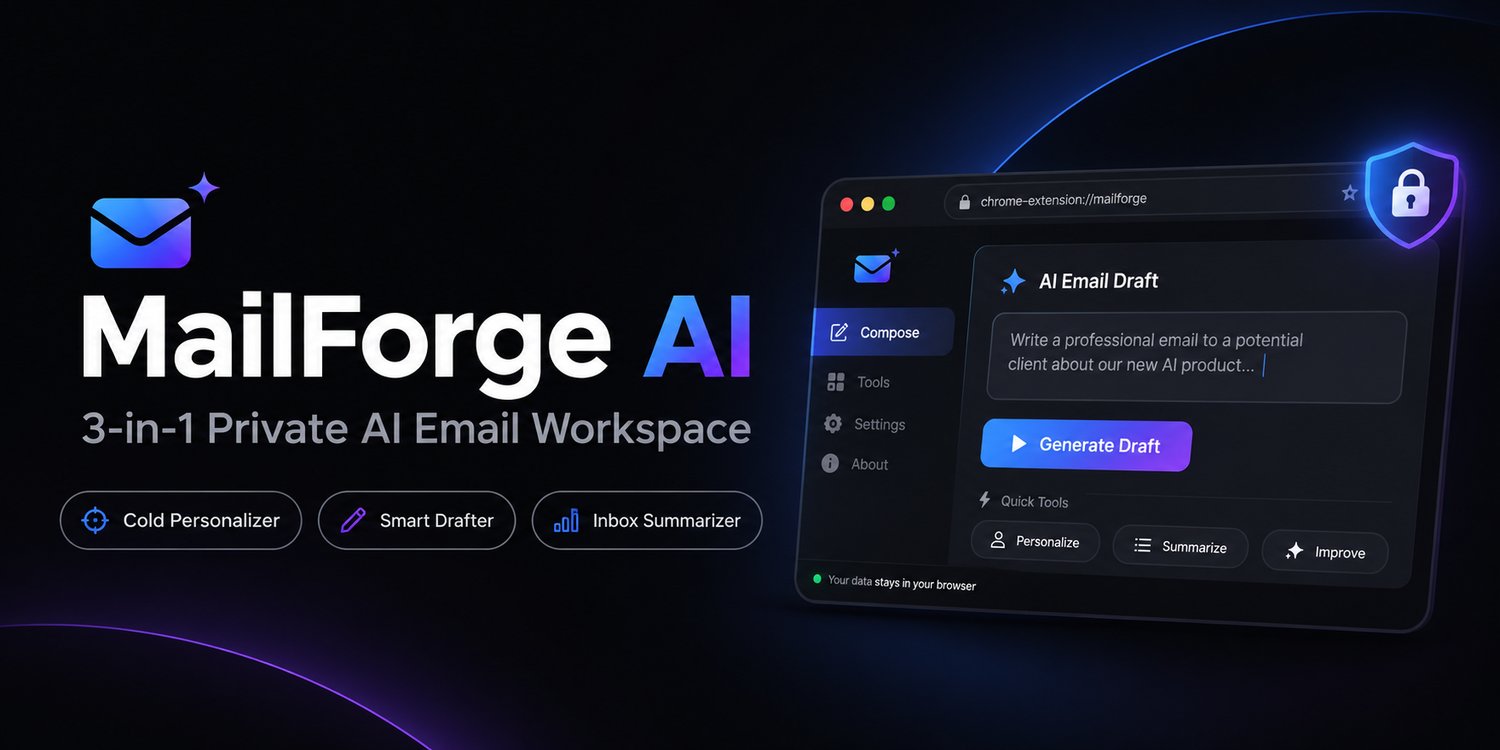
✉️ MailForge AI Tool — Write, Personalize & Read Emails 10x Faster
Stop wasting hours staring at a blank screen, rewriting generic cold emails, or reading through endless email threads.
MailForge AI is a fast, lightweight, 3-in-1 AI email workspace that runs directly in your web browser. One-time purchase. Zero monthly subscriptions. Complete privacy.
🚀 3 Dedicated Tools Inside One Clean Workspace
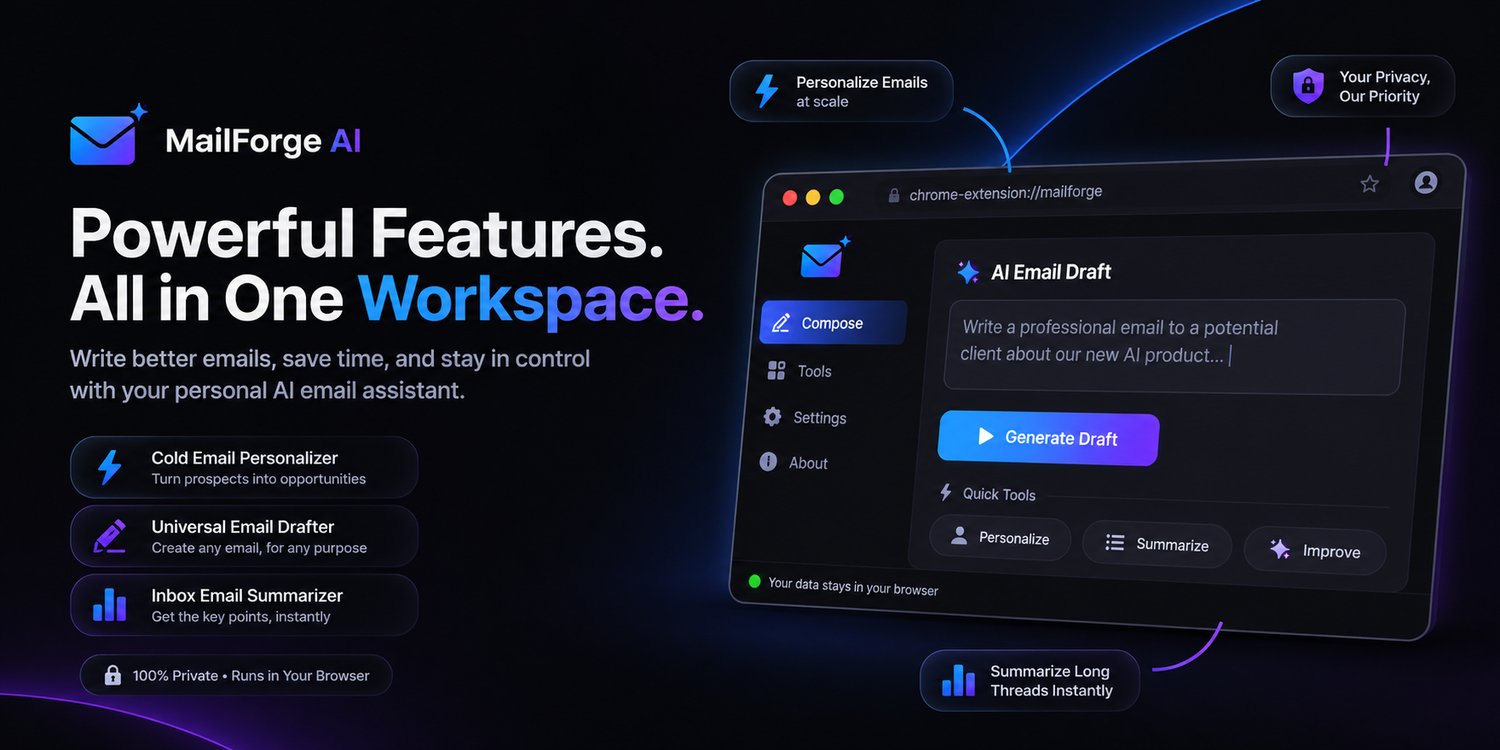
🎯 1. Cold Email Personalizer Turn any prospect's LinkedIn bio, website snippet, or profile into 3 tailored, human-sounding cold emails in seconds:
• Automatically extracts a specific personalized hook from the prospect's bio.
• Generates 3 proven outreach angles (Direct & Punchy, Compliment + Soft Ask, and Quick-Win Case Study).
• Built-in Spam Trigger Word Check so your emails stay clean and readable.
• Save your default offer once so you never have to re-type it.
✍️ 2. Universal Email Drafter Need to write an email fast? Type a 1-line topic—or drop a reference file—and get a ready-to-send draft instantly:
• Perfect for client follow-ups, professor requests, job applications, networking, or quick personal messages.
• Choose your Tone (Casual, Professional, Urgent) and Length (Short or Detailed).
• Supports dropping .txt, .md, .pdf, and image context right into your prompt.
• One-click Make Shorter, Regenerate, and Copy controls.
📥 3. Inbox Email Summarizer (Text, PDF & Screenshot Support) Cut through long threads and confusing messages in seconds: • Paste any email thread OR drag and drop a screenshot / PDF directly into the tool. • Breaks everything down into:
- TL;DR (the main point in 1–2 sentences)
- Key Action Items & Deadlines
- Important Names, Numbers & Dates
- Suggested 1-Click Quick Reply
✨ Built for Speed, Focus & Privacy
• 🌙 Dark & Light Mode:
Sleek, distraction-free interface with instant theme switching.
• 🗂️ Local History & Saved Vault:
Automatically keeps track of your generated emails—star favorites, search past drafts, hide items, or turn on Incognito Mode to pause tracking.
• 🔒 100% Browser-Local Privacy:
Your API key, saved drafts, and history stay strictly inside your own browser. There is no external server collecting your emails.
• ⚡ Zero Installation: Works offline-ready as a single lightweight file in Chrome, Edge, Safari, or Firefox.
🔑 How It Works: Bring Your Own Key (BYOK)
Instead of charging you a recurring monthly markup, MailForge AI connects directly to your own AI provider key (including free-tier keys):
• Supported Providers: Google Gemini (free tier available), OpenAI (ChatGPT), Anthropic (Claude), and OpenRouter.
• Built-In 3-Step Setup Guide: Includes a beginner-friendly guide inside the app showing exactly where to get a free or paid API key in under 60 seconds.
• You only pay your chosen AI provider directly if you use paid models—or run it for free using Google Gemini's free tier.
📦 What's Included in Your Download
- index.html — The complete, self-contained MailForge AI web app.
- README.txt — Quick-start instructions and troubleshooting tips.
🛠️ How to Get Started in 3 Easy Steps
- Download & Unzip: After checkout, download the .zip file and extract it on your computer.
- Open in Browser: Double-click index.html to open MailForge AI in Chrome, Safari, Edge, or Firefox.
- Connect Your Key: Click API Key in the top bar, follow the built-in 3-step guide to paste your key, click Test Connection, and start generating.
Note & Disclaimer: MailForge AI is a client-side productivity interface that connects to third-party AI APIs via your personal API key. API availability, rate limits, and usage terms are governed by your chosen AI provider. AI-generated outputs may occasionally contain inaccuracies or unintended phrasing—always review emails, verify important details, and ensure your outreach complies with applicable email and platform guidelines before sending.