

Skin Retouch - Close-Up Vol. 2
On Sale
$6.99
$6.99
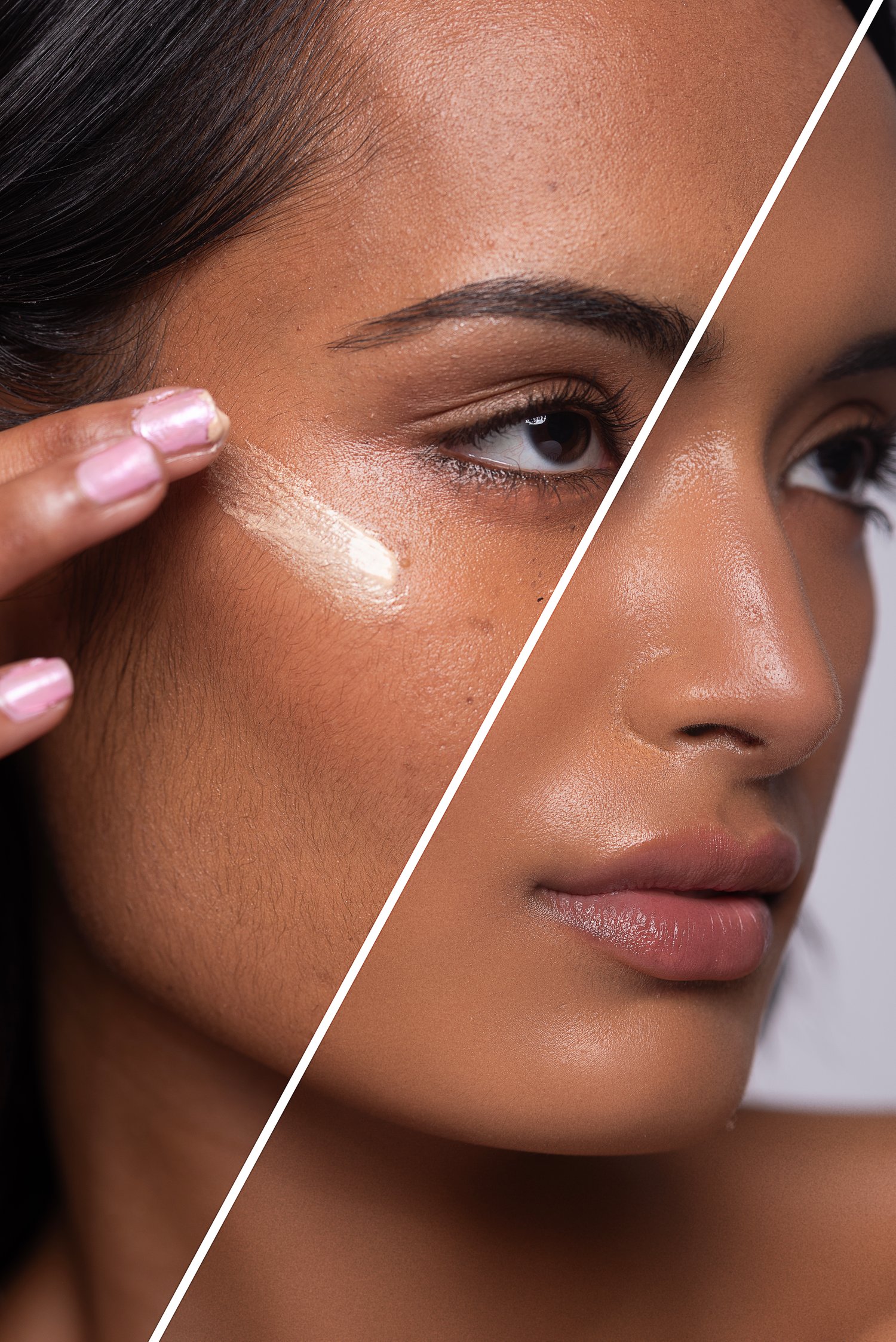
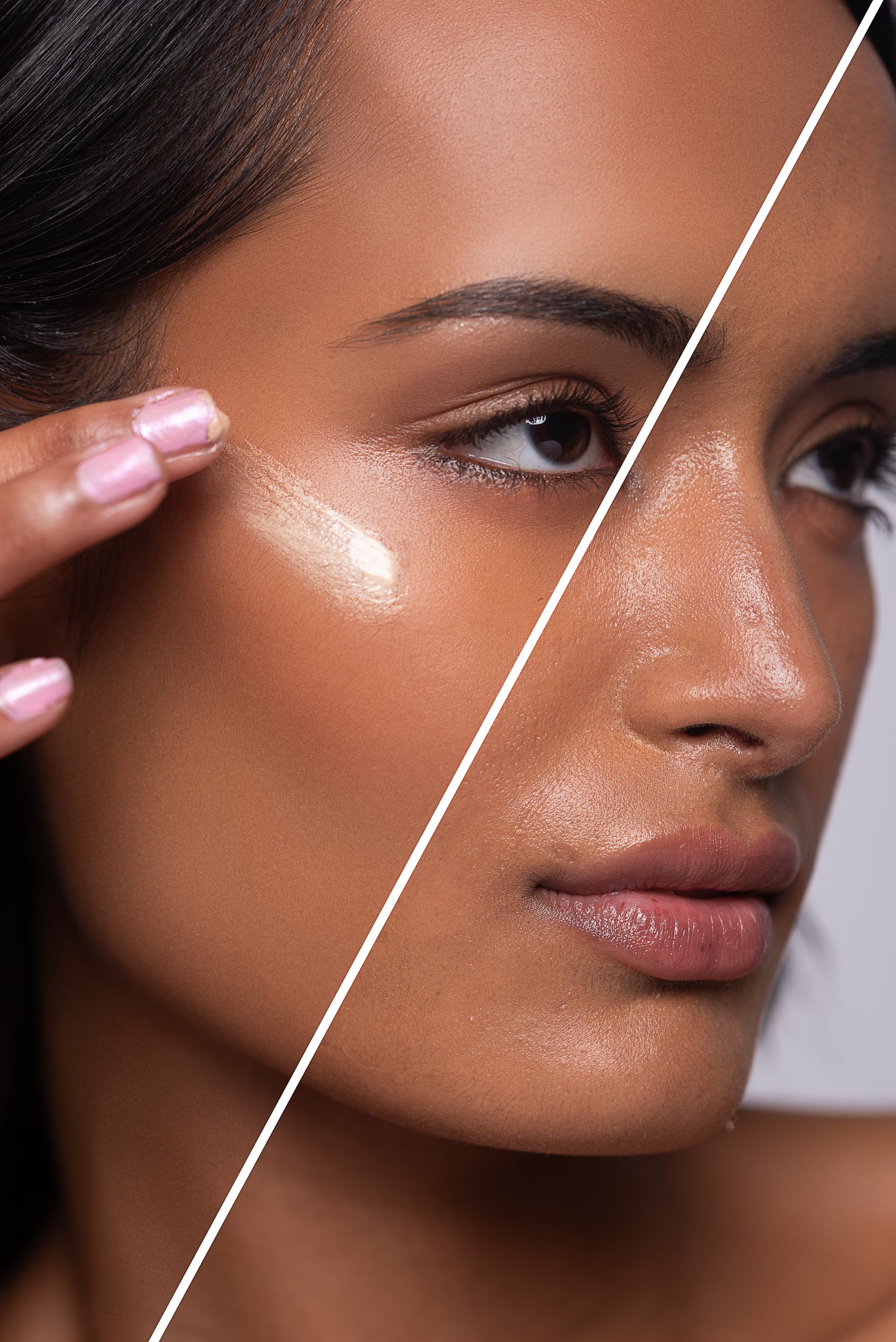
Fast portrait skin retouch action designed for close-up and detailed shots.
This tool helps quickly clean up skin imperfections, acne, and small distractions while preserving natural texture and detail. Perfect for challenging skin and high-detail portraits where precision matters.
Ideal for photographers and retouchers who want fast, clean results without spending hours on manual editing.
How to install the Photoshop action:
- Download the .ATN file
- Open Adobe Photoshop
- Go to Window → Actions
- Open the Actions panel menu
- Click “Load Actions”
- Select the downloaded .ATN file
- The action will appear in your Actions panel and is ready to use
Enjoy your editing process and have fun creating.
Thank you for supporting my work.