Sphero Lesson: Obstacle Course
🤖 Sphero Robot Obstacle Course Lesson
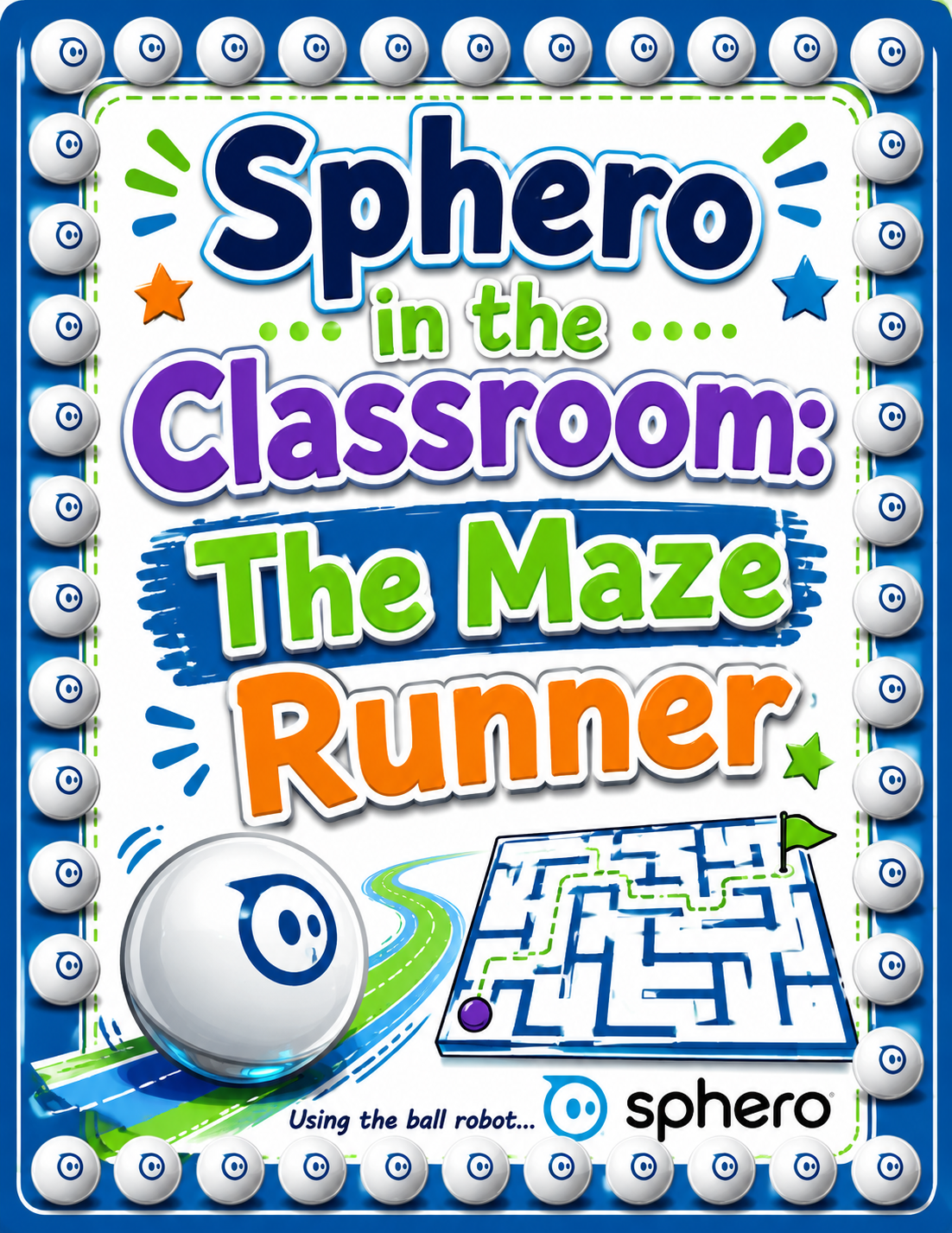
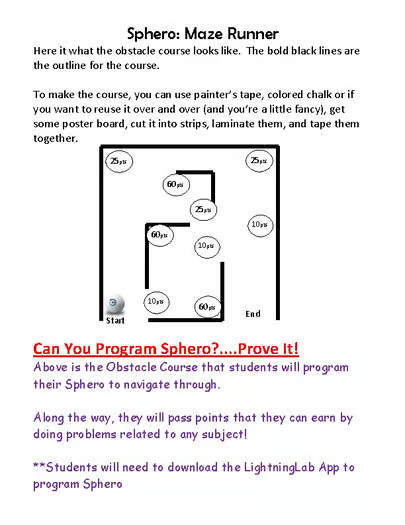
Bring coding and robotics to life with this Sphero Robot Obstacle Course Lesson! Designed for students who are already familiar with basic Sphero programming commands, this activity challenges learners to apply their coding skills to guide their robot through an obstacle course.
Students work in groups to program, test, and improve their robot’s movements, building problem-solving and collaboration skills along the way.
This lesson is perfect for STEM classes, robotics clubs, summer programs, or coding workshops.
📱 Technology Required
Students will need access to the Lightning Lab App (now known as the Sphero Edu App).
✔ Free to download
✔ Works on iPhones and Android devices
✔ At least one device per group is recommended
📦 What’s Included
- Step-by-step lesson walkthrough
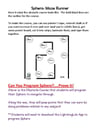
- Student worksheet used during the activity
- Guidance for running the Sphero obstacle course challenge
🎯 Learning Goals
Students will practice and strengthen:
- Coding and programming skills
- Computational thinking
- Problem-solving
- Collaboration and teamwork
- Testing and improving code
🏫 Perfect For
- STEM classrooms
- Robotics lessons
- Coding clubs
- Summer programs
- Technology workshops
💡 Helpful Tip
Don’t forget to check out the Sphero website for additional teaching resources and lesson ideas to extend this activity even further.
Have fun coding and programming your Sphero robots! 🚀
If you have any questions about the lesson, feel free to reach out. And if you enjoy the resource, a rating is always appreciated!