

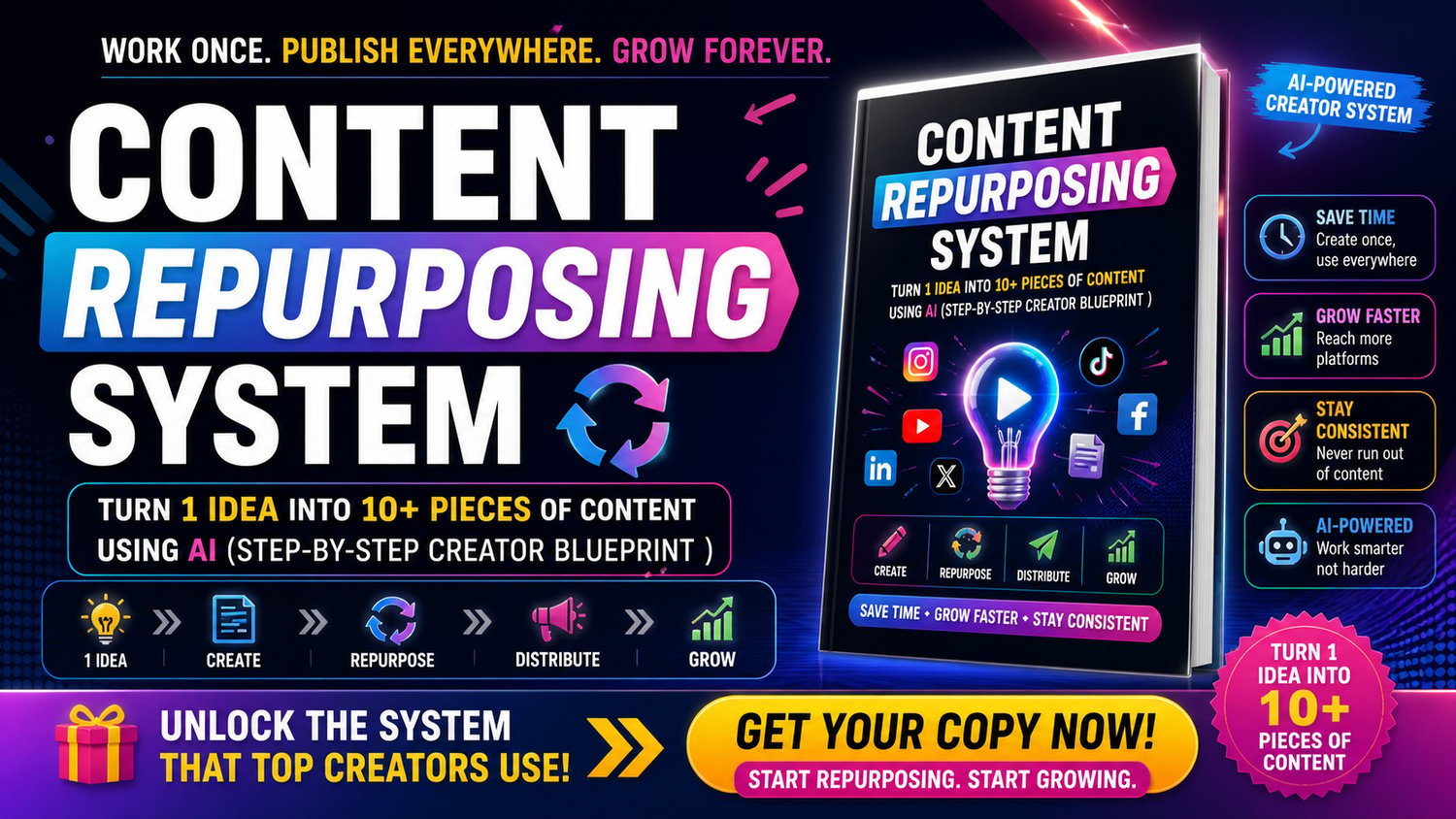
Content Repurposing System 2026 Turn 1 Idea into 10+ Pieces of Content Using AI (Step-by-Step Creator Blueprint)
♻️ Create Once, Publish Everywhere & Grow Faster
What if you could turn a single idea into multiple pieces of content—without spending hours creating from scratch every day?
This step-by-step Content Repurposing System shows you how to use AI to transform one idea into 10+ pieces of content across platforms like Instagram, TikTok, YouTube, and more.
👉 Save time
👉 Stay consistent
👉 Grow faster
No burnout. Just a smart, scalable content system
⚡ What You’ll Learn
✔ How to turn 1 idea into multiple content formats
✔ Repurpose long content into short viral content
✔ Use AI to generate scripts, captions & posts
✔ Build a consistent content system
✔ Create content for multiple platforms easily
✔ Grow your audience faster using smart workflows
📦 What You’ll Get
✔ Complete content repurposing system
✔ Step-by-step content workflow
✔ AI-powered content creation methods
✔ Ready-to-use prompts & templates
✔ Multi-platform strategy (Instagram, TikTok, YouTube, LinkedIn)
✔ 7-day content action plan
🎯 Who This Guide Is For
- Content creators
- Freelancers & marketers
- Entrepreneurs & personal brands
- Anyone who wants to grow faster with less effort
🚀 What Makes This Guide Different
Most content guides tell you to “post more.”
This guide shows you how to work smarter, not harder:
👉 Idea → Create → Repurpose → Distribute → Grow
So you can:
✔ Create more content in less time
✔ Stay consistent without burnout
✔ Reach more people across platforms
📈 Results You Can Expect
- Faster content creation
- Consistent posting system
- Increased reach & engagement
- Better content strategy
- More growth with less effort
🔥 Why This is Trending
Content + AI is one of the biggest growth opportunities in 2026
👉 Top creators are using repurposing systems to scale faster
📱💻 How to Open & Use This Guide
This guide is provided in HTML format, which means it opens like a website—no installation needed 😊
👉 Works on both mobile and desktop devices
👉 For the best experience, use Google Chrome
📲 On Mobile (Android / iPhone)
Download the HTML file to your device
Open it using Google Chrome
Tap the file → it will open instantly like a webpage
💻 On Desktop (Laptop / PC)
Download the HTML file
Right-click on the file
Select “Open with → Google Chrome”
The guide will open in your browser
⚠️ Important Tips
Use Chrome browser for best performance
Avoid opening in unsupported apps
No software or setup required
🚀 Start Creating Smarter, Not Harder
Stop wasting time creating content from scratch.
👉 Download now and build your AI-powered content machine