

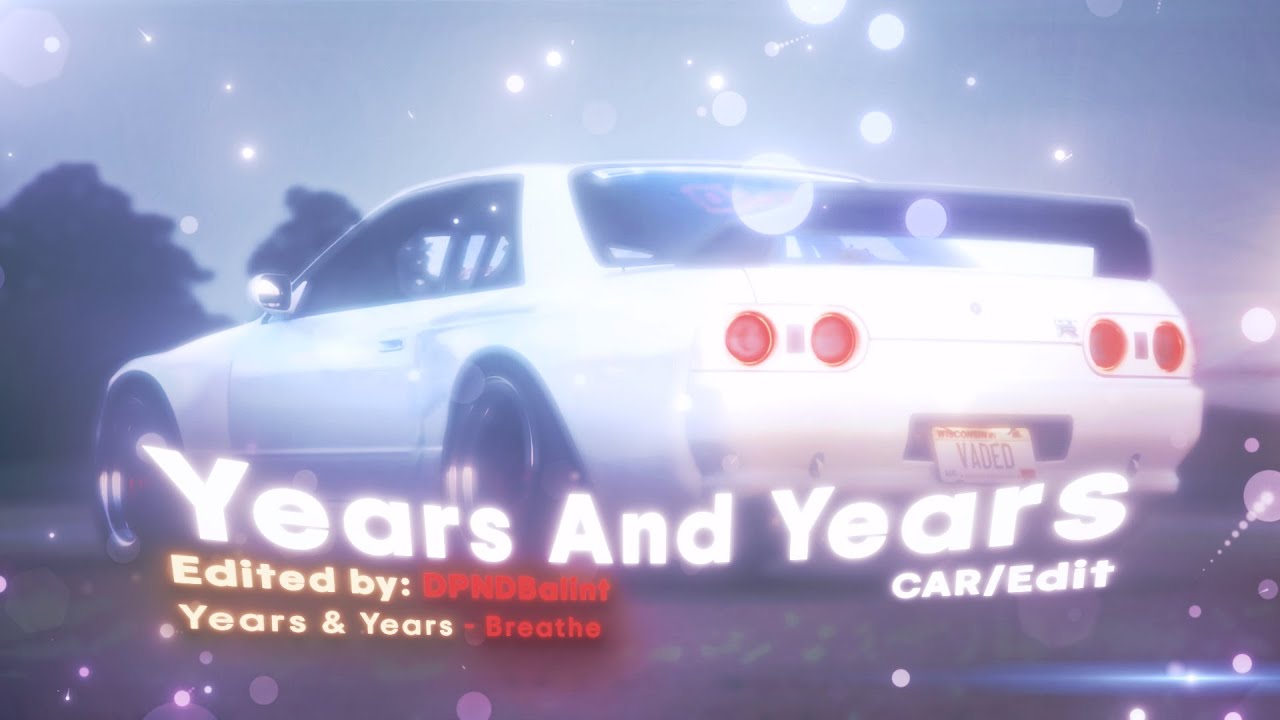
Years and Years car edit - (Project File)
⚠️ IMPORTANT:
- This project is only compatible with After Effects 2022 or newer!
- The package does NOT include the required plugins – you must acquire them separately!
- The thumbnail is not included in the package!
- The outro is not included in the project file, as it contains personal channel promotion.
📦 Package Contents:
✅ After Effects Project File (breathe.aep)
✅ Video clips (klippek.mp4)
✅ Overlays (overlay1.mp4, overlay2.mp4)
✅ Sound Effects (Unnis_Swoosh.wav, Whoosh_4.mp3, WOOSH.mp3)
✅ Music Used (years and years zene.MP3)
📁 "Anyagok" folder, which contains all the necessary assets for the project
✨ Effects Used:
⚠️ The project uses various plugins that you need to acquire yourself!
Stock / Built-in effects:
✅ Motion Tile
✅ Turbulent Displace
✅ Warp
✅ Hue/Saturation
✅ Tint
✅ Curves
Required Plugins:
🔹 BCC Fast Lens Blur
🔹 S_Shake
🔹 S_Vignette
🔹 S_DropShadow
🔹 Deep Glow
🔹 Uni.VHS
🔹 Glitchify
🔹 Saber
🔹 CC Smear
📌 Transitions were made exclusively using keyframes and graph editing! 📌 Sound effects were edited using Time Stretch, so their speed has been modified.
🛠 Project Structure: The project is clean and well-organized, making it easy to modify.
📁 Main Compositions:
🎬 edit - Main editing composition
🔄 loop - Looping scenes
🔊 sfx - Sound effects management
🎵 zene - Music track management
🎬 Vége - The outro/ending scene
📁 Folders inside the project:
📁 Hang effektek (Sound effects) folder
📁 Overlayek (Overlays) folder
📁 Videó és zene (Video and music) folder
📌 Clips are pre-placed in the compositions, you just need to replace them!
🔄 How to Use the Project File?
1️⃣ Open the After Effects project: breathe.aep
2️⃣ Replace the clips with your own: Right click → Replace Footage → File...
3️⃣ Adjust the keyframes and graph settings if needed
4️⃣ Export the final video: Composition → Add to Render Queue → Render
📌 Transitions were made exclusively with keyframes and the graph editor!
📌 The project does NOT include a CC!
❓ FAQ (Frequently Asked Questions)
❌ Why isn't Deep Glow or S_Shake working? ✔ Solution: Make sure the Sapphire and Red Giant plugins are installed. If you don't have them, try replacing them with alternative effects.
❌ Why can't I modify the colors? ✔ Solution: The colors in the project are fixed. If you want to customize them, you will need to add a separate plugin.
❌ I can't open the project file, I get an error message! ✔ Solution: Make sure you are using After Effects 2022 or a newer version.
📌 A Few More Details: 🔔 Subscribe to my YouTube channel so you don't miss any updates!
📩 Contact: balintmedia.contact@gmail.com 👥 Discord: -