
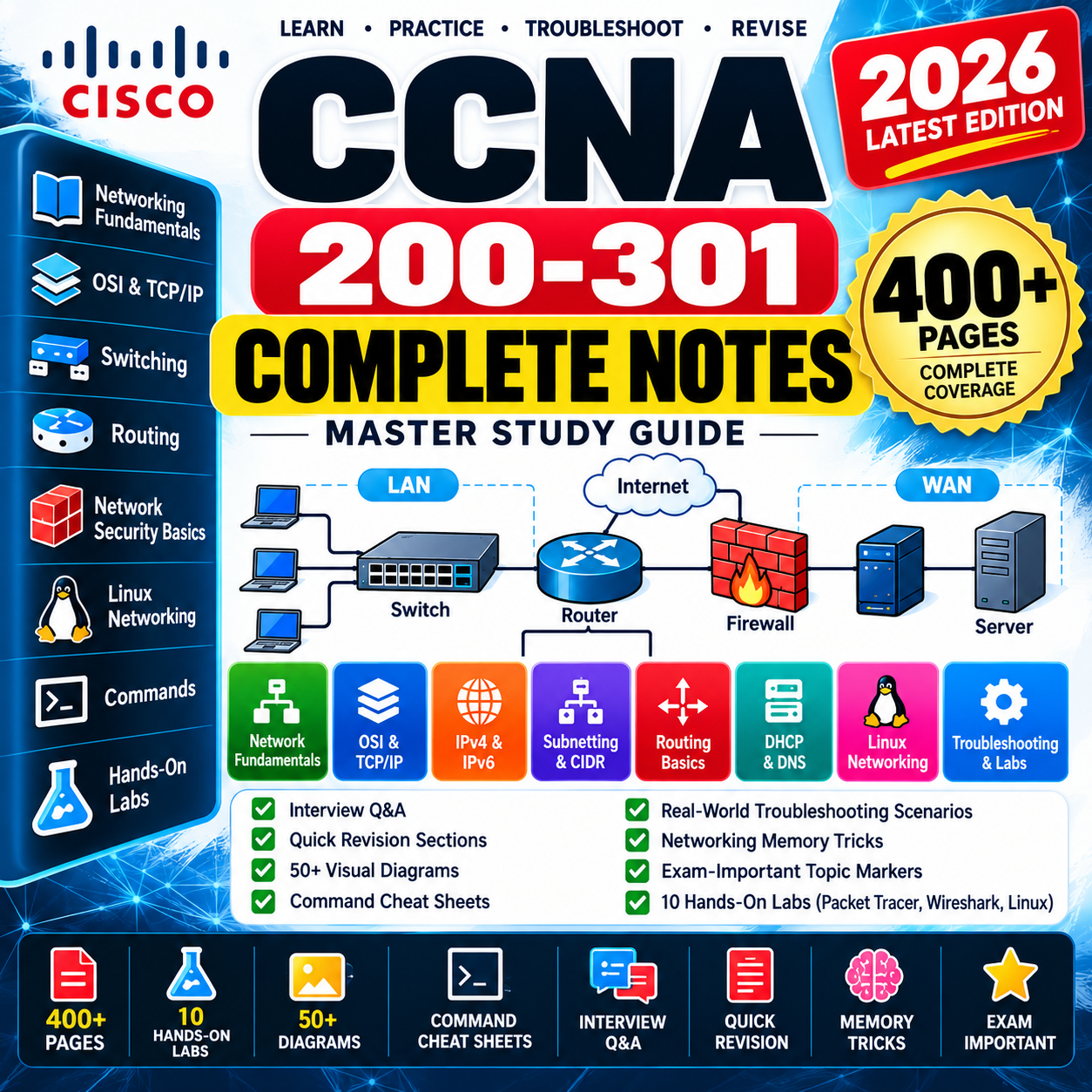
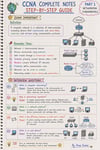
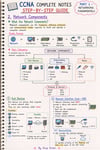
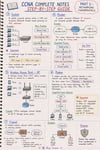
CCNA 200-301 Complete Notes PDF | Job-Ready Network Engineer Skills, Routing, Switching & Hands-On Labs
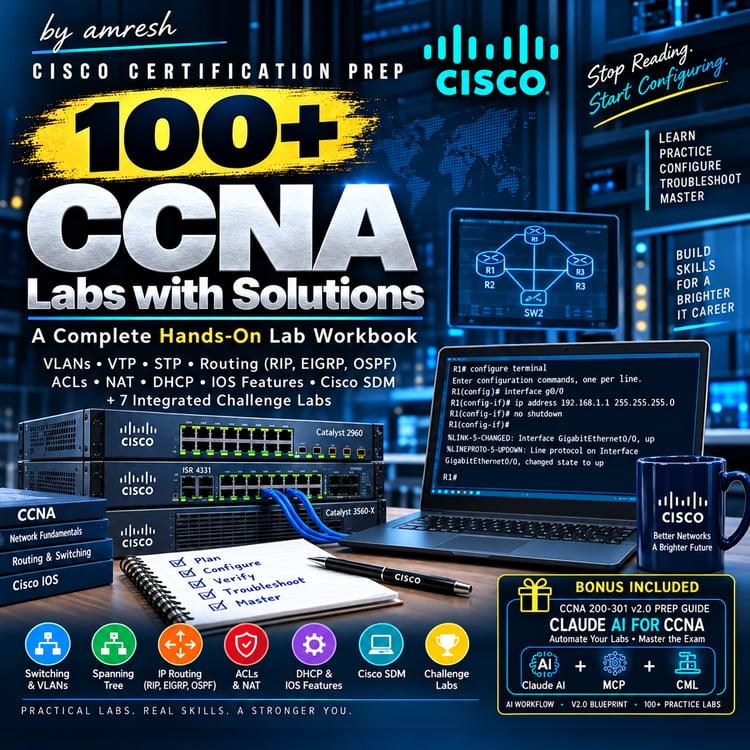
🚀 CCNA 200-301 COMPLETE NOTES PDF — MASTER NETWORKING RESOURCE
Build a strong foundation in computer networking with comprehensive CCNA 200-301 Complete Notes designed to take you from basic networking concepts to practical networking skills.
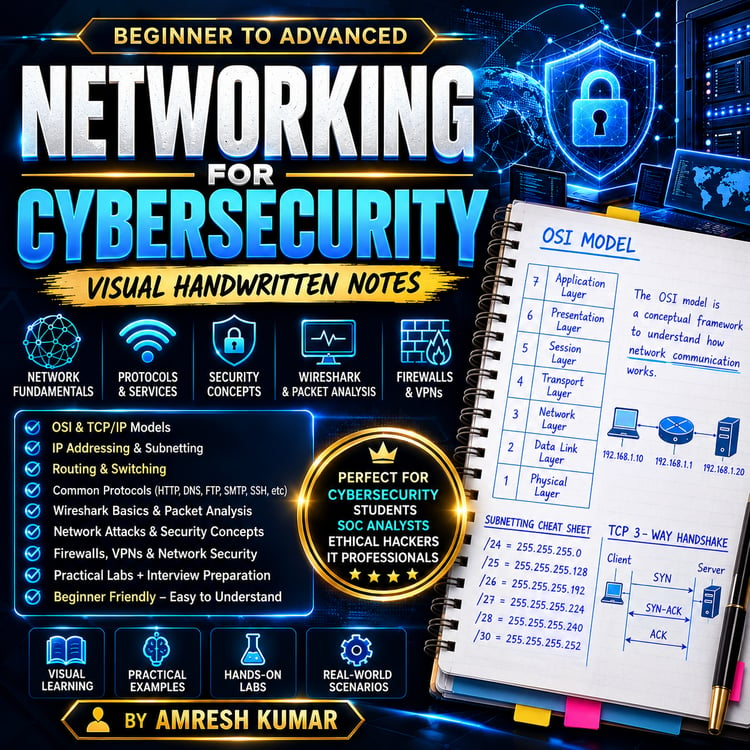
This complete digital resource covers Networking Fundamentals, OSI & TCP/IP Models, Ethernet, MAC & IP Addressing, IPv4, IPv6, Subnetting, CIDR, ARP, DHCP, DNS, Routing, Linux Networking, SSH, Network Troubleshooting and Hands-On Labs.
📚 WHAT'S INSIDE THE COMPLETE CCNA NOTES?
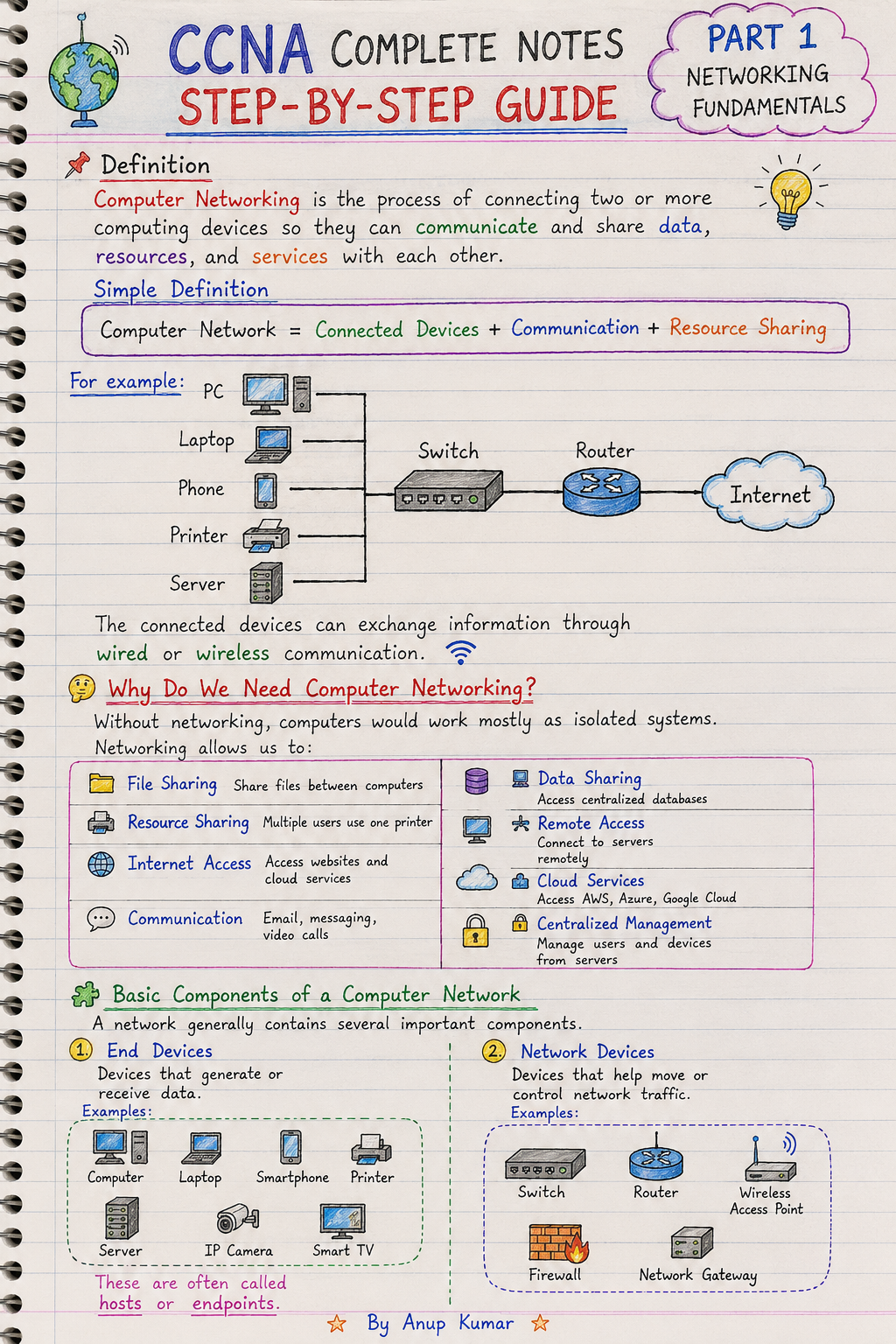
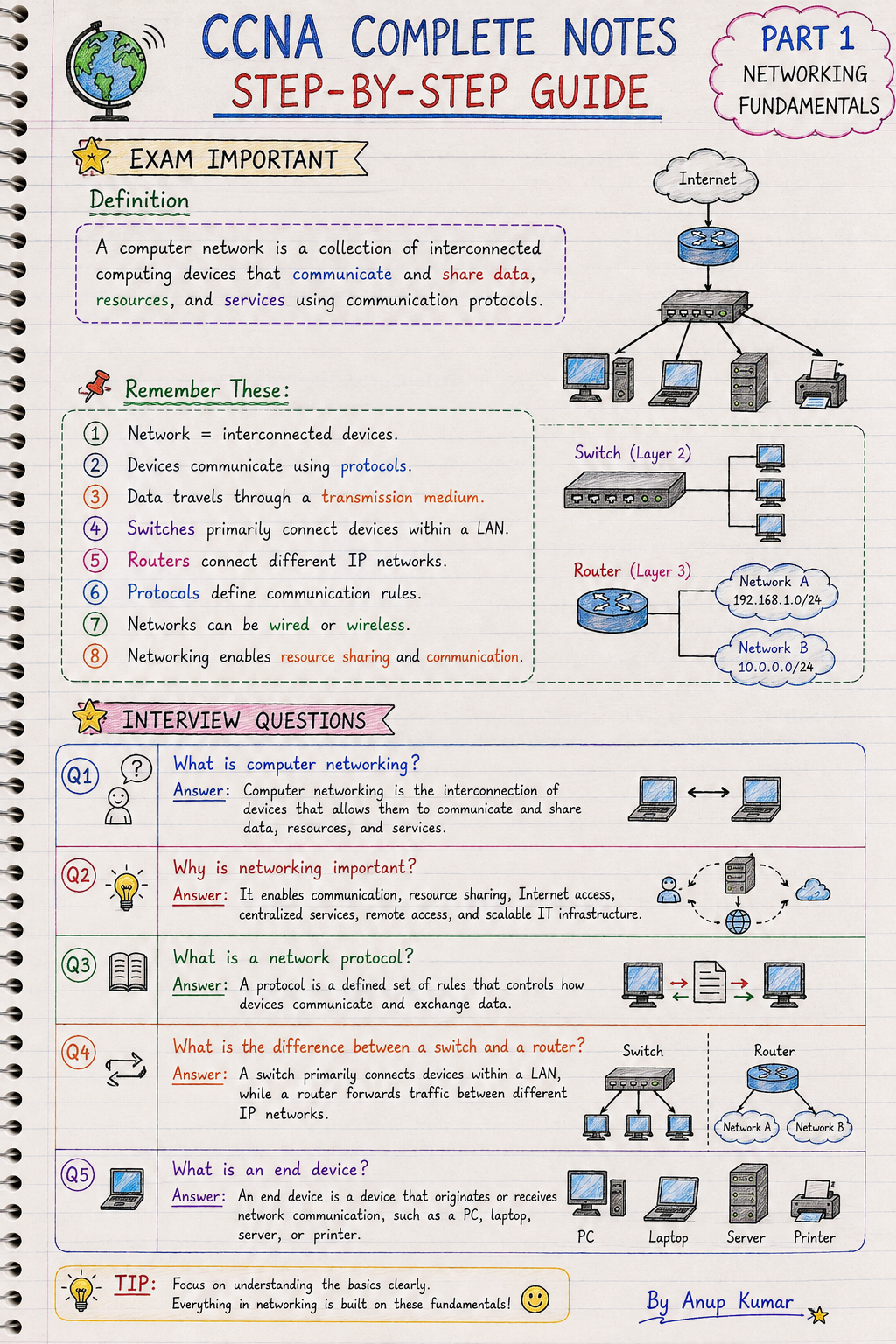
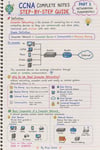
01 — 🌐 NETWORKING FUNDAMENTALS
Start with the foundation of computer networking and understand how modern networks work.
Topics Covered
✔ Computer Networking Basics
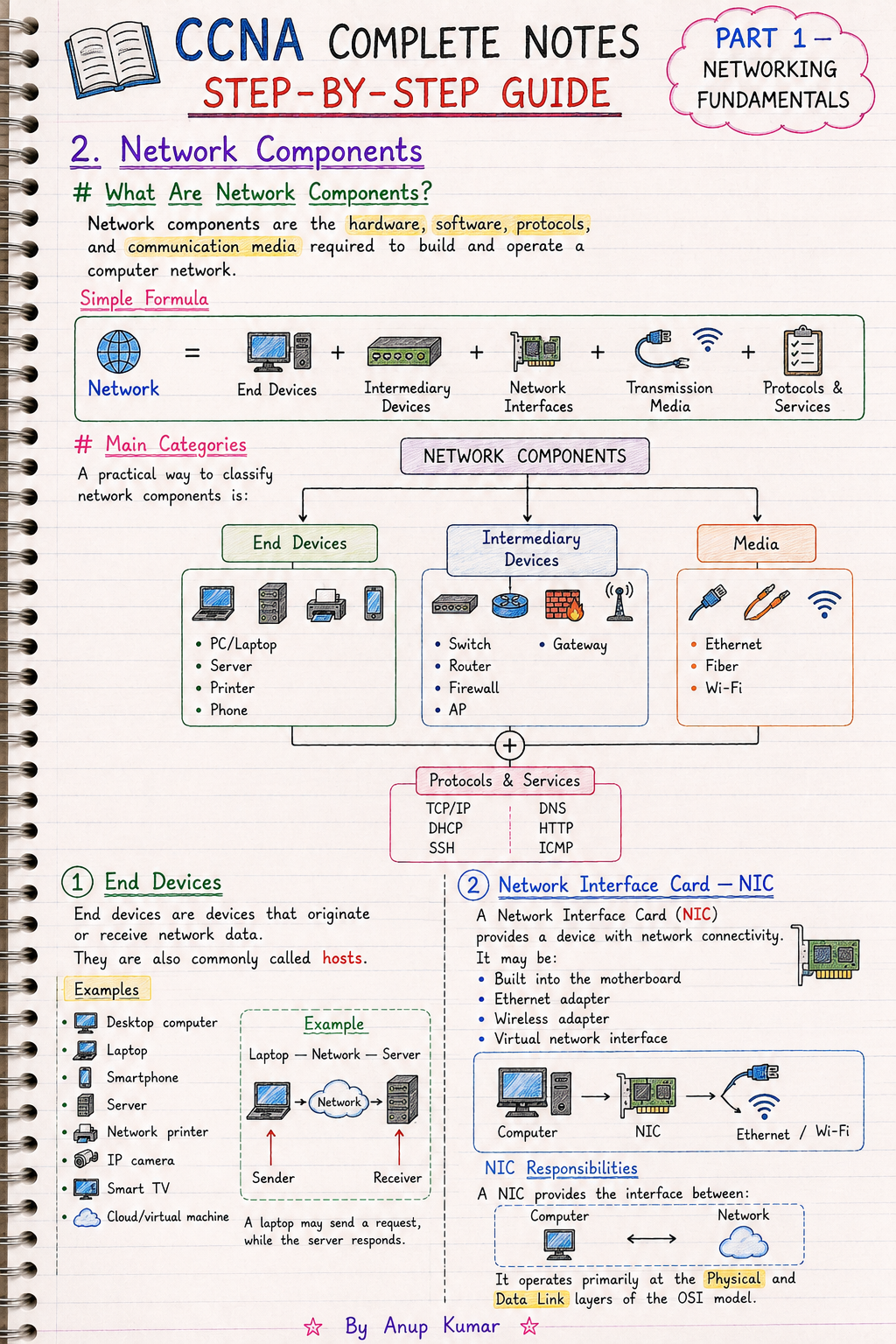
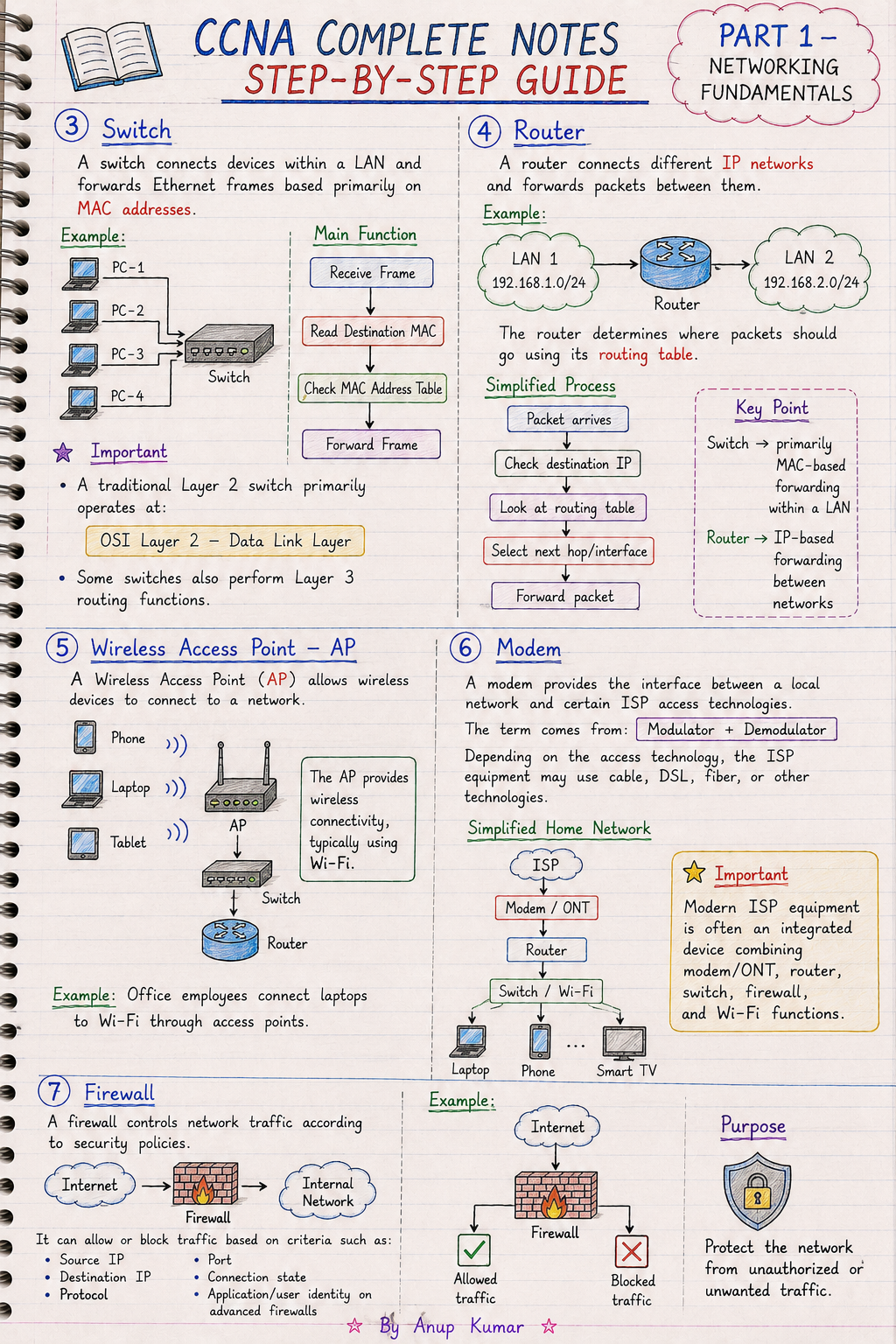
✔ Network Components
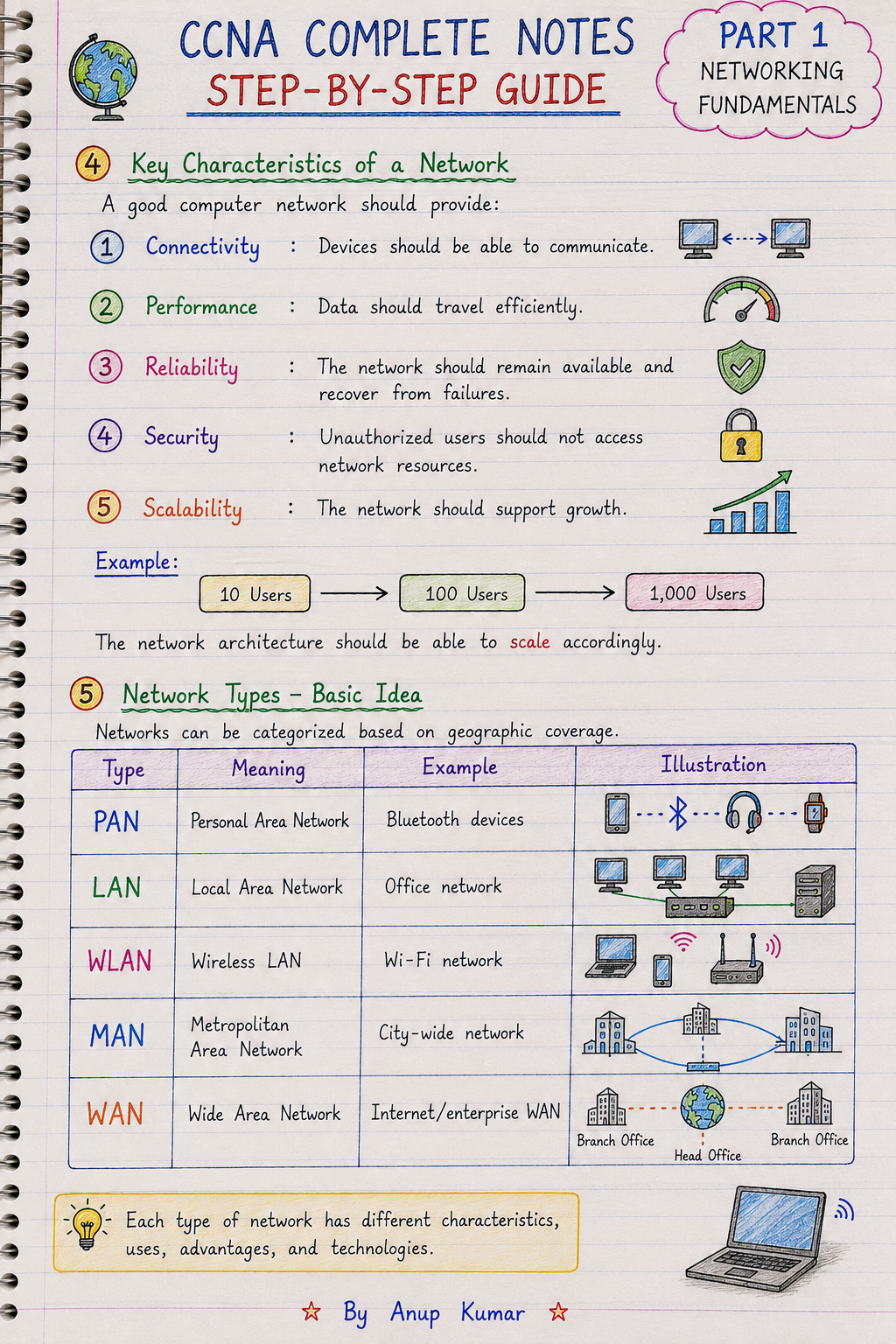
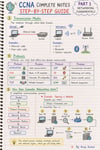
✔ Network Types
✔ PAN
✔ LAN
✔ WLAN
✔ MAN
✔ WAN
✔ Network Topologies
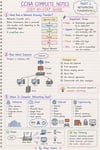
✔ Network Architecture
✔ Centralized & Distributed Architecture
✔ Hierarchical Architecture
✔ Spine-Leaf Architecture
✔ Cloud Networking Concepts
✔ SD-WAN
✔ Zero Trust Concepts
✔ Client-Server Architecture
✔ Peer-to-Peer Networking
✔ Data Communication
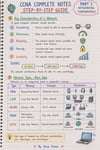
✔ Bandwidth
✔ Throughput
✔ Latency
✔ Jitter
✔ Networking Standards
Standards & Organizations
Understand the role of:
→ IEEE
→ IETF
→ ISO
→ ITU-T
→ RFCs
→ IEEE 802 Family
This section builds the foundation required before moving into network models, protocols and practical networking.
━━━━━━━━━━━━━━━━━━━━
02 — 🔄 OSI & TCP/IP NETWORK MODELS
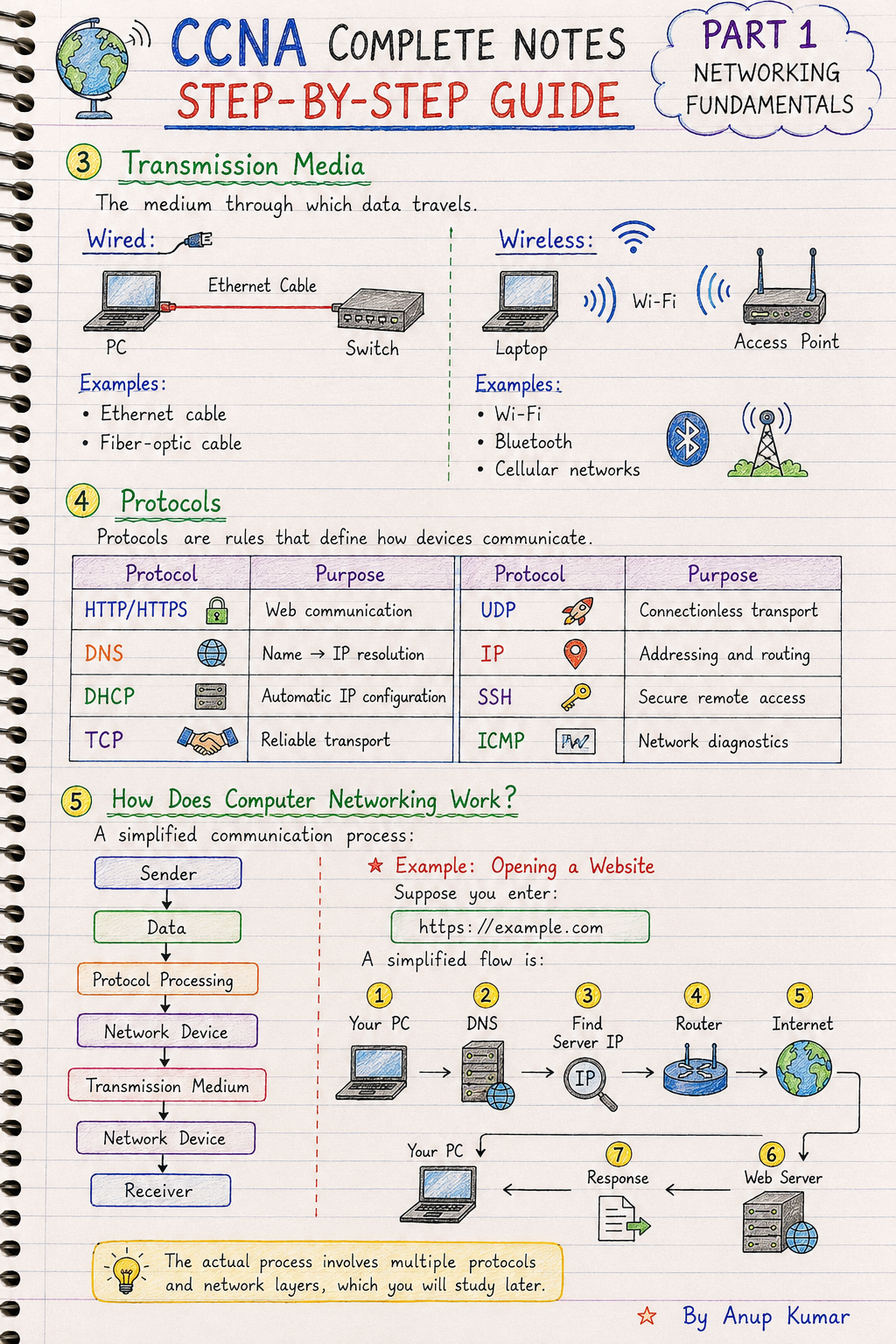
Understand how data travels from one device to another through different layers of a network.
OSI Model
Study all 7 OSI layers:
✔ Physical
✔ Data Link
✔ Network
✔ Transport
✔ Session
✔ Presentation
✔ Application
Understand:
→ Layer functions
→ Protocol mapping
→ Network device mapping
→ Data flow
→ PDU concepts
→ Encapsulation
→ Decapsulation
→ Troubleshooting using the OSI model
TCP/IP Model
Understand:
✔ TCP/IP architecture
✔ TCP/IP layers
✔ Protocol mapping
✔ OSI vs TCP/IP
✔ End-to-end communication
You will also study how switches and routers process network traffic.
━━━━━━━━━━━━━━━━━━━━
03 — 📦 DATA ENCAPSULATION & NETWORK COMMUNICATION
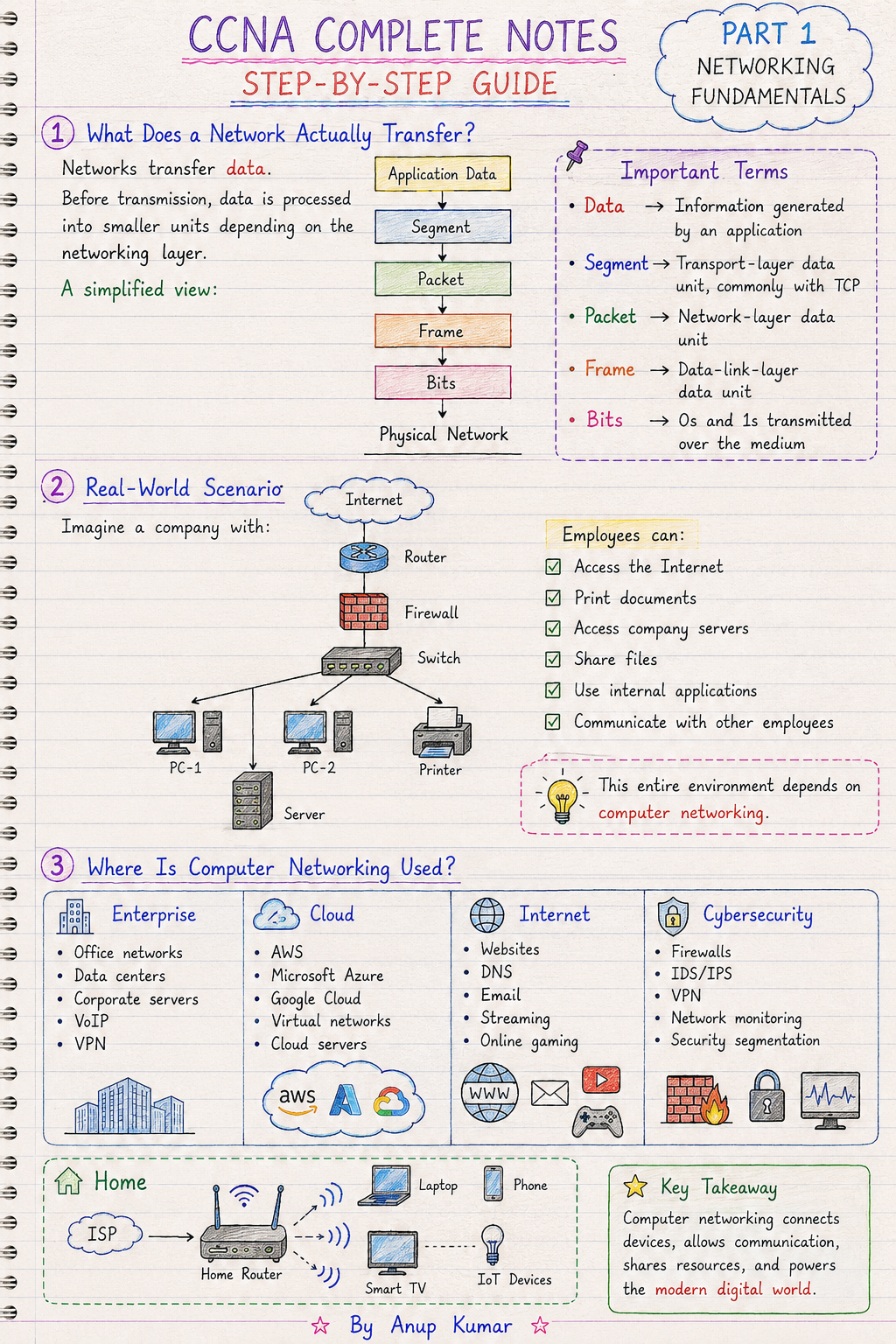
Understand what happens to data as it moves through a network.
Study:
✔ Data
✔ Segment
✔ Packet
✔ Frame
✔ Bits
✔ Encapsulation
✔ Decapsulation
✔ Source & Destination information
✔ Protocol interaction
✔ End-to-end communication
Also understand concepts such as:
→ Switch frame processing
→ Router packet processing
→ TTL
→ IPv6 Hop Limit
This helps connect theoretical networking models with actual network communication.
━━━━━━━━━━━━━━━━━━━━
04 — 🔌 ETHERNET & MAC ADDRESSING
Learn the fundamentals of Ethernet-based networking.
Topics Include
✔ Ethernet fundamentals
✔ MAC addresses
✔ NIC concepts
✔ Ethernet frames
✔ Local network communication
✔ Switch-based communication
✔ MAC-based communication
Understand how devices communicate inside a local network and how network devices process Ethernet traffic.
━━━━━━━━━━━━━━━━━━━━
05 — 🌐 IPv4 ADDRESSING
Build a strong understanding of IPv4 networking.
Study:
✔ IPv4 addressing
✔ IPv4 address structure
✔ Network & host concepts
✔ Address identification
✔ IP communication
✔ Addressing fundamentals
The section connects IPv4 concepts with subnetting, routing and practical configuration.
━━━━━━━━━━━━━━━━━━━━
06 — 🌍 IPv6
Understand modern IP addressing with IPv6.
Study:
✔ IPv6 fundamentals
✔ IPv6 addressing
✔ IPv6 communication concepts
✔ IPv6-related networking concepts
✔ IPv6 Hop Limit
Build an understanding of why IPv6 is used and how it differs from IPv4.
━━━━━━━━━━━━━━━━━━━━
07 — 🧮 SUBNETTING & CIDR
Develop one of the most important practical networking skills.
Topics Include
✔ Subnetting fundamentals
✔ CIDR
✔ VLSM
✔ Route aggregation
✔ Network addressing
✔ Host addressing
✔ Subnet calculation concepts
The notes are designed to help you understand subnetting conceptually and use it in networking scenarios.
━━━━━━━━━━━━━━━━━━━━
08 — 🔍 ARP
Understand how devices discover the MAC address associated with an IP address on a local network.
Study:
✔ ARP fundamentals
✔ IP-to-MAC resolution
✔ ARP communication
✔ ARP in practical network traffic
✔ ARP observation using Wireshark
━━━━━━━━━━━━━━━━━━━━
09 — 📡 DHCP
Understand automatic IP address configuration.
Study:
✔ DHCP fundamentals
✔ Dynamic IP configuration
✔ DHCP communication
✔ Client/server interaction
✔ Practical DHCP configuration
The included lab allows you to practice DHCP configuration in a networking environment.
━━━━━━━━━━━━━━━━━━━━
10 — 🌐 DNS
Understand how domain names are translated into IP addresses.
Study:
✔ DNS fundamentals
✔ Name resolution
✔ DNS communication
✔ Client-server interaction
✔ Practical DNS configuration
The notes connect DNS theory with practical configuration and troubleshooting.
━━━━━━━━━━━━━━━━━━━━
11 — 🚦 ROUTING FUNDAMENTALS
Understand how routers forward traffic between different networks.
Study:
✔ Routing fundamentals
✔ Network-to-network communication
✔ Router packet processing
✔ Routing concepts
✔ Basic routing scenarios
You will also practice routing through hands-on networking labs.
━━━━━━━━━━━━━━━━━━━━
12 — 🐧 LINUX NETWORKING
Learn useful Linux networking concepts and commands.
Study:
✔ Linux networking fundamentals
✔ Network configuration concepts
✔ Networking commands
✔ Network troubleshooting
✔ Connectivity testing
✔ Practical Linux networking utilities
This section is especially useful for learners preparing for Network Support, NOC and Network Engineer roles.
━━━━━━━━━━━━━━━━━━━━
13 — 🔐 SSH / SCP / SFTP
Understand secure remote access and file transfer concepts.
Covered
✔ SSH
✔ Secure remote access
✔ SCP
✔ SFTP
✔ Remote administration concepts
✔ SSH configuration
A dedicated SSH hands-on lab is included for practical learning.
━━━━━━━━━━━━━━━━━━━━
14 — 🛠️ NETWORK TROUBLESHOOTING
Learn a structured approach to identifying networking problems.
Study:
✔ Troubleshooting methodology
✔ Network problem identification
✔ Connectivity troubleshooting
✔ Protocol-level troubleshooting
✔ Command-based troubleshooting
✔ Real-world troubleshooting scenarios
✔ OSI-based troubleshooting
The goal is to move beyond simply memorizing commands and understand how to approach a network problem step by step.
━━━━━━━━━━━━━━━━━━━━
15 — 🧪 100 HANDS-ON NETWORKING LABS
The complete notes include practical labs designed to connect concepts with real networking practice.
Lab 01 — Observe Encapsulation
Use Wireshark to observe:
→ Ethernet
→ ARP
→ IPv4
→ ICMP
Lab 02 — Build a Star Topology
Practice:
→ Switch
→ PCs
→ Basic network connectivity
Lab 03 — Connect Two LANs
Build a scenario using:
→ Router
→ Switches
→ WAN connectivity
Lab 04 — Client-Server Lab
Understand basic client-server communication.
Lab 05 — DHCP Configuration
Practice automatic IP addressing.
Lab 06 — DNS Configuration
Practice DNS-related configuration and name resolution.
Lab 07 — Static IP Configuration
Configure devices using static IP addressing.
Lab 08 — Routing Basics
Practice basic routing concepts.
Lab 09 — Network Troubleshooting
Work through practical network problems.
Lab 10 — SSH Configuration
Practice secure remote access.
━━━━━━━━━━━━━━━━━━━━
🎨 50+ VISUAL DIAGRAMS
Complex networking concepts are supported with 50+ visual diagrams to make concepts easier to understand and remember.
Visual explanations cover areas such as:
→ Network models
→ Network communication
→ Protocol flows
→ Encapsulation
→ Network architecture
→ Addressing
→ Networking concepts
━━━━━━━━━━━━━━━━━━━━
💻 COMMAND CHEAT SHEETS
Use command references for faster revision and practical troubleshooting.
The notes include command examples related to:
✔ Networking
✔ Linux networking
✔ Troubleshooting
✔ SSH
✔ Connectivity testing
Useful when preparing for labs, interviews and practical networking tasks.
━━━━━━━━━━━━━━━━━━━━
🎤 INTERVIEW Q&A
Interview questions are included to help you revise important networking concepts.
Use the Q&A sections to prepare for questions related to:
→ Networking fundamentals
→ OSI & TCP/IP
→ IP addressing
→ Protocols
→ Network services
→ Routing
→ Troubleshooting
→ Commands
━━━━━━━━━━━━━━━━━━━━
⚡ QUICK REVISION SECTIONS
Short revision sections help you quickly revisit important concepts before:
🎯 Exams
🧪 Labs
🎤 Interviews
💼 Job preparation
Instead of going through the complete material every time, use the quick-revision sections to refresh key concepts.
━━━━━━━━━━━━━━━━━━━━
🧠 NETWORKING MEMORY TRICKS
Important concepts are supported with memory techniques to make networking topics easier to recall during:
→ Study
→ Exams
→ Interviews
→ Troubleshooting
━━━━━━━━━━━━━━━━━━━━
🎯 EXAM-IMPORTANT TOPICS
Important networking areas are highlighted so learners can focus their revision on key concepts.
Use these markers together with the complete notes for structured exam preparation.
━━━━━━━━━━━━━━━━━━━━
👥 WHO SHOULD GET THESE NOTES?
🎯 CCNA ASPIRANTS
For learners building their CCNA networking foundation.
👨💻 NETWORKING BEGINNERS
Start from fundamental networking concepts and progress toward practical topics.
💼 ASPIRING NETWORK ENGINEERS
Strengthen networking concepts, commands, troubleshooting and practical skills.
🖥️ NOC / NETWORK SUPPORT LEARNERS
Develop knowledge useful for networking support and troubleshooting roles.
🎓 BCA / B.Tech / IT STUDENTS
Useful as a supplementary networking learning and revision resource.
🏆 CERTIFICATION LEARNERS
Use it as a networking reference while preparing for certification-related studies.
🎤 INTERVIEW PREPARATION
Revise concepts, commands, troubleshooting scenarios and important questions.
━━━━━━━━━━━━━━━━━━━━
🚀 COMPLETE LEARNING WORKFLOW
01 — UNDERSTAND
Learn the networking concept.
↓
02 — VISUALIZE
Understand diagrams and protocol flows.
↓
03 — CONFIGURE
Study commands and configuration examples.
↓
04 — PRACTICE
Perform hands-on labs.
↓
05 — TROUBLESHOOT
Apply networking concepts to practical problems.
↓
06 — REVISE
Use quick revision, memory tricks and interview Q&A.
LEARN → VISUALIZE → CONFIGURE → PRACTICE → TROUBLESHOOT → REVISE
━━━━━━━━━━━━━━━━━━━━
📦 WHAT YOU GET
📘 CCNA 200-301 COMPLETE NOTES
✔ 700+ Pages
✔ 3 Major Parts
✔ 9 Networking Fundamentals Units
✔ Networking Fundamentals
✔ OSI & TCP/IP
✔ Ethernet
✔ MAC & IP Addressing
✔ IPv4 & IPv6
✔ CIDR & Subnetting
✔ ARP
✔ DHCP
✔ DNS
✔ Routing Fundamentals
✔ Linux Networking
✔ SSH / SCP / SFTP
✔ Network Troubleshooting
✔ 10 Hands-On Labs
✔ 50+ Visual Diagrams
✔ Command Cheat Sheets
✔ Interview Q&A
✔ Quick Revision Sections
✔ Networking Memory Tricks
✔ Exam-Important Topic Markers
✔ Real-World Troubleshooting Scenarios
━━━━━━━━━━━━━━━━━━━━
💻 DIGITAL PRODUCT DETAILS
Product: CCNA 200-301 Complete Notes
Format: PDF
Pages: 700+
Product Type: Digital Educational Resource
Delivery: Digital Download
Physical Product: ❌ No
📱 Study On
📱 Smartphone
💻 Laptop
🖥️ Desktop
📖 Tablet
━━━━━━━━━━━━━━━━━━━━
⚠️ IMPORTANT
This is a digital educational resource for networking study, practice and reference.
❌ No physical product will be shipped.
This product is not an official Cisco product and is not affiliated with or endorsed by Cisco.
Please review the available preview and product description before purchasing.
━━━━━━━━━━━━━━━━━━━━
📚 DIGITAL STUDY NOTES
Learn Smarter • Practice Better • Grow Faster 🚀
Your purchase supports the creation of more:
📖 IT Study Notes
🧪 Practical Labs
💻 Networking Resources
🎯 Interview Preparation Material
🚀 Build Your Networking Skills Today.
CCNA 200-301 Complete Notes — Learn. Practice. Troubleshoot. Revise.