
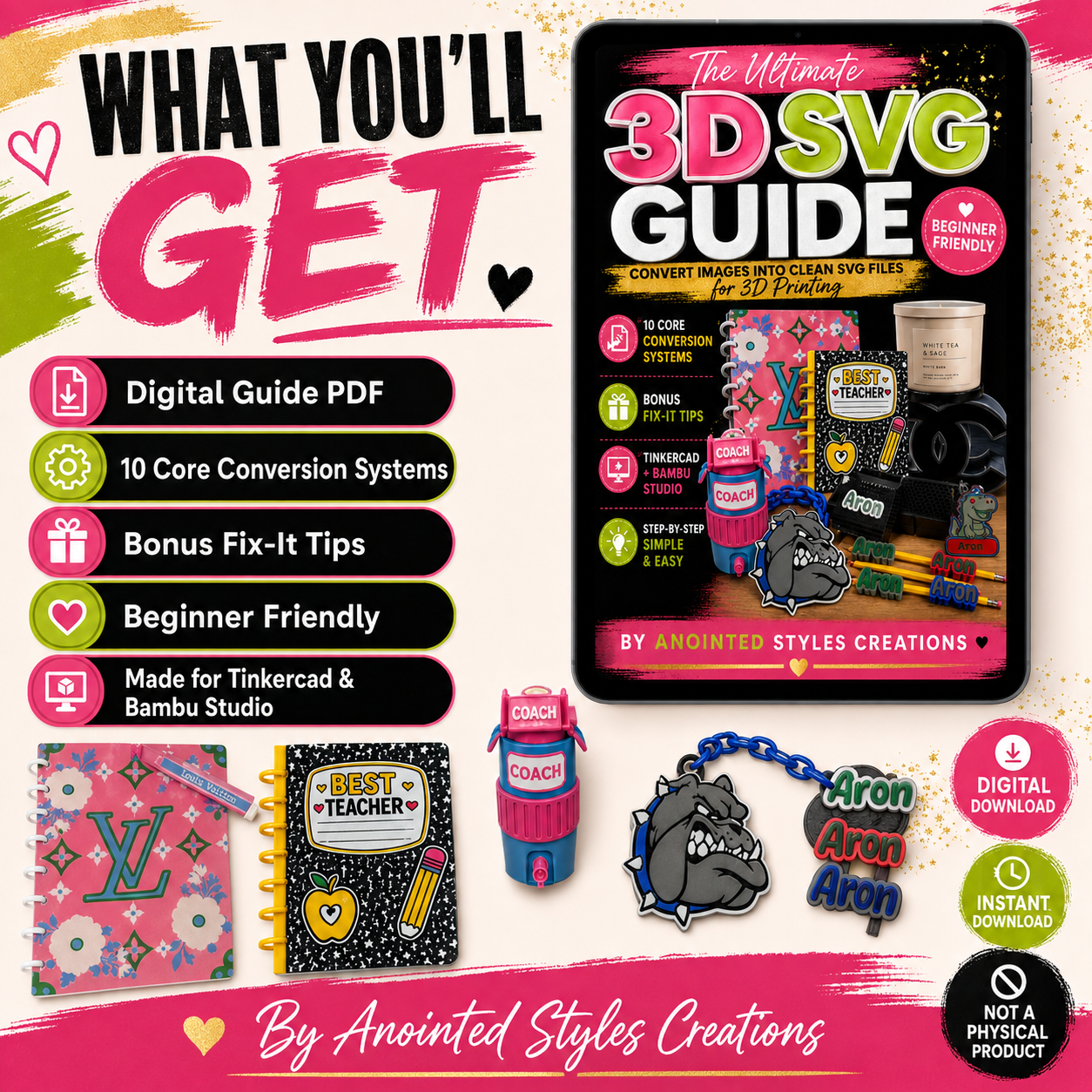
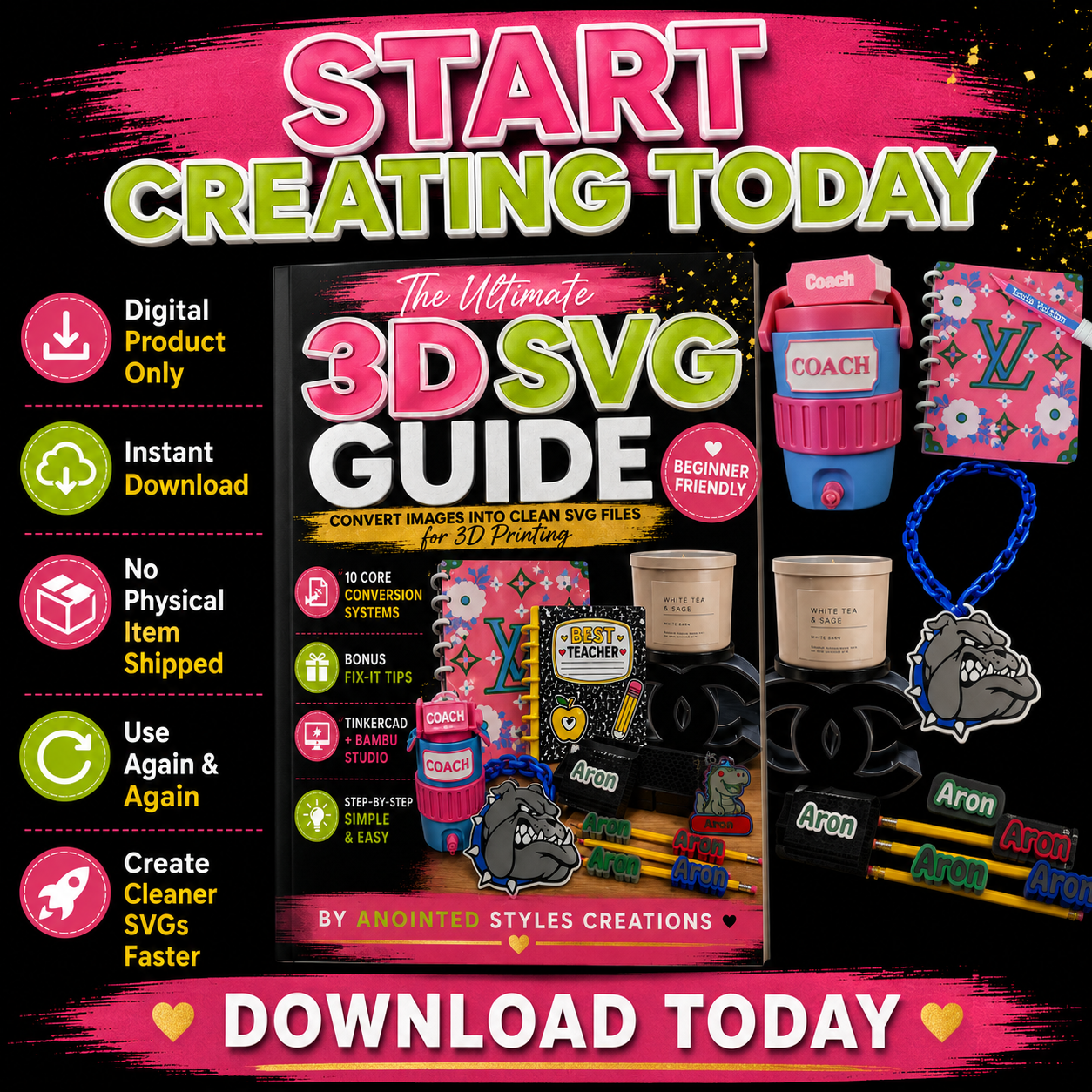
The Ultimate 3D SVG Guide
Turn Images Into Clean SVG Files for 3D Printing, Tinkercad & Bambu Studio.
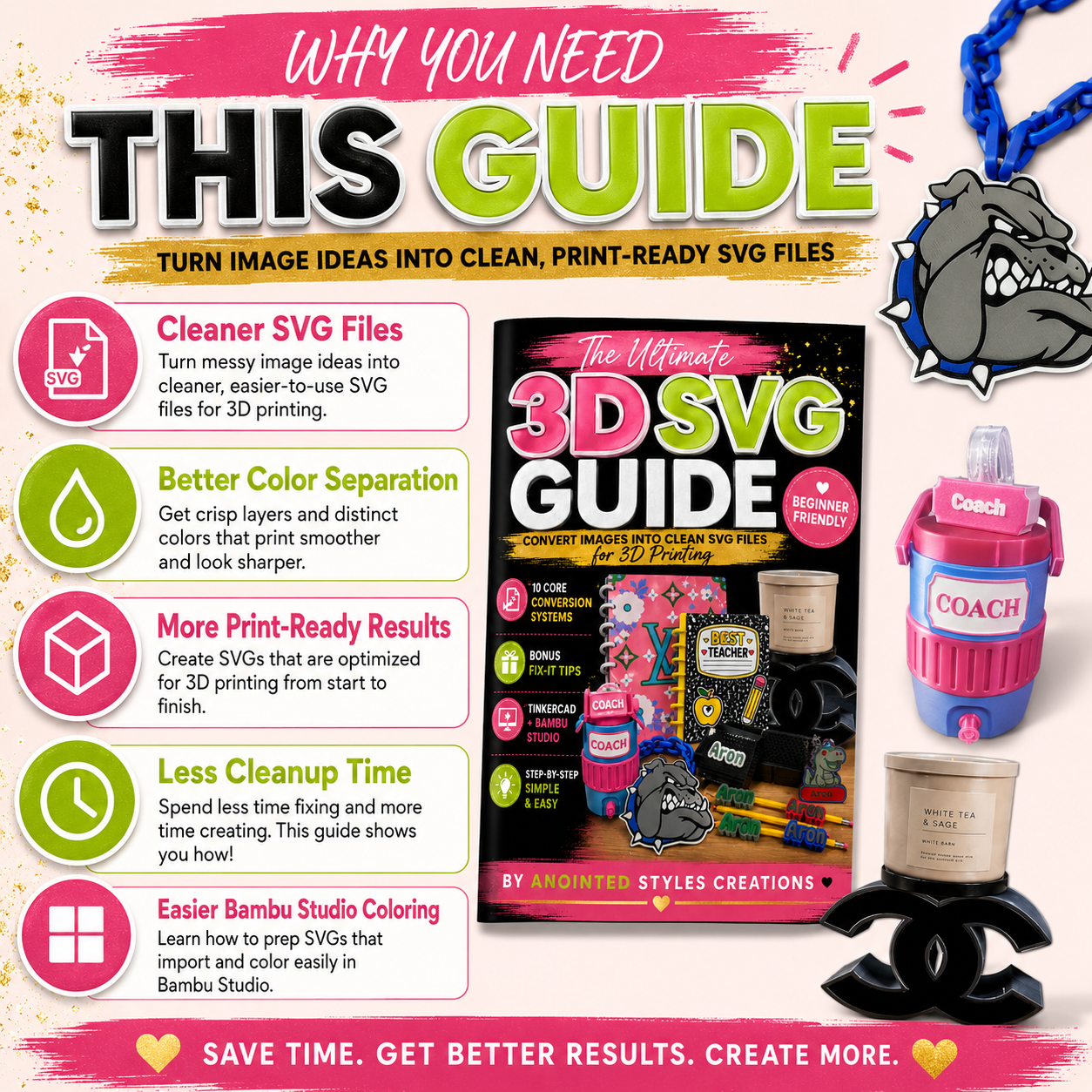
Tired of converting an image only to end up with broken sections, colors that bleed together, lettering that is too thin, tiny floating pieces, or SVG files that are difficult to work with?
The Ultimate 3D SVG Guide was created to give makers a clearer starting point.
This digital guide walks you through different ways to instruct your AI tool to transform reference images into cleaner, simplified SVG artwork designed with 3D printing in mind.
Instead of guessing what to type, simply choose the example that matches your project, copy the corresponding instructions, upload your reference image, and customize as needed.
Inside You’ll Receive
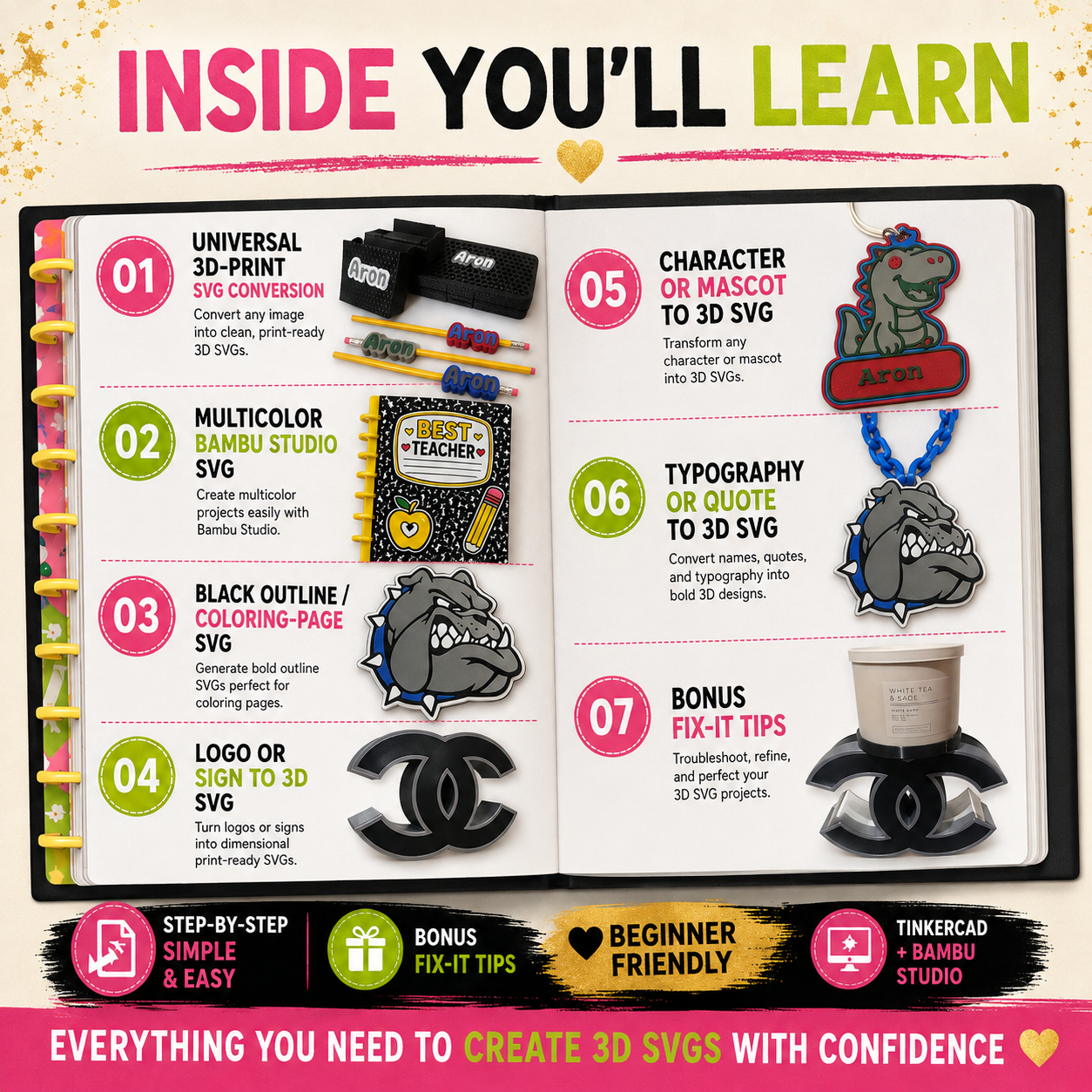
10 detailed image-to-SVG conversion prompts, including:
- Universal 3D-Print SVG Conversion
- Multicolor Bambu Studio SVG
- Black Outline / Coloring-Page SVG
- Logo & Business Design Conversion
- Cartoon & Character Conversion
- Text, Quote & Typography Conversion
- Simplified Layered SVG Conversion
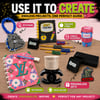
- Keychain, Magnet & Topper Conversion
- Light Box & Sign Conversion
- Professional Maximum-Cleanup SVG Conversion
You’ll also receive:
- 10 visual example pages
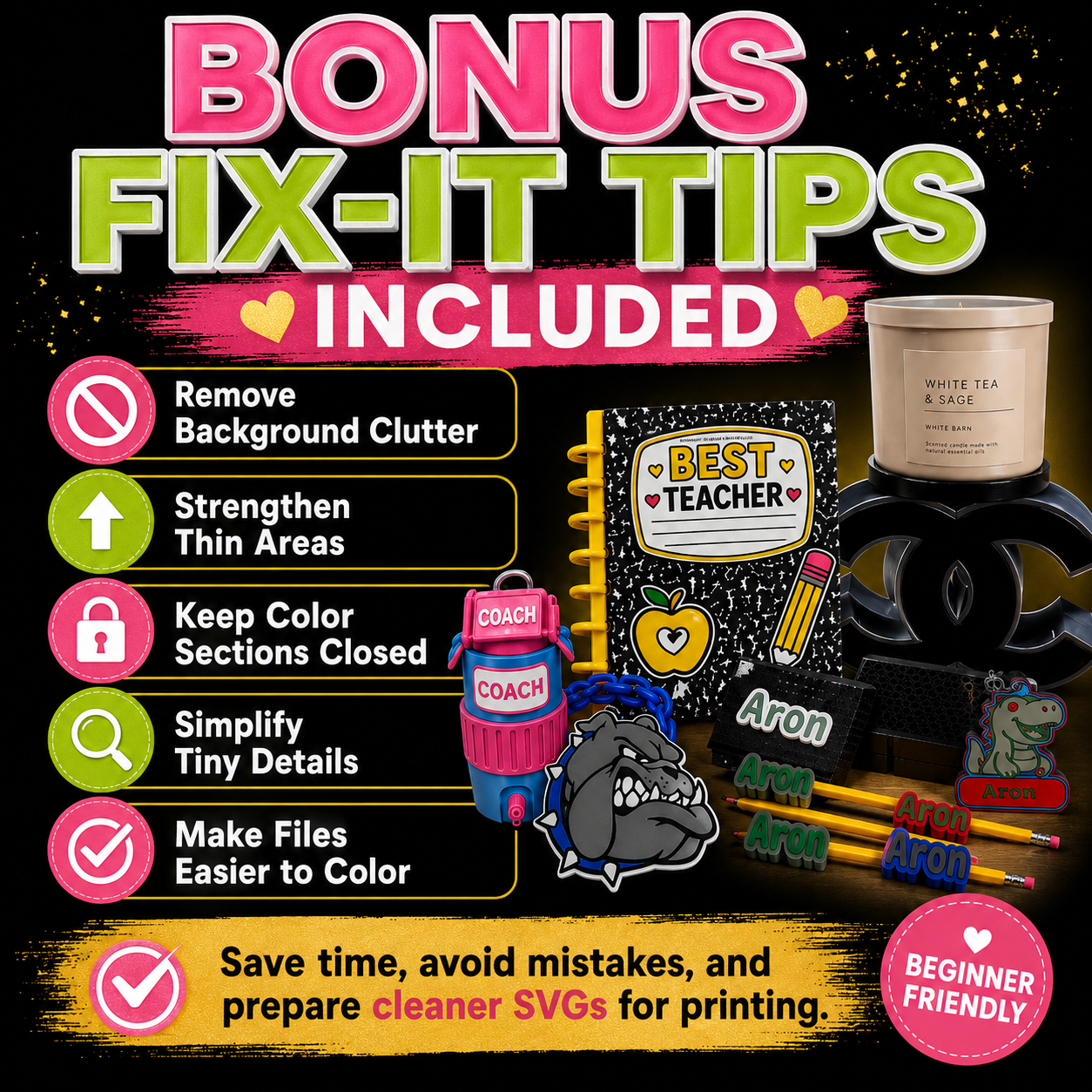
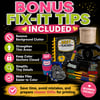
- Bonus Fix-It Instructions
- Quick 3D SVG Checklist
- Welcome + How-To-Use pages
- Tips for stronger lettering and thin details
- Instructions for better color separation
- Help reducing tiny floating pieces
- Guidance for cleaner closed vector paths
- Steps for preparing artwork for Tinkercad and Bambu Studio
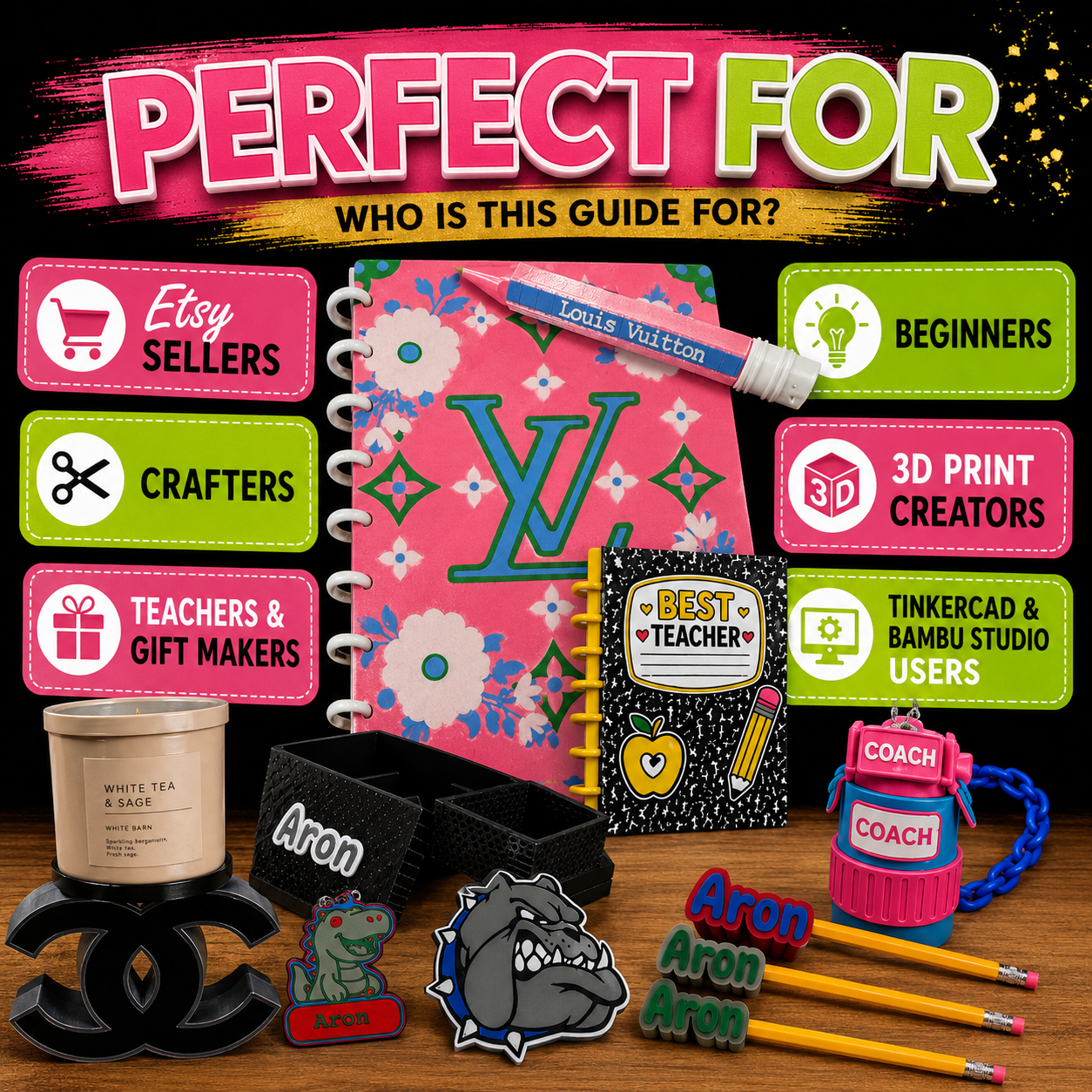
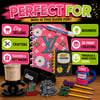
Perfect For
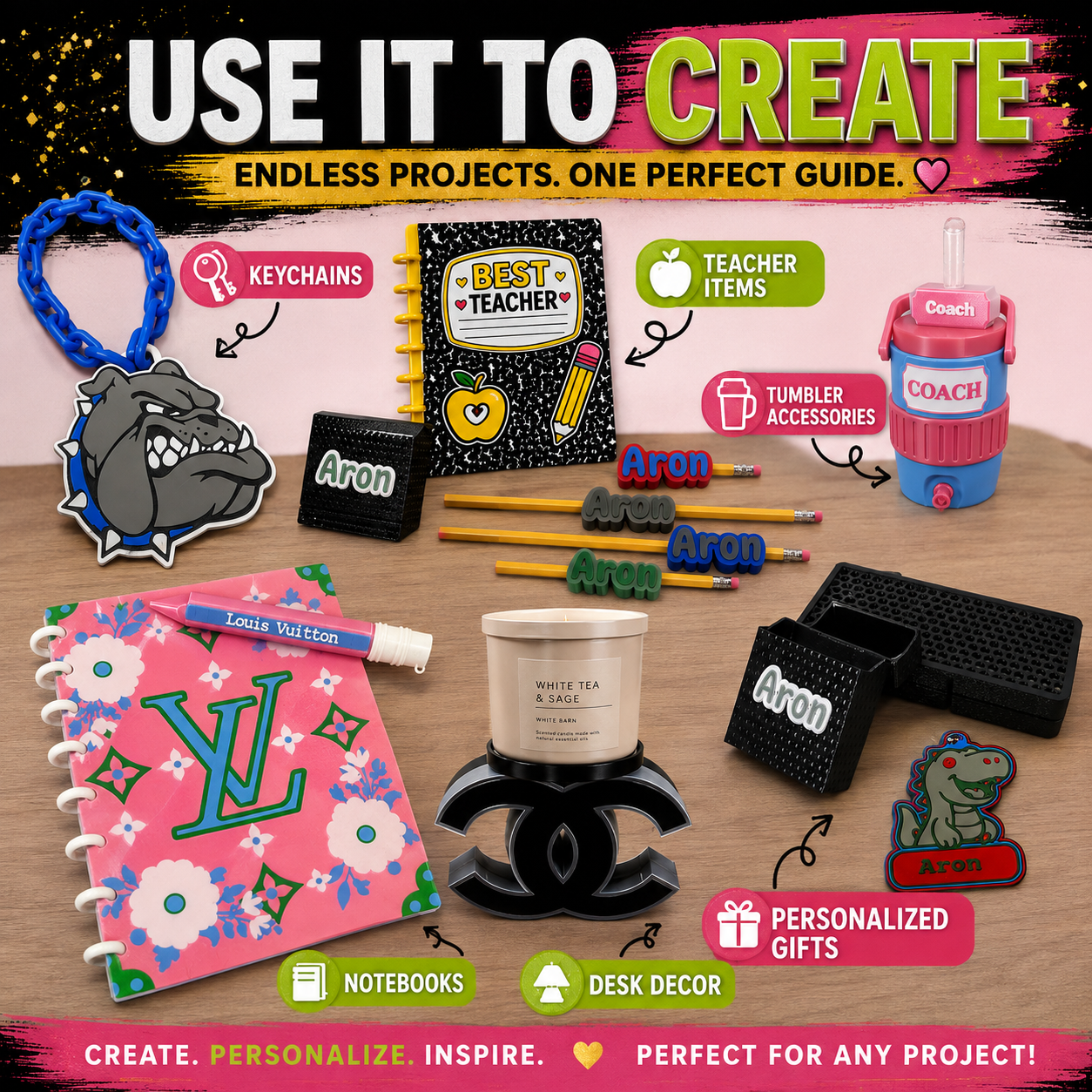
Crafters, 3D-printing beginners, Etsy sellers, gift makers, teachers, small-business owners, Tinkercad users, Bambu Studio users, and creators making personalized products such as keychains, pencil toppers, magnets, plaques, signs, teacher gifts, character designs, layered prints, and more.
How It Works
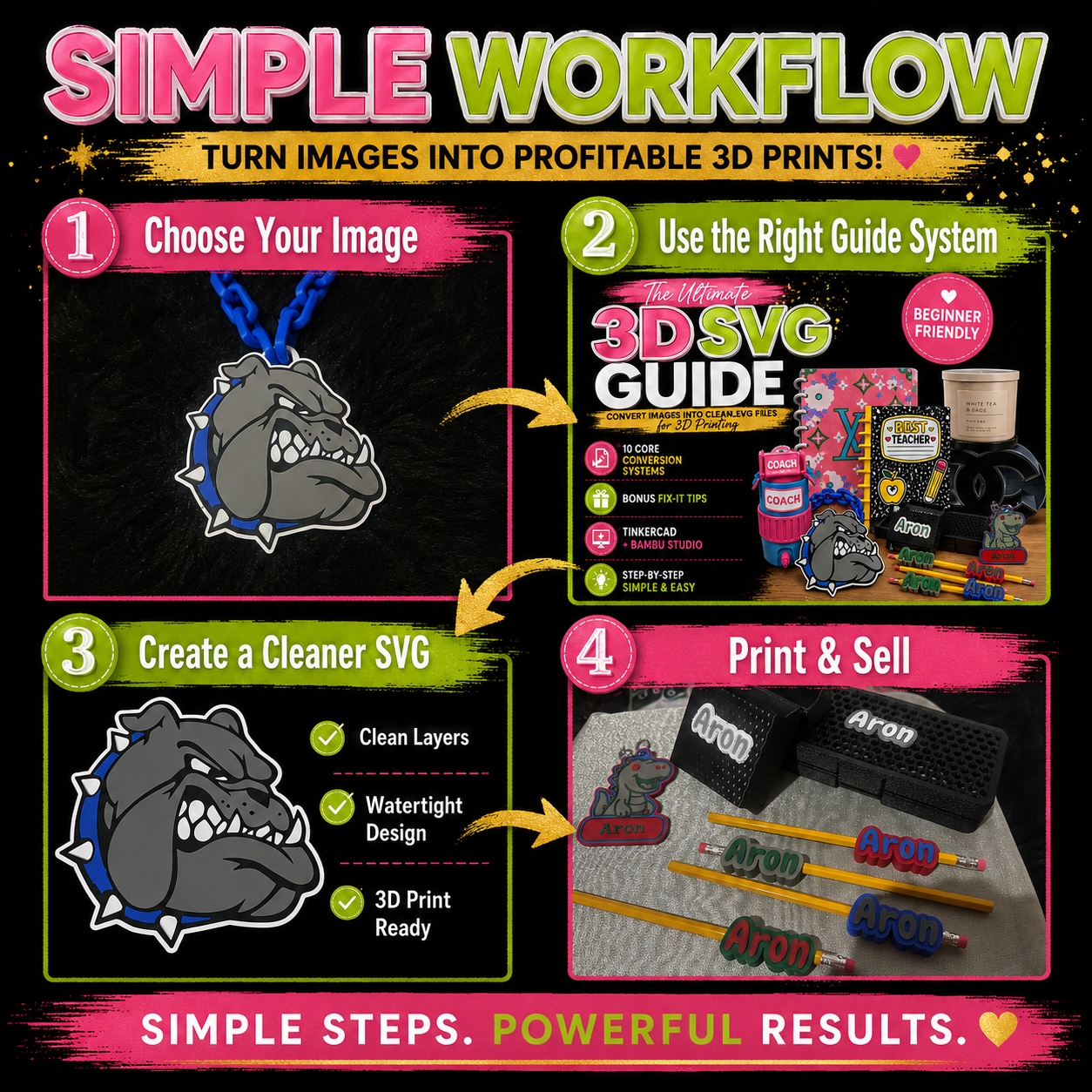
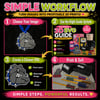
IMAGE → CLEAN SVG → 3D PRINT
Choose the visual example closest to your project, copy the matching instructions, upload your own reference image into your preferred AI image tool, customize the wording when needed, and review your SVG in Tinkercad or Bambu Studio before printing.
IMPORTANT — PLEASE READ
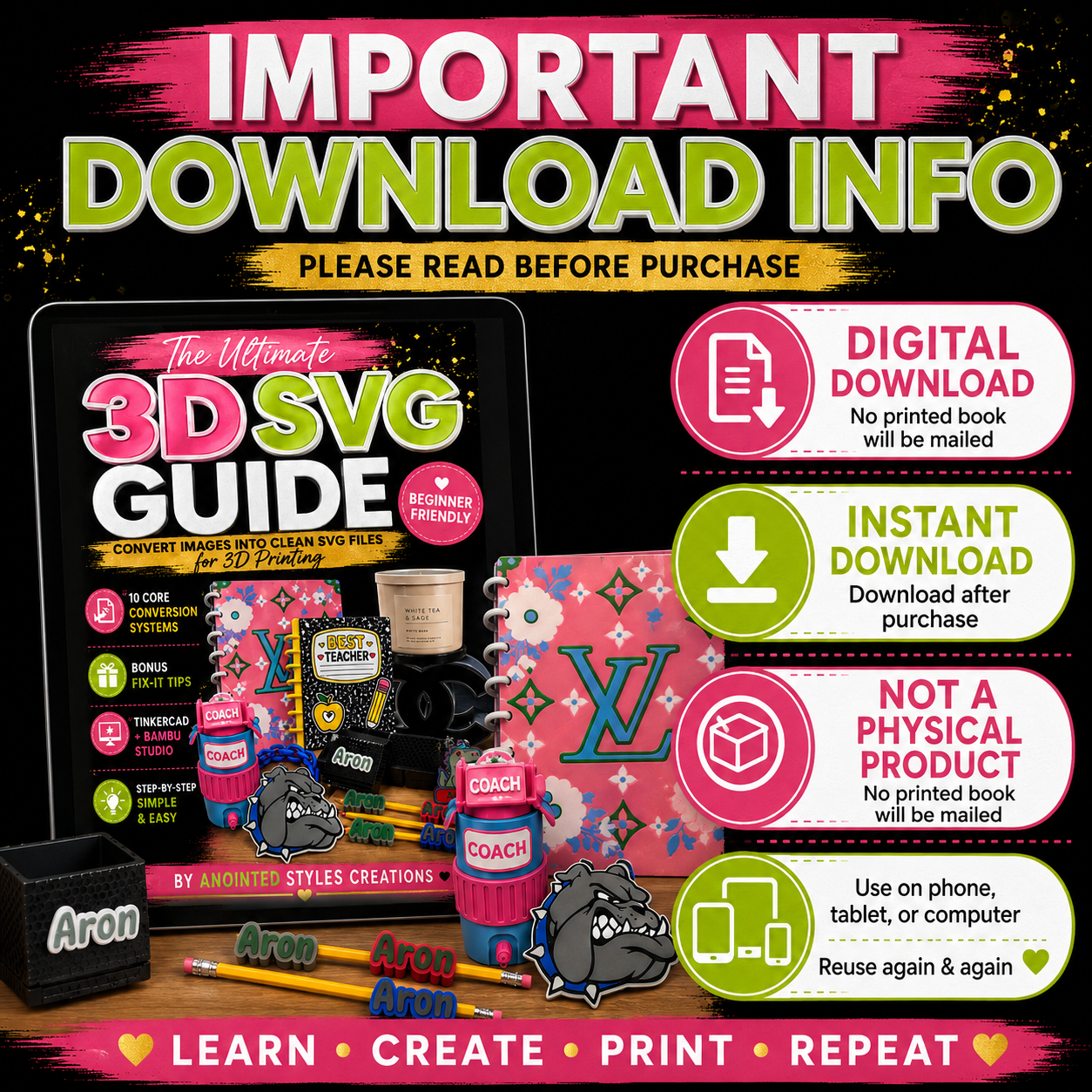
DIGITAL DOWNLOAD
This is a digital product.
INSTANT DOWNLOAD
Your digital guide is available after purchase.
NOT A PHYSICAL PRODUCT
No printed book, 3D-printed item, filament, or physical product will be mailed to you.
This guide provides instructions and examples. Results may vary depending on the AI tool, reference image, SVG software, slicer settings, printer, filament, and individual project.
Always inspect, test, slice, and verify your SVG/model before completing your final print.
Digital Product Policy
Due to the nature of digital products and immediate access to downloadable content, all digital sales are final. Please review the product description carefully before purchasing.
If you experience a problem accessing your purchased file, please contact Anointed Styles Creations so assistance can be provided.