

Logoloom - Logo Animation Panel for After Effects
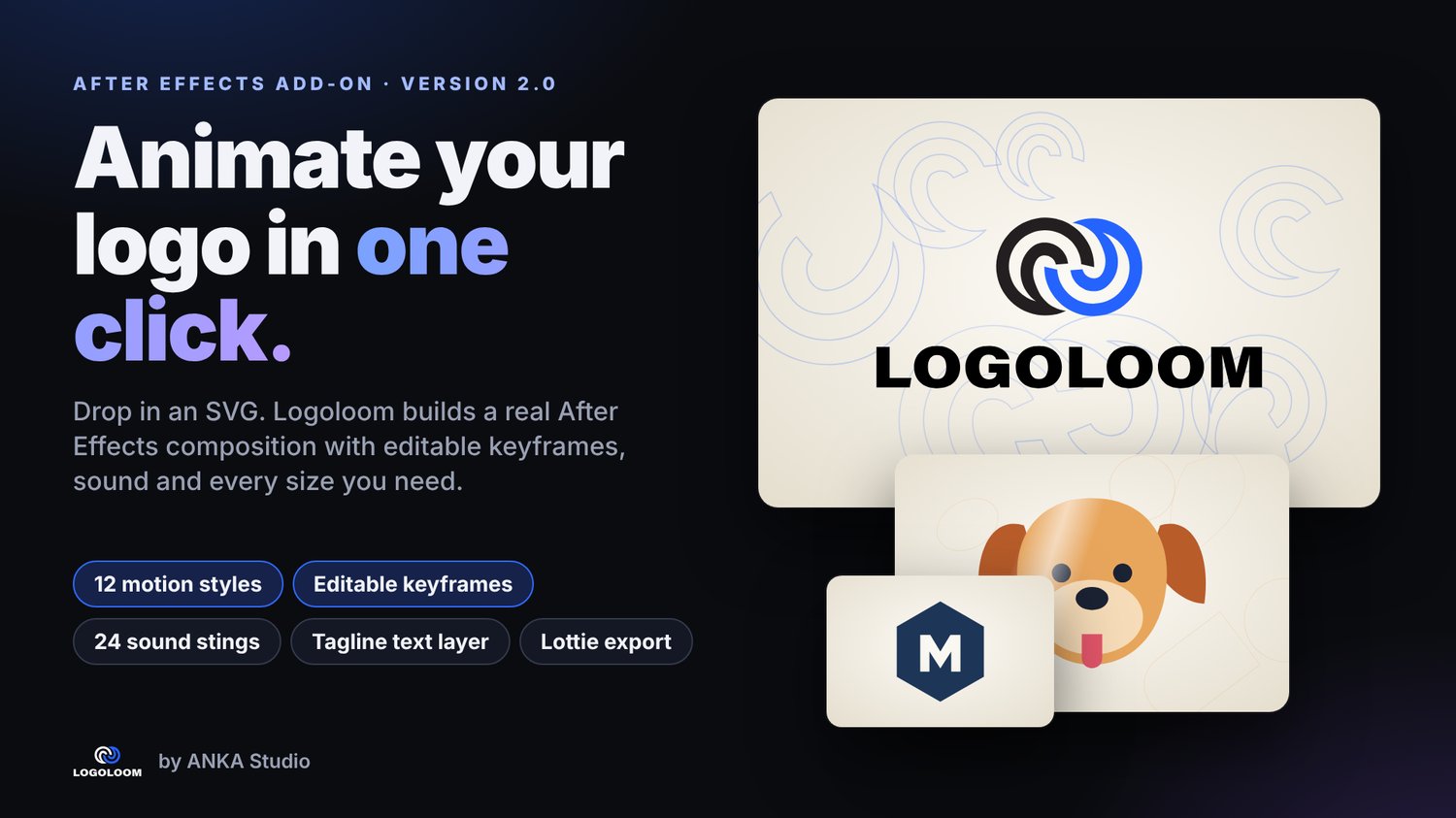
Stop rebuilding the same logo reveal for every client. Logoloom reads your SVG, understands its parts (symbol, wordmark, letters, shapes) and builds a complete animation inside After Effects – as real layers and real keyframes you can open, tweak and re-time.
WHAT'S NEW IN 2.0
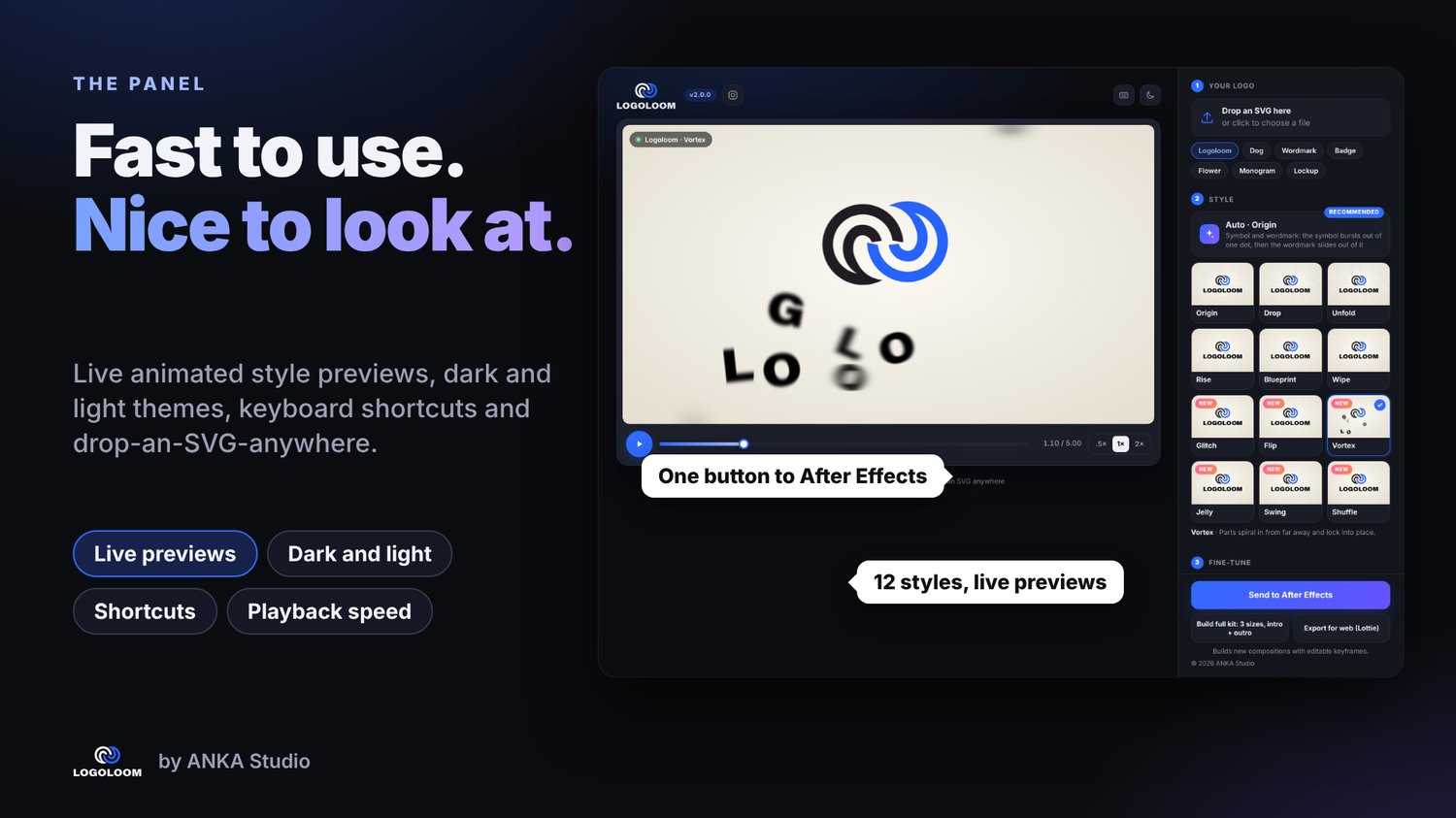
• 12 motion styles – 6 new: Glitch, Flip, Vortex, Jelly, Swing, Shuffle
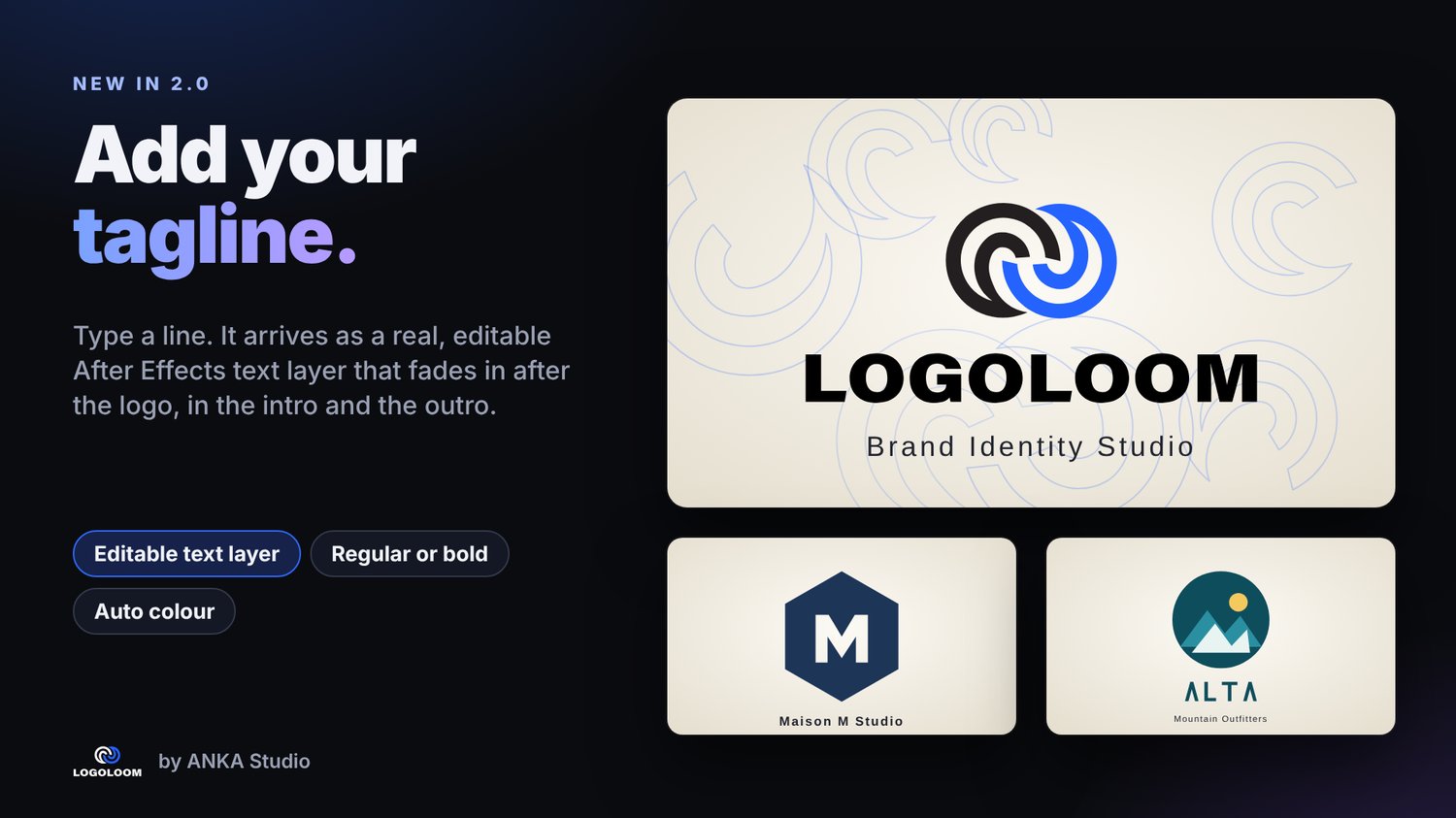
• Tagline – type a line and get an editable text layer that fades in after the logo
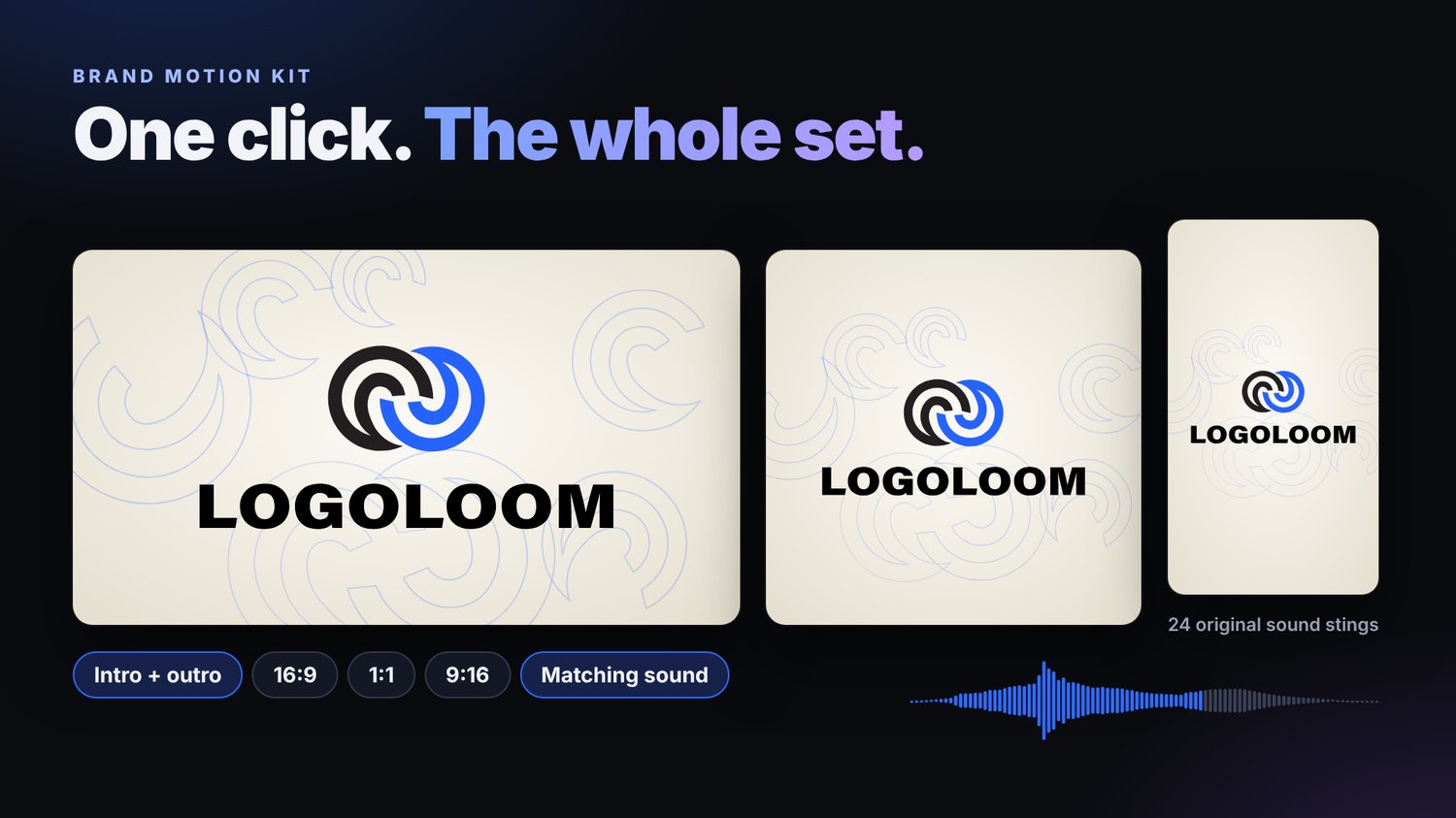
• 12 new original sound stings (24 in total), matched to the styles
• All-new panel – dark/light themes, live animated style previews, keyboard shortcuts, drop an SVG anywhere
• Improved Lottie export with more accurate easing
WHAT YOU GET
• Auto mode that recommends the best style for your logo
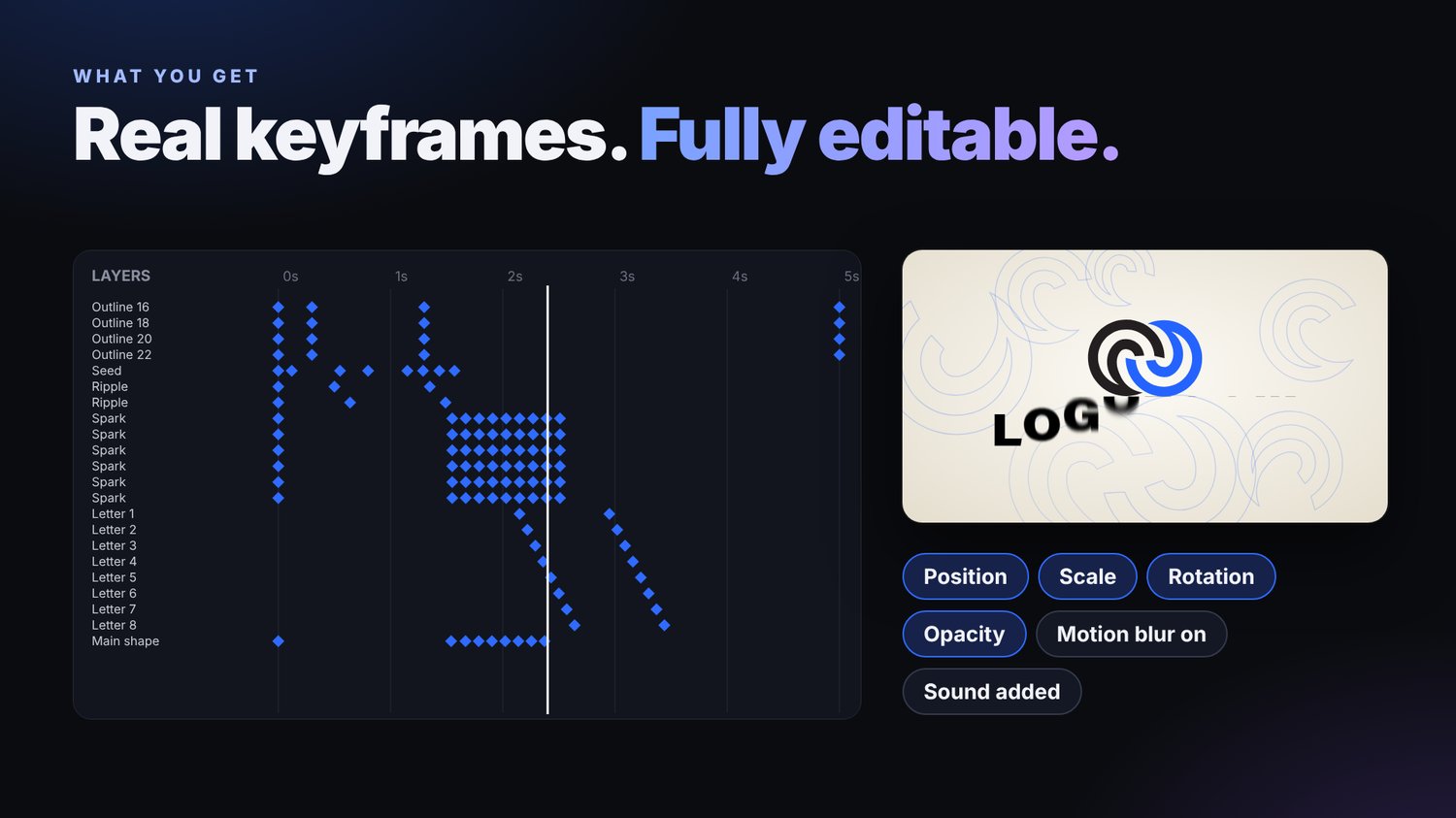
• Real keyframes: position, scale, rotation, opacity, trim paths – fully editable
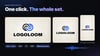
• Brand Motion Kit: intro + outro in 16:9, 1:1 and 9:16 with one click
• Motion blur on, sound placed on the timeline
• Export for web (Lottie JSON)
• Standalone preview page – try styles on your logo without opening After Effects
• Works with any clean SVG (shapes, paths, text converted to outlines)
HOW IT WORKS
1. Open the Logoloom panel in After Effects
2. Drop your SVG
3. Pick a style (or leave Auto)
4. Click "Send to After Effects" or "Build full kit"
REQUIREMENTS
After Effects 2020 or later (Windows / macOS). Adobe CEP panel; install instructions and a script-based fallback are included.
GOOD TO KNOW
• Input is SVG (export from Illustrator, Figma, etc.)
• Lottie export does not include tagline, sound or motion blur
• The shine sweep seen in the preview is preview-only
INCLUDED
Panel, After Effects import script, 24 sound stings (MP3) with cue sheet, standalone preview, instructions, changelog.