

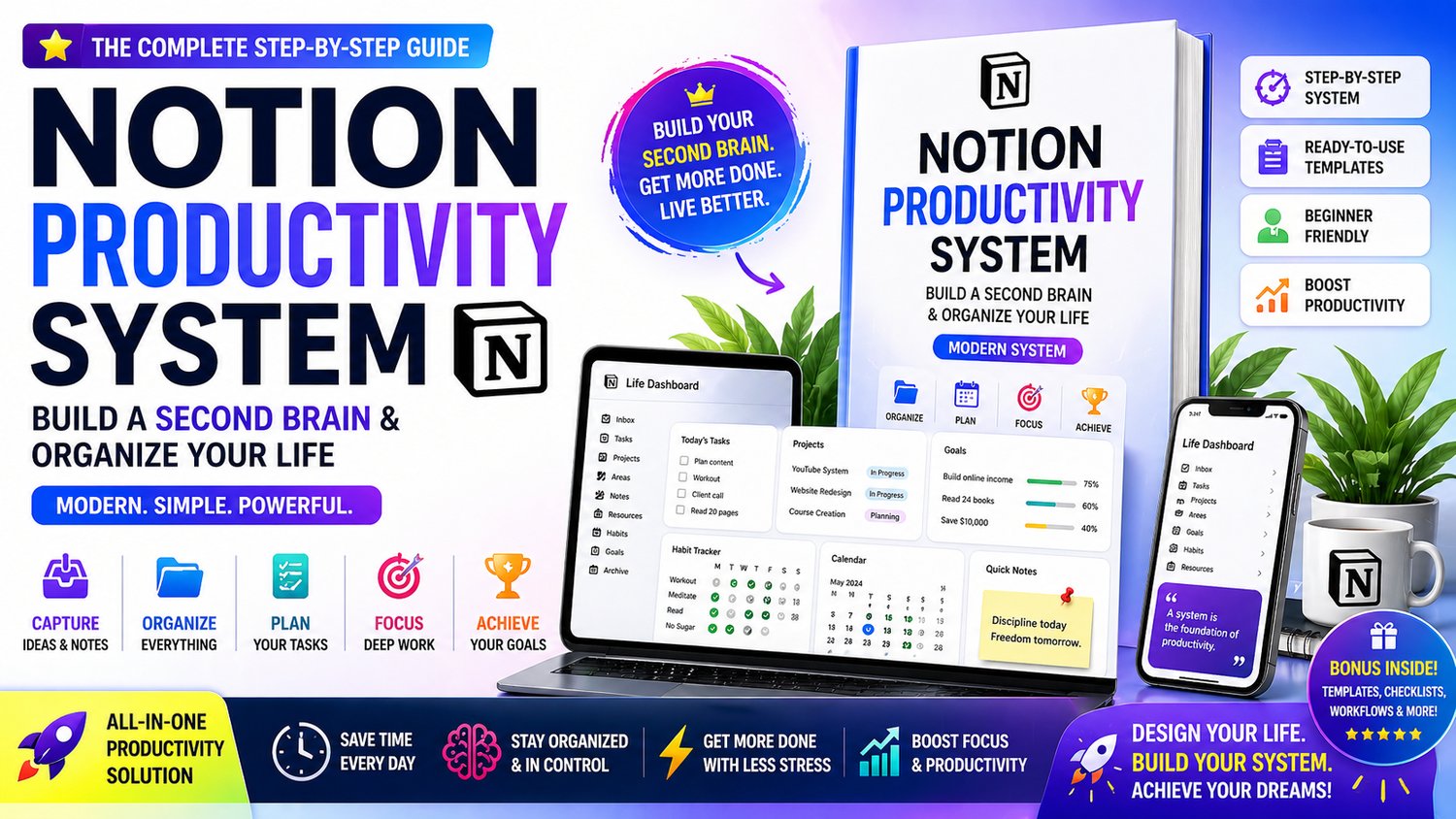
Notion Productivity System 2026 – Build a Second Brain & Organize Your Life | All-in-One Notion Templates & Workflow System
🧠 Organize Your Life & Boost Productivity with Notion
What if you could manage your tasks, goals, notes, and entire life in one powerful system—without feeling overwhelmed?
This step-by-step Notion productivity system guide shows you how to build a complete Second Brain system to stay organized, focused, and productive every day.
👉 No confusion
👉 No clutter
👉 No complicated setup
Just a clean, modern system that works
⚡ What You’ll Learn
✔ Build your Second Brain system in Notion
✔ Organize tasks, notes, and projects efficiently
✔ Create a powerful daily & weekly planning system
✔ Manage goals and track progress easily
✔ Design a clean productivity dashboard
✔ Improve focus and eliminate distractions
📦 What You’ll Get
✔ Complete Notion productivity system (beginner-friendly)
✔ Step-by-step setup guide
✔ Ready-to-use templates (planner, tracker, dashboard)
✔ Workflow system for daily productivity
✔ 7-day setup plan
✔ Bonus templates, systems & resources
🎯 Who This Guide Is For
- Students & professionals
- Freelancers & creators
- Entrepreneurs
- Anyone who wants to stay organized and productive
🚀 What Makes This Guide Different
Most productivity systems are complicated and hard to follow.
This guide gives you a simple, modern workflow:
👉 Capture → Organize → Plan → Execute → Review
So you can:
✔ Stay focused
✔ Manage everything in one place
✔ Build long-term productivity habits
📈 Results You Can Achieve
- Clear your mind and reduce overwhelm
- Stay consistent with tasks and goals
- Increase daily productivity
- Build a powerful personal system
🔥 Why This is Trending
Second Brain systems + Notion productivity setups are one of the fastest-growing productivity trends in 2026
👉 And this guide gives you the exact system to implement
📱💻 How to Open & Use This Guide
This guide is provided in HTML format, which means it opens like a website—no installation needed 😊
👉 Works on both mobile and desktop devices
👉 For the best experience, use Google Chrome
📲 On Mobile (Android / iPhone)
Download the HTML file to your device
Open it using Google Chrome
Tap the file → it will open instantly like a webpage
💻 On Desktop (Laptop / PC)
Download the HTML file
Right-click on the file
Select “Open with → Google Chrome”
The guide will open in your browser
⚠️ Important Tips
Use Chrome browser for best performance
Avoid opening in unsupported apps
No software or setup required
🚀 Build Your Productivity System Today
Stop feeling overwhelmed and start building a system that works for you
👉 Download now and create your Notion-powered second brain