
Text Like Retro - V1 (Project File)
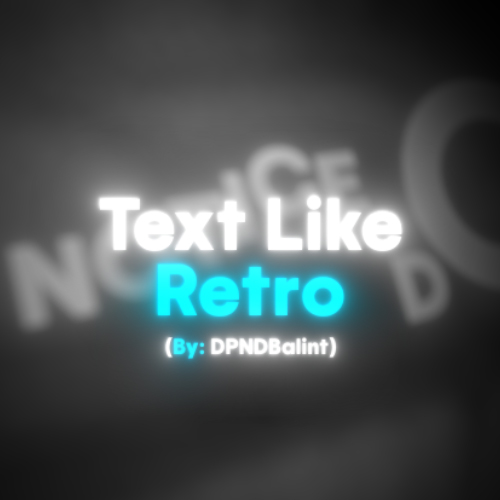
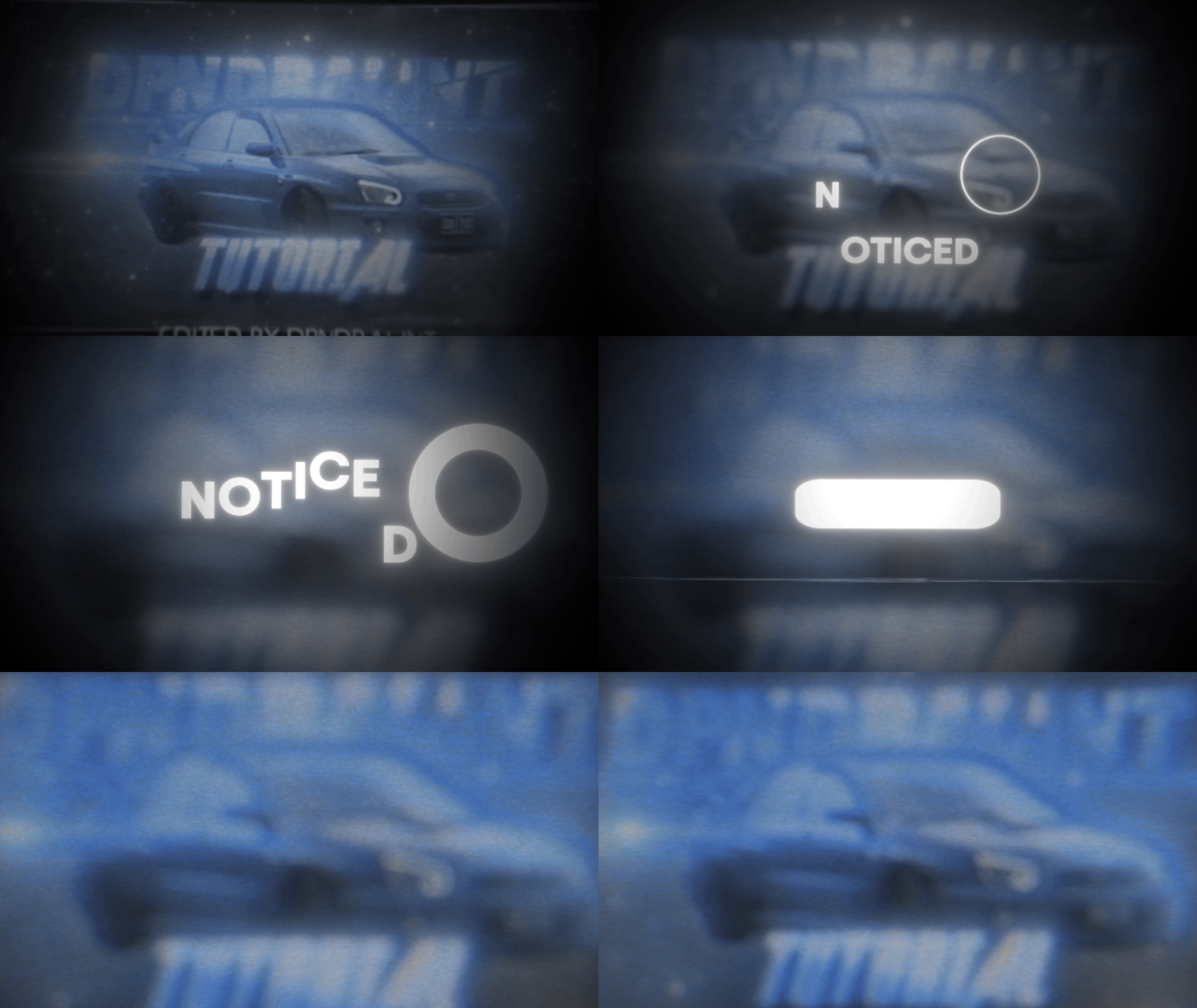
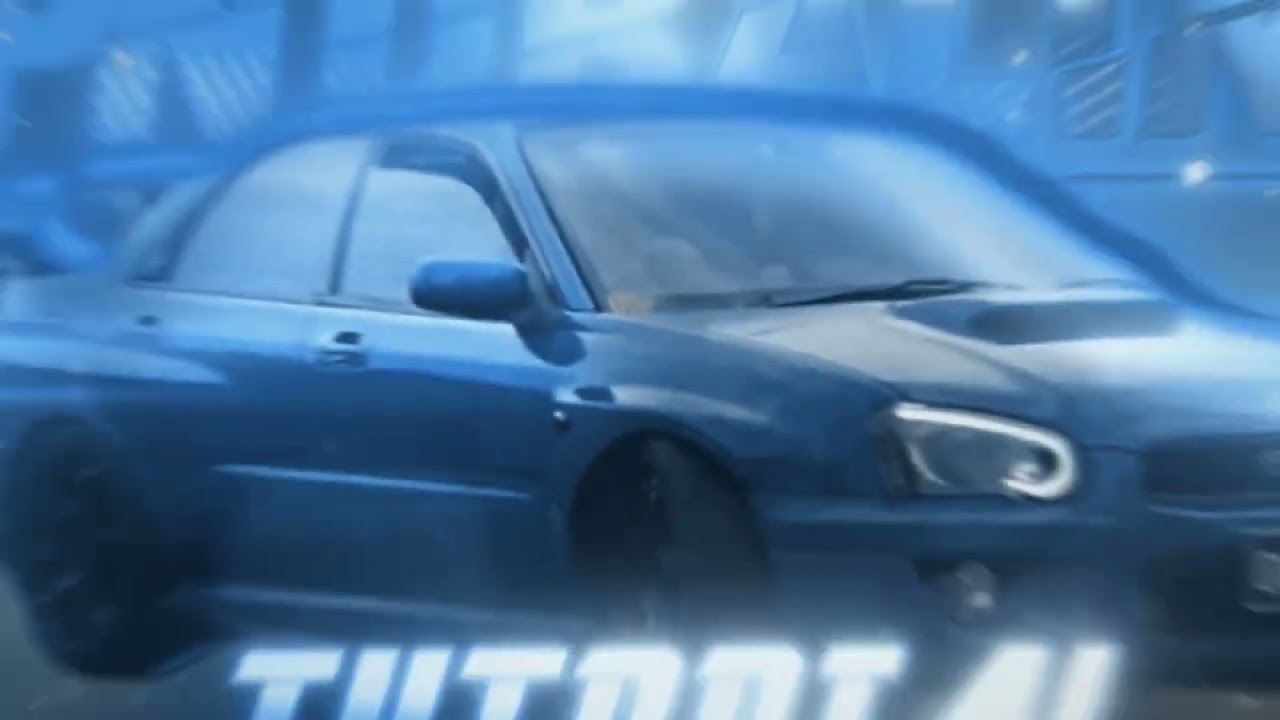
🚀 Here is the first version (V1) of the text animation style used in the videos of the YouTuber named Retro, which is completely free to use! Version V2 will be coming soon, featuring even more customization options!
📁 What's inside the folder?
📂 File list:
- 🖼️ dpndbalint tutorial háttér.jpg → The default background of the project (can be replaced with anything)
- 🎬 DPNDNoticefelirat.aep → The After Effects project file
- 🎵 Lil Mosey – Noticed Lyrics.mp3 → The song used in the video (for preview purposes)
📌 How to replace the background?
1️⃣ Open the After Effects project (DPNDNoticefelirat.aep)
2️⃣ Find the file "dpndbalint tutorial háttér.jpg" in the "Project" panel
3️⃣ Right-click > Replace Footage > File...
4️⃣ Select your own image, and the new background will automatically appear!
🎯 How to use the project file?
1️⃣ Open the After Effects project
2️⃣ Change the text to your own
3️⃣ If you want to modify the animation, you can adjust the keyframes in the Graph Editor
4️⃣ Export the final video: Composition > Add to Render Queue > Render
⚠️ Important:
- The colors are NOT customizable by default! You will need to add your own plugins to change them (except for the text itself).
- The speed of the animation is NOT controlled by an "Animation Speed" setting; it is fine-tuned solely using the Graph Editor.
- You must acquire the required plugins yourself!
🎥 Font in the video: Trip Sans
🔜 Version V2 is coming soon! The next update (V2) will bring additional customization choices and new features! It will also be completely free.
📩 Got questions? 📩 Contact: balintmedia.contact@gmail.com 👥 Discord: -