
Product Costing & Pricing Spreadsheet (Google Sheet Version Only)
How It Works:
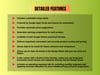
• Auto-suggests selling price based on product costs.
• Lets you set your own markup percentage.
• Shows profit per unit and earnings overview.
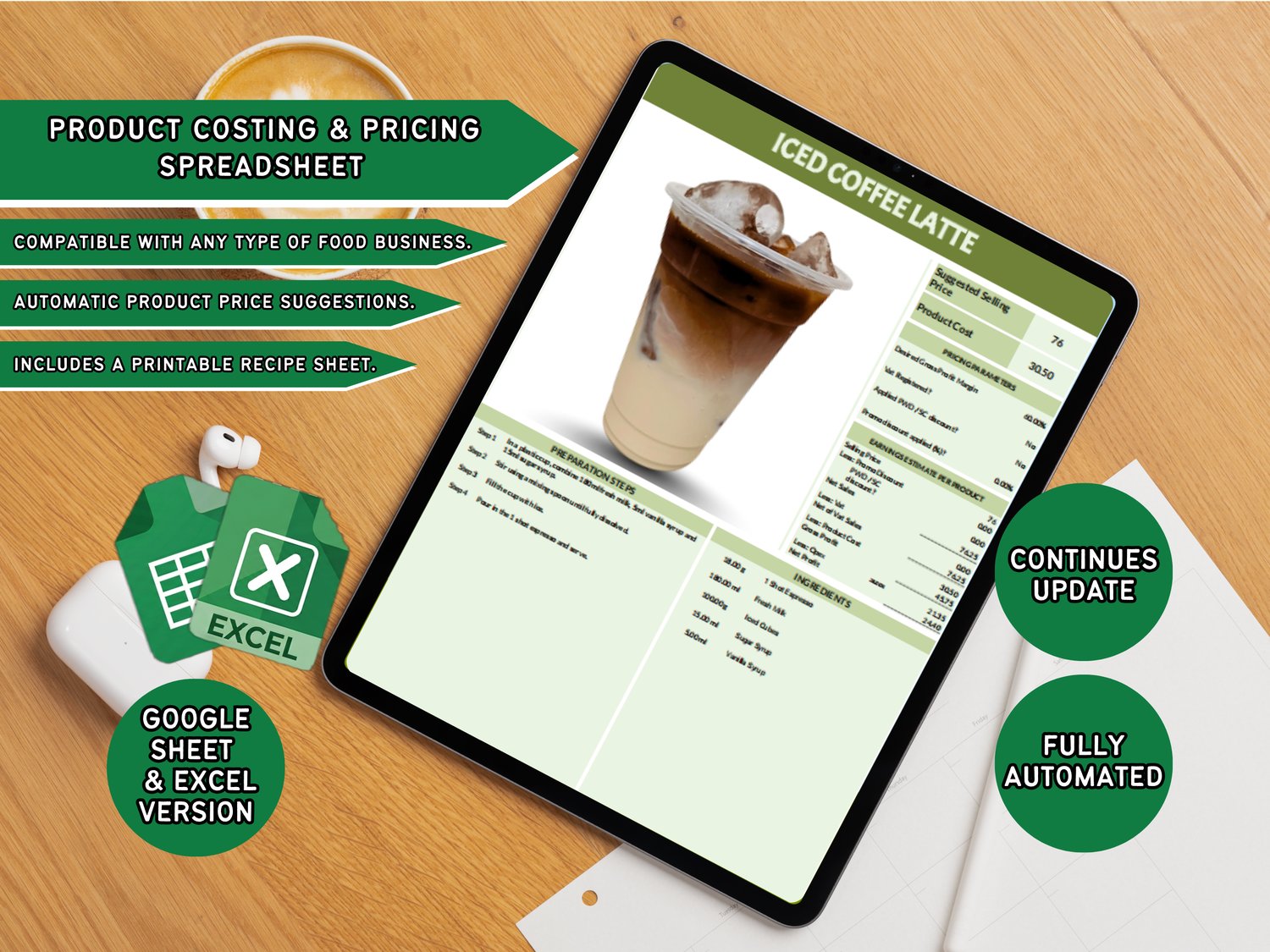
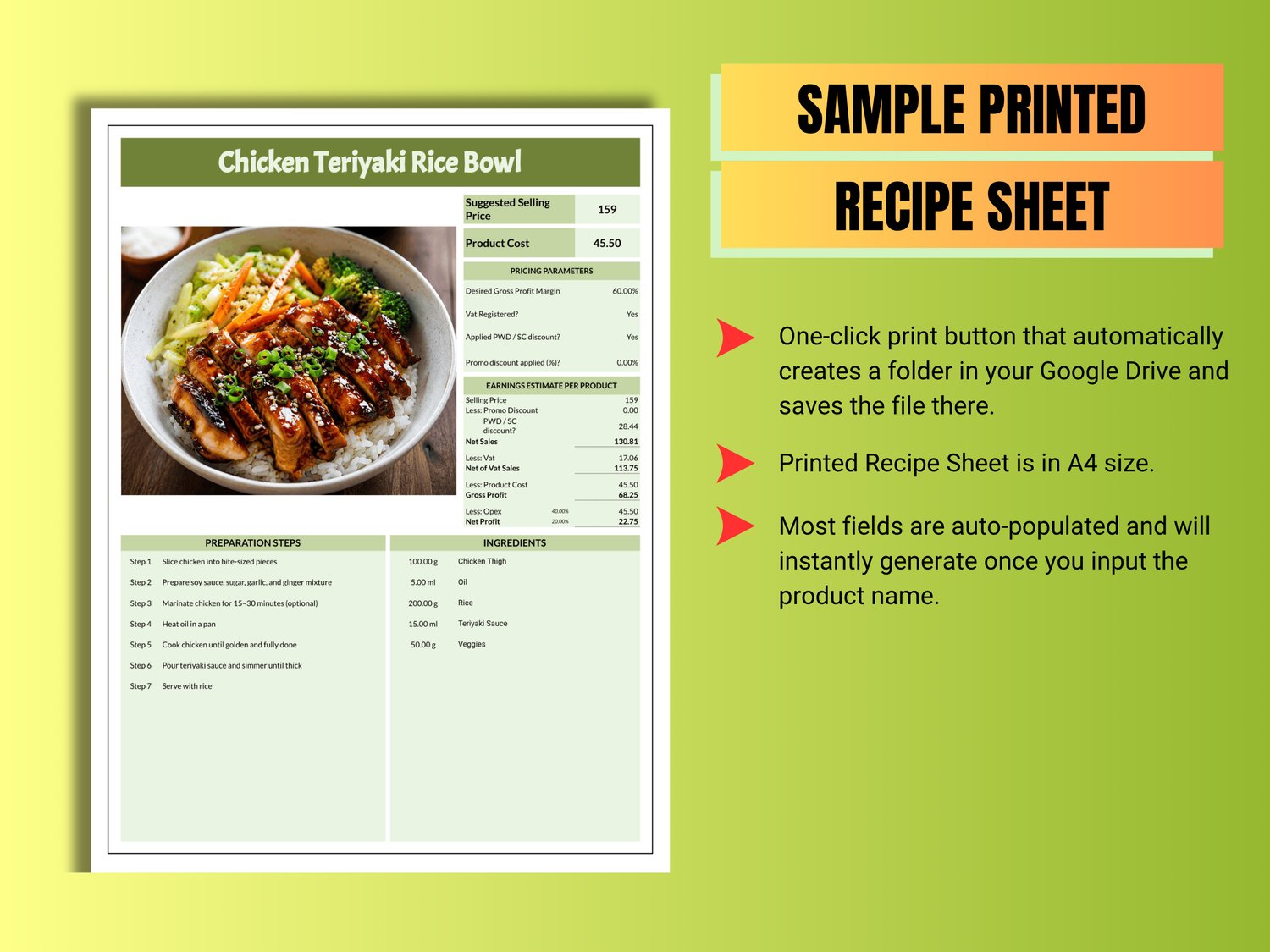
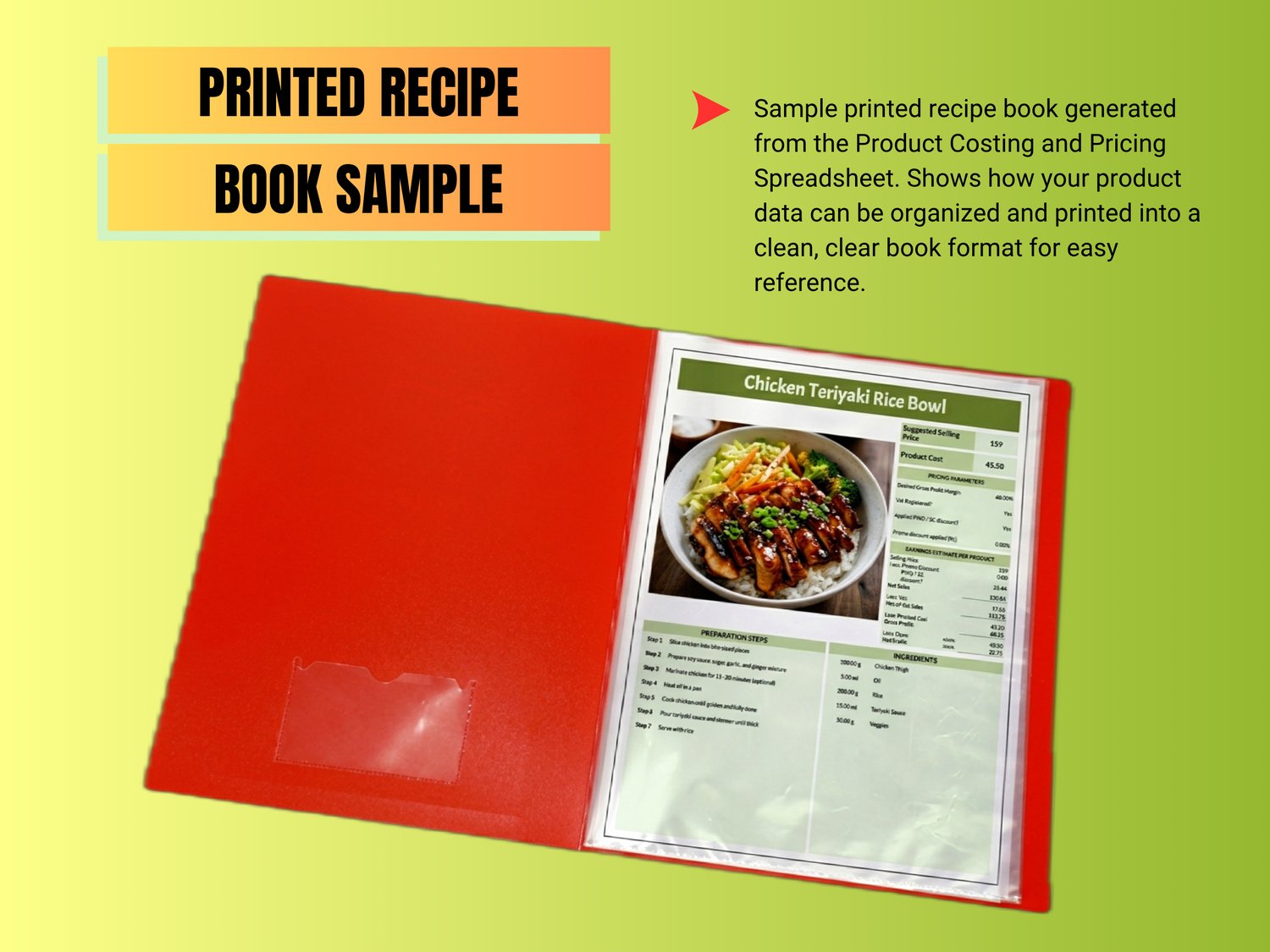
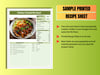
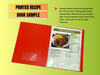
• Printable Recipe Sheet with preparation steps.
• Save and restore recipes and expenses anytime.
• Google Apps Script buttons:
- Clear All
- Save Data
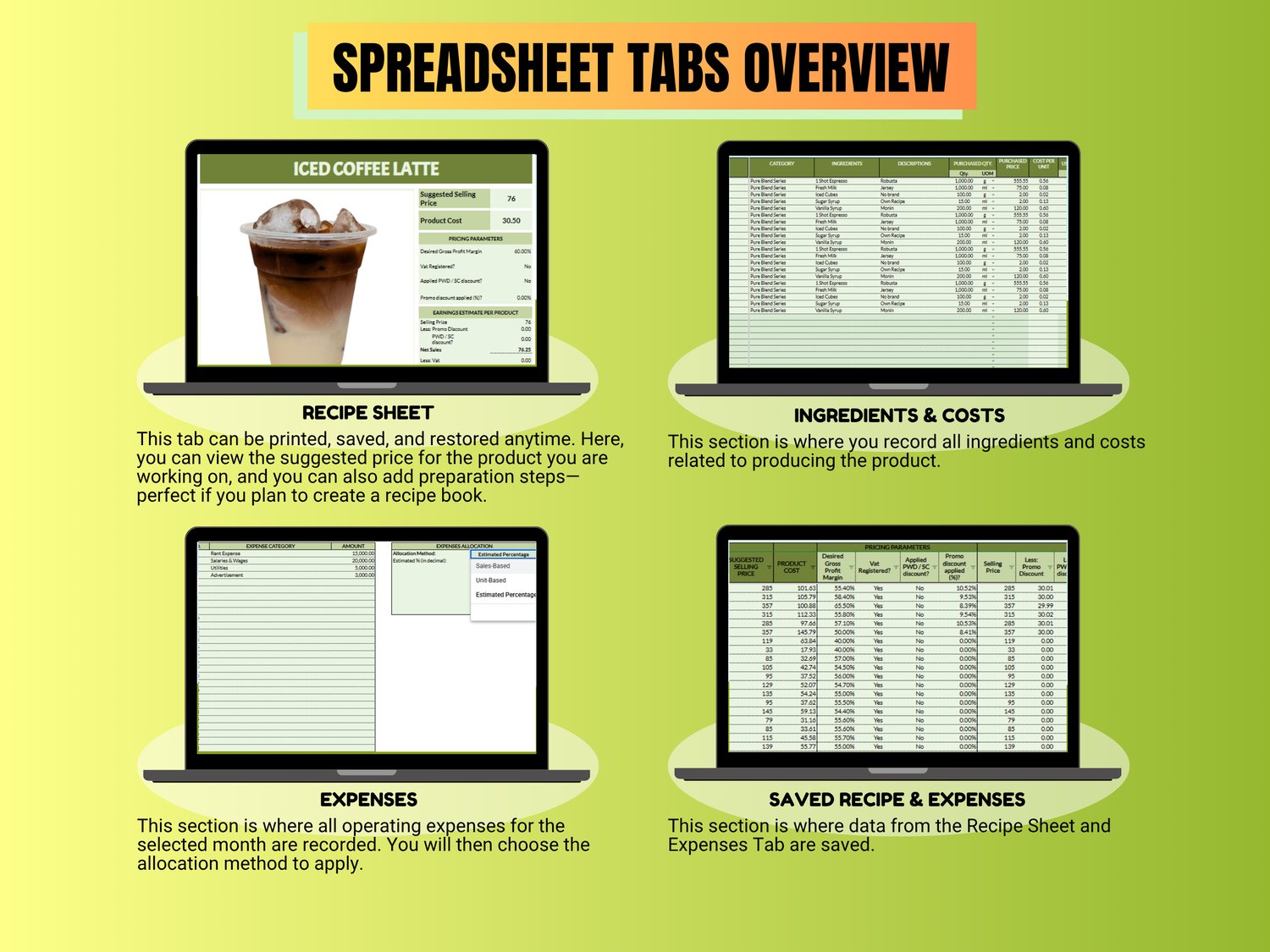
• Expenses tab lets you record costs and optionally include them in pricing.
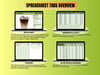
Tabs:
• Recipe Sheet
• Ingredients & Costs
• Expenses
• Saved Recipe
• Saved Expenses
Compatibility:
• Google Sheets only.
Limitations:
• Computation works normally, but some features (buttons like Clear, Save, Print, Restore) may not function on mobile/tablet. Best used on laptop/desktop.
How You'll Receive It:
• After completing your payment, you will receive a PDF file via email containing the link to the spreadsheet.
• Open the PDF file and click the Download button.
• Create a copy of the spreadsheet and save it to your Google Drive.