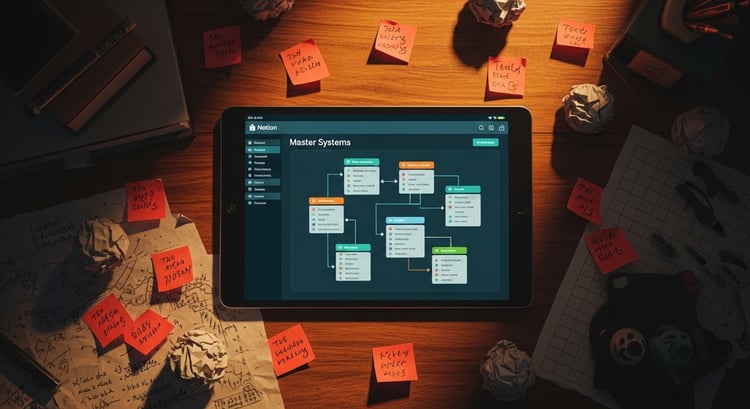



YOUTUBE CONTENT OS — PLAN, FILM & GROW YOUR CHANNEL IN NOTION
Stop losing video ideas, missing publish dates, and guessing at your growth.
The YouTube Content OS is a complete Notion template built specifically for YouTubers — whether you have 100 subscribers or 100,000.
What's inside:
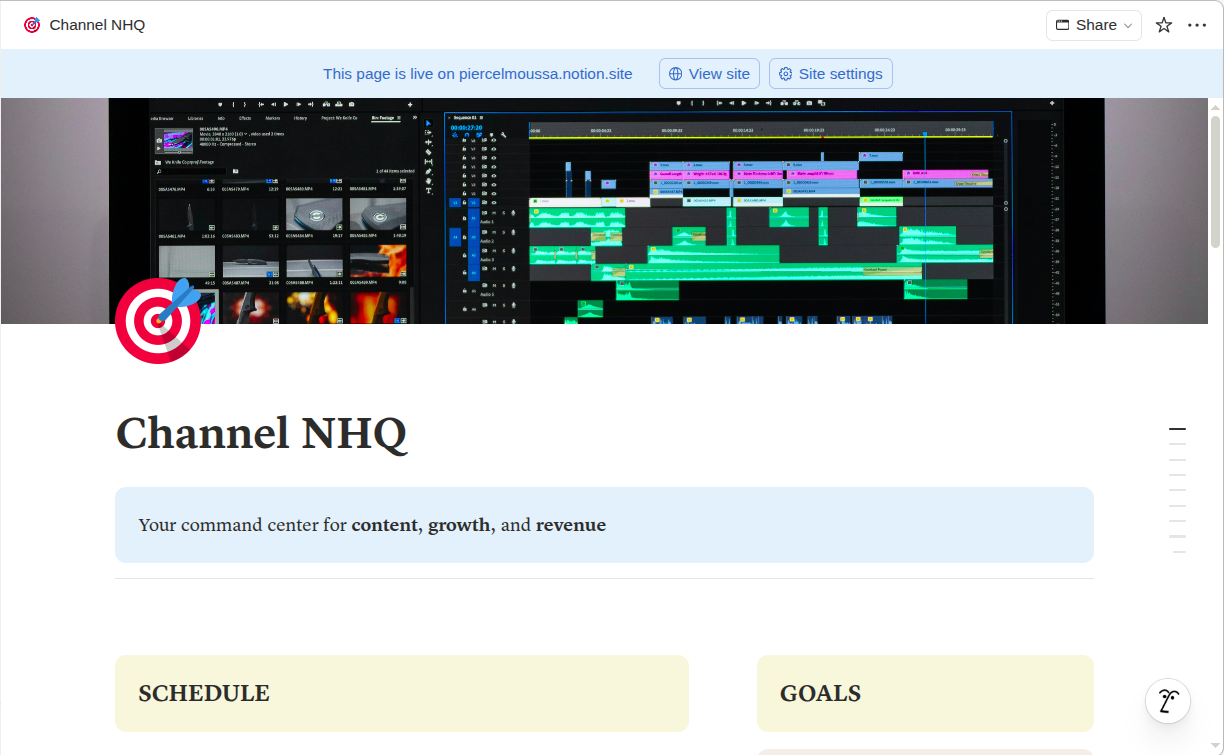
🎯 Channel NHQ — Your command center. See your publish schedule, active productions, and monthly goals the moment you open Notion.
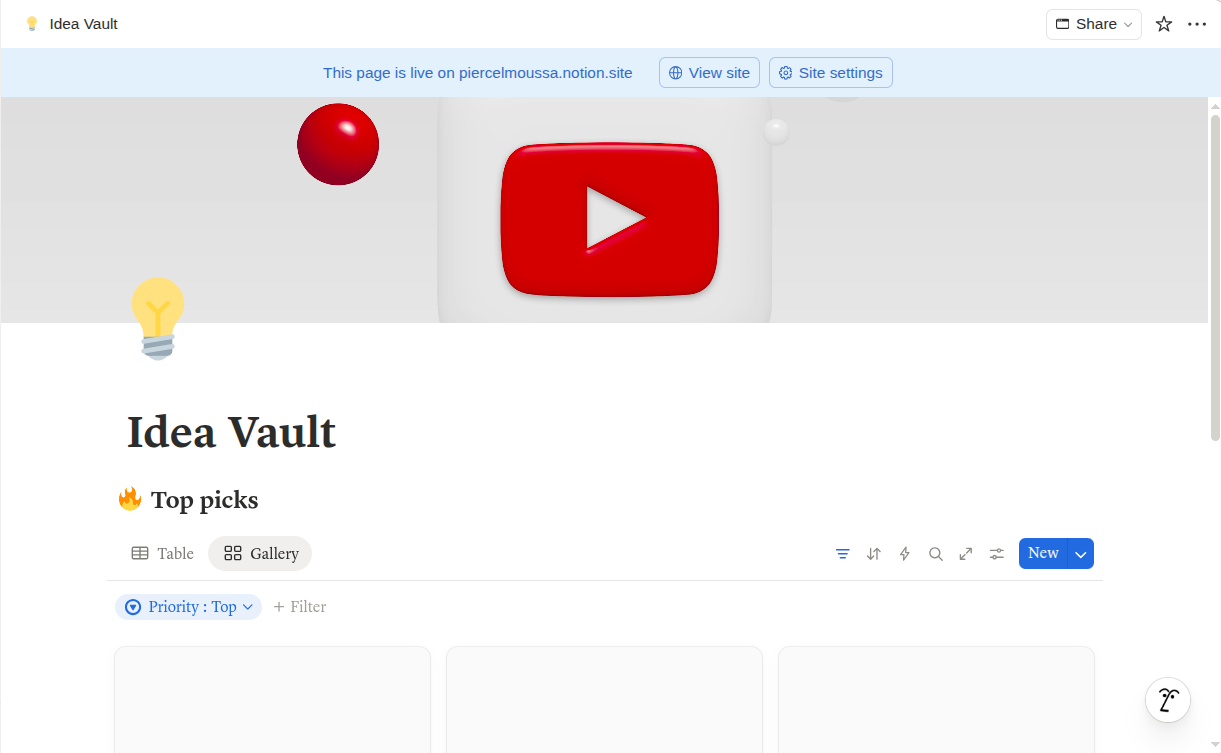
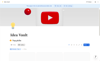
💡 Idea Vault — Never lose a video idea again. Capture, prioritize, and filter your ideas by format, search potential, and status.
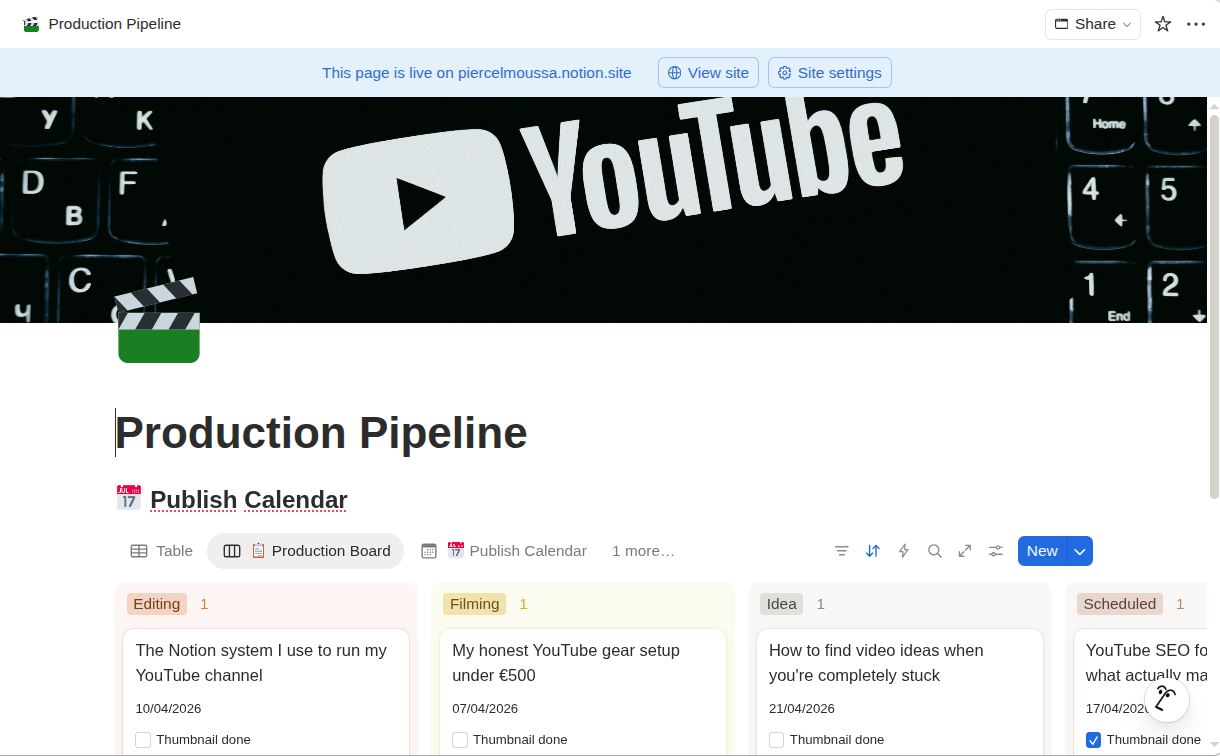
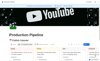
🎬 Production Pipeline — A Kanban board that moves every video from idea to published. See exactly where every video stands at a glance.
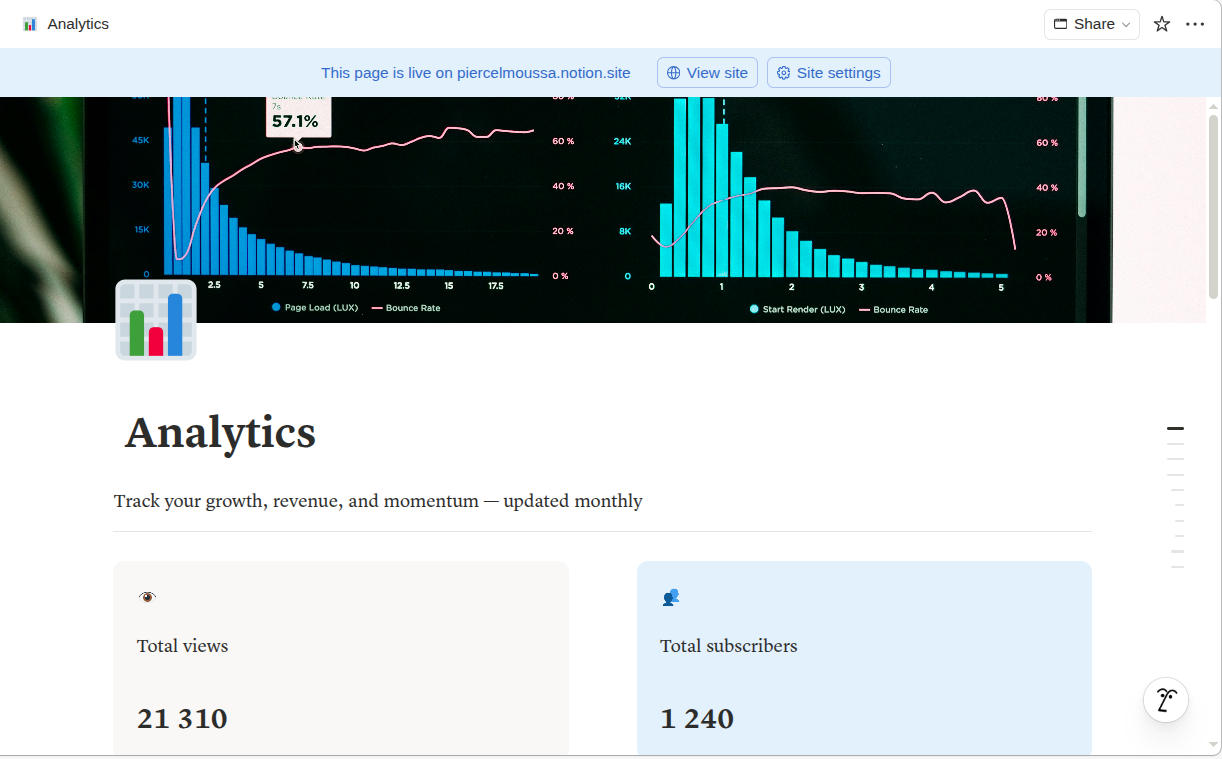
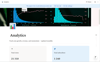
📊 Analytics Dashboard — Log your monthly numbers and track your growth over time. Built-in formulas calculate your revenue and flag your best month automatically.
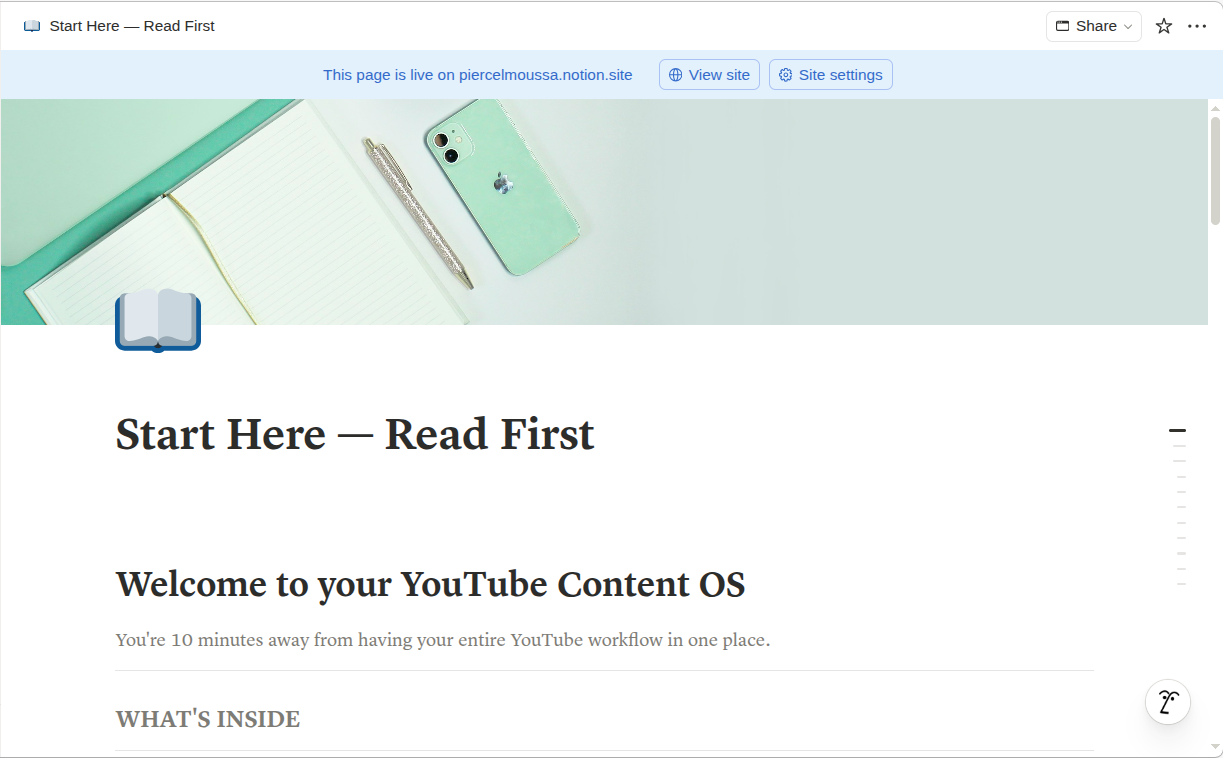
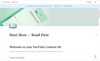
📖 Start Here Guide — A step-by-step setup guide so you are up and running in 10 minutes.
This template is made for you if:
→ You have video ideas everywhere and a system nowhere
→ You keep missing publish dates or posting inconsistently
→ You want to track your analytics without building spreadsheets from scratch
→ You're serious about growing your channel and want to run it like a business
→ You love Notion (or want a great reason to start using it)
Not for you if you prefer pen-and-paper or already have a system you love. But if you're ready to level up — this is your operating system.
What you get:
- Instant access to the Notion template
- Pre-filled sample data so it looks and feels ready to use
- Lifetime access — including all future updates
- Email support within 48 hours
⭐⭐⭐⭐⭐ — I've tried building my own Notion setup three times and gave up every time. This template had me organized in one afternoon. My upload consistency went from once a month to every week. — Sofia R., lifestyle YouTuber
⭐⭐⭐⭐ — The Idea Vault alone is worth it. I used to lose half my video ideas because I never wrote them down properly. Now I have 40 ideas ready to go, sorted by priority. — Marcus T., tech creator
⭐⭐⭐ — The Analytics Dashboard is so satisfying. I can finally see my growth visually instead of just checking YouTube Studio and forgetting what last month's numbers were. — Lena K., travel vlogger
How it works: After purchase, you receive a Notion template link. Click Duplicate to copy it into your own workspace. Setup takes 10 minutes.
Requires a free Notion account.