
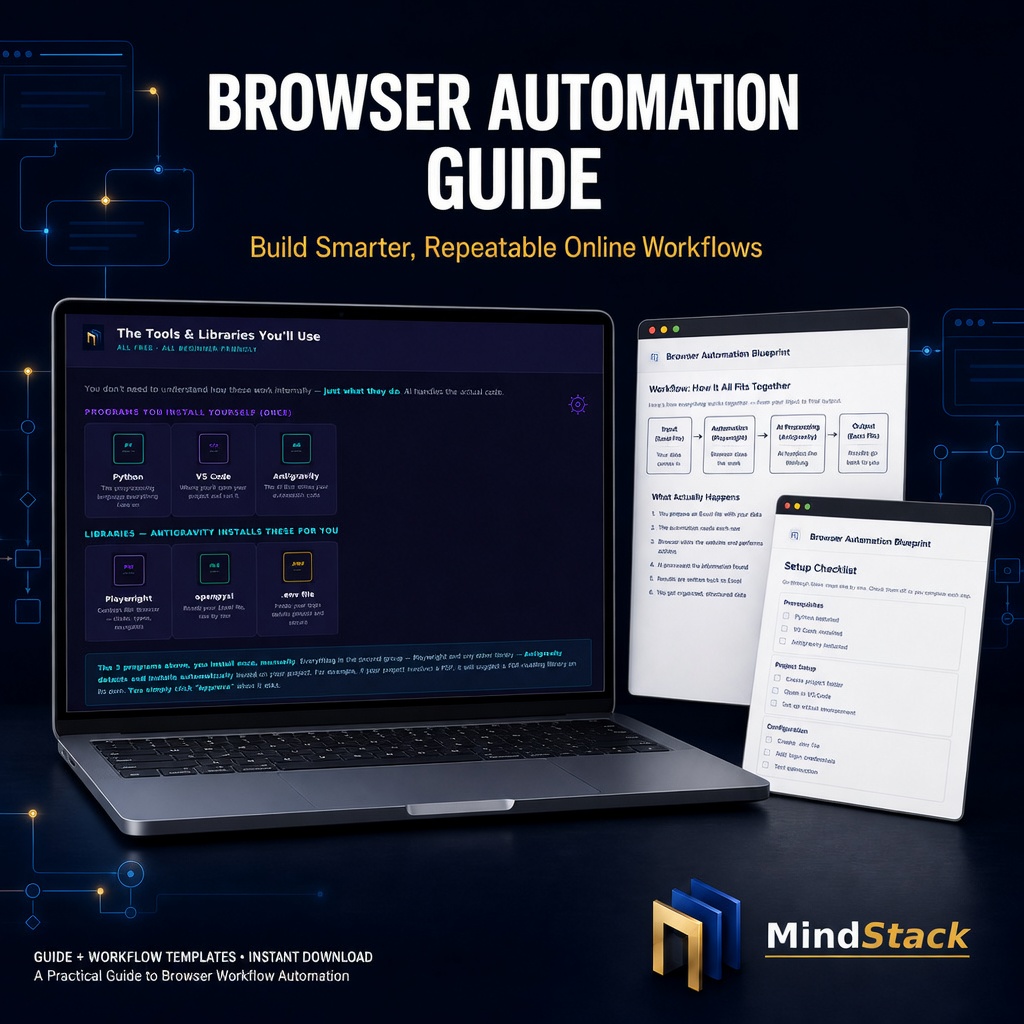



Browser Automation Blueprint - Beginner PDF Guide
STOP REPEATING THE SAME BROWSER TASK EVERY DAY.
A beginner-friendly guide for using AI to turn repetitive browser work into more repeatable workflows—without needing a coding background.
If you regularly copy data between a spreadsheet and a website, check the same portal, fill similar forms, review recurring information, or switch between the same browser tabs, this guide gives you a practical starting method.
Learn how to describe a task in plain English, give AI relevant browser context, review the workflow or code it prepares, approve what you understand, and run the process again when appropriate.
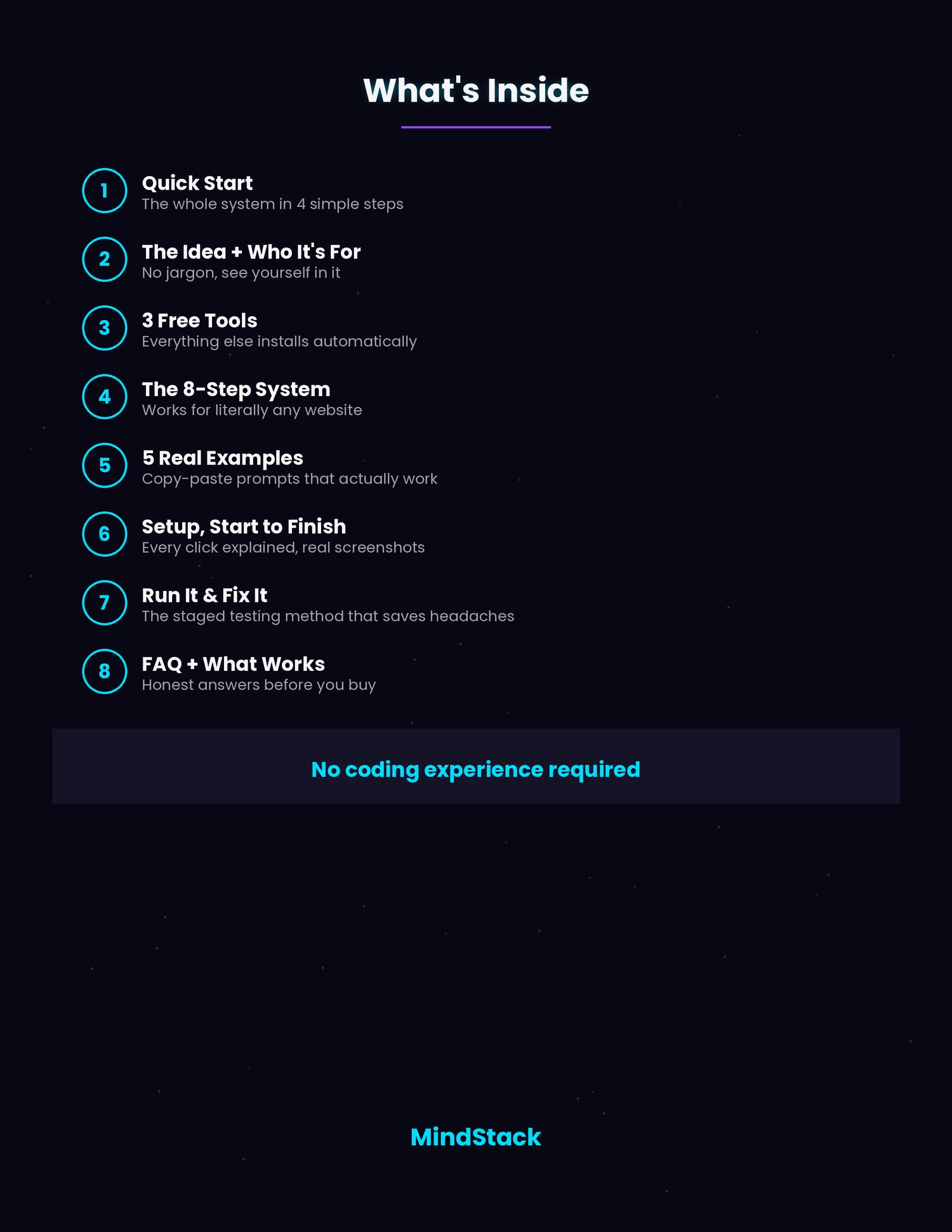
WHAT’S INSIDE
1. THE COMPLETE 8-STEP BROWSER AUTOMATION METHOD
A structured, beginner-friendly method for moving from a repetitive task to an AI-assisted browser workflow.
Learn the core sequence:
• Identify a repetitive task
• Describe the outcome in plain English
• Identify the relevant browser-page elements
• Give AI the necessary task context
• Review the proposed workflow or generated code
• Test safely with non-sensitive or test data where appropriate
• Approve and run the workflow when it is suitable
• Review and update the workflow when the website or task changes
2. ONE-PAGE QUICK START SUMMARY
A simple one-page overview of the entire method so you can see the process before reading the full guide.
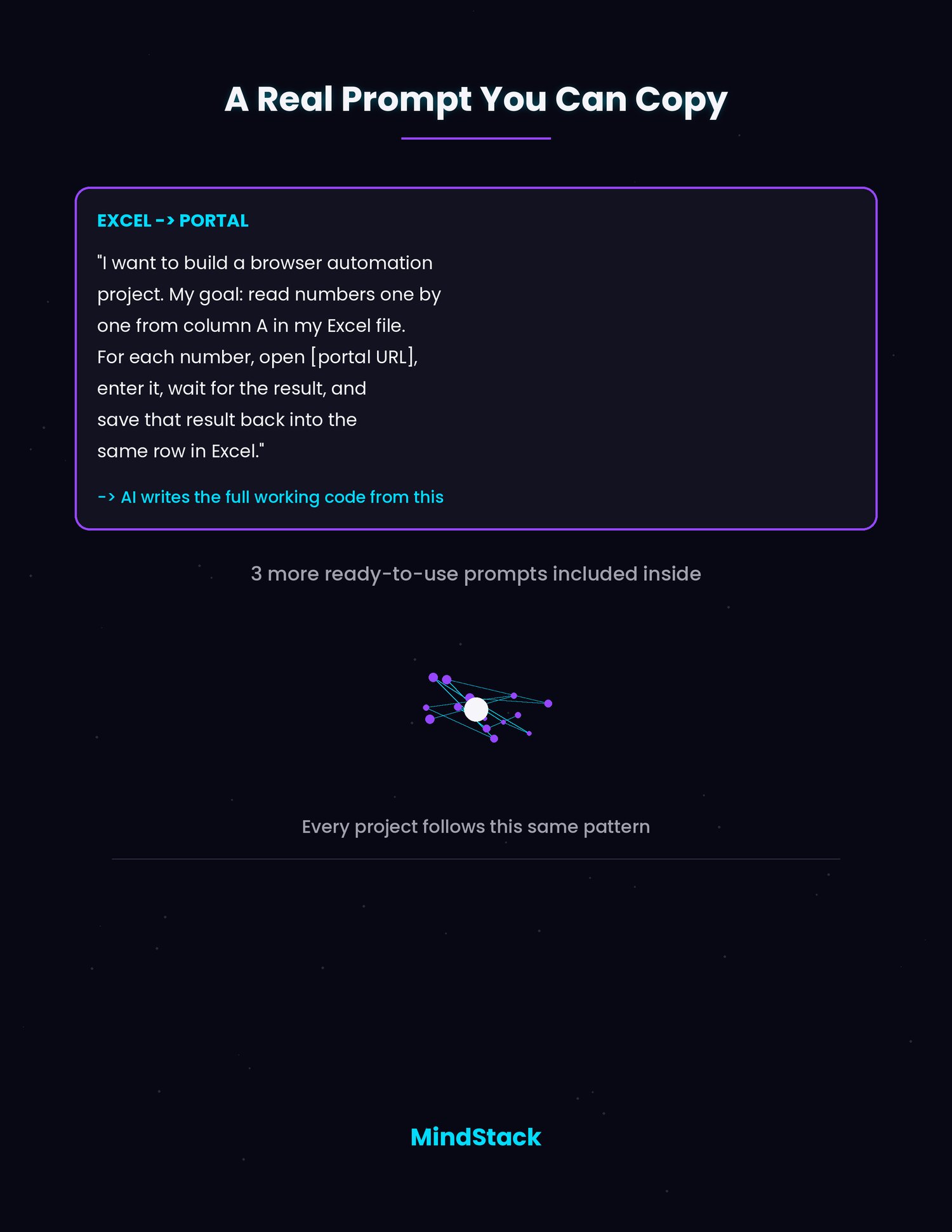
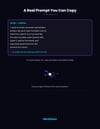
3. FIVE READY-TO-ADAPT PROMPTS
Five practical prompt frameworks for common repetitive browser-work scenarios.
Use them as starting points and adapt them to your own permitted task, website, and workflow.
4. STEP-BY-STEP SETUP GUIDANCE
Beginner-friendly setup guidance that explains the main steps without assuming prior coding knowledge.
Tool availability, installation steps, permissions, and interfaces may change over time. Always follow the current instructions from the relevant tool provider.
5. BROWSER ELEMENTS EXPLAINED SIMPLY
A plain-language introduction to using browser developer tools, including F12 or the browser’s inspection tools, to identify the page elements needed for an automation workflow.
6. BEGINNER FAQ
Answers to common first questions, including:
• What tasks are good candidates for automation?
• What should I not automate?
• What if a webpage changes?
• What if the AI-generated workflow makes a mistake?
• When should I use test data?
• When should I ask a technical professional for help?
7. RESPONSIBLE-USE AND LIMITATIONS GUIDE
Clear guidance on reviewing AI-generated workflows, protecting credentials and personal information, using permitted automation only, and understanding where browser automation may not be appropriate.
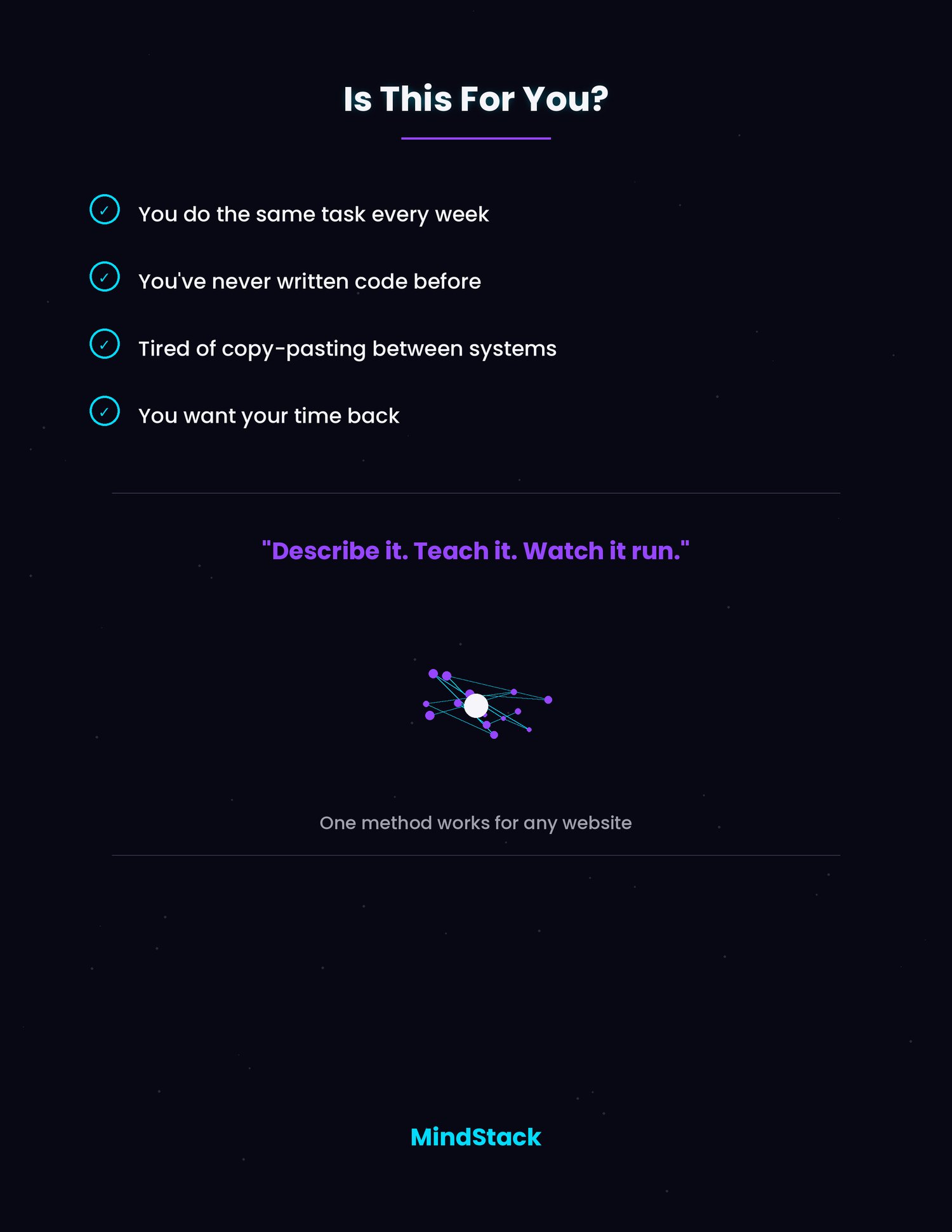
WHO THIS IS FOR
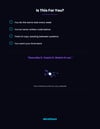
• Anyone who repeats the same browser-based task daily or weekly
• Beginners with no programming or automation background
• Small business owners and freelancers
• Virtual assistants and operations coordinators
• People handling repetitive data-entry or browser workflow tasks
• Professionals looking for a practical introduction to AI-assisted workflow automation
WHAT YOU MAY NEED
• A computer
• An internet browser
• Time to install and set up the tools required for your chosen workflow
• A safe task to test first
• Permission to automate the relevant website or process
• Willingness to review the workflow before running it
The guide includes examples using browser developer tools and AI-assisted development workflows. Tool names, interfaces, availability, setup requirements, pricing, and capabilities can change.
HOW TO USE THIS BLUEPRINT
1. Choose one small, repetitive, permitted browser task.
2. Read the Quick Start summary.
3. Follow the 8-step method to describe the task and identify the relevant page elements.
4. Use a ready-to-adapt prompt as a starting point.
5. Review any generated workflow or code before running it.
6. Test with non-sensitive or test data where appropriate.
7. Monitor the workflow and update it if the website, task, permissions, or requirements change.
WHAT YOU RECEIVE
• 1 digital PDF guide
• 8-step browser automation method
• One-page Quick Start summary
• 5 ready-to-adapt prompts
• Setup guidance for beginners
• Browser developer-tools explanation
• Beginner FAQ
• Responsible-use and limitations guide
• Instant digital download
• Desktop- and mobile-readable PDF
GOOD TO KNOW
This is a digital product. No physical item will be shipped.
You will receive instant access after purchase. Please review the product description and included-file details before buying.
For personal use only unless a separate commercial license is expressly stated. Do not resell, share, redistribute, upload, or use these files commercially.
If you experience a technical issue, receive an incorrect file, or make a duplicate purchase, please contact MindStack within 7 days with your order details so we can help.
ABOUT MINDSTACK
MindStack creates practical digital tools, printables, and guided resources designed to make everyday tasks more organized, clear, and manageable.
CREATION NOTE
- MindStack products are created and reviewed under our original creative direction. AI-assisted tools may be used during research, drafting, design, or workflow development; each published product is selected, edited, and reviewed by MindStack for its intended purpose.
7-DAY CONFIDENCE GUARANTEE
Review the Browser Automation Blueprint for seven days. If it is materially different from the product description or does not meet your reasonable expectations, email hellomindstack@gmail.com within seven days of purchase with your order details.
Refund requests are handled according to the seller’s posted refund policy.
IMPORTANT DISCLAIMER
This guide is an independent educational resource. It is not affiliated with, endorsed by, or issued by Google, Google Antigravity, Visual Studio Code, Microsoft, or any website, browser, platform, or software provider.
It does not guarantee that an automation workflow will work on every website, remain functional after a website changes, work with every tool or browser, produce error-free code, save a specific amount of time, or comply with every website’s terms of service.
Do not use this guide or any automation workflow to bypass CAPTCHAs, login controls, payment processes, access restrictions, rate limits, anti-bot protections, security measures, paywalls, platform rules, or any website policy. Do not use automation to collect, access, transmit, or process personal, confidential, financial, health, or sensitive information unless you have the required authorization, appropriate safeguards, and legal basis.
Always review generated code before running it. Use test accounts or non-sensitive data where appropriate, protect credentials, keep human oversight over consequential actions, and confirm that the automation is permitted by the relevant website’s terms and applicable laws.
For technical download or file issues, email hellomindstack@gmail.com with the product name and order details.
Please read any included Start Here guide before using your files.
If your download contains a ZIP file, extract it before opening the contents.