
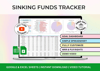
Sinking Funds Tracker
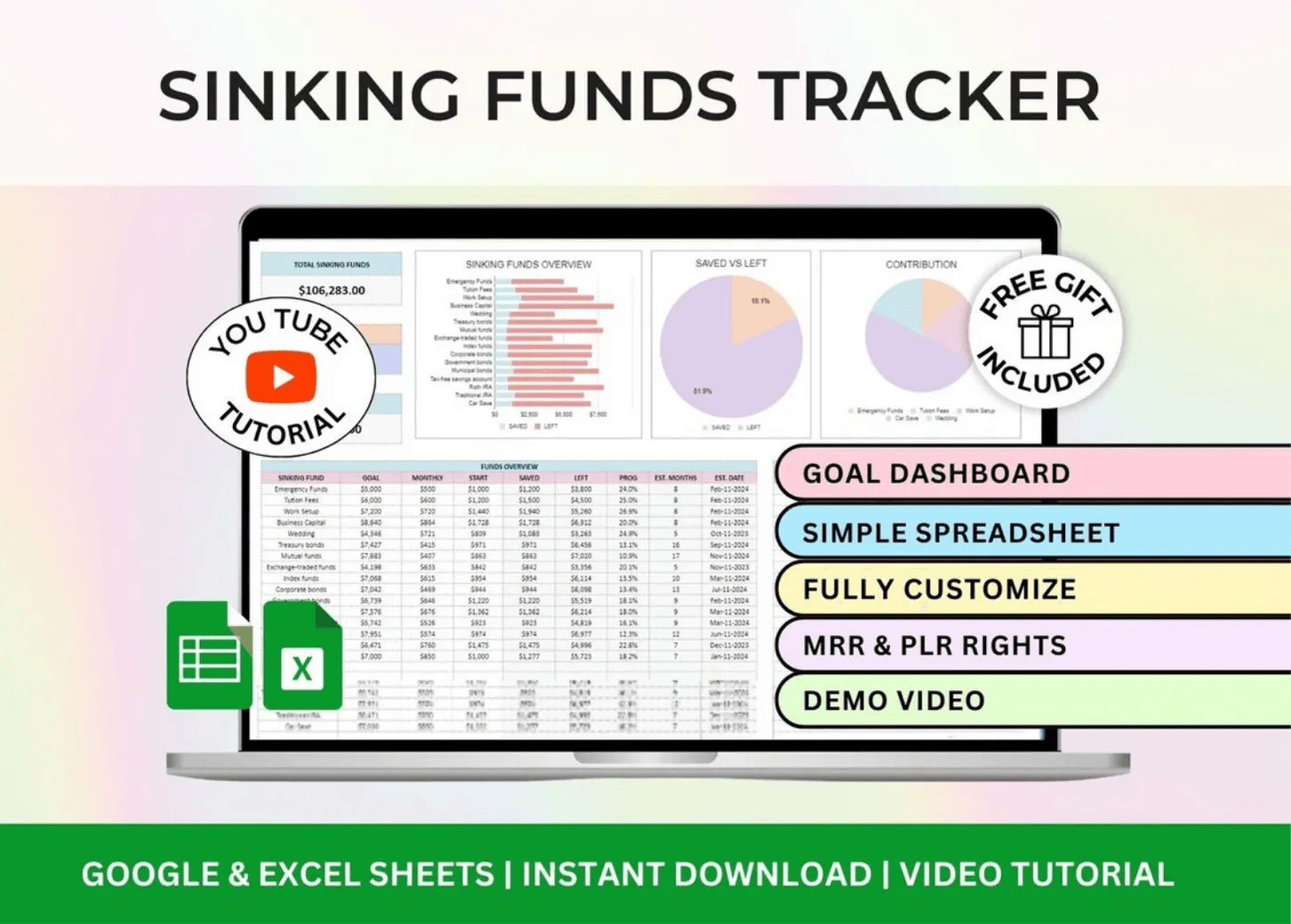
Sinking Funds Tracker – Excel & Google Sheets Savings Spreadsheet
Plan ahead without stress. One dashboard to organize every future expense.
Who it’s for
Anyone who wants to prepare for big or irregular expenses — without scrambling last minute.
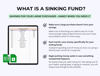
What it helps you do
• Save toward multiple goals (vacation, repairs, gifts, etc.)
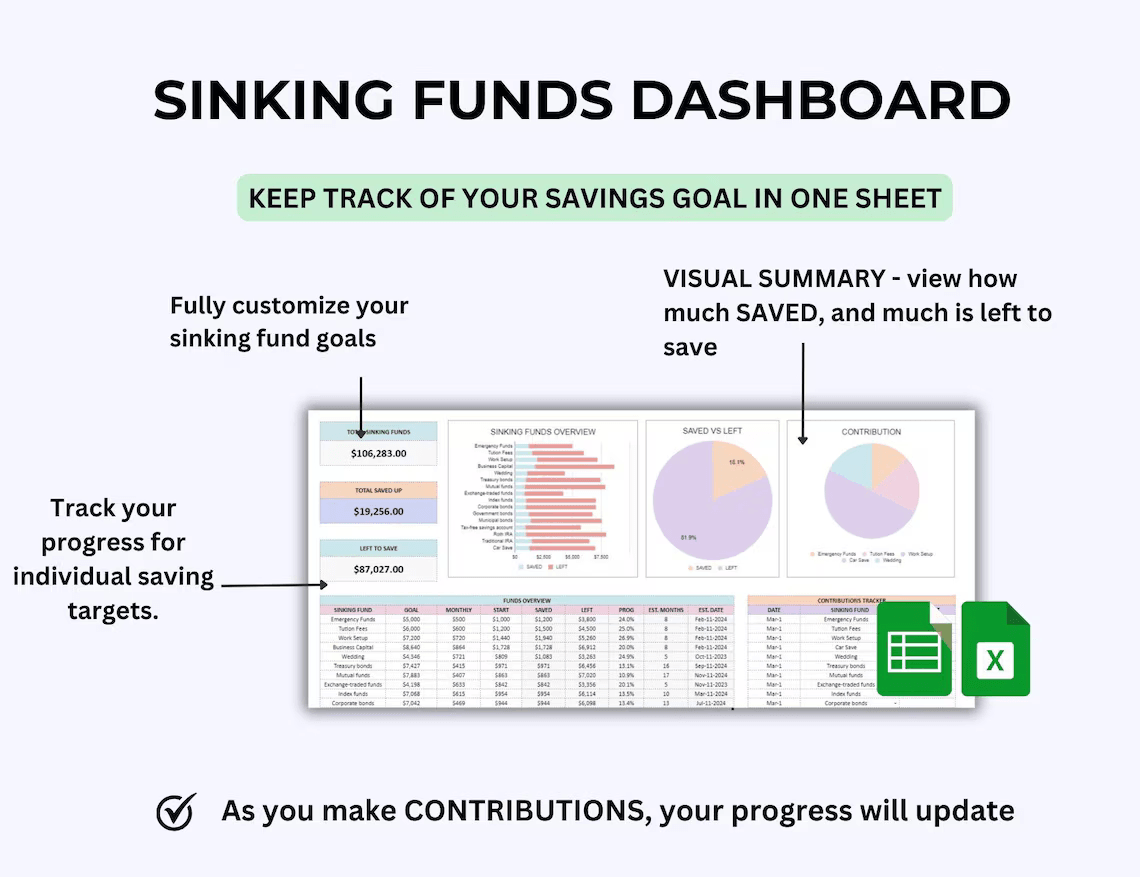
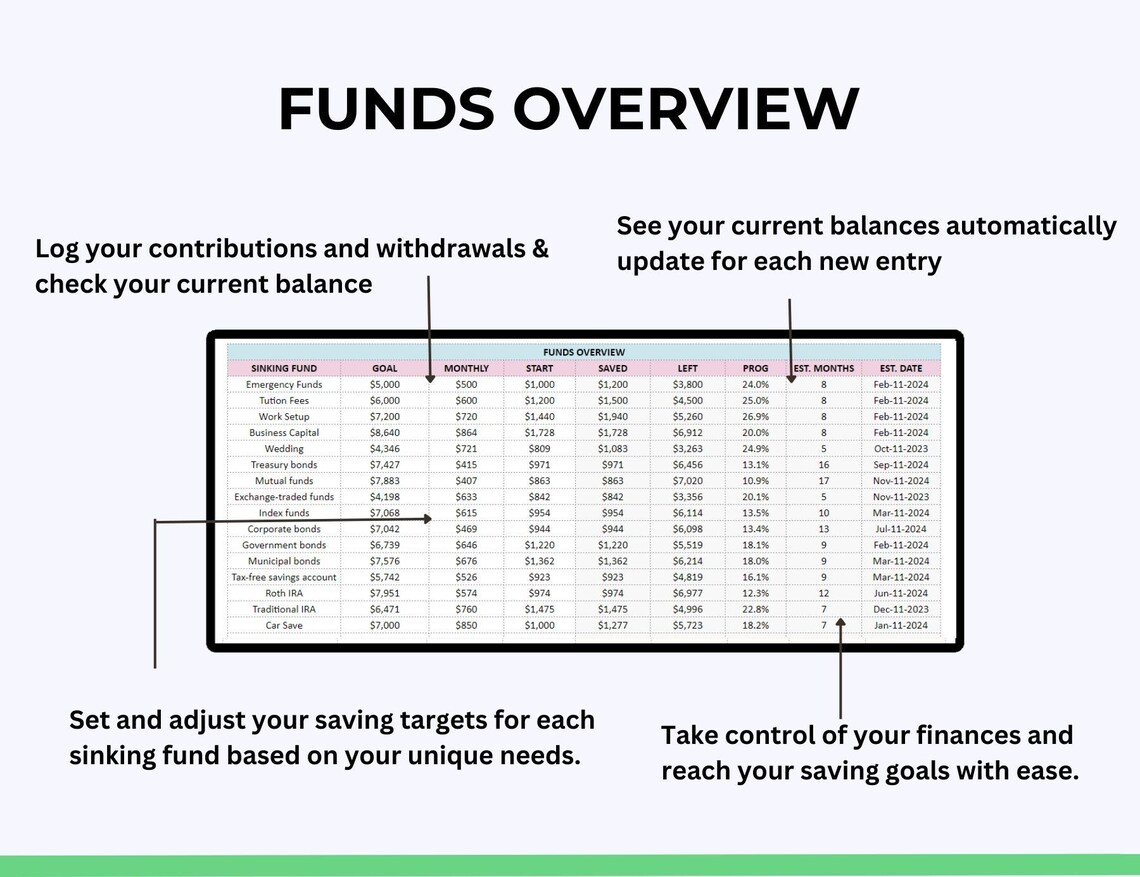
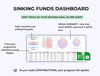
• Track up to 40 sinking funds in one clean dashboard
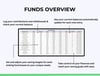
• Visualize how much you've saved vs. how much you need
• Stay consistent with automated progress tracking
What’s included
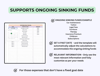
• Sinking Funds Dashboard – track and visualize up to 40 categories
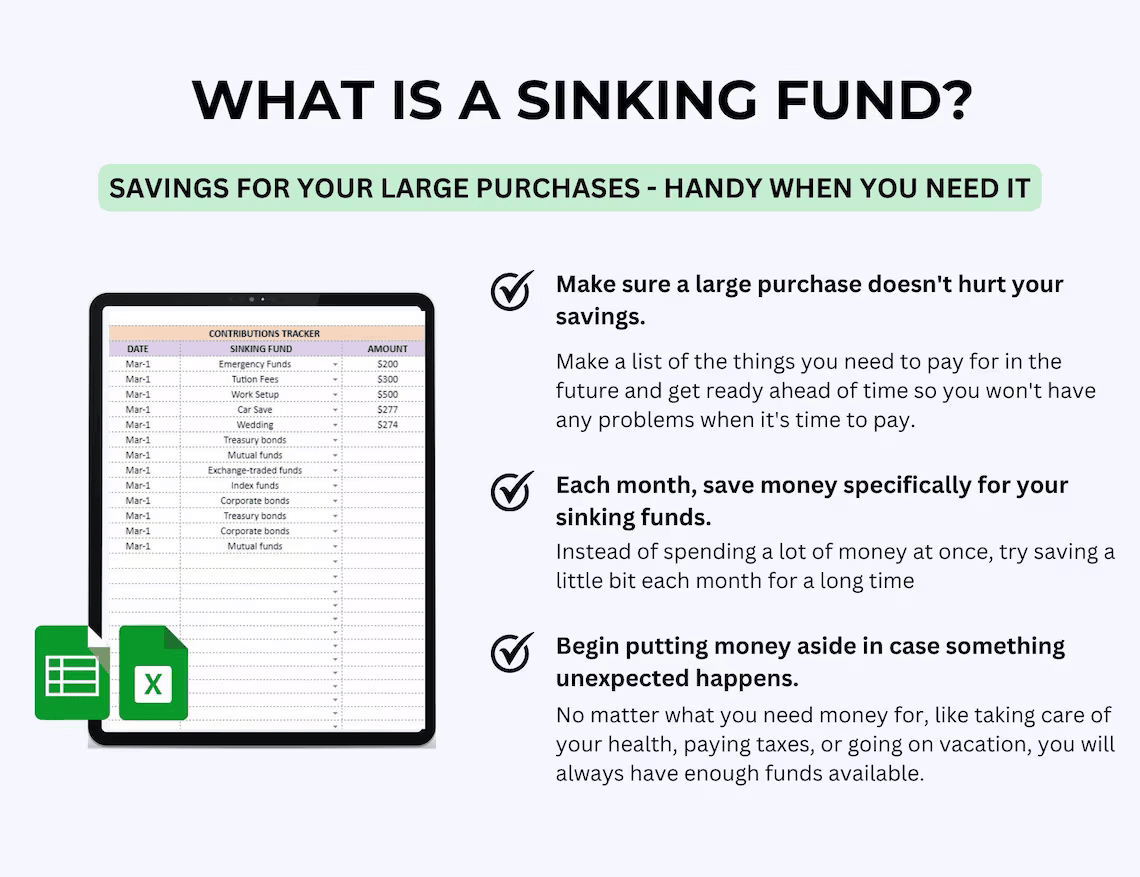
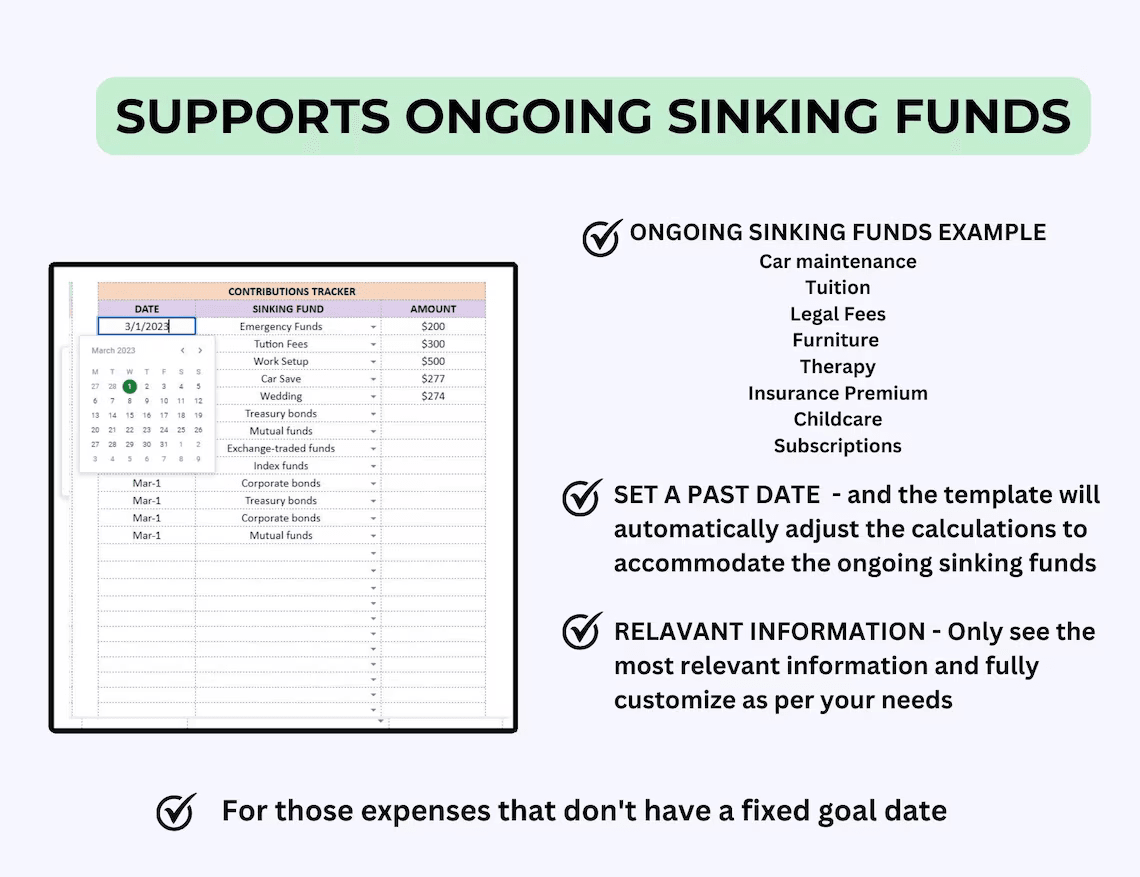
• Contributions Log – add deposits and see real-time updates
• Setup Tab – customize your categories and targets
• Auto-calculations – no manual math required
• Sample sheet with mock data
• Quick-start instructions + tutorial
Bonus
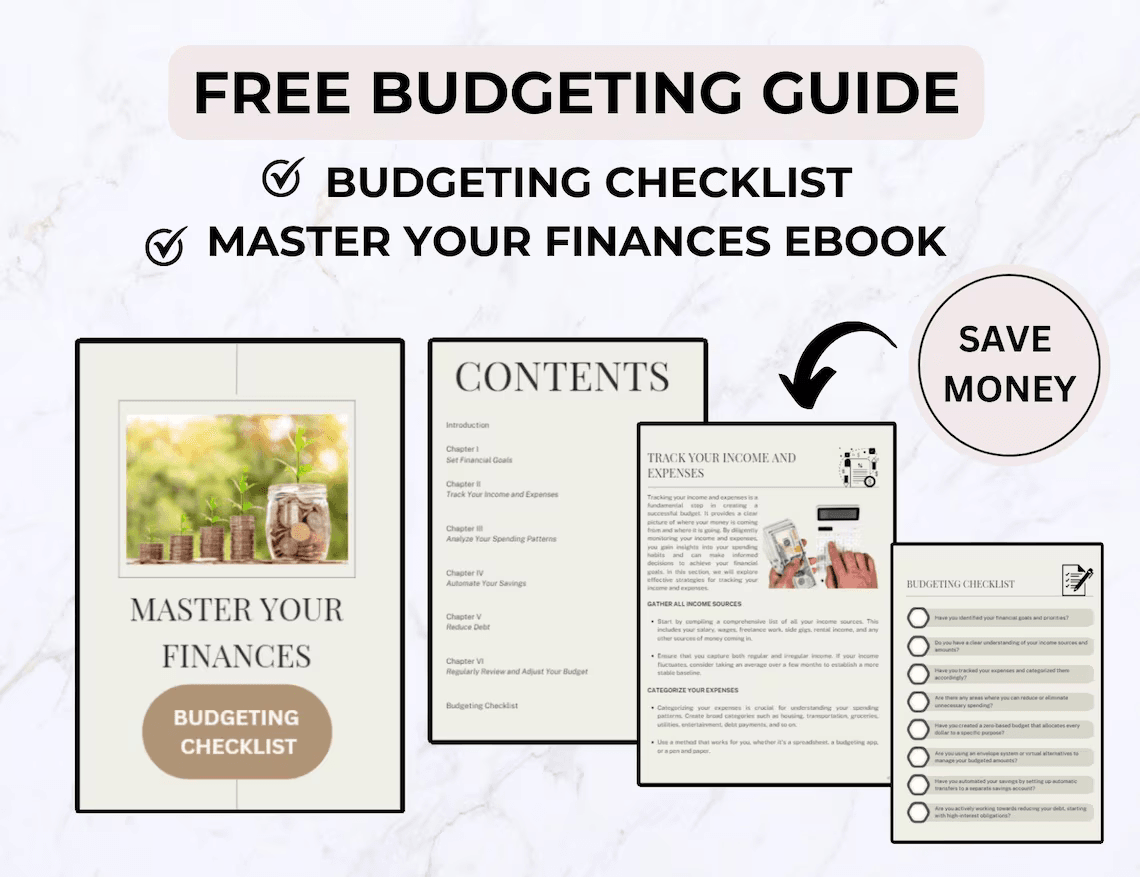
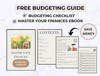
1) 24-page “Manage Your Finances” eBook
Practical tools to grow and organize your wealth
2) Budgeting Checklist
A simple guide to help you stay on track with your monthly routine.
Features
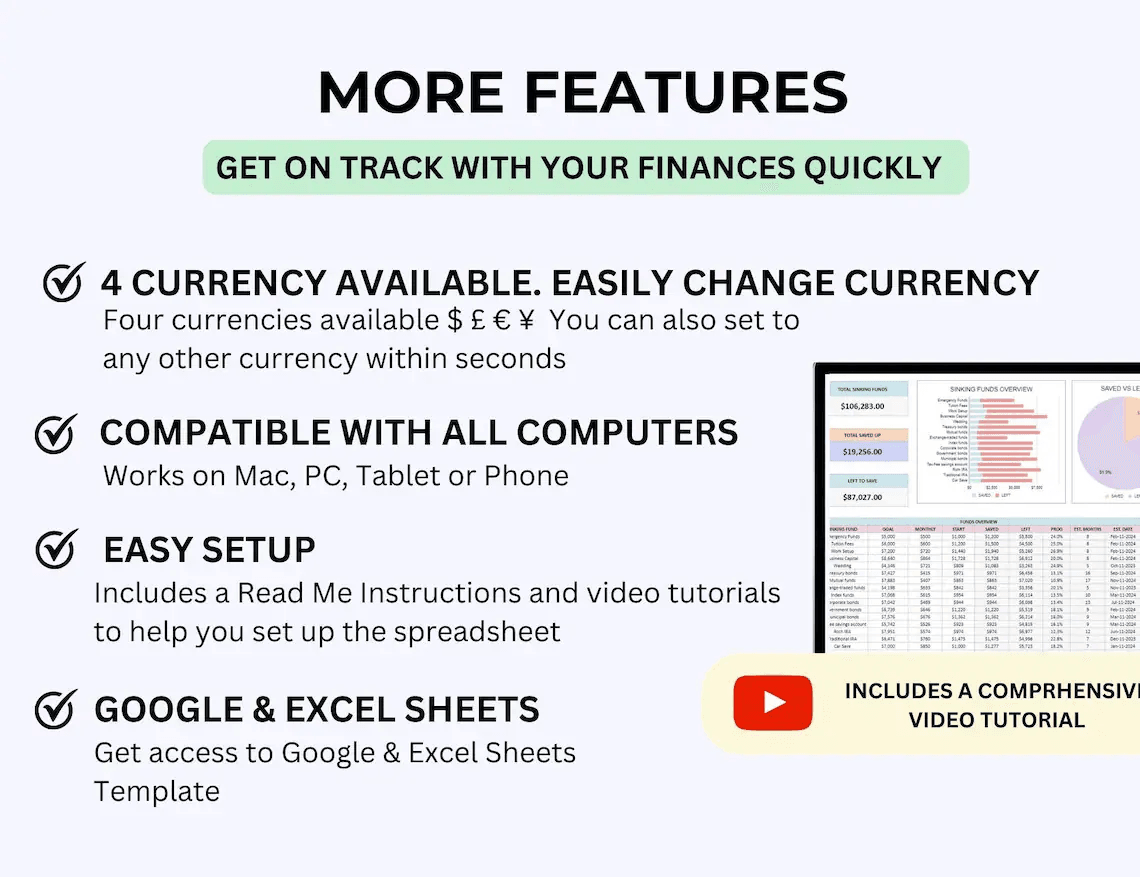
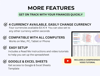
• Works in Excel & Google Sheets
• Editable layout – change categories, colors, fonts
• Visual charts show goal progress at a glance
• Supports any currency (USD, EUR, GBP — or your own)
• Desktop + mobile optimized
• Use for any year, any goal
How it works
- Purchase & download instantly
- Open in Google Sheets or Excel
- Follow the guide, set your targets, and start saving
Digital Delivery
• Instant download – no physical items
• Excel + Google Sheets versions included
• For personal or internal business use only
Terms & Support
Final Sale
This is a digital product. All sales are final.
Usage
For personal or internal business use only.
No reselling, sharing, or redistribution.
Need Help?
Email: contact@theboringrich.com I Contact us