




Famous Quality Settings
On Sale
$50.00
$50.00
Famous Quality Settings
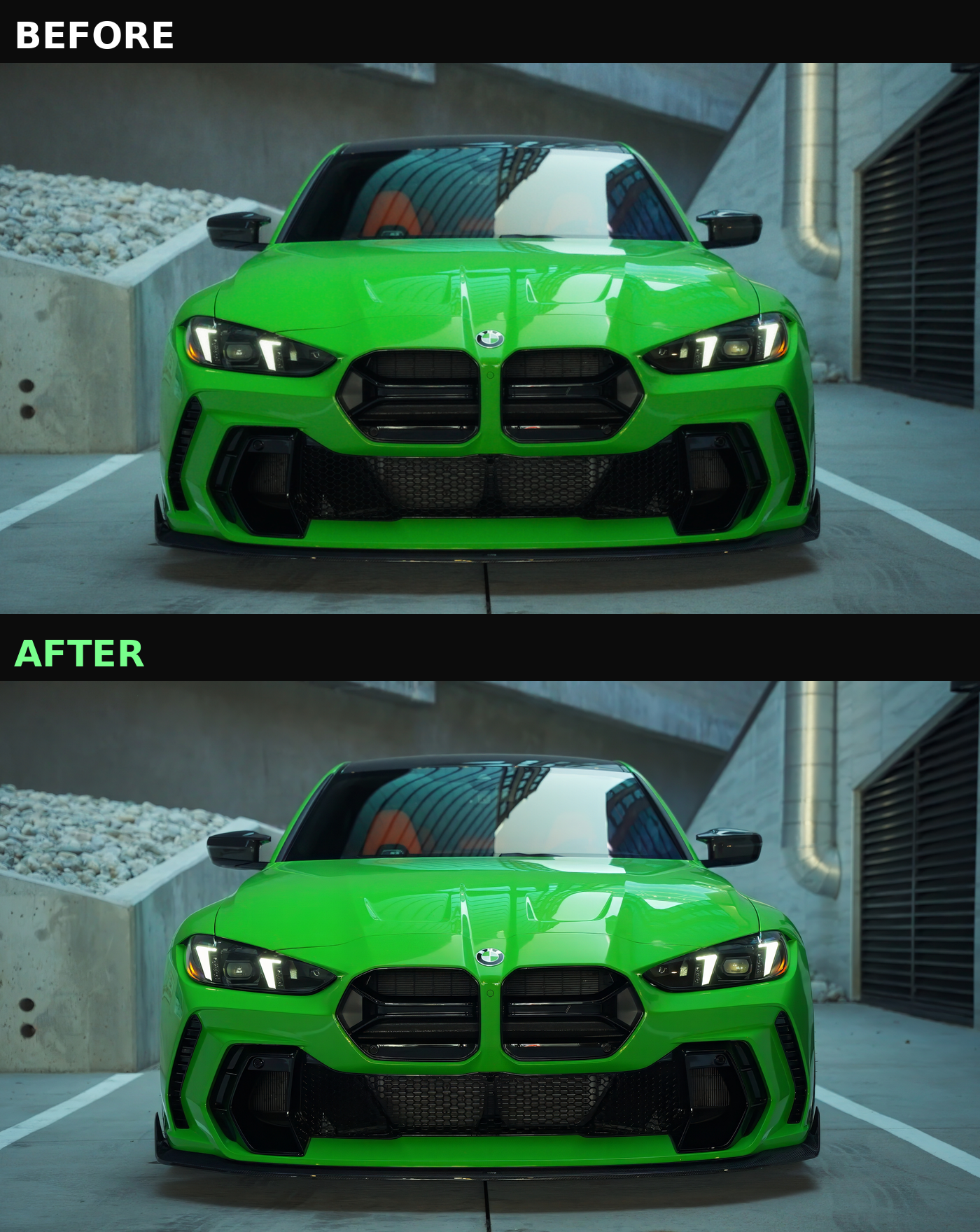
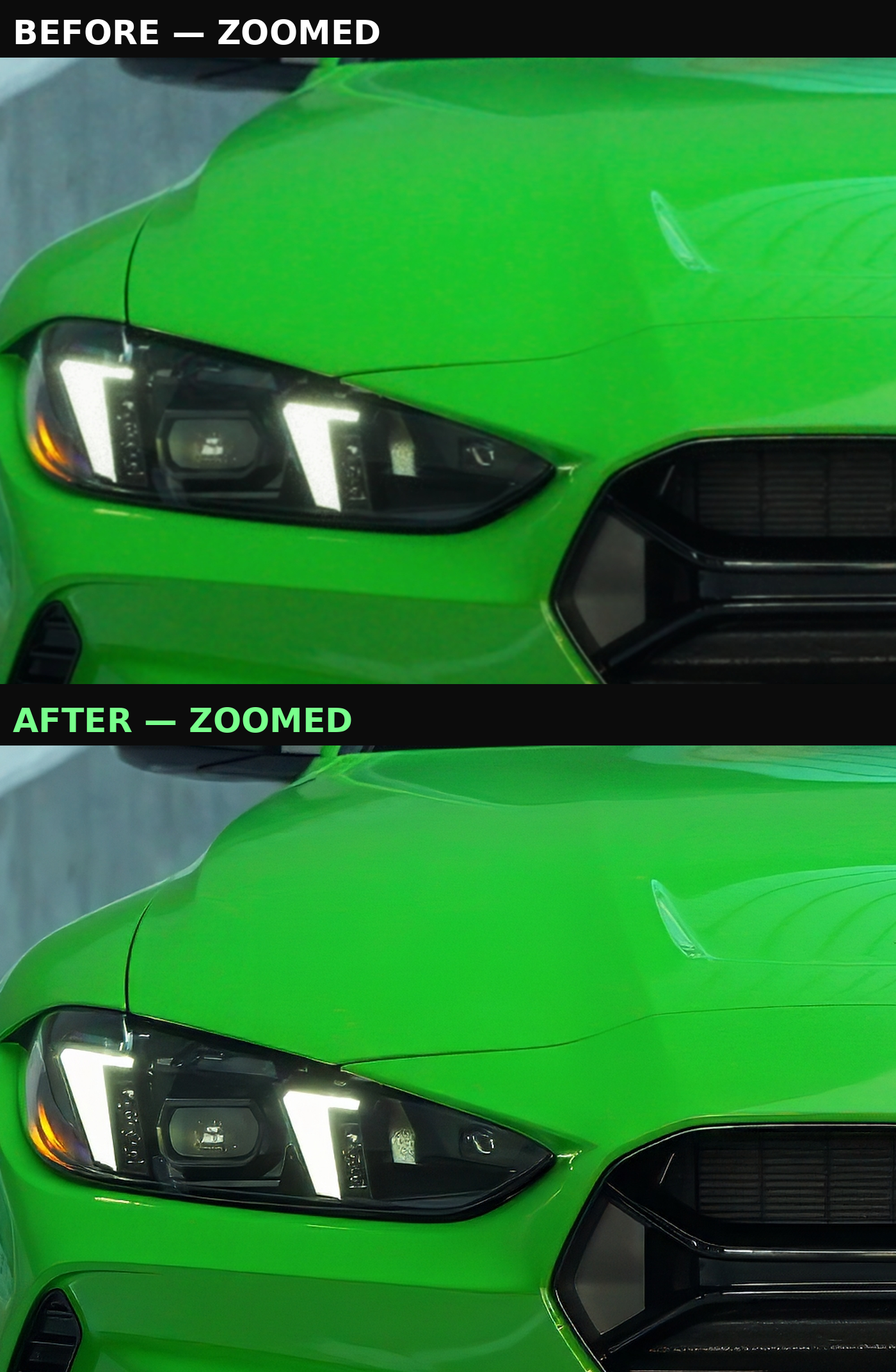
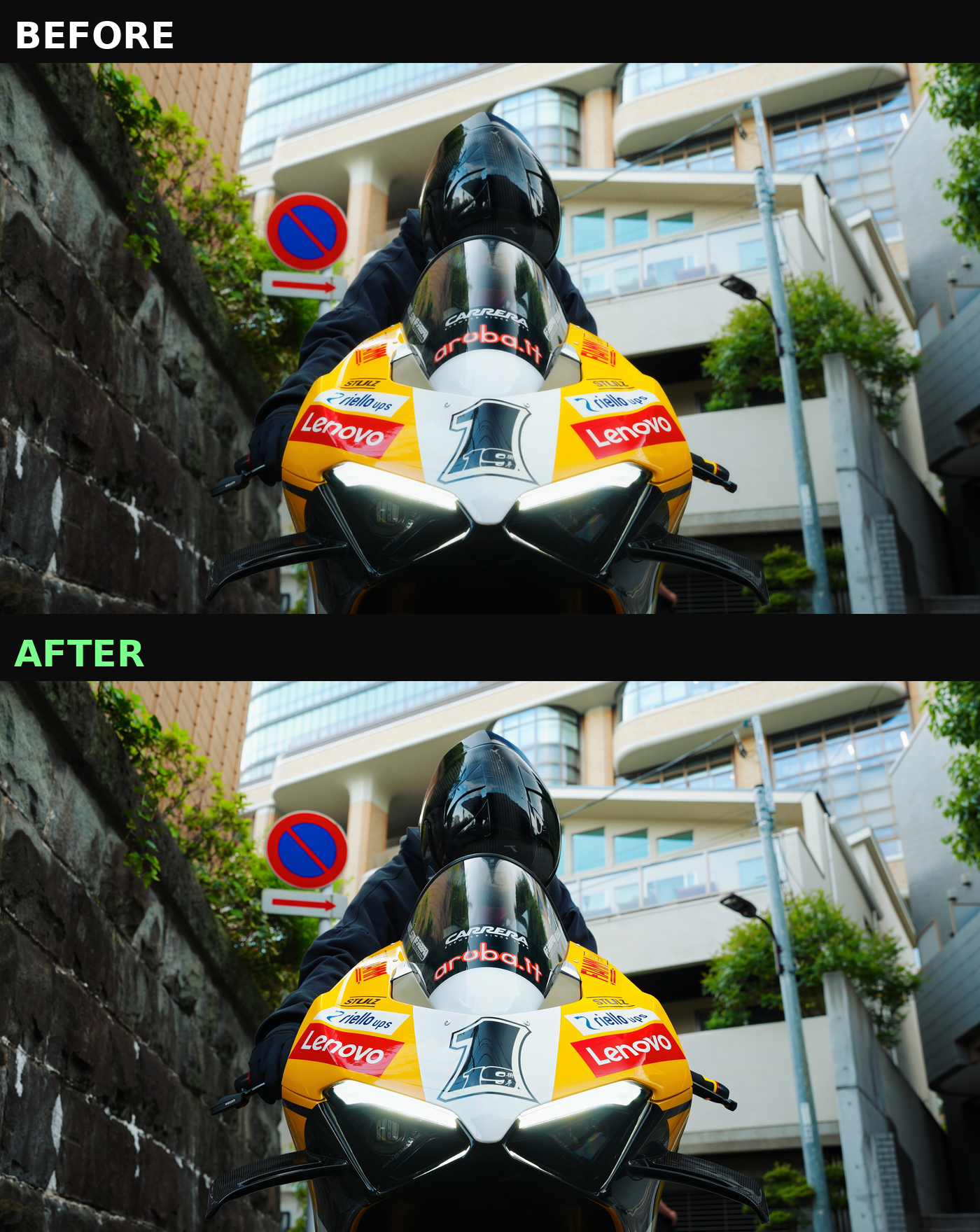
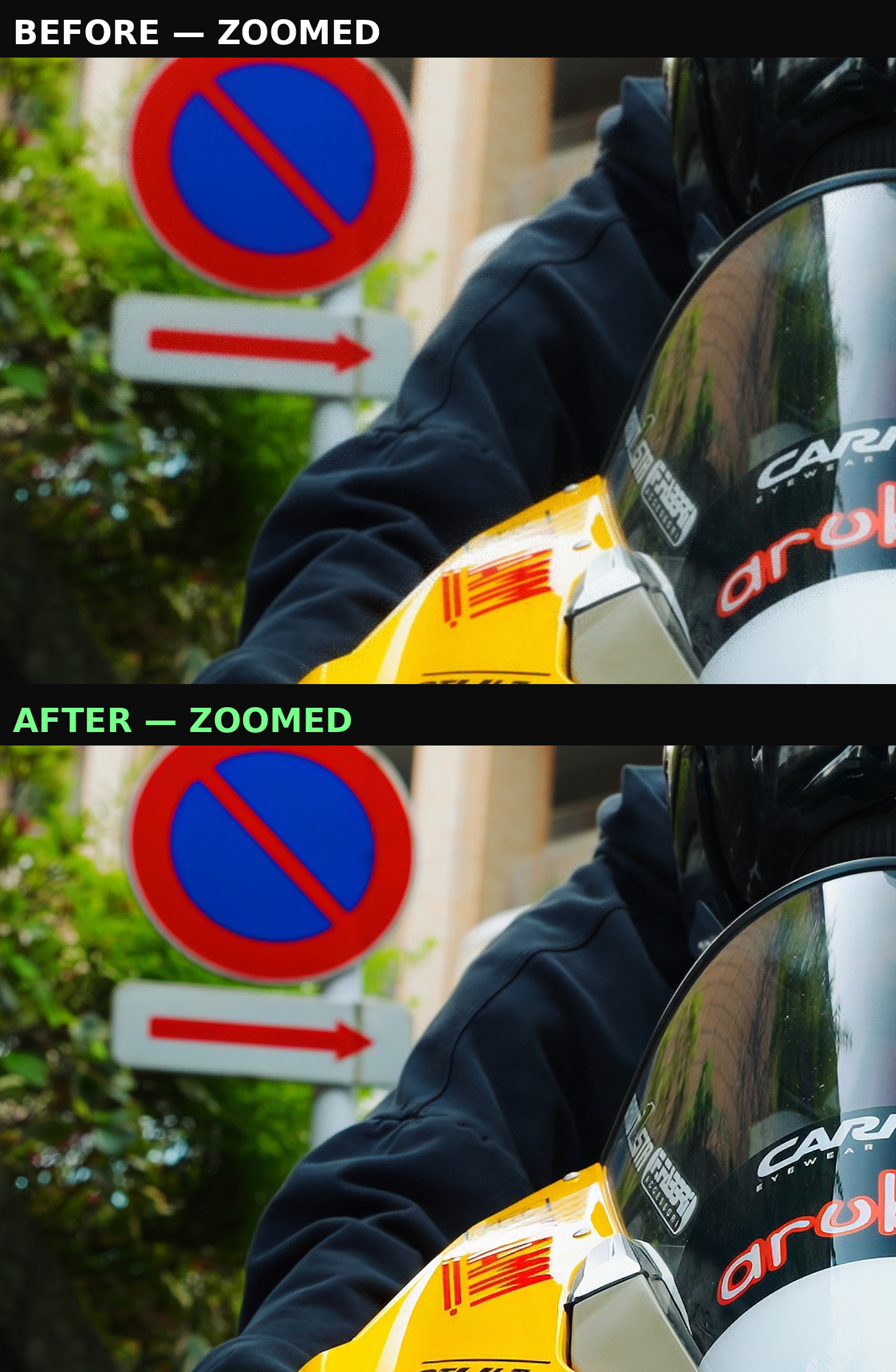
Get the exact export and upscale settings behind the quality of every video I post. This is the full pipeline I use to take raw footage to the crisp, high-res look I post at 130k+ followers, laid out step by step so you can replicate it exactly.
What's included:
- My Davinci Resolve export settings
- My Topaz Video AI settings (works across most recent Topaz versions with minor tweaks)
Requires:
- Topaz Video AI (latest version recommended)
- Davinci Resolve (or a similar editor you can adapt these settings to)
How it works:
- Finish your edit and apply my Davinci export settings
- Run the export through Topaz using my settings
- Export the final file from Topaz using my export settings
- Post to Instagram in 4K straight from the Instagram app
Bonus tip: Work in a 4K 30fps timeline the whole way through, including the upload. It makes a real difference in final quality.
You'll get 7 PNG reference images showing every setting, panel by panel, so you can match them exactly.