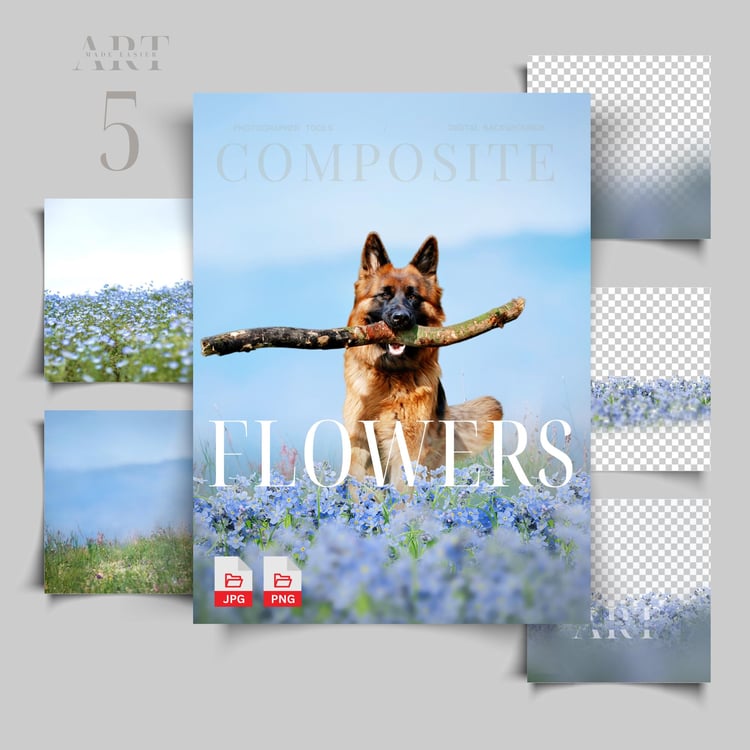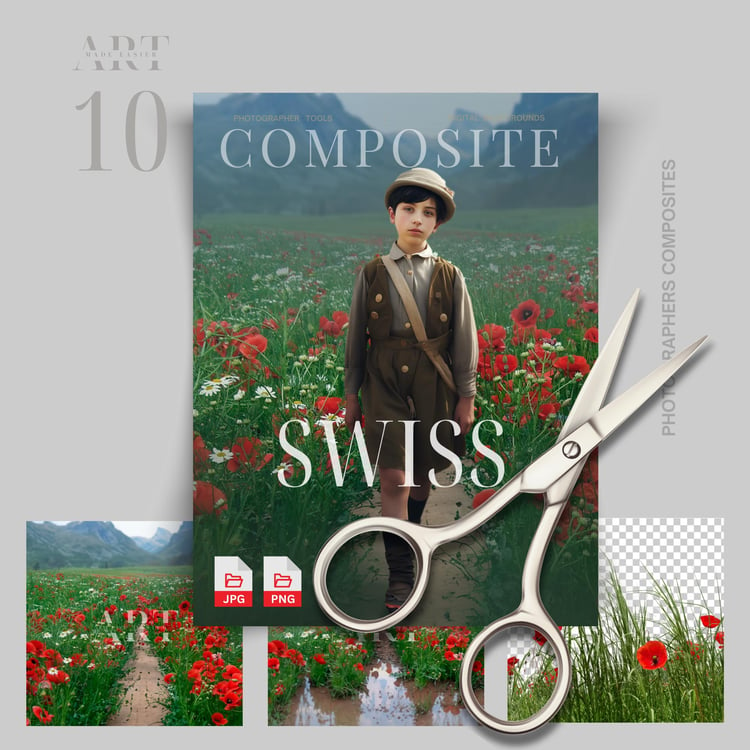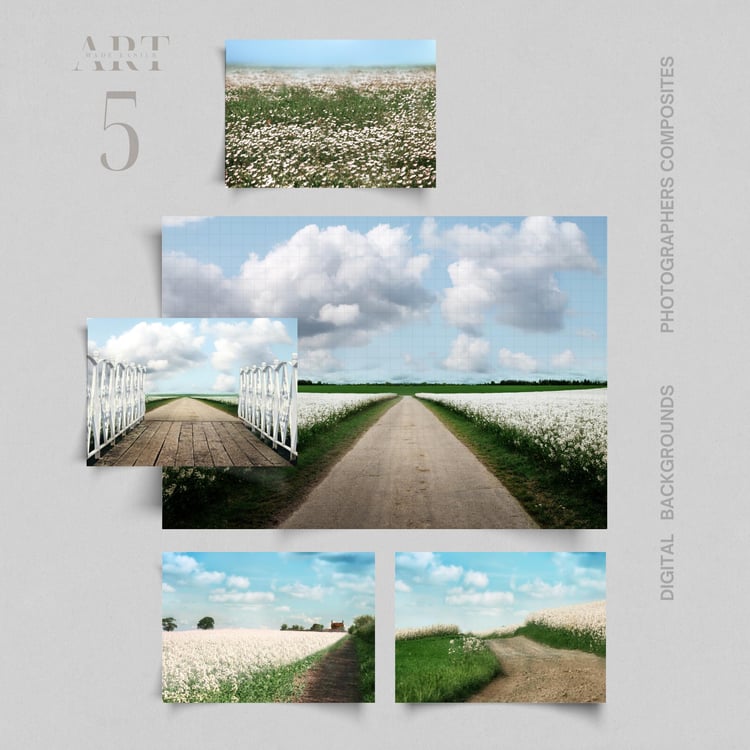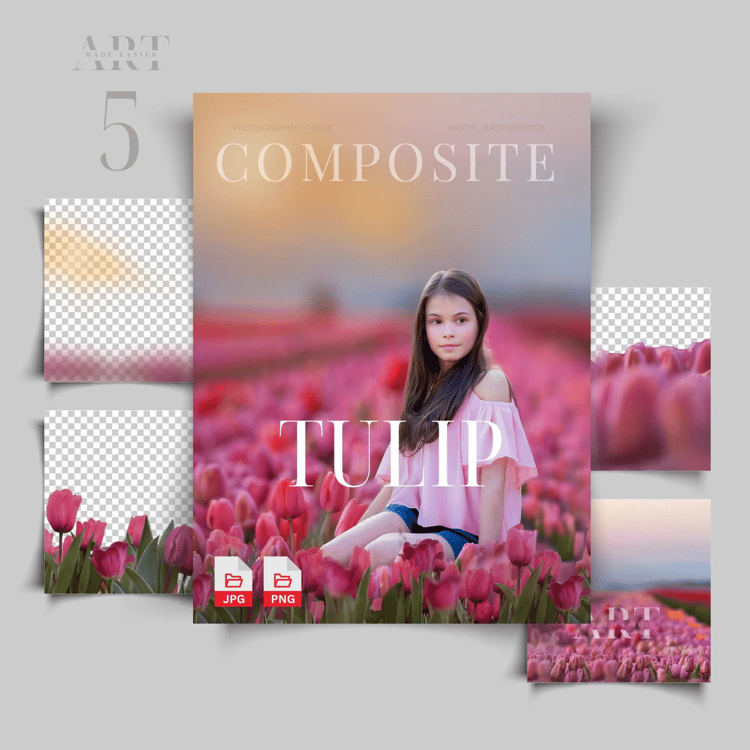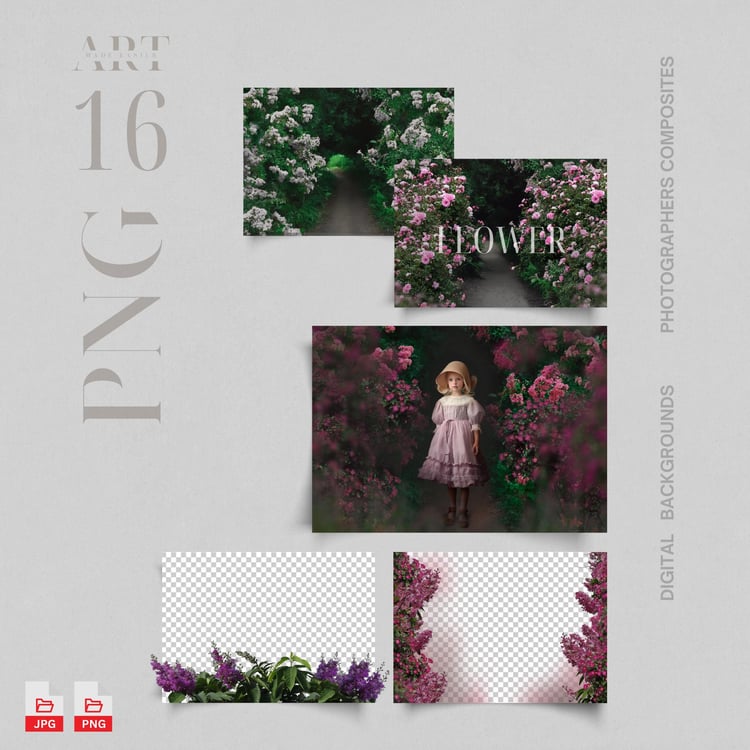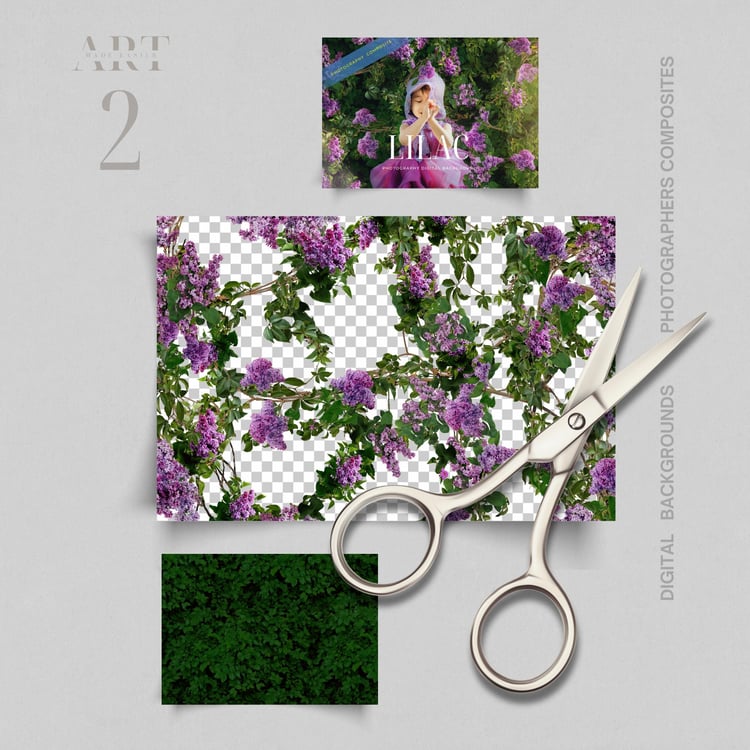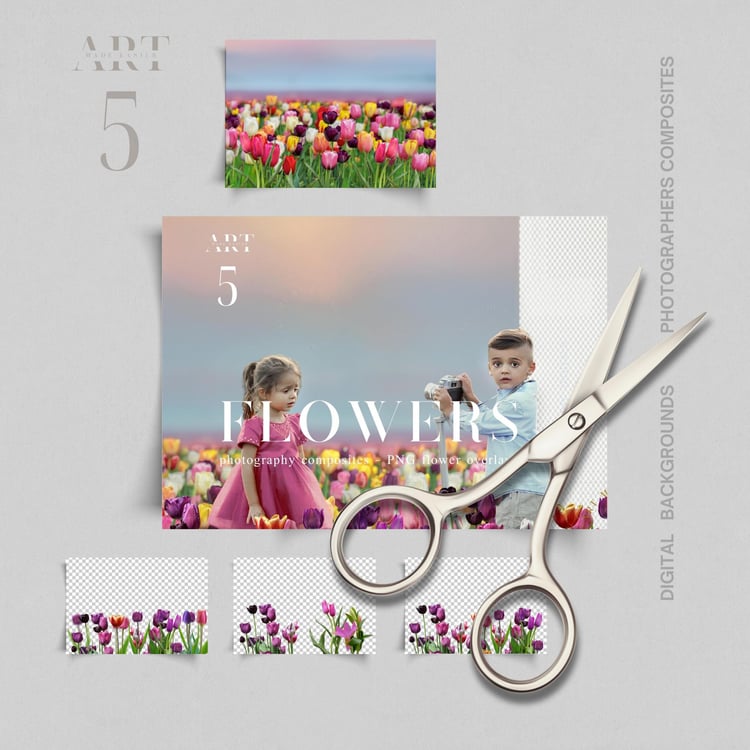

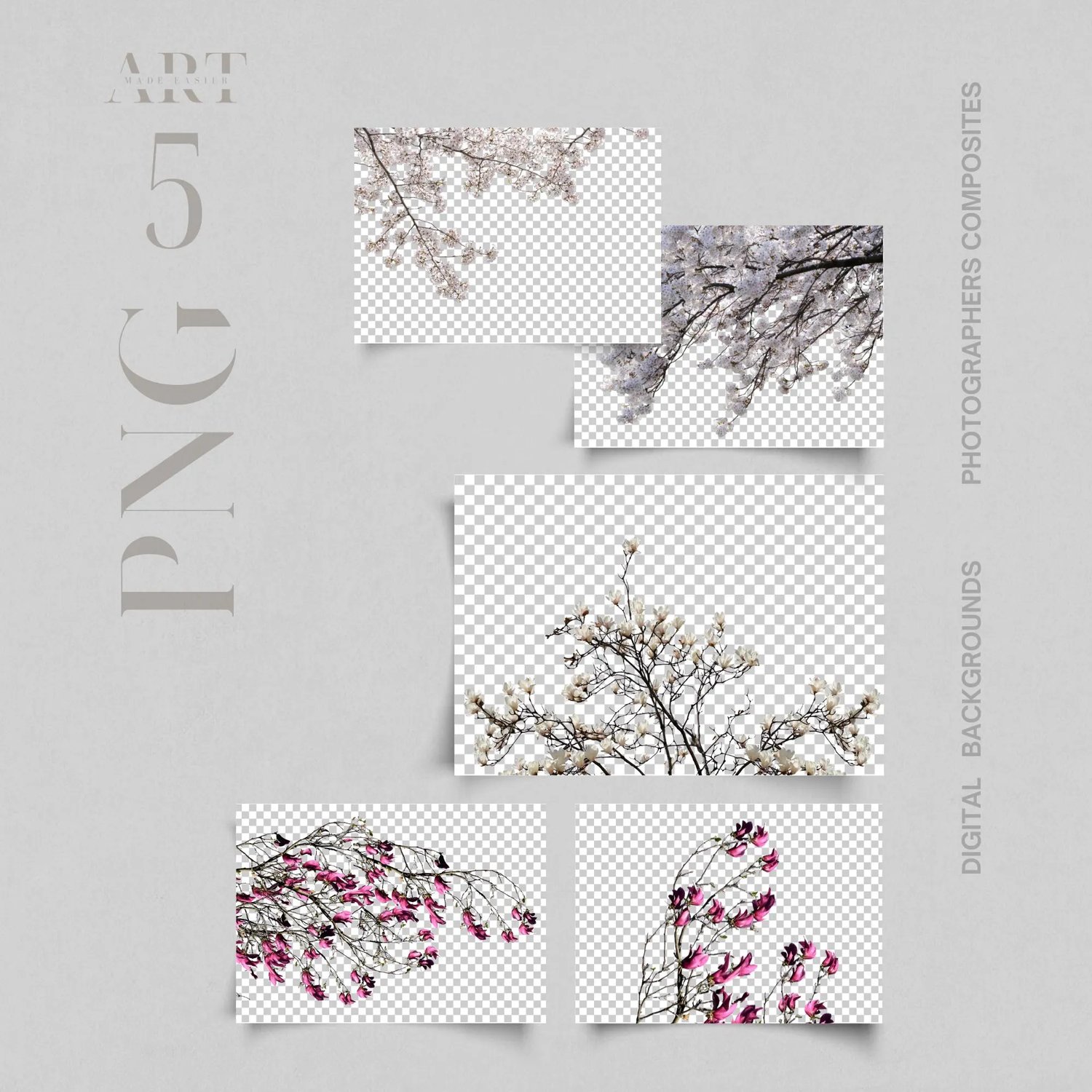
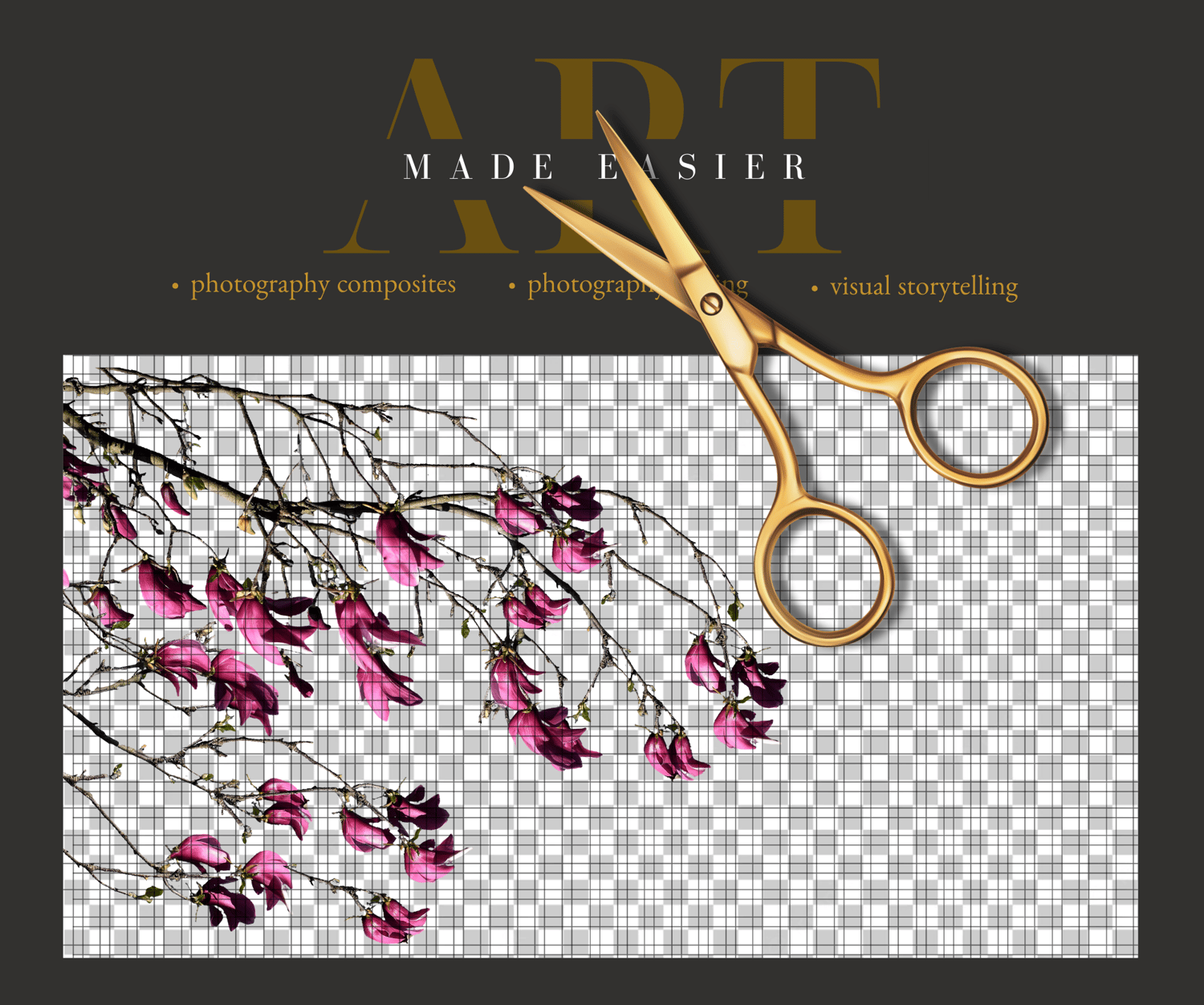
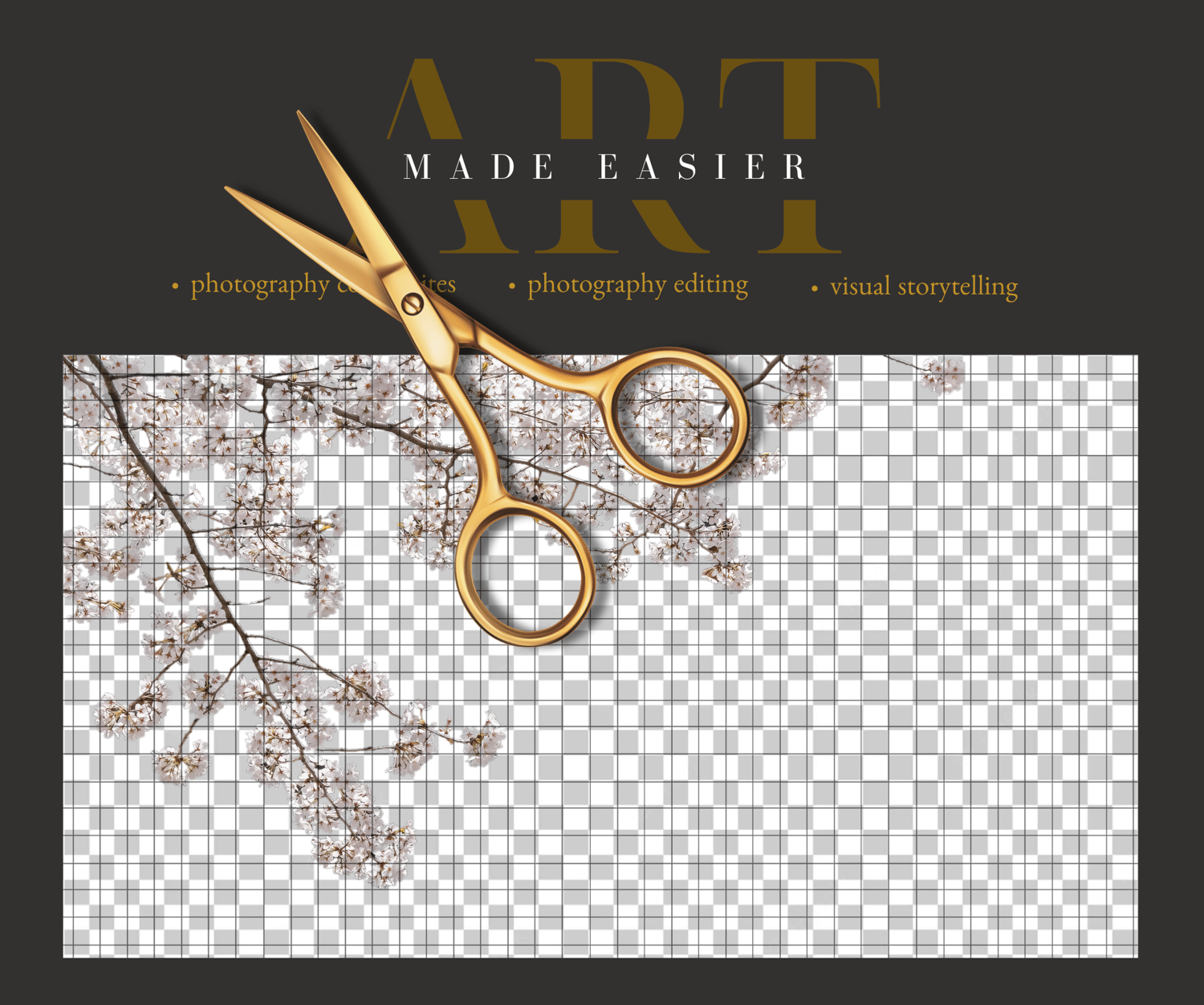
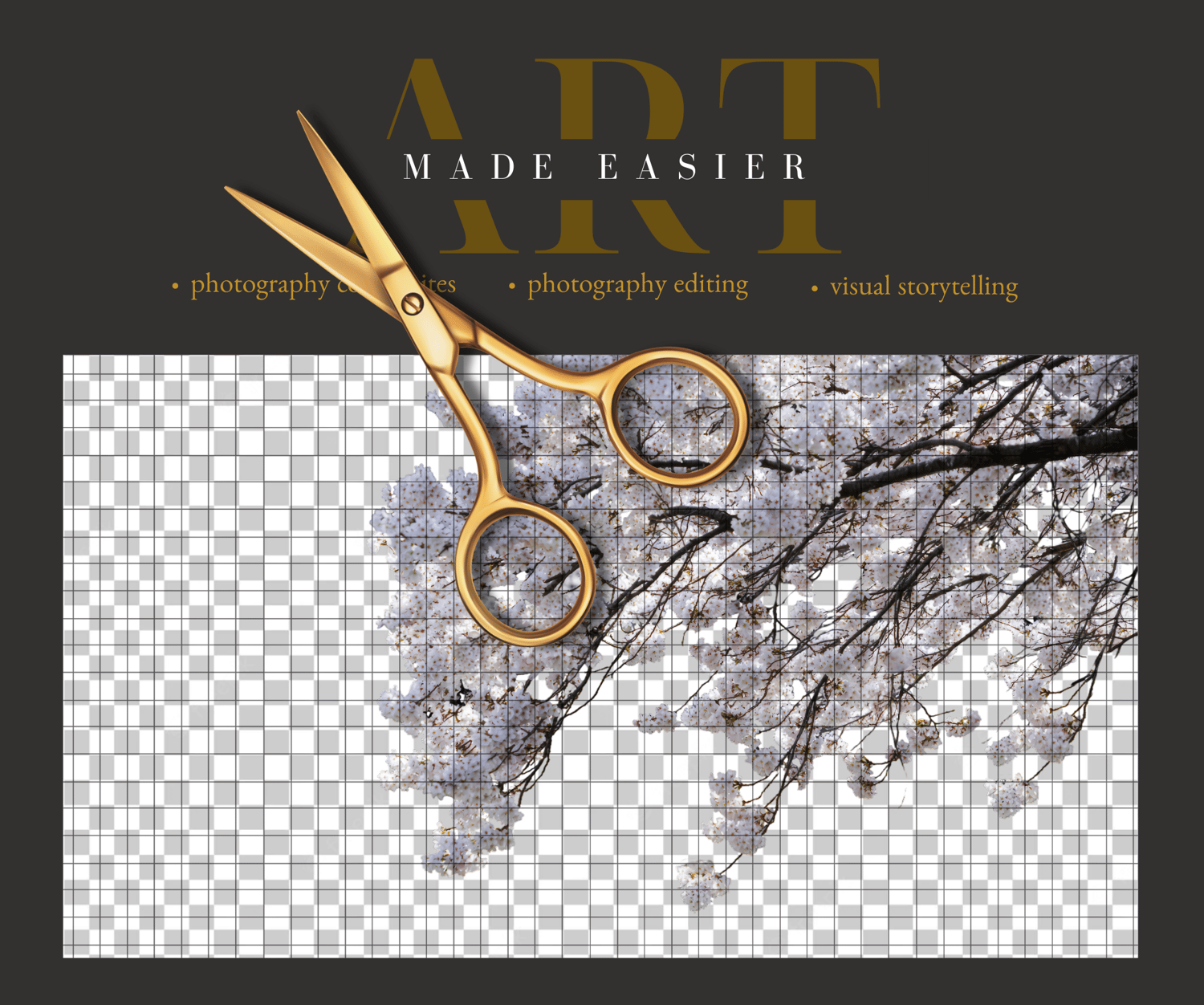
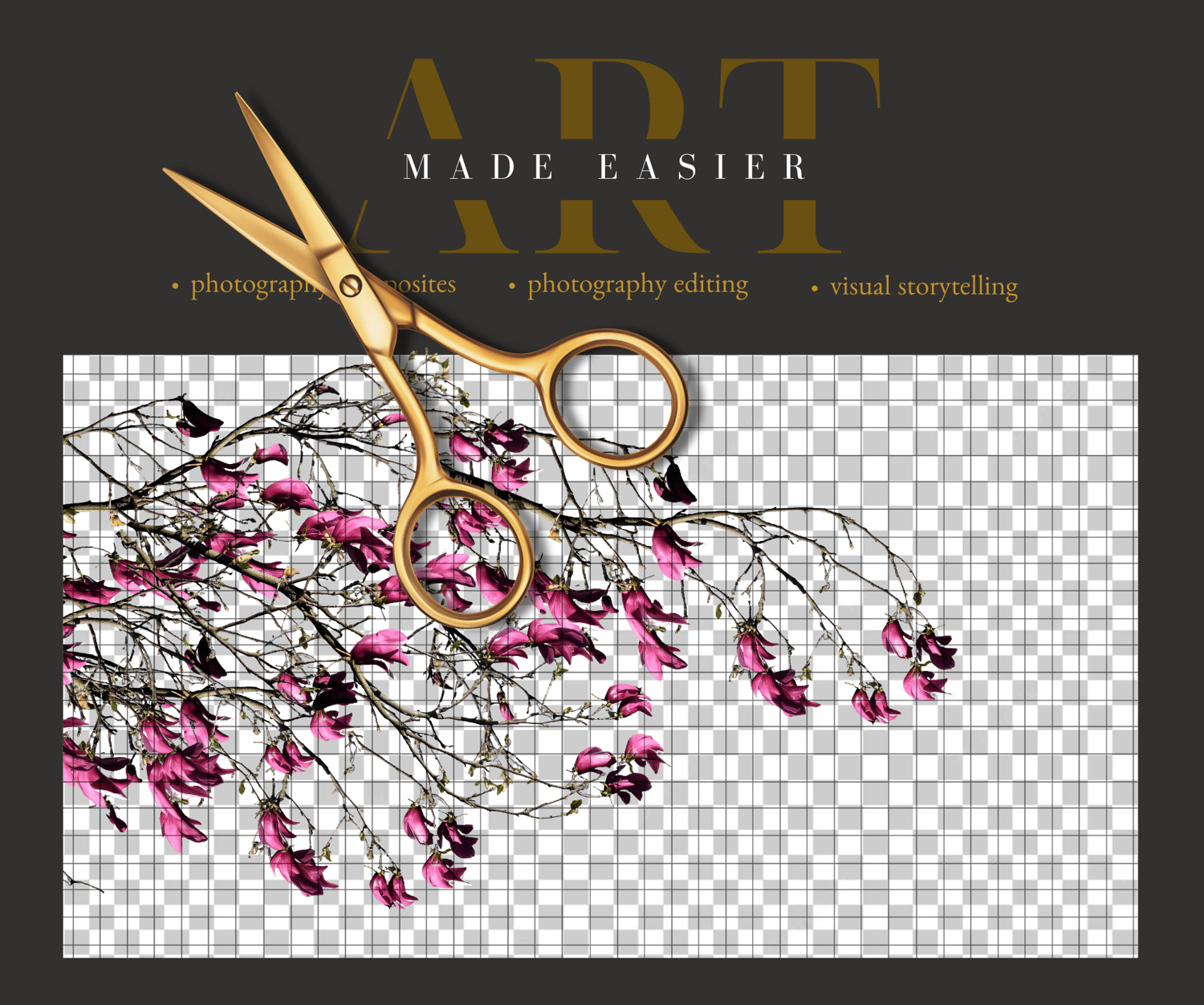
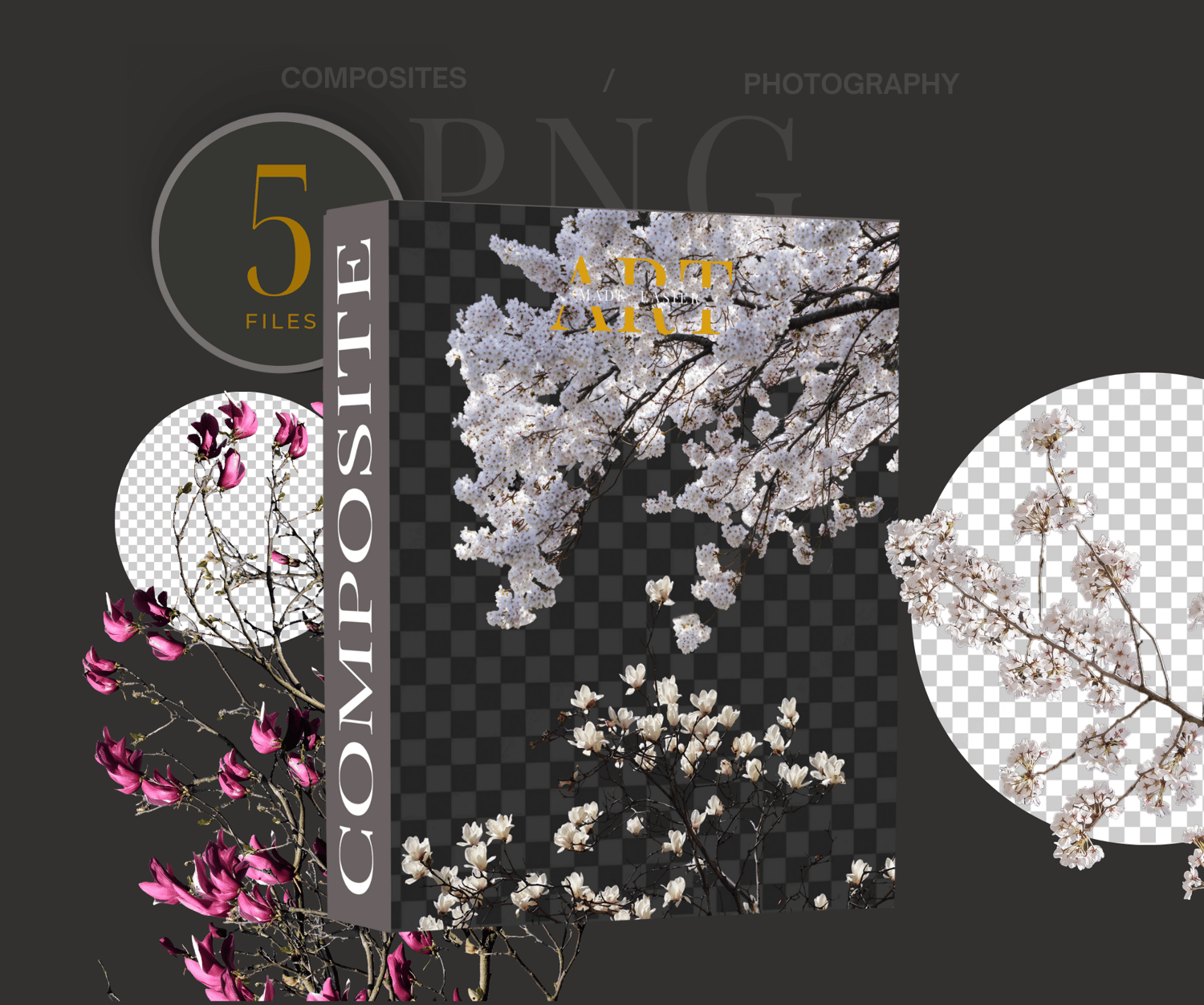


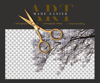

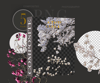
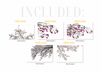
Flower Tree Branch Png, Floral PNG Overlay Set, Flower Elements for Photoshop Composites, Fine Art Botanical Pack
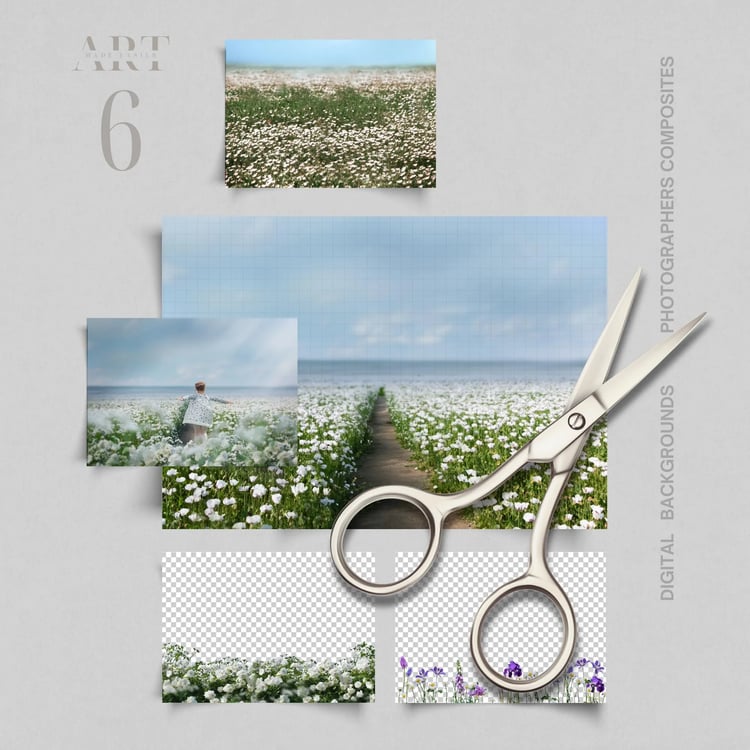
PNG graphics are the easiest way to making your photography composite look realistic. When it comes to flower graphics, swags or tree branches can be the prettiest for photos, but they are also time consuming to cut out. When you have a good graphic, if you are like me, you will end up using it on a number of photos, because these files are so versatile.
You can add them to the top of a photo, to the bottom, or just the sides of your photo. I use my png flower cutouts the most, because they just blend a photograph like nothing else.
Here are several ways you can use these PNG flower overlays.
- Add them BEHIND your subject and add a blur to it, and reduce the opacity to make it appear like there is a distance behind your subject.
- Add the flowers AROUND your subject and leave the overlay as it is, - in focus.
- Add the flowers to the FOREGROUND of the picture, and add a blur, to give the effect of photographing through flowers close to your camera's lens.
Extra Tips
Changing Color:
- To change the color in photoshop, go into "Image" - "Adjustments", "Replace color". Use the eye dropper to select the color you want changed, and shift it around to your desired hue.
Blend it and Match it:
- To match the brightness and the mat effect of the photo, go into "Levels", and clip it to the png graphic. From there, you have several sliders to adjust. This will give you a slightly matt effect, or a darkening or lightening effect.
Add A Slight Color Match :
- To Match the overall tones of the composite, use a color balance layer. This can give you the color matching effect the best.
I hope you enjoy this as much as I did making it ~Meranda
My STUDIO Composites On Pinterest - https://bit.ly/3TkDKD0
My PNG Composites on Pinterest - https://bit.ly/48Ff9gs
My BLUE Composites on Pinterest - https://bit.ly/3uLxrPu
My BROWN Composites On Pinterest - https://bit.ly/3V4xNuZ
My GREEN Composites On Pinterest - https://bit.ly/3TjRX30
Just More Of My Composites - Pinterest - https://bit.ly/3UZQd09
- My shop pinned on pinterest: https://bit.ly/artmadeeasiercomposites
- My facebook profile - https://bit.ly/artmadeeasierfacebook
- My profile on pixabay - https://bit.ly/MerandaDevanPixabay
.........................
Additional Notes:
ALL SALES ARE FINAL * I try my hardest to deliver great products, but if I should miss something I am always happy to help. Email me any time.
These products are designed for photographers that have the ability to be able to use programs like Photoshop that can work with layers, masking, transforming tools and cutting out subjects.
- Products are are NOT intended for free use on social media platforms. Share it edited in your final form.
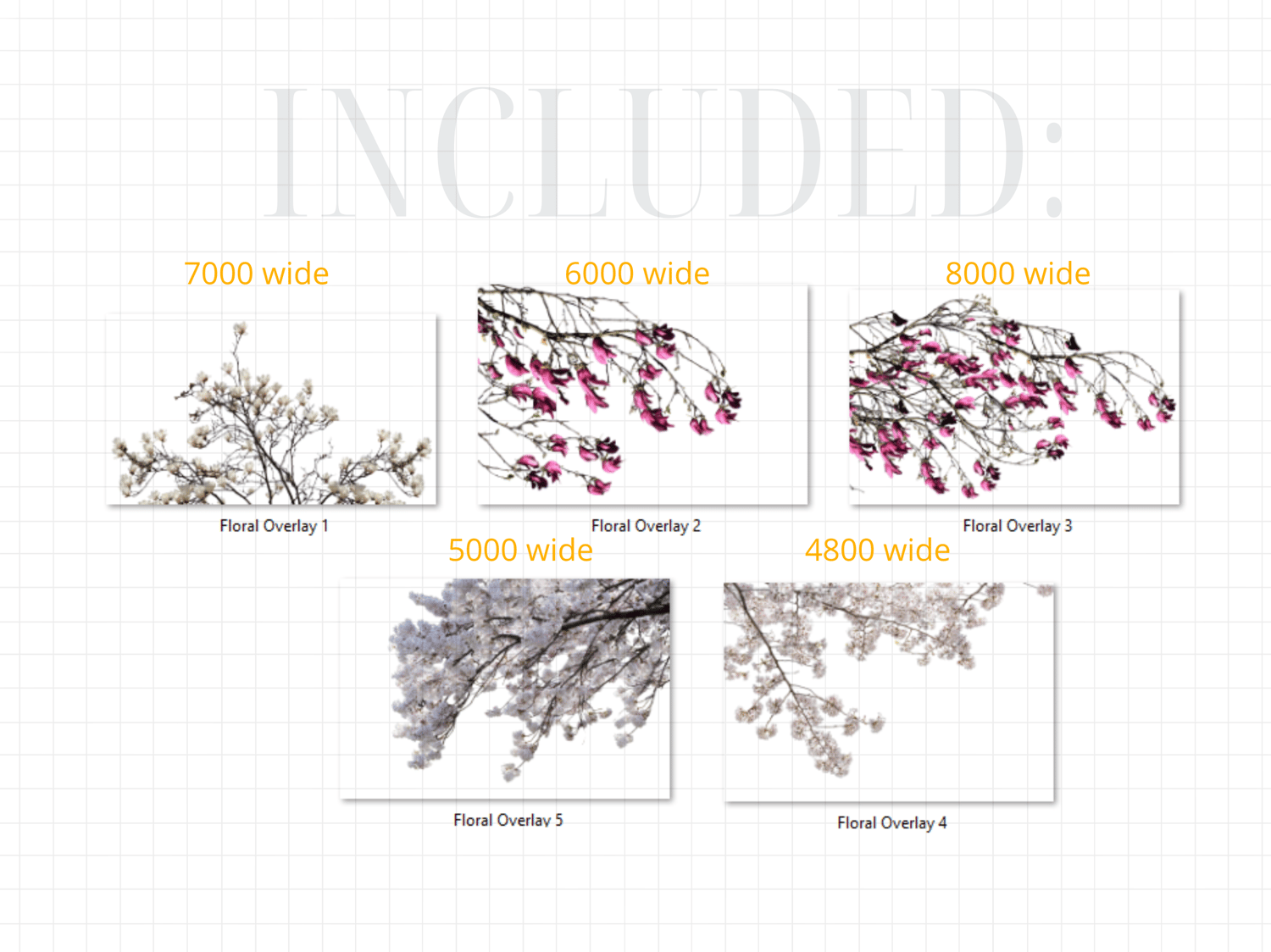
- Products in our shop are different sizes, check the screenshots in the listing to make sure it will work for you.
- These products are meant to be edited, but not resold in their original form.
** Thank You for choosing my store, and I value you as my customer. Have fun editing!
If you have read this far, I put my shop on sale Sunday through Friday. Buy when I have everything at a great price - Huge Blessings! Meranda
..............
Keywords :
Png white flowers
png White Floral Digital Backdrops,
png floral backgrounds
png flower digital
png flower spring
Maternity Portrait Digital Overlays
Photoshop Overlays
Greenery Backdrop,
White Flowers Digital
transparent flowers
flower cutouts
creative composite,
white flower digital background
Flower background
photoshop composite
floral digital backgrounds
digital backdrops
Studio digital Backdrop
spring digital backdrop
summer flowers
flower tree digital
flower tree png
flower cutout
flower png scrapbooking