

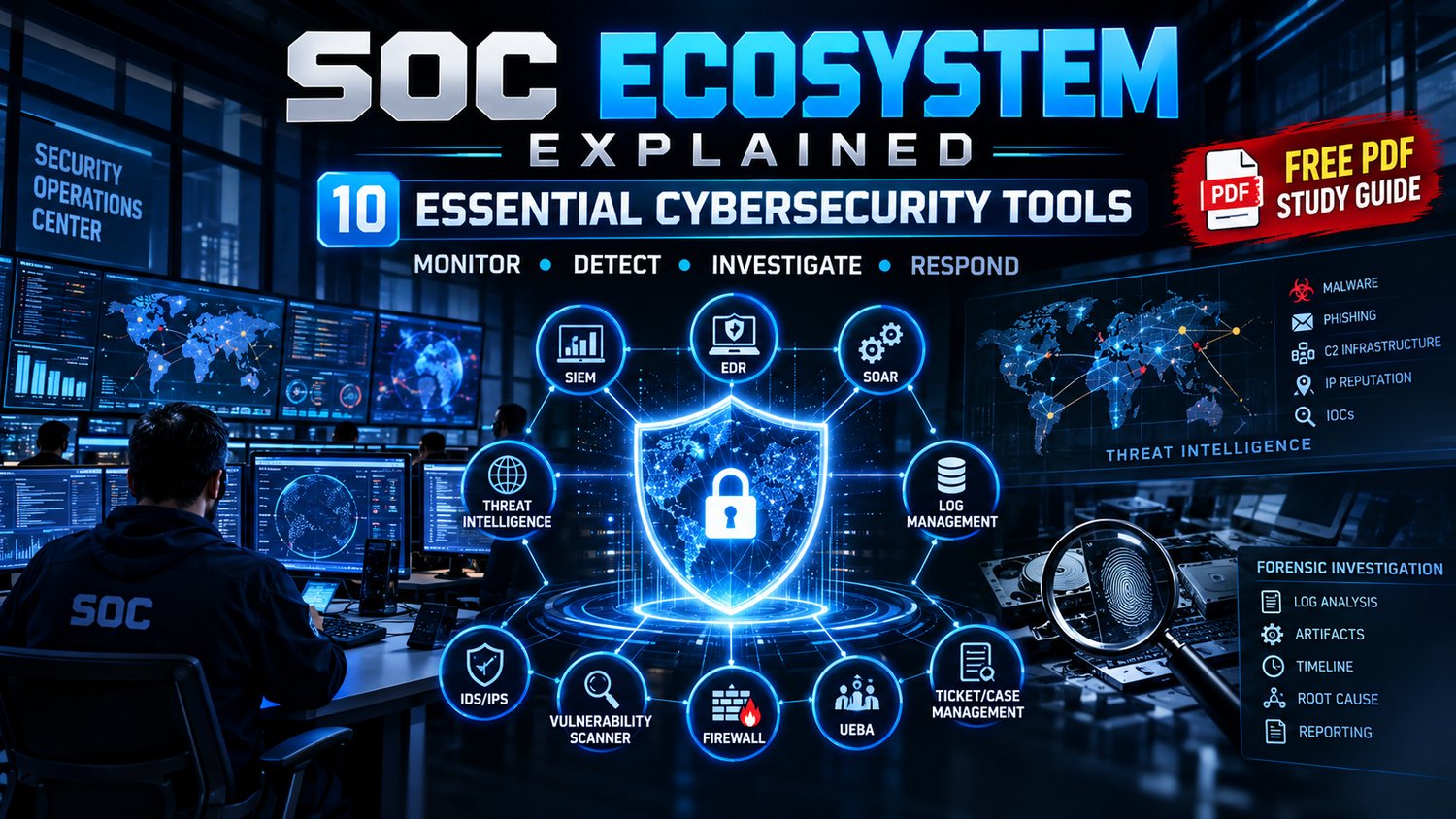
SOC Ecosystem Explained — 10 Essential Cybersecurity Tools (PDF Study Guide)
🛡️ SOC ECOSYSTEM EXPLAINED
10 Essential Cybersecurity Tools Every SOC Analyst Should Know
Understand the tools, connect the workflows, and explore how a Security Operations Center investigates suspicious activity.
🔥 LIMITED-TIME OFFER: Get it FREE now. Planned price after the free period: $1.
🤝 Optional Support: If you find this guide useful, you can optionally support the creator and help encourage the creation of more cybersecurity learning resources. No support or payment is required to download the guide while it is free.
🚀 Understand the SOC Ecosystem
A Security Operations Center (SOC) is more than a collection of security tools. It brings together people, processes, technology, and intelligence to monitor systems, identify suspicious activity, investigate potential threats, and support incident response.
But how do different tools fit together?
SOC Ecosystem Explained is a 20-page illustrated demo study guide designed to introduce aspiring SOC analysts, cybersecurity beginners, IT students, and security enthusiasts to the roles of 10 essential cybersecurity tools.
Explore how security monitoring, endpoint activity, detection rules, threat intelligence, file analysis, URL investigation, and digital forensics can contribute to a security investigation.
Instead of learning tool names in isolation, discover the bigger picture: how the tools can complement one another across a SOC workflow.
🔍 Explore the 10 Essential SOC Tools
01 — Wazuh
Explore security monitoring, event visibility, security alerts, and detection workflows.
02 — Sysmon
Understand Windows system activity monitoring and how detailed event records can support investigations.
03 — MITRE ATT&CK
Learn how documented adversary tactics and techniques help analysts understand attacker behavior and organize detection coverage.
04 — Sigma
Explore a portable, structured format for describing security detection rules.
05 — YARA
Understand pattern-based rules used to identify and classify files and potential malware.
06 — MISP
Discover how threat intelligence can be collected, organized, correlated, and shared.
07 — OpenCTI
Explore threat intelligence management and the relationships between threat actors, campaigns, indicators, and other intelligence.
08 — VirusTotal
Understand how file hashes, URLs, domains, IP addresses, and related intelligence can support initial investigation.
09 — URLhaus
Explore malware-related URL intelligence and how suspicious URLs can be investigated.
10 — Velociraptor
Learn about endpoint investigation, digital forensic collection, and incident response workflows.
The guide introduces these tools and their roles. It is not a substitute for current official documentation or hands-on training.
📘 What's Covered in the 20-Page Guide?
PART 1 — Understanding the SOC Ecosystem
- What a Security Operations Center does
- The role of a SOC analyst
- Why multiple security tools are needed
- How monitoring, detection, threat intelligence, investigation, and response connect
PART 2 — Meet the 10 Essential SOC Tools
- Tool introductions and primary roles
- Illustrative screenshots and interface examples
- How different tools can complement each other
- The relationship between security events, detection, intelligence, and investigation
PART 3 — Individual Tool Overviews
Explore dedicated illustrated sections covering:
- Wazuh
- Sysmon
- MITRE ATT&CK
- Sigma
- YARA
- MISP
- OpenCTI
- VirusTotal
- URLhaus
- Velociraptor
PART 4 — Building a SOC Investigation Workflow
Understand a typical investigation sequence:
Collect → Detect → Triage → Enrich → Investigate → Respond → Document
Learn what each stage is intended to accomplish and why analysts may need to revisit earlier steps when new evidence emerges.
PART 5 — SOC Alert Triage and Investigation
Explore the basics of:
- Reviewing security alerts
- Assessing severity and context
- Gathering relevant evidence
- Enriching indicators with available intelligence
- Determining appropriate next investigative steps
PART 6 — Incident Response
Understand how investigation findings can support response actions, evidence preservation, documentation, and organizational procedures.
PART 7 — Threat Hunting
Explore the idea of proactively searching for suspicious activity that may not have triggered an existing alert.
PART 8 — Detection Engineering
Learn how structured detection rules, endpoint telemetry, and documented adversary behavior can contribute to improving detection coverage.
PART 9 — SOC Reporting and Continuous Improvement
Understand why analysts document evidence, findings, investigation steps, and recommendations—and how those records support future improvements.
PART 10 — Your SOC Learning Roadmap
Use the guide as a starting point for exploring SOC operations and deciding which tools and concepts to study further.
💡 Why This Guide Is Useful
Learn the relationships between the tools—not just their names.
- Build foundational understanding: Learn what common SOC tools are designed to do.
- Connect the concepts: See how monitoring, detection, threat intelligence, and investigation relate.
- Understand analyst workflows: Follow a simplified example of an investigation from collection to documentation.
- Study visually: Use diagrams, structured sections, and illustrative interface screenshots.
- Identify your next learning steps: Use the guide to decide which tools deserve deeper hands-on practice.
📦 What's Included
- One illustrated PDF study guide
- 20 pages of SOC-focused learning material
- Overviews of 10 essential cybersecurity tools
- SOC ecosystem diagrams
- Illustrative tool screenshots
- Investigation workflow explanations
- Alert triage and incident response concepts
- Threat hunting and detection engineering introductions
- A SOC learning roadmap
Format: PDF
Product type: Demo study guide / introductory learning resource.
This is a PDF resource, not an installed SOC platform, a collection of working tool licenses, a lab environment, or a complete practical certification course.
🎯 Who Is This For?
This guide may be useful for:
- Aspiring SOC analysts
- Cybersecurity beginners
- IT and computer science students
- Security enthusiasts
- Junior security analysts
- Learners exploring SIEM and security monitoring
- People beginning to study threat intelligence
- Beginners interested in incident investigation and digital forensics
🚫 Who Shouldn't Get This?
This may not be the right fit if you're looking for:
- An advanced SOC analyst certification course
- A full hands-on cyber range or virtual lab
- Step-by-step installation instructions for every tool
- Downloadable software licenses
- A complete incident response playbook for production use
- A guarantee of employment or certification success
- A replacement for official documentation and practical training
The guide is intended to introduce concepts and tool relationships. Further study and hands-on practice are needed to develop operational skills.
⚠️ Important Notes
- The PDF is an educational introduction and should not be treated as professional security advice.
- Tool interfaces, features, and versions may change.
- Screenshots are illustrative and may not reflect current interfaces.
- Some examples are simplified to explain concepts.
- Tool availability, integrations, and detection capabilities depend on configuration and environment.
- Investigations must follow your organization's policies and applicable laws.
- Only investigate systems, accounts, files, and networks you are authorized to assess.
- Verify technical details against current official documentation before using them operationally.
❓ Frequently Asked Questions
Is this guide free?
Yes. It is currently offered for $0. The planned future price is $1 if the creator implements that change.
Is optional support required?
No. Support is completely optional. You can download the guide without paying while the free offer is active.
What format will I receive?
One 20-page PDF study guide.
Which tools are covered?
Wazuh, Sysmon, MITRE ATT&CK, Sigma, YARA, MISP, OpenCTI, VirusTotal, URLhaus, and Velociraptor.
Is this suitable for beginners?
Yes. It introduces the SOC ecosystem and explains the intended roles of common security tools in accessible, illustrated sections.
Does it include hands-on labs?
It is a demo study guide, not a complete hands-on lab course. Use the official documentation for installation and practical exercises.
Does it teach a complete SOC investigation?
It introduces a typical investigation workflow and explains the purpose of its stages. Real investigations vary according to the environment, available evidence, and organizational procedures.
Will it guarantee a cybersecurity job?
No. It is a learning resource and does not guarantee employment, certification, or professional competency.
Is it an official guide from the tool vendors?
It is an independent educational guide, not an official publication from the listed tool vendors.
🤝 Free Optional Support
Found the guide helpful?
You can optionally support the creator to encourage the development of more cybersecurity study resources.
No pressure and no required payment. Your support is voluntary.
🎁 Get the SOC Ecosystem Explained Guide
🔥 Current offer: FREE
Planned future price: $1 after the free period.
Start building your understanding of SOC operations, security monitoring, threat intelligence, detection, investigation, and incident response.
Learn the tools. Connect the workflow. Keep building your cybersecurity knowledge.